LED screen burn-in, in the sense OLED owners know it, does not happen on a direct-view LED video wall: no fixed image gets etched into the pixels. What can happen is uneven aging. Every LED loses brightness slowly as it runs, and LEDs driven harder and longer lose it faster, so a bright logo or ticker left in one place for months can end up slightly dimmer or color-shifted compared with the rest of the screen. It looks like burn-in on flat content, but it is gradual, preventable with sensible content habits, and usually correctable with calibration or module replacement.
This guide is for digital signage operators, venue managers and AV teams who run LED walls for long hours with fixed branding, scoreboards or news bars. It explains what LED screen burn-in really is, how it differs from OLED and LCD, what else gets mistaken for it, and how to prevent and fix it.
1. Do LED Screens Get Burn-In?
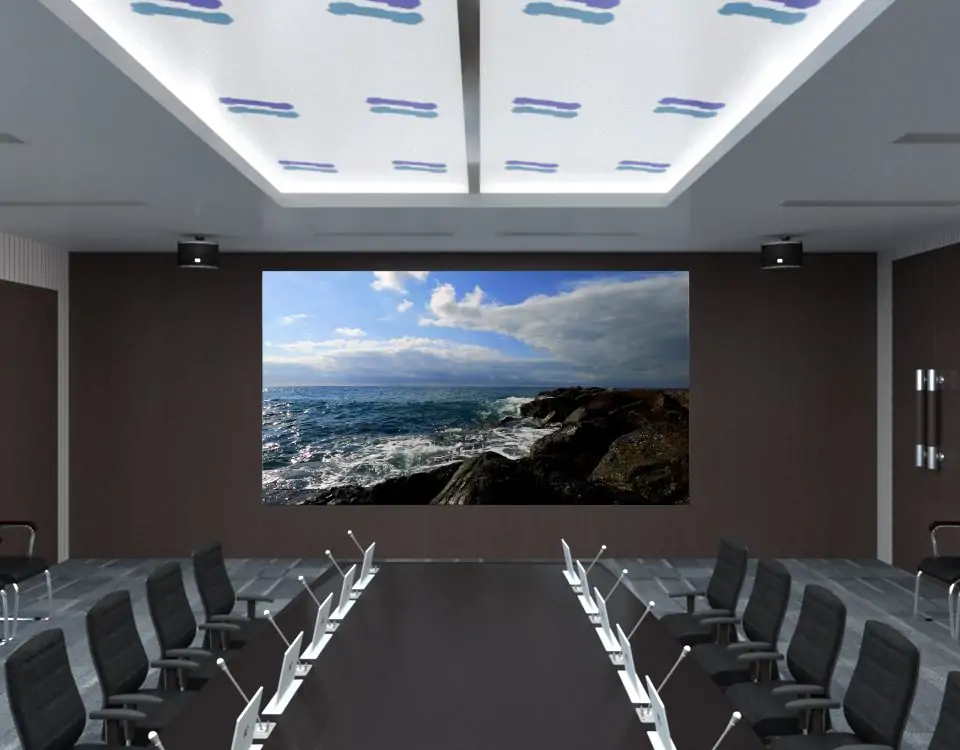
Direct-view LED screens do not get burn-in the way OLED panels do, but they can show uneven wear that looks similar. The answer depends on which kind of “LED screen” you mean, because the term covers two very different products.
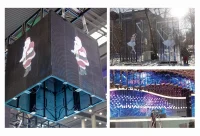
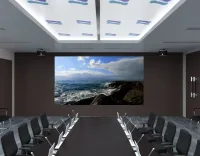
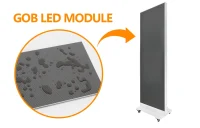
- Direct-view LED walls are built from modules in which each pixel is a group of red, green and blue LEDs that emit their own light. This is the technology used for stage screens, billboards, control rooms and lobby walls.
- “LED TVs” and LED monitors are usually LCD panels with an LED backlight. They behave like LCDs, not like LED walls.
OLED burn-in comes from organic materials that age with use: areas that show the same bright element for long periods age faster and leave a ghost of that element behind. Trade testing of OLED signage running the same news feeds about 20 hours a day found the worst marks where logos and news bars never moved. Direct-view LEDs are inorganic, but they still age, and that is where LED screen burn-in concerns come from.
2. Why Does Static Content Age an LED Wall Unevenly?
Static content ages an LED wall unevenly because each LED’s brightness loss depends on how many hours it runs, how hard it is driven and how hot it gets. As our guide to LED screen lifespan explains, LEDs fade gradually rather than failing at once, and higher current and temperature speed that up.

On a wall showing varied, moving content, every pixel gets roughly the same workload and the whole screen dims evenly, which nobody notices. A pure-white logo in one corner, a fixed score bar or a bright frame around a video window changes that. Those pixels run at high output for every hour the screen is on, so after enough hours they fall behind their neighbors. The difference shows up as a faint darker or tinted shape when the wall displays full white or a flat color.
Two points keep this in proportion. It builds up over thousands of hours, not days. And it is not a burned image of the logo: the pixels still work normally, they are just a little dimmer, which is why calibration can usually even them out.
3. LED Screen Burn-In Compared With OLED and LCD
| Technology | What happens with long static content | Typical remedy |
|---|---|---|
| OLED | True burn-in: organic pixels under the static element age faster and leave a ghost image | Prevention (pixel shifting, content rules); affected panels may need replacement |
| LCD (including “LED TVs”) | Not subject to OLED-style burn-in; the backlight ages as a whole | Normally none needed for static content |
| Direct-view LED wall | Uneven aging: LEDs under bright static elements dim faster than the rest | Content habits, recalibration, or replacing affected modules |
If you are still choosing between technologies for a long-hour application, our comparison of OLED vs LED displays covers static-content risk alongside brightness, size and cost.
4. What Else Gets Mistaken for LED Screen Burn-In?
Several common faults look like LED screen burn-in but have different causes and much quicker fixes. Check these before assuming the wall has aged:
- Ghosting: a faint trail above or below bright content while the screen is running. It is a scan and driver artifact; TI lists ghosting among the common challenges in high-density matrix LED displays. It disappears when the content changes and is addressed in driver and control settings, not by resting the screen.
- Module or batch mismatch: one module or cabinet looks slightly different from its neighbors, often after a replacement. The shape is a neat rectangle, not a logo.
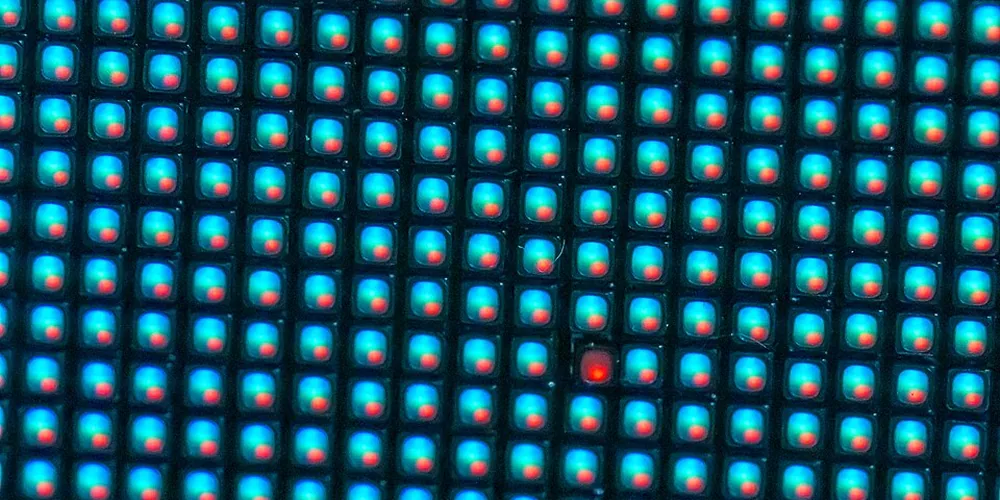
- Dead or stuck pixels: single dots that stay dark or stuck on one color, usually from a failed LED or driver channel. Our guide to black spots on an LED screen covers diagnosis.
- Dirt and residue: dust or film on the surface can look like a dim patch. A careful clean, as described in how to clean an LED screen, rules this out.
5. How to Prevent LED Screen Burn-In
You prevent LED screen burn-in by spreading the workload across the wall and not running it brighter than the site needs. Most of it comes down to content design and scheduling.

01. Move or fade static elements
Move logos between corners on a schedule, fade them in and out, or show them only between content segments. Even a small regular shift spreads wear across more pixels.
02. Avoid pure-white fixed graphics
White drives all three LED colors at once. Use mid-tone or colored backgrounds for tickers, score bars and frames, and avoid thick white borders that never change.
03. Match brightness to the environment
Indoor walls rarely need full output. Automatic brightness control linked to an ambient light sensor keeps the screen readable while lowering drive current, which slows aging everywhere.
04. Schedule rest and vary playlists
Switch the screen off or to a dark standby when the venue is closed, and rotate playlists so no single layout runs every hour of every day.
6. How to Fix LED Screen Burn-In and Uneven Aging
Uneven aging can usually be corrected, because the affected pixels are dimmer, not broken. The usual steps, from least to most work:
- Confirm it: display full white, full red, green and blue at moderate brightness and photograph the wall straight on. A logo-shaped patch confirms uneven aging.
- Recalibrate: pixel-level brightness and color correction lowers the stronger pixels to match the weaker ones so the wall looks uniform again. Our sister site explains LED display calibration in detail. This works best when the screen has brightness headroom.
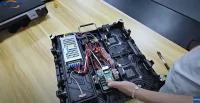
- Replace modules: if the difference is too large to correct, replace the affected modules with spares from the same production batch, then recalibrate around them.
- Change the content plan: fix the cause, or the LED screen burn-in pattern will return after the next few thousand hours.
Frequently Asked Questions
How long does it take for uneven aging to become visible on an LED wall?
It depends on brightness, temperature and how many hours the static element is on screen. It builds over thousands of operating hours rather than days, so walls running bright fixed graphics 12 to 24 hours a day are most at risk.
Will turning the brightness down stop LED screen burn-in?
It slows it. Lower drive current and temperature reduce the rate of brightness loss for every pixel, which also narrows the gap between busy and idle areas. Moving static elements is still the most effective measure.
Is uneven aging covered by warranty?
It depends on the warranty terms. Wear caused by how a screen is used is often treated differently from a manufacturing defect, so check the terms for your model before installing fixed graphics, and keep brightness and content records.
Do rental LED screens get burn-in?
Rarely. Rental walls run limited hours with constantly changing content, so wear stays even. The risk is mainly for fixed installations running the same layout for long hours.
Planning a Long-Hour LED Wall
If your wall will run many hours a day with fixed branding, plan for it at the specification stage. When you request a quote, tell us the daily operating hours, the brightness the site needs and whether logos, tickers or score bars will stay on screen, and ask for the calibration method and spare-module plan for the model offered. EagerLED can then recommend a configuration and content guidelines that keep the wall even for years. Send your project details to get started.
 Common Cathode LED Display vs Common Anode: A Buyer's Guide
 Translucent LED Screen: How It Works and How to Choose One
Related Posts
Fill In Your Needs In Detail
Fill in the screen usage scene and size you need in “Content”.You will get a quote.