Display contrast ratio expresses how many times brighter a display's measured white is than its measured black. For an LED wall, that relationship helps explain image depth, but the result depends on lighting, operating settings and the measurement procedure.
For AV integrators specifying a project, display contrast ratio becomes useful when it answers a practical question: will viewers distinguish the required information at this site? Buyers, distributors and contractors need that answer before comparing specifications or approving samples.
This guide connects the numbers to LED module construction, content and installation conditions. It also provides calculation examples and a comparison worksheet. All numerical examples are hypothetical calculations, not EagerLED product measurements.
1. What Is Display Contrast Ratio?
Display contrast ratio compares two luminance readings under specified conditions. Luminance describes light traveling from the screen toward the observer and is commonly expressed in nits, equivalent to candelas per square meter (cd/m²).
01. Display Contrast Ratio vs. Screen Contrast Ratio
Display contrast ratio and screen contrast ratio generally describe the same property. Neither phrase establishes how the measurement was made. A procurement document should therefore identify the procedure rather than rely on terminology alone.
Also distinguish a display's contrast capability from the contrast of the content. Pale gray lettering on a white background can remain difficult to read even on capable hardware.
02. How to Calculate Contrast Ratio
Display contrast ratio = white luminance ÷ black luminance.
Assume a measurement records 600 nits for white and 0.4 nit for black. Dividing 600 by 0.4 gives 1,500, so the result is 1500:1. The units cancel; the ratio itself is dimensionless.
Use readings from a suitable calibrated luminance instrument. A lux meter measures light falling onto a surface, so its reading cannot replace either screen luminance value in this calculation.
03. Why Contrast Matters for LED Displays
Display contrast ratio helps describe the separation available between bright and dark image regions. That separation matters for video backgrounds, diagrams, maps and other content where dark information must remain distinguishable.
It does not establish resolution or color accuracy. A readable LED installation also requires appropriate pixel pitch, adequate character size, correct signal processing and consistent output across the assembled wall.
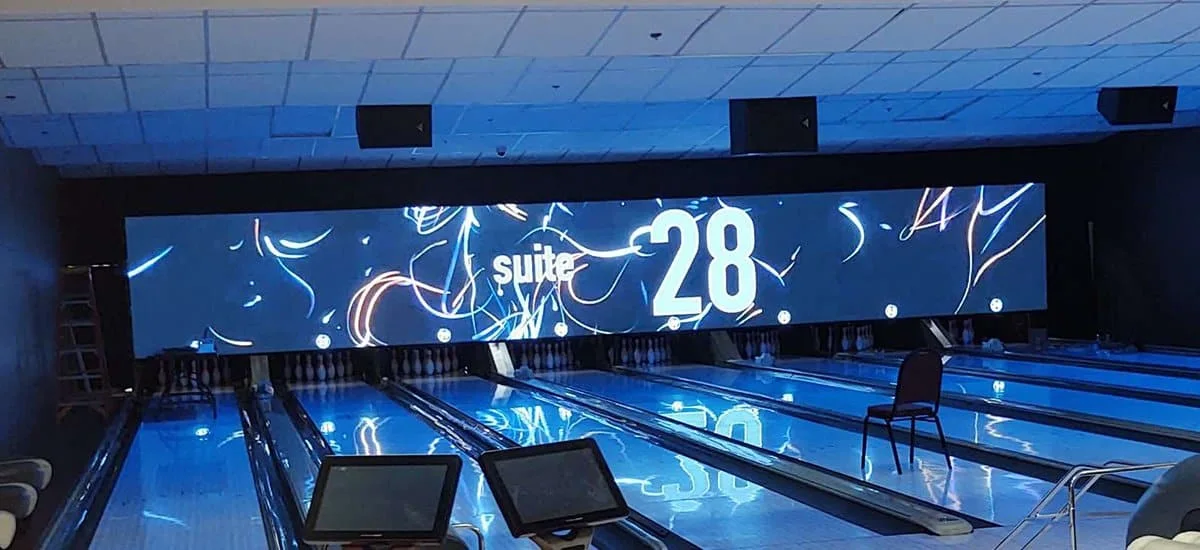
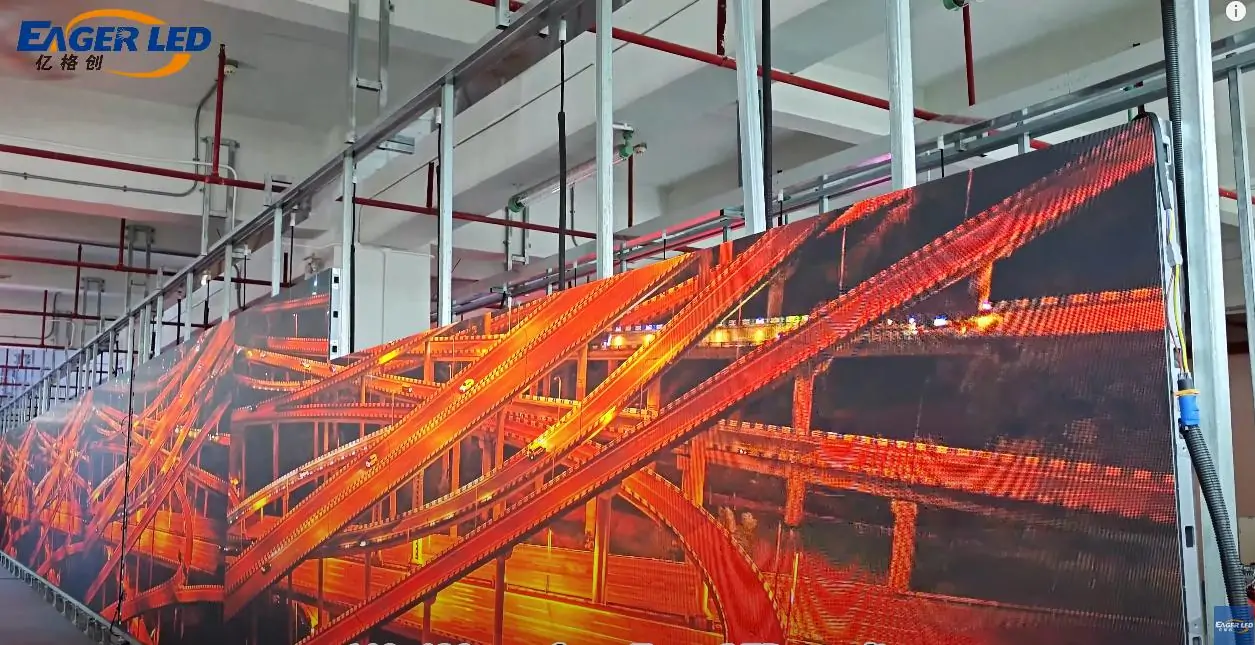
Application photograph from EagerLED's indoor screen page; not a controlled contrast comparison.
2. 1000:1 vs. 1400:1 vs. 3000:1 Contrast Ratio
These values become directly comparable only after the test conditions are aligned. A larger display contrast ratio means a lower measured black level when white luminance is held constant.
01. What Each Ratio Means
A 1000:1 contrast ratio means measured white is one thousand times the measured black. A 1400:1 contrast ratio expresses a factor of fourteen hundred; a 3000:1 contrast ratio expresses a factor of three thousand.
These are relationships, not brightness ratings. A 3000:1 screen could have lower peak luminance than a 1000:1 screen, depending on the products and settings involved.
02. Comparing Black Levels at the Same Brightness
The following calculations assume every sample produces exactly 420 nits of measured white under identical conditions.
| Specified ratio | Assumed white luminance | Calculated black luminance | Interpretation |
|---|---|---|---|
| 1000:1 | 420 nits | 0.420 nit | Highest black reading in this example |
| 1400:1 | 420 nits | 0.300 nit | Intermediate black reading |
| 3000:1 | 420 nits | 0.140 nit | Lowest black reading in this example |
These calculations explain display contrast ratio; they do not predict the appearance of any particular LED module. Actual measurements must account for reflections, image pattern, viewing position and instrument limitations.
03. When Is the Difference Noticeable?
Dark video viewed in subdued lighting may reveal differences that bright presentation slides conceal. Reflected room light can also reduce the visible separation between screens with different laboratory specifications.
The change from 1000:1 to 1400:1 is a 40% increase in the numerical ratio. It does not establish a 40% improvement in perceived quality. Assess the smallest relevant detail using representative content.
3. Static vs. Dynamic Contrast Ratio
Display contrast ratio specifications can describe substantially different tests. Before comparing values, establish whether the controls remain fixed and whether white and black appear together.
01. What Is Static Contrast Ratio?
Static contrast ratio usually refers to a measurement without scene-dependent brightness changes. However, suppliers may use the term for different procedures, including sequential full-screen readings or mixed-image measurements.
Specify the brightness mode, white point, processing state and pattern sequence. The label alone does not make two measurements equivalent.
02. What Is Dynamic Contrast Ratio?
Dynamic contrast ratio can combine a bright-state reading with a dark-state reading taken after automatic adjustments change the output. In LCDs, those adjustments may involve the backlight; direct-view LED systems control their emitting pixels.
Such behavior may alter scene appearance, but the reported value does not describe simultaneous highlight-and-shadow separation. Never identify a measurement as dynamic simply because its number is large.
03. Sequential vs. Simultaneous Contrast Measurements
A sequential procedure measures white and black at different times. A simultaneous procedure places bright and dark patches in one image, allowing interactions between neighboring regions to influence the readings.
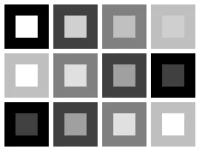
A checkerboard is one useful mixed pattern. Its layout, patch size and measurement positions must be documented because changing those conditions can change display contrast ratio.
| Measurement approach | What the test does | Useful question | Main limitation |
|---|---|---|---|
| Fixed-setting sequential | Measures separate white and black patterns | What is the baseline under these settings? | Does not show bright and dark regions together |
| Simultaneous | Measures patches within a mixed image | How well does mixed content retain separation? | Pattern geometry affects results |
| Dynamic | Allows output changes between states | How does automatic processing affect extremes? | Conditions differ between readings |
| Ambient-condition testing | Records contrast under specified illumination | What happens in the intended environment? | Results depend on lighting and geometry |
04. Which Measurement Is Most Useful?
For project approval, use complementary measurements: fixed-setting readings for a baseline, mixed patterns for image interactions, and representative illumination for installed behavior. No single test describes every content type.
AVIXA's Image System Contrast Ratio standard, V201.01:2021, addresses system measurements under typical use conditions. Where a contract invokes a standard, follow its specified procedure rather than treating this general checklist as a compliance test.
4. LED, OLED, IPS and LCD Contrast Ratio Compared
Technology affects how black is produced, but a technology name cannot establish the display contrast ratio of every model. Compare complete systems under documented conditions.
01. Direct-View LED vs. LED-Backlit LCD
A direct-view LED wall forms its image with LED emitters. An LED-backlit LCD uses LEDs as illumination behind liquid-crystal pixels, which regulate the transmitted light.
This distinction matters when evaluating display contrast ratio. Backlight leakage and dimming zones concern LCD architecture; a direct-view LED wall instead requires attention to emitting pixels, module surfaces and optical reflections.
02. IPS vs. VA LCD Contrast Ratio
IPS and VA are LCD panel technologies. Many conventional VA panels offer higher native contrast than conventional IPS panels, but model design and local dimming can substantially affect the comparison.
When researching IPS contrast ratio or LCD contrast ratio, check whether the quoted value includes local dimming. Also inspect off-axis behavior rather than extrapolating a center-screen reading to every seat.
03. Why OLED Contrast Ratio Is Described as Infinite
OLED pixels can stop emitting when commanded to black. In sufficiently dark conditions, the black measurement can fall below an instrument's reliable detection range, producing claims of infinite or near-infinite contrast.
That description does not remove ambient reflections. OLED contrast ratio in a dark laboratory and visible black in an illuminated room answer different questions. Record instrument limits instead of treating an unmeasurable reading as a precise zero.
04. How Local Dimming Changes LCD Contrast
Local dimming adjusts backlight regions independently. It can deepen black areas, while a bright object sharing a zone with dark surroundings may produce visible blooming.
| Display category | Black-generation mechanism | Important comparison condition |
|---|---|---|
| Direct-view LED | Reduce or stop pixel emission | Module reflection and low-gray performance |
| Conventional IPS or VA LCD | Restrict transmission of backlight | Native panel performance and viewing angle |
| LCD with local dimming | Combine liquid-crystal control with backlight zones | Dimming setting and mixed-image pattern |
| OLED | Reduce or stop emission at each pixel | Ambient reflections and measurement floor |
For an LED wall project, this comparison provides context. It should not replace evaluation of the proposed cabinet, module, controller and installation.
5. Why Ambient Light Changes Display Contrast Ratio
Ambient light can raise the luminance seen in black image regions. That is why display contrast ratio measured in darkness may give an incomplete picture of daylight or brightly lit indoor operation.
01. How Reflections Raise Black Levels
Room lights and sunlight illuminate the module surface. Some light returns toward the viewer from packages, masks, coatings and exposed structures, even when the LEDs are displaying black.
The direction of illumination matters as well as its level. A window reflection can affect one viewing position more strongly than another, making a single illuminance reading insufficient to characterize the whole installation.
02. A Worked Example: Dark-Room vs. Ambient Contrast
Assume white measures 900 nits and black measures 0.3 nit in darkness. The calculated display contrast ratio is 3000:1.
For illustration, assume reflections then add the same 9 nits to both readings. The revised calculation is (900 + 9) ÷ (0.3 + 9) = approximately 98:1.
This simplified example assumes equal added reflected luminance and unchanged emitted output. It demonstrates sensitivity to black level; it is not a conversion from lux to nits or a forecast for a particular site.
03. Why Higher Brightness Alone Cannot Eliminate Reflections
Increasing emitted white can improve separation from reflected black, but it does not remove the reflection itself. Lighting direction, screen orientation, shading and surface treatment remain relevant.
For outdoor projects, assess daylight visibility and nighttime dimming together. A satisfactory daytime display contrast ratio does not establish comfortable or appropriate brightness after dark.
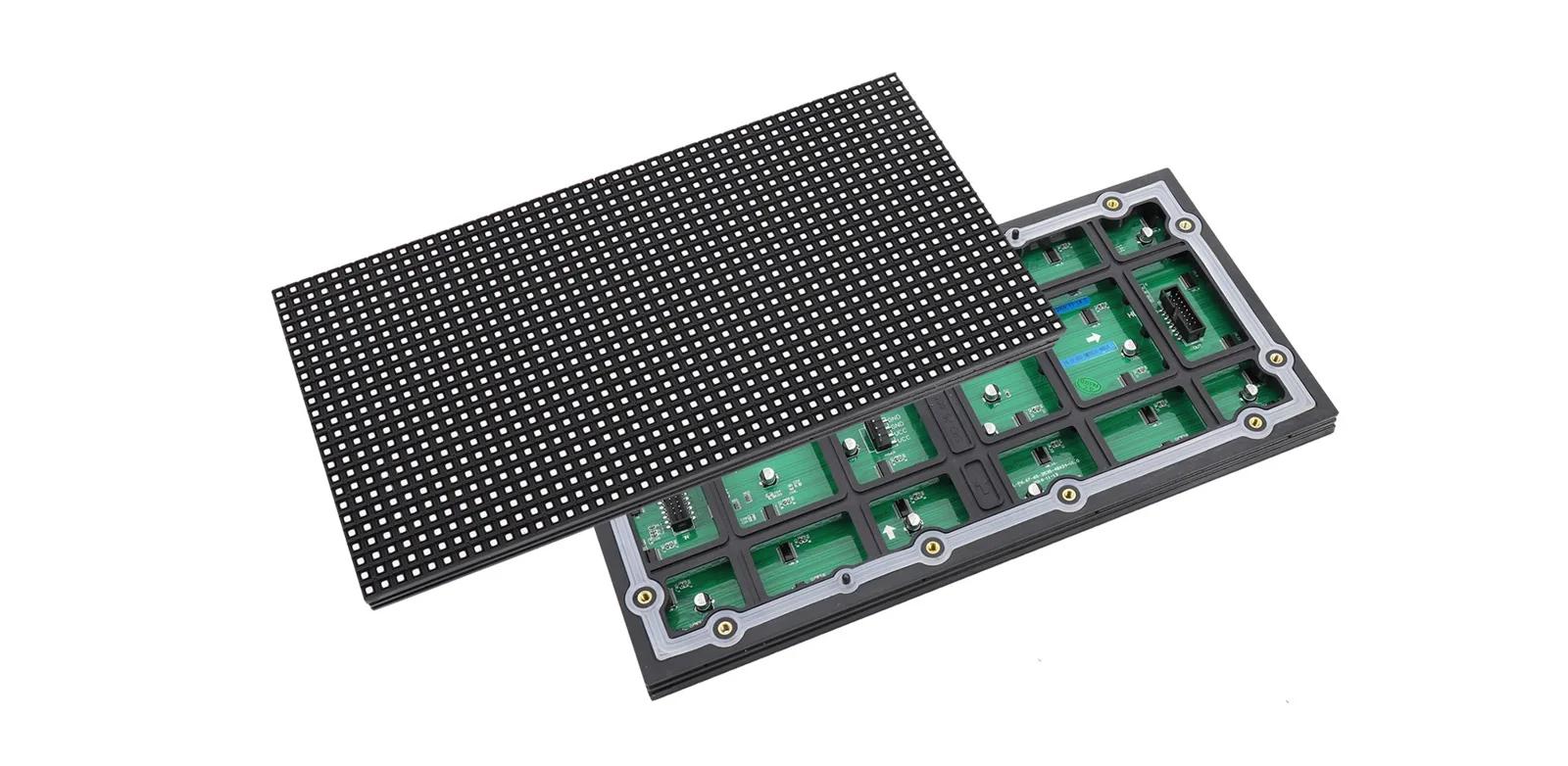
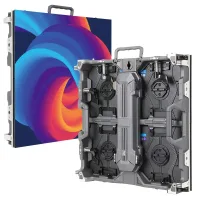
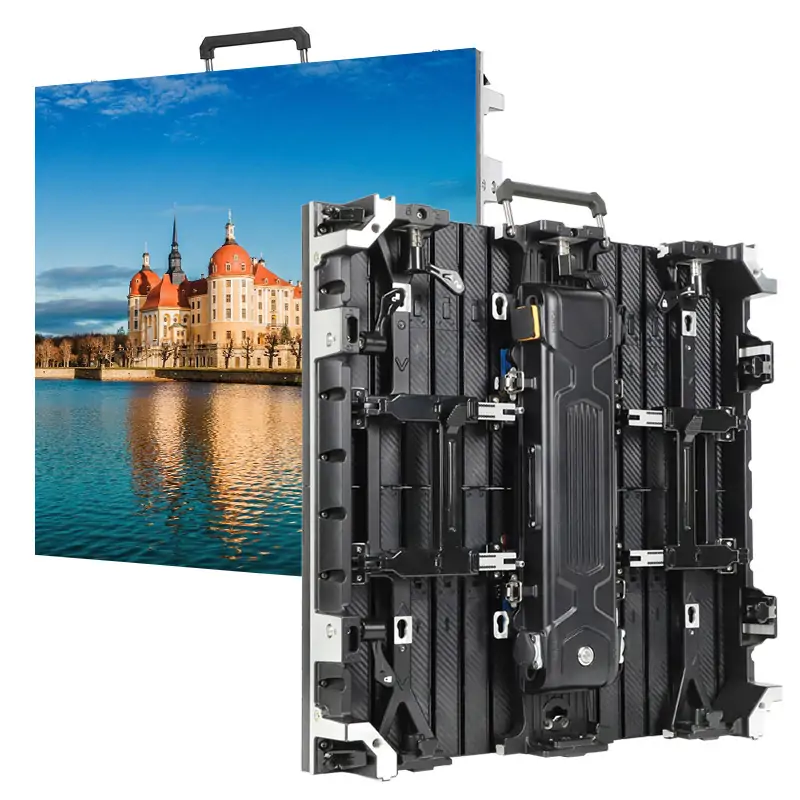
EagerLED outdoor module product image; use the exact model's documentation for its optical characteristics.
6. What Makes a High Contrast LED Display?
A high contrast display depends on the complete optical and electronic design. Evaluate display contrast ratio alongside surface uniformity and reproduction of dark tones.
01. LED Packages, Black Masks and Surface Finishes
Dark package faces and masks can limit unwanted reflected light between emitting areas. Their effectiveness depends on materials, texture, geometry and the lighting reaching the wall.
Look at an unpowered sample under the proposed room lighting. Differences in gloss or surface color can reveal issues worth investigating before an attractive demonstration video distracts attention from the module face.
02. SMD, COB and MIP: What Actually Affects Contrast?
SMD uses individually packaged surface-mounted LEDs. COB places LED chips directly onto a board beneath encapsulation. MIP generally refers to packaging micro-LED chips before mounting, although supplier implementations vary.
None of these labels guarantees one display contrast ratio. Compare surface reflectance, emitting area, optical treatment and measured performance for the exact configuration offered.
EagerLED's COB LED module range provides a starting point for discussing construction and service requirements. Request a sample of the proposed version rather than inferring performance from packaging alone.
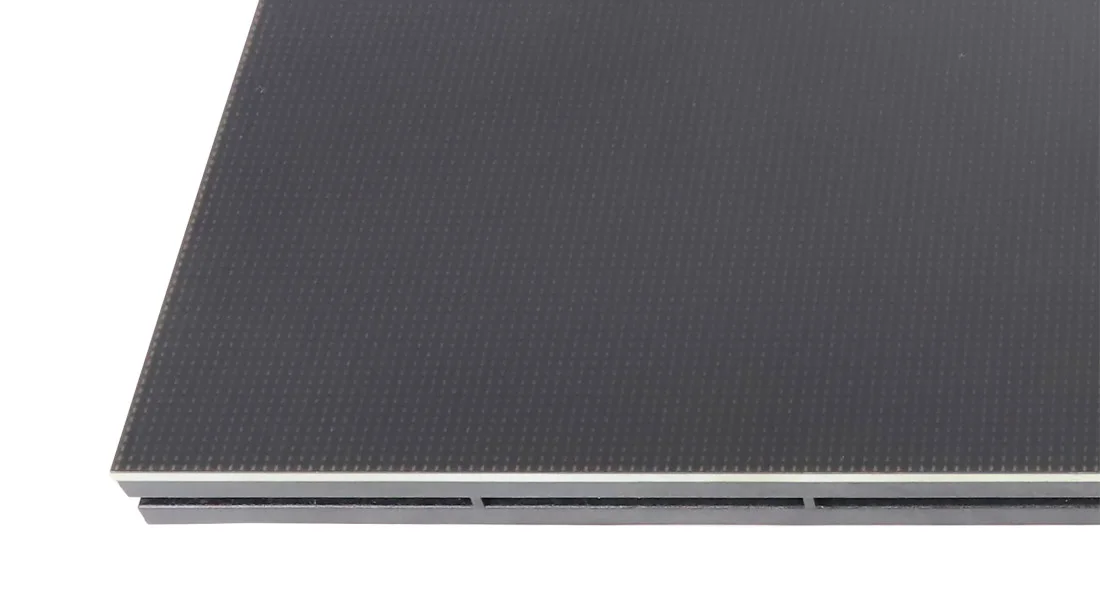
COB module surface shown on EagerLED's product page; the photograph does not establish a contrast specification.
EagerLED official COB module page, captured October 27, 2026, including breadcrumb navigation. This screenshot identifies the source; it is not measurement evidence.
03. Calibration, Drivers and Near-Black Detail
A low black reading does not guarantee separation between neighboring dark tones. Driver behavior, grayscale mapping and calibration influence whether dark clothing, shadows or dim interface elements remain distinguishable.
Test near-black steps at the brightness the venue will use. Increasing the peak display contrast ratio cannot compensate for processing that maps several distinct dark input levels to the same output.
04. Viewing Angles and Installation Geometry
Packages, louvers and coatings interact with viewing direction. Cabinet alignment also affects how light reaches module edges and how seams appear across the wall.
Inspect center, side and elevated positions relevant to the audience. Specify acceptable visible uniformity separately from display contrast ratio so one favorable reading cannot conceal a patchy installation.
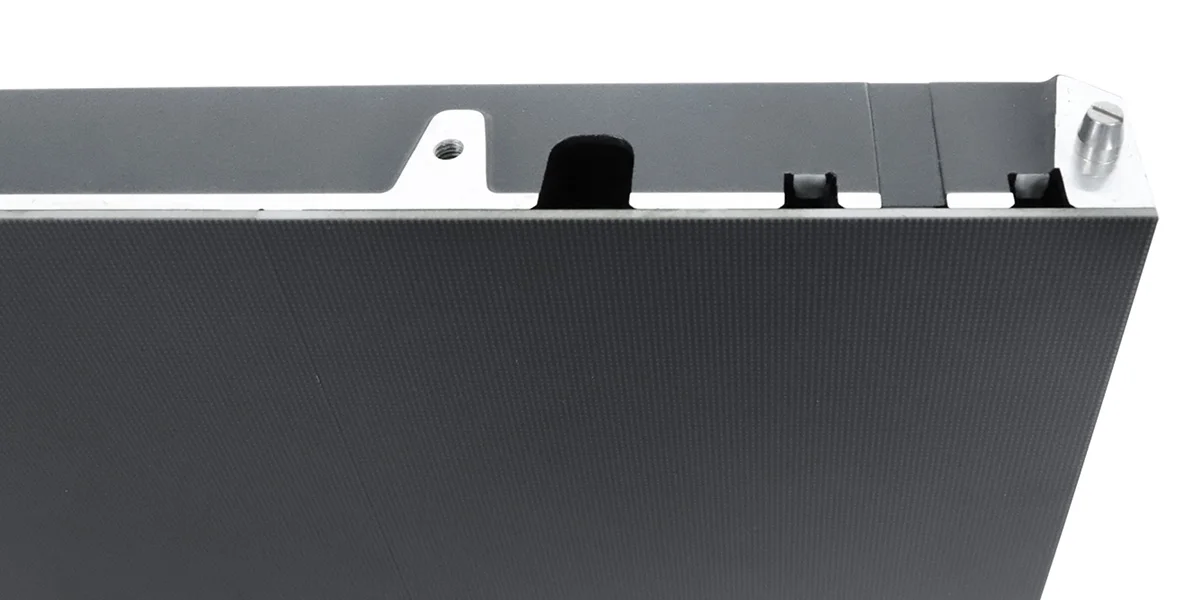
Product illustration from EagerLED; confirm the construction of the selected module before specification.
7. What Is the Best Contrast Ratio for Your Application?
The best contrast ratio is a project requirement supported by a test method and a viewing task. Avoid assigning universal pass/fail numbers to entire installation categories.
01. Meeting Rooms and Control Rooms
Presentation spaces need readable text, diagrams and video with normal room lighting. Control rooms may also require prolonged viewing of small status indicators and information distributed across many inputs.
Evaluate display contrast ratio with the actual interface and seating plan. EagerLED's indoor LED screen options can be shortlisted alongside native resolution, service access and control requirements.
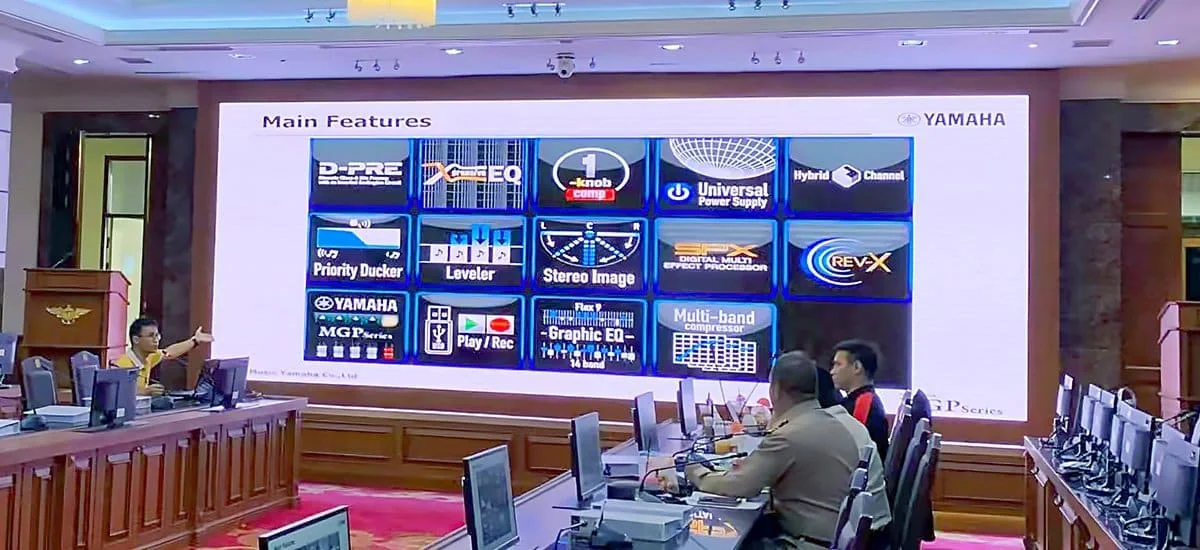
Meeting-room application photograph from EagerLED; no project performance figures are implied.
02. Retail and Window-Facing Displays
Check the brightest relevant daylight condition, reflections from glazing and the content's intended audience position. A sample viewed only after sunset cannot establish daytime suitability.
03. Stages, Broadcast Studios and Virtual Production
Evaluate the wall with the intended cameras and production settings. Display contrast ratio does not describe scan artifacts, synchronization, moiré or the complete color workflow.
04. Outdoor Advertising and Stadium Screens
Prioritize the visibility of the required message under expected sunlight, then check nighttime operation. Stadium projects also require content evaluation from the actual range of spectator positions.
| Application | Bring to the demonstration | Principal acceptance question |
|---|---|---|
| Meeting room | Slides, spreadsheets and seating plan | Can every relevant seat read the smallest required text? |
| Control room | Operational dashboards and dark interfaces | Are critical indicators distinguishable at normal output? |
| Retail window | Brand content and daylight observations | Does the message survive glazing and surface reflections? |
| Studio or stage | Camera, representative footage and settings | Does captured content retain the intended tonal information? |
| Billboard or stadium | Message layouts and viewing locations | Is essential information recognizable by day and night? |
8. How to Compare Two LED Displays Fairly
A fair display contrast ratio comparison starts with an agreed operating condition. Record the selected module, electronics and processing settings so the demonstration can be repeated.
01. Match Operating Brightness and Test Conditions
Match measured white luminance rather than matching brightness-slider percentages. Different products can produce different outputs at the same percentage setting.
Keep white point, source material and relevant processing modes consistent. Allow the equipment to reach stable operation according to the supplier's instructions before taking readings.
02. Compare White, Black and Mixed-Image Patterns
Use full-screen white and black for sequential readings, then introduce a mixed pattern. Keep the meter's measurement area within the intended patch and record the surrounding content.
Report display contrast ratio with its raw readings. If black falls below reliable instrument sensitivity, state the limitation and any justified bound instead of manufacturing an exact result.
03. Test Shadow Detail at Different Brightness Settings
Repeat a dark staircase pattern at the intended daytime, normal and dimmed operating levels. Ask whether adjacent steps remain distinguishable and whether their color stays consistent across modules.
This creates a useful test matrix: brightness setting against lighting condition. It can reveal an operating weakness that a single maximum-output measurement misses.
04. Check Actual Content Under Representative Lighting
Include compressed video, fine text, dark scenes and the customer's normal graphics. Use camera photographs as records, with exposure documented, rather than substitutes for luminance measurements.
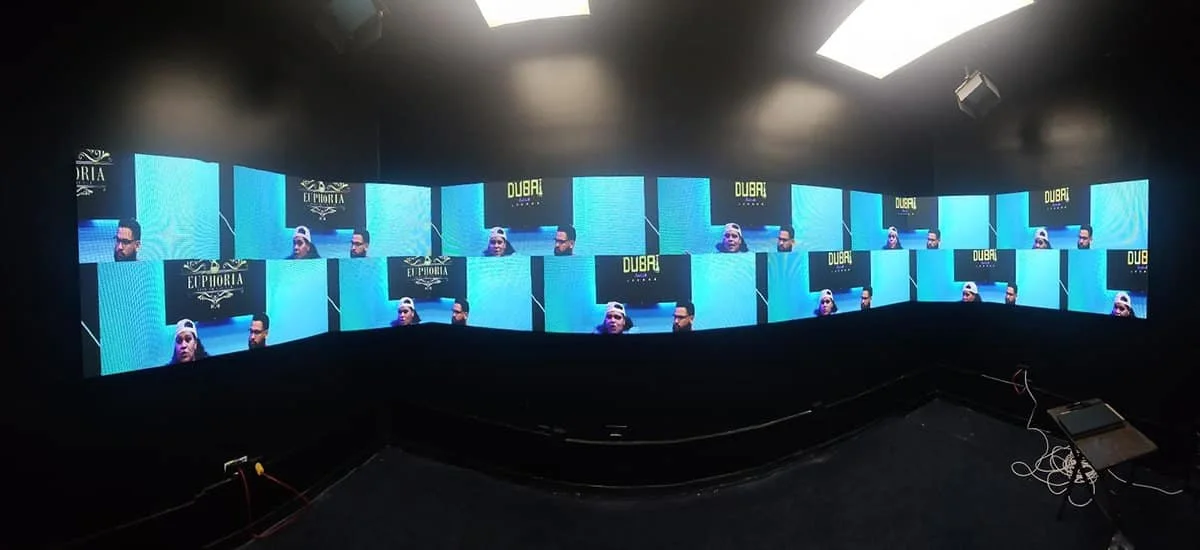
EagerLED application photograph illustrating mixed content; not an instrumented test result.
05. Record Results in a Contrast Comparison Worksheet
| Record field | What to enter | Why retain it? |
|---|---|---|
| Sample identity | Module revision, package and cabinet | Connects approval to supplied hardware |
| Control state | Driver, receiving configuration and calibration version | Supports repeatable setup |
| Optical setup | White point, pattern, luminance readings | Allows display contrast ratio to be checked |
| Environment | Ambient illumination, light direction and viewing angle | Explains site-dependent differences |
| Operating range | Tested brightness settings and dark-step observations | Reveals dimming limitations |
| Approval evidence | Content files, photographs, date and agreed criteria | Records what was actually accepted |
Attach the worksheet to the approved configuration. For distributors, retain it with the sample specification so later substitutions trigger a review rather than inheriting approval automatically.
9. How to Diagnose and Improve Poor LED Display Contrast
Start by identifying when the symptom appears. Display contrast ratio problems caused by reflections require different investigation from missing dark tones or mismatched modules.
01. Blacks Look Gray Under Room Lighting
Compare the same black pattern with relevant lights on and off. A substantial change suggests investigating reflected light, while acknowledging that multiple causes can coexist.
02. Shadow Details Disappear When the Screen Is Dimmed
Check source levels, controller mapping, gamma behavior and the low-brightness drive configuration. Preserve a known reference pattern so changes can be evaluated consistently.
03. Modules Show Uneven Blacks or Visible Seams
Inspect surface condition, mechanical alignment and calibration history. Compare powered-off surfaces as well as black and dark-gray images to distinguish reflection differences from emission differences.
04. When Settings Help—and When Hardware Needs Attention
| Observed symptom | First investigation | Possible response |
|---|---|---|
| Gray blacks near windows | Reflected light and viewing geometry | Adjust lighting, shading or orientation |
| Missing dark steps | Signal levels and grayscale mapping | Correct configuration, then retest |
| One conspicuous module | Surface appearance and calibration | Clean appropriately, recalibrate or assess replacement |
| Bright or dark seam | Cabinet alignment and edge reflections | Inspect mounting and module seating |
| Failure only at low output | Driver behavior and dimming settings | Request a supported configuration or hardware assessment |
Re-measure display contrast ratio after meaningful changes. For maintenance, use the manufacturer's cleaning instructions; an unsuitable chemical or abrasive method can damage the optical surface you are trying to improve.
10. FAQs
11. Conclusion
Display contrast ratio helps compare LED screens when the readings, operating conditions and test procedure are known. The buying decision should also account for reflected light, near-black detail and the information viewers must recognize.
Before approving a wall, establish measurable acceptance conditions and retain the demonstrated configuration. Documented display contrast ratio and content checks give integrators, distributors and contractors a clearer basis for evaluating delivery and later maintenance.
To discuss an EagerLED installation, send your project requirements, including screen dimensions, viewing distances, room or outdoor lighting, content type and camera use. Request model-specific documentation and agree on the sample evaluation before final selection.
 Exhibition LED Display Budget: Indoor Rental Cost Checks
 Cost-Effective LED Display Manufacturer in China: How EagerLED Balances Quality and Price
Related Posts


Fill In Your Needs In Detail
Fill in the screen usage scene and size you need in “Content”.You will get a quote.