A full color LED display combines red, green, and blue light to show text, images, and video. To choose one, start with viewing distance and the installation environment, then compare pixel pitch, brightness, service access, and total installed cost.

1. What Is a Full Color LED Display?
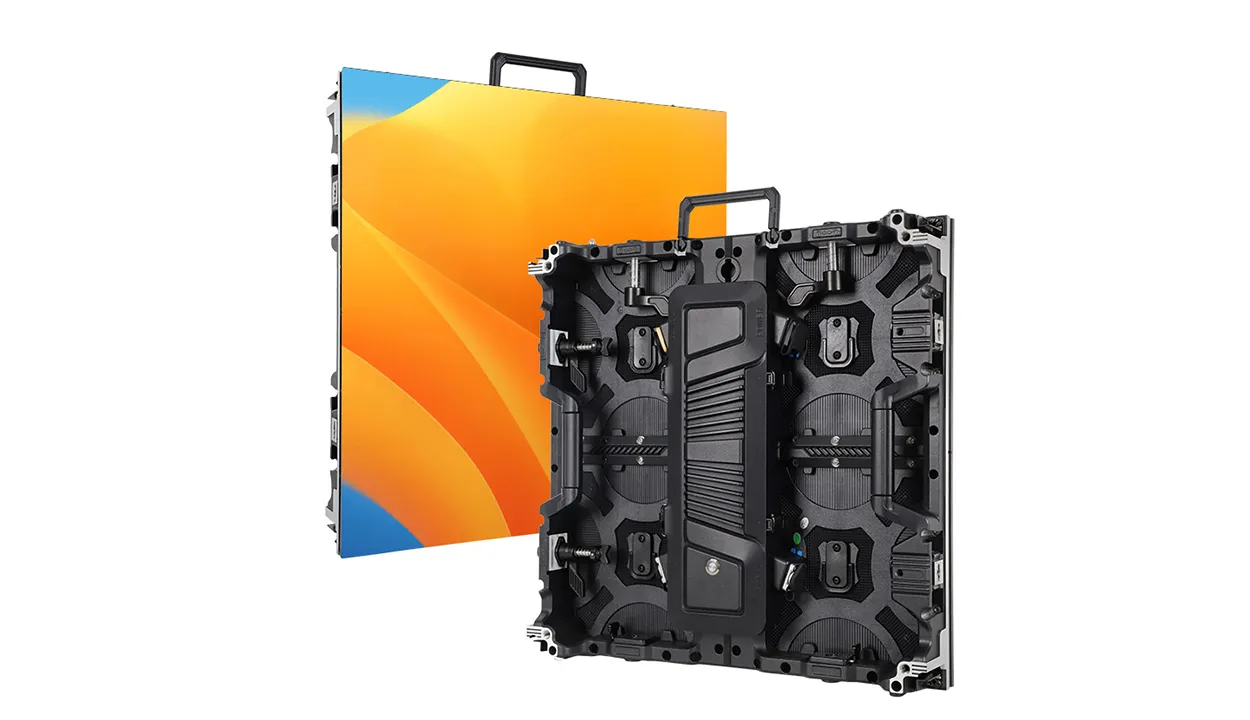
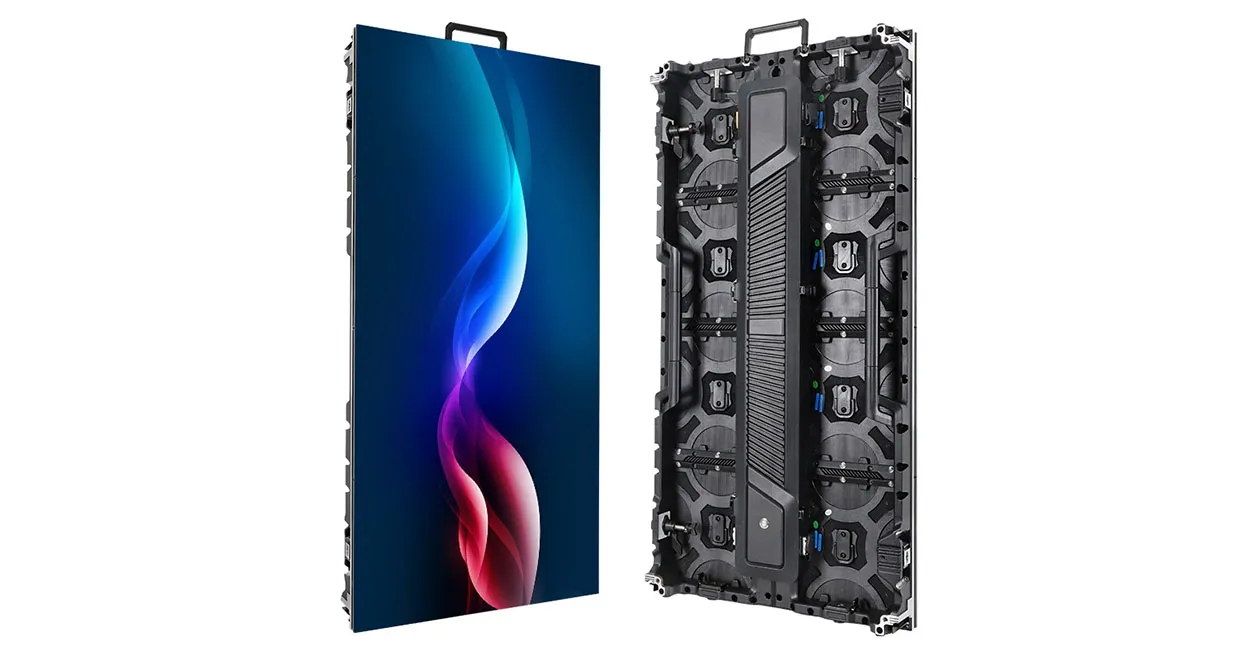
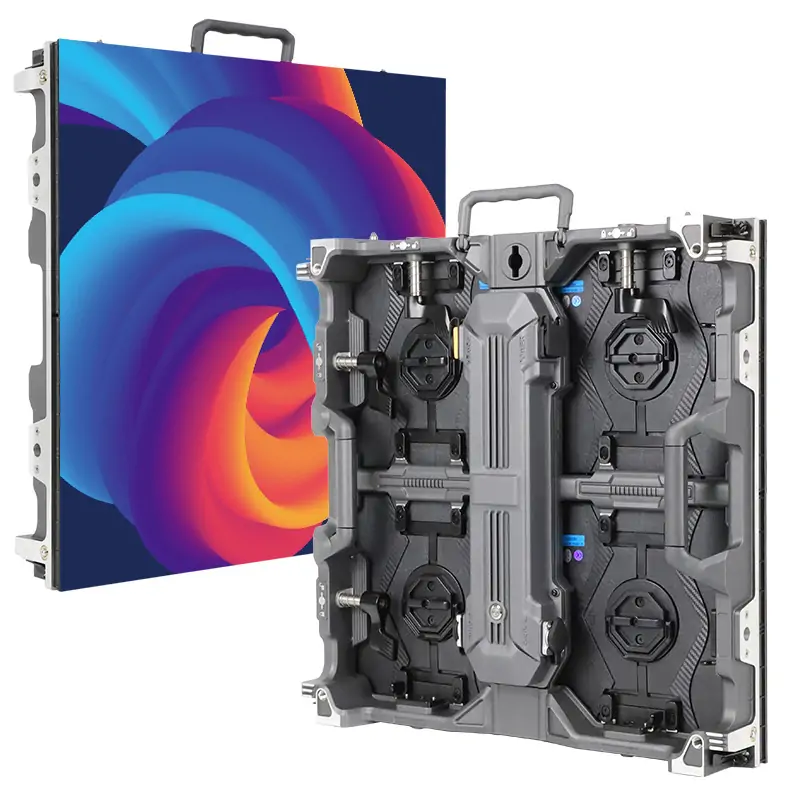
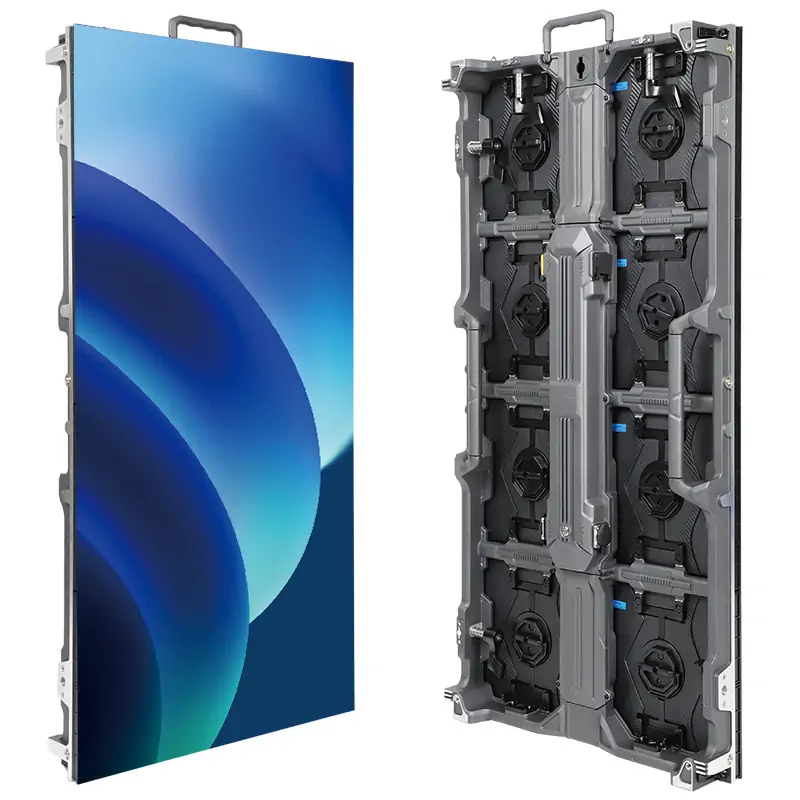
A full color LED display emits light at the image surface. An LED-backlit LCD uses LEDs behind a liquid crystal panel; in a direct-view LED wall, the LEDs themselves form the picture. Cabinet construction lets an integrator build a screen around a stage opening, a reception wall, or a wide control room canvas. The finished dimensions still follow the available cabinet and module geometry.
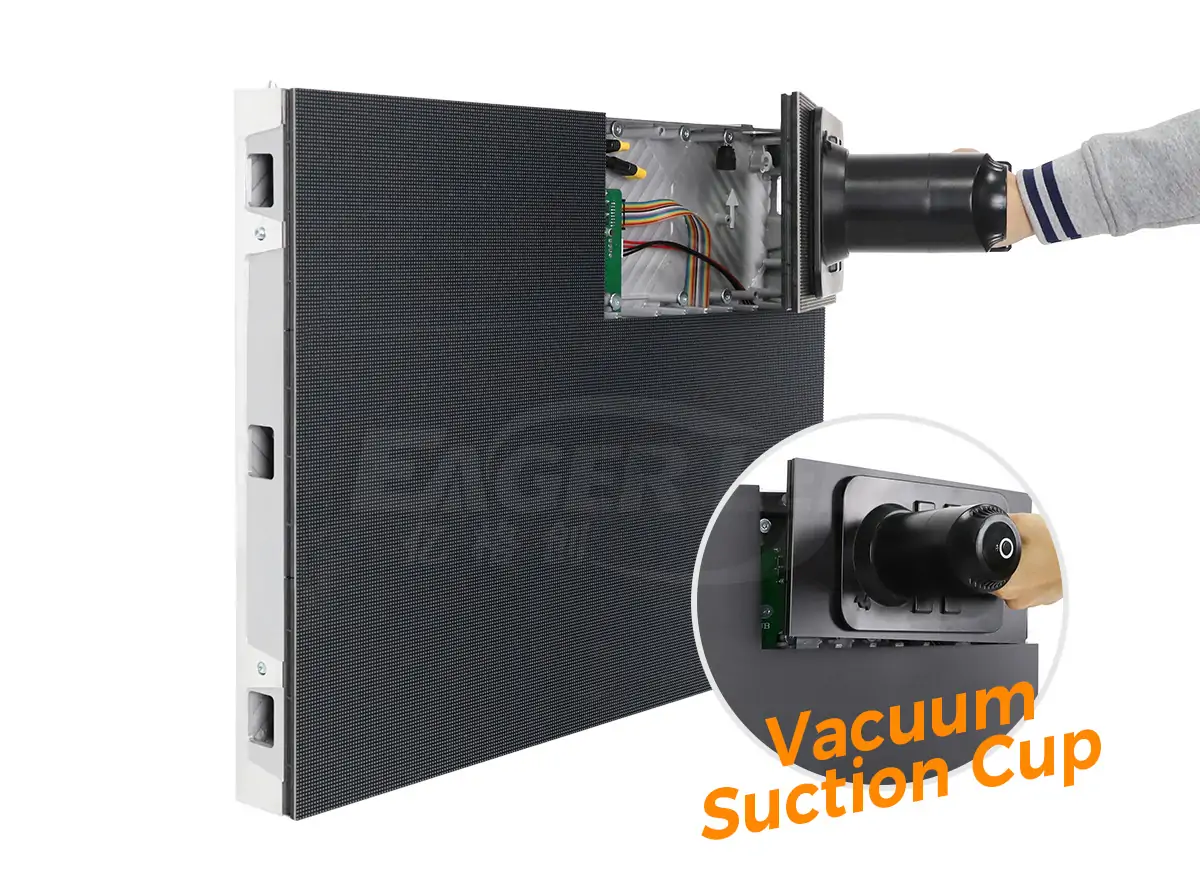
It helps to separate three things suppliers may call a screen or board. An LED display module is a replaceable assembly with a defined pixel grid. A cabinet holds one or more modules and provides mechanical support and connections. A complete display system includes the tiled cabinets, video control, power and signal distribution, and a way to mount and service the wall. Some products integrate more of these parts than others.
When a listing says “full color LED display board,” ask what ships in the box. A programmable sign with a built-in player may arrive ready to load a playlist. A bare full color LED display module needs compatible drive electronics and a suitable enclosure or cabinet. For a modular wall, request a bill of materials with cabinet quantities, module revisions, and the controller model. EagerLED’s LED display module guide explains how modules fit into a larger system.
2. How RGB Pixels Produce Color on an LED Screen
A full color LED display uses additive color mixing: red, green, and blue contribute light in different proportions to create the color you see. Increasing red and green together can produce yellow. A neutral white requires a calibrated balance across the three channels. Changes in light output also let the display render gradients and detail in dark areas.

In a typical full color LED display, a media player, computer, or switcher sends an image to a processor or LED controller. The system scales or maps the input to the wall’s pixel canvas. Receiving cards in the display distribute the correct part of that image to the modules, and the driver circuits control when and how strongly the emitters light. Configuration files tell the equipment how the modules and cabinets are arranged.
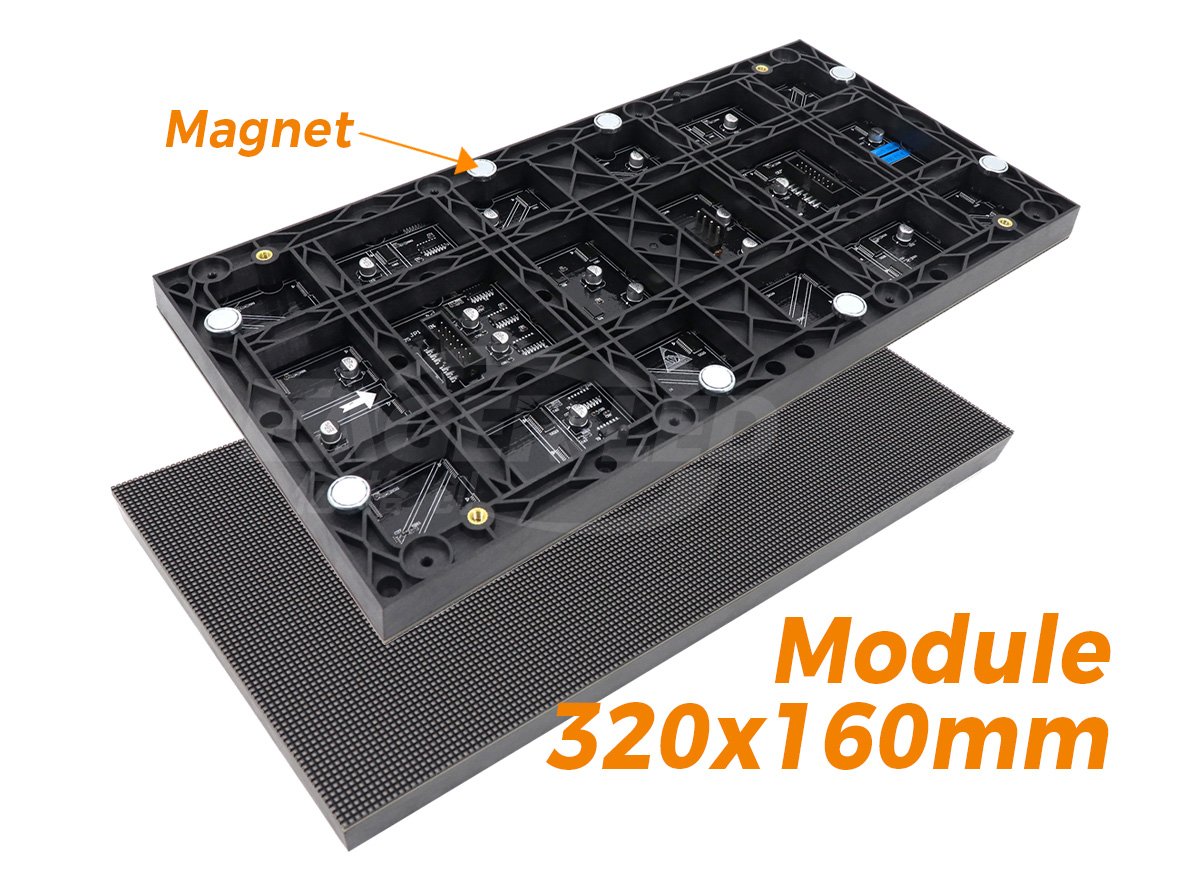
Surface-mounted device (SMD) and chip-on-board (COB) are ways of packaging the LEDs. SMD modules use individual LED packages soldered to a board. COB construction mounts LED dies directly to a substrate and typically encapsulates the assembly. Neither label tells you how good the image will look at the site’s operating brightness or how quickly you can repair the screen. Ask for a representative sample and find out what the technician actually replaces: an individual component, a module, or a larger assembly.
Color performance depends on more than the advertised number of colors. Two adjacent cabinets may disagree on white balance, and a dark gray ramp may show steps or a tint at a low brightness setting. Evaluate white, gray, and saturated colors across a cabinet seam at the settings you expect to use. If brand colors matter, include an approved reference file and agree on how the supplier will check the match.
3. LED Display Specs: Pixel Pitch, Brightness, and Refresh Rate
Pixel pitch sets the spacing of the image grid, brightness affects visibility in the intended light, and refresh behavior affects how the screen looks to a camera. Compare those specs for the exact full color LED display configuration you’re buying. A spec sheet may list the best values available across several cabinet, driver, or pitch options.
| Specification | What it tells you | What to request |
|---|---|---|
| Pixel pitch and native resolution | Pitch is the center-to-center distance between adjacent pixels. With the cabinet layout, it determines the physical canvas. | A drawing with active dimensions, native pixel dimensions, and cabinet seams. |
| Brightness and dimming | Luminance is measured in nits (cd/m²). Maximum output says little about image quality at the normal operating level. | Brightness under the proposed calibration and a sample at both normal and dimmed settings. |
| LED refresh and source frame rate | LED drive refresh describes the display’s light update behavior; source frame rate describes how often a new image frame arrives. | The drive and scan settings for the quoted module, plus a test with the production camera if applicable. |
| Grayscale and uniformity | Low-level detail and cabinet matching affect gradients, dark scenes, and large flat backgrounds. | A gray ramp, flat gray fields, and representative video on adjacent cabinets at operating brightness. |
| Typical and maximum power | Typical draw supports an energy estimate when the test conditions are known. Maximum draw is an input to electrical design. | Both figures for the quoted configuration, with units and conditions for the typical figure. |
01. Check the native pixel count before approving artwork
Consider two hypothetical full color LED display layouts with the same 4.8 × 2.7 m active area (about 15.7 × 8.9 ft). At an exact 2.5 mm pitch, the active area corresponds to 1,920 × 1,080 pixels. At 3.0 mm, it corresponds to 1,600 × 900 pixels. The calculation divides active width and height, in millimeters, by the pitch. Real proposals must use whole modules or cabinets; verify the final count against the supplier’s drawing.
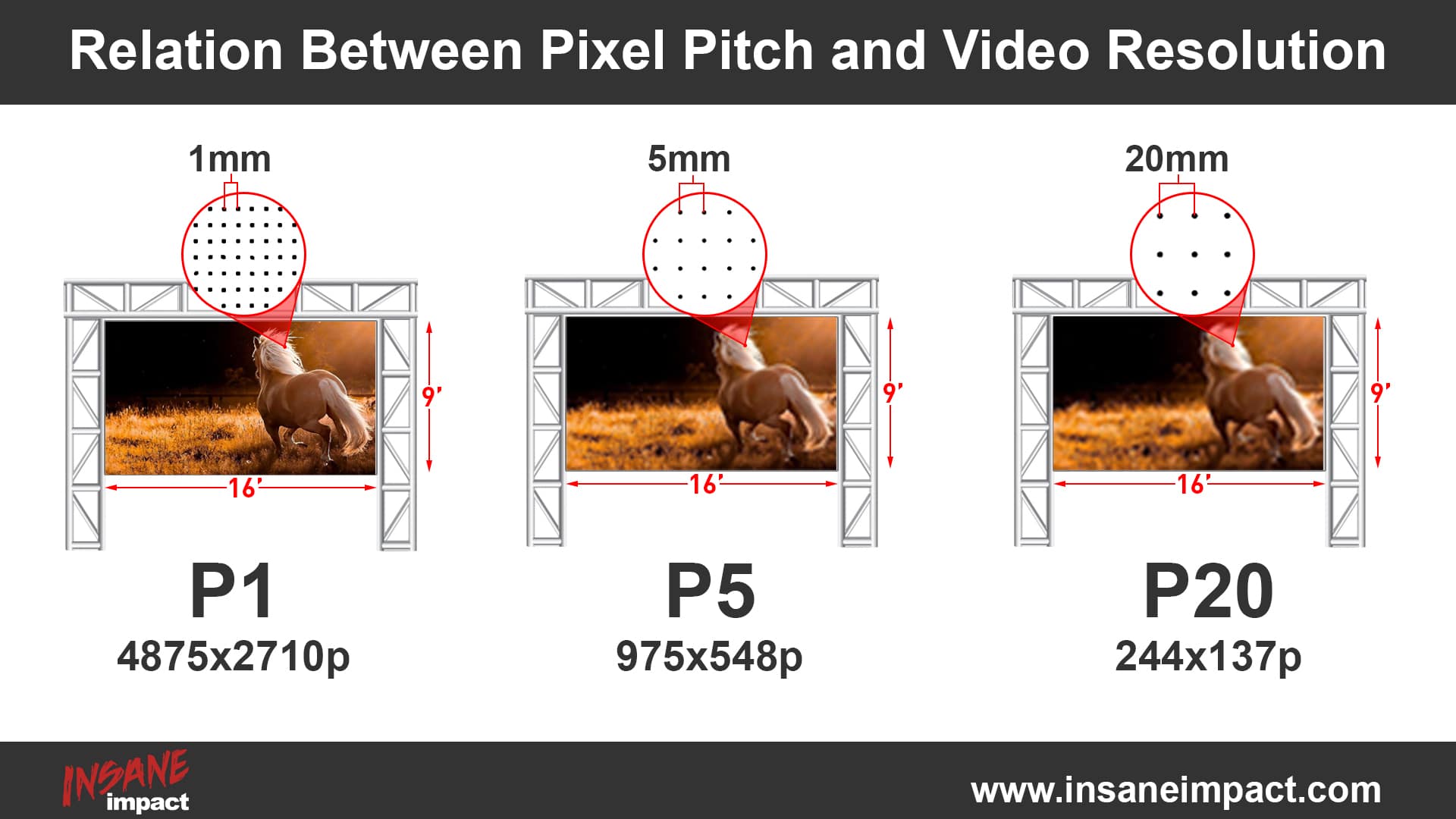
Both hypothetical layouts accept the same 16:9 artwork, provided the controller supports the input. On the second layout, a 1,920 × 1,080 source must be scaled to the smaller canvas. A branding reel may tolerate that change well, while a schedule with thin lettering may need larger type. For a full color LED display that doubles as a data wall, test a representative screen of actual content from the nearest and farthest useful seats. See EagerLED’s LED display sizing guide for more on the relationship between pitch and distance.
02. Test camera performance with the intended setup
A high advertised refresh rate cannot guarantee clean footage of a full color LED display. Temporal banding can depend on the camera’s frame rate and shutter, panel scanning, driver settings, and wall brightness. Moiré is a separate spatial effect involving the screen’s pixel grid and camera sampling. A change in camera position, focus, or framing may affect moiré even when the LED drive settings stay the same.
For a filmed stage, schedule a sample test with the production camera and lens at the intended angles and exposure settings. Include near-black footage and the brightness level the lighting team expects to use. Review the recording on a separate monitor before approval; footage can reveal artifacts that are easy to miss when looking at the wall.
4. Indoor vs. Outdoor Full Color LED Displays
An indoor full color LED display is usually selected around nearby viewers, room lighting, and how the wall integrates with the building. An outdoor full color LED display must also handle the proposed exposure, remain legible in daylight, and dim appropriately after dark. Pixel pitch is still a viewing decision: a street-level sign can have closer viewers than an indoor arena display.
| Design question | Indoor installation | Outdoor installation |
|---|---|---|
| When is the image hardest to read? | Check reflections, lights directed at the screen, and daylight through glass. | Check direct sun, viewing angle, and acceptable brightness after dark. |
| What is exposed? | Check humidity, ventilation, and any moisture from cleaning or nearby doors. | Check enclosure faces, cable entries, connectors, drainage, and environmental limits. |
| What supports the wall? | Check the building substrate, cabinet depth, and clearances for access and cooling. | Have a qualified project professional evaluate wind exposure, attachments, and the supporting structure. |
| How will it be serviced? | Check whether a technician can remove a module from the occupied side. | Plan safe access in the installed position and confirm how seals are restored after service. |
IEC 60529 defines the IP code for enclosure ingress protection. The first numeral concerns access to hazardous parts and the ingress of solid objects; the second concerns water ingress under specified tests. If a full color LED display lists different ratings for front and rear, ask which cabinet surfaces and connections the documentation covers. A protected front face does not establish protection at an exposed rear cable entry. Review EagerLED’s P4 outdoor LED video wall guide for the broader site checks.
Behind-glass installations need their own review. A full color LED display mounted inside a storefront may still face intense daylight, reflections, or heat buildup in the window cavity. Evaluate it from the sidewalk during the brightest part of the day, and ask the building team to check ventilation before the enclosure depth is fixed.
5. Full Color vs. Single and Dual Color LED Signs
Choose a full color LED display when the content needs recognizable photographs, video, gradients, brand colors, or several kinds of messaging on the same screen. A sign with one or two colors may serve better when the only job is to show a short status, a line of text, or a numeric readout. The useful comparison starts with what the audience must read or recognize.
| Display type | Good fit | Limitation to consider |
|---|---|---|
| Single color | Queue numbers, text notices, or a simple status readout. | Emphasis depends on layout and brightness; the sign cannot encode different states using distinct colors. |
| Dual color | Two clearly defined states, such as open and closed lanes. | The available palette depends on the design. Pair colors with words or icons so meaning survives without color. |
| Full color RGB | Advertising, video feeds, detailed graphics, or a shared canvas for several content types. | Image quality depends on content preparation, display calibration, and how well the screen is matched to the viewing environment. |
A full color LED display can also share one physical canvas among several teams. A venue can run a sponsor loop before an event and live video during it. That flexibility is useful when someone owns the playback workflow. If the owner only needs a permanent text feed, check whether they want to maintain a video system, creative templates, and the controls that go with it.
For close-up dashboards, consider an LCD video wall as well. A modular full color LED display can avoid LCD bezel lines and accommodate custom proportions. LCD may be a good fit for dense text at desk distance when its panel grid works with the content. Put a sample dashboard on each candidate rather than trying to decide from photographs.
6. Where Full Color LED Displays Are Used
Commercial applications differ in what counts as a good image. A full color LED display in a public lobby has to communicate quickly to people who may be walking past. The same display technology in a control room has to preserve fine labels and consistent appearance over a long shift. Start by naming the most demanding job the wall will perform.
| Application | Hardest content or condition | Useful sample for approval |
|---|---|---|
| Retail and lobby signage | Small promotional text beside bright windows or under accent lighting. | A campaign slide with real type sizes, viewed from the approach and queue. |
| Outdoor advertising | A brief glance from the intended audience position in daylight or after dark. | A full-size message mockup checked at the intended distance, with day and night presets. |
| Stage and events | Camera shots during dark cues, plus fast deployment if the wall moves between venues. | A filmed rehearsal and, for rental systems, a cabinet setup and pack-down demonstration. |
| Control rooms | Dense dashboards, small status labels, and changes across several sources. | A live or representative dashboard with the same layout and text used by operators. |
| Sports venues | Score and clock readability from off-center seating during video transitions. | Real score graphics and playback sequences checked from side seats and distant sections. |
A fixed full color LED display should fit the space and its service route. A rental system has to fit a repeated handling cycle as well: cases, transport, cabinet locks, build sequence, and an inventory of replacements. When a venue expects to move part of a wall between rooms, ask the supplier to draw and price each supported layout. A wall that can physically be divided still needs compatible control and support hardware at each location.
7. How to Choose an LED Display for Your Site
To choose a full color LED display, send every bidder the same site brief, sample artwork, and acceptance criteria. Ask for a cabinet drawing and system diagram in return. An approval based on those documents is easier to carry through installation than a purchase order built around a screen diagonal and a pitch.
01. Define the image and the audience
Give the available opening, preferred active dimensions, and any limits on overall depth. Mark the nearest and farthest useful viewing positions on the plan. Include the smallest text, the darkest footage, and the layout with the most sources. If the wall has to show a live feed beside a scoreboard or a banner, provide the actual split rather than only the total input resolution.
Ask bidders to show where each piece of content lands on the canvas. A stretched 16:9 design can look awkward on a long ribbon, and a full-height graphic may have to be rebuilt if part of the canvas is allocated to another source. Agree who will resize or redesign the content and who signs off on the final pixel map.
02. Make service access part of the drawing
Mark structure, cable routes, ventilation clearances, and the technician’s access path. If the full color LED display is against a finished wall, verify that the modules, power supplies, and receiving cards can all be serviced from the front in the proposed configuration. A removable face module alone does not establish that all parts behind it can be reached. See the front service LED wall planning guide for the checks to make before approving the recess.

Ask for the controller’s input limits, total pixel capacity, per-output loads, and the proposed signal routing. Request a diagram that identifies which cabinets are connected to each output. If the job needs redundancy, specify the failure the backup must cover: a source, a controller, a signal path, or a power feed. An extra cable routed beside the primary cable may protect against one failed port without addressing damage to the shared route.
03. Write the acceptance test before placing the order
Agree on the cabinet layout and model revisions, the material to be played, the intended brightness presets, and which defects would hold up acceptance. Include flat-field patterns for cabinet matching and real content for readability. For a full color LED display with backup paths, ask the supplier to demonstrate the agreed failover behavior under controlled conditions. Capture the settings and evidence used for approval so the installation team can reproduce them.
Specify what the owner receives at handover: the final pixel map, approved drawings, a backup of the working configuration, available calibration files, and an inventory of spare parts. Assign responsibility for operating presets, training, and the first service call. These items make it possible to restore the wall after a replacement without reconstructing the original setup from memory.
8. What Affects the Installed Cost of an LED Display?
The installed cost of a full color LED display includes the panels, processing, structure, power and signal distribution, labor, commissioning, and any site-specific work. Operating costs depend on use, local electricity rates, service access, and support terms. A panel price per square meter is useful for comparing hardware only when the configuration and inclusions match.
| Cost group | Ask the supplier to itemize | Check who owns the gap |
|---|---|---|
| Display and controls | Exact cabinet model, pitch, count, controller, converters, and spare parts. | Is the proposed controller sized for all sources and the final canvas? |
| Structure and site work | Mounts, framing, finishes, structural design, ventilation, and any weather protection. | Who provides site measurements and verifies the building interface? |
| Electrical and data | Distribution equipment, isolation points, power and data runs, and any fiber links. | Where does the display contractor’s scope end and the site trade’s scope begin? |
| Delivery and installation | Shipping, offloading, lifting, mounting, testing, calibration, and training. | Are access equipment, after-hours work, and a return visit included? |
| Service and operation | Warranty scope, repair freight, on-site support, spare stock, and estimated operating draw. | Who pays for access and labor if a module fails at height? |
Compare bids on the same native resolution, working brightness, environment, and support scope. If one vendor offers a different pitch or cabinet system, keep it as an alternate with the consequences stated. A finer pitch may preserve text or improve a close view, but it can also change processing loads and spare inventory. Price the benefit against the content that actually needs it.
For an energy budget, multiply a representative operating draw in kilowatts by expected operating hours to estimate kilowatt-hours. Use the assumed playlist and brightness schedule when asking for that draw. Keep the electrical design check separate: the project electrician needs the maximum input, applicable inrush information, and circuit details for the delivered equipment.
9. FAQ
10. Conclusion
Specify a full color LED display from the content and the site outward. Approve the native canvas with real artwork, check the screen at the brightness and viewing positions the project will use, and put the service and acceptance requirements in the quote. Those decisions tell you whether two proposed walls will do the same job.
For an itemized full color LED display proposal, contact EagerLED with the active width and height, viewing positions, site exposure, sample content, camera requirements, and mounting drawings. Ask for the proposed cabinet layout, pixel map, controller configuration, and a clear list of what is included in the price.
 Stock Ticker Display: LED Ticker Specs, Data Feeds and Buying Guide
Related Posts
Fill In Your Needs In Detail
Fill in the screen usage scene and size you need in “Content”.You will get a quote.