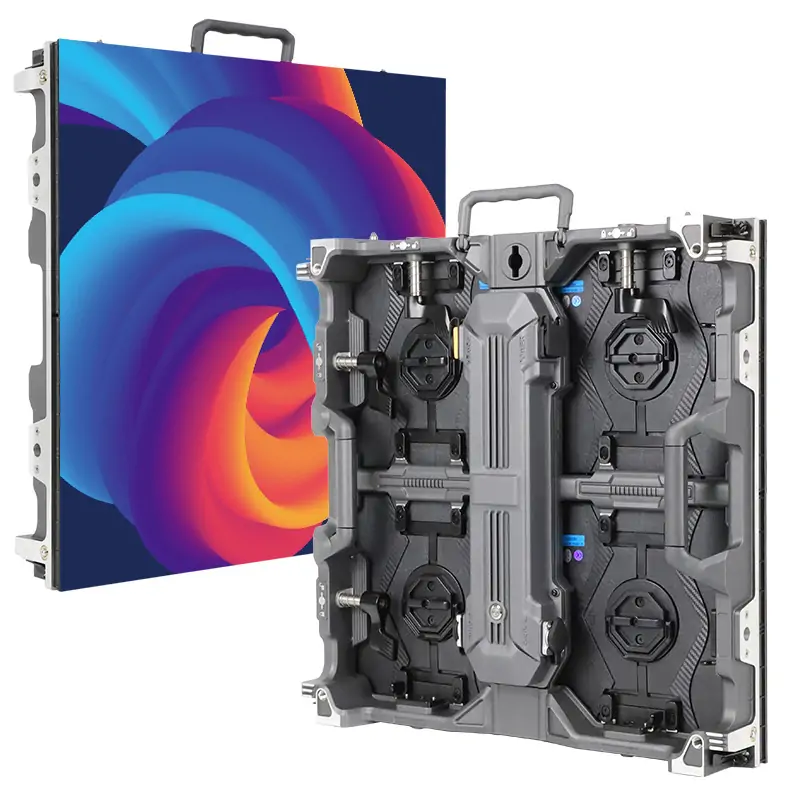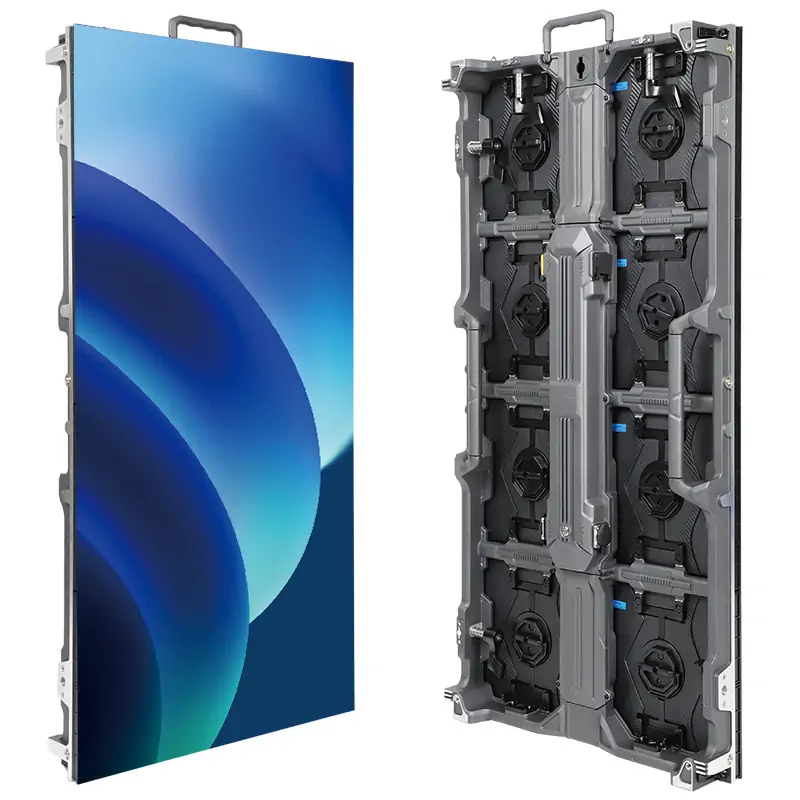
Choose a bar LED display around the content, viewing distance, ambient light, and maintenance access. These requirements determine the screen size, pixel pitch, brightness, and control system.
For AV integrators and project buyers, this guide compares display formats, explains key specifications, and outlines what to check before requesting a quotation.
1. What Is a Bar LED Display?
A bar LED display is a direct-view LED screen used in a bar or hospitality venue to present video, graphics, menus, or promotional content. Individual LED pixels generate the image, while modules and cabinets combine to create the required display area.
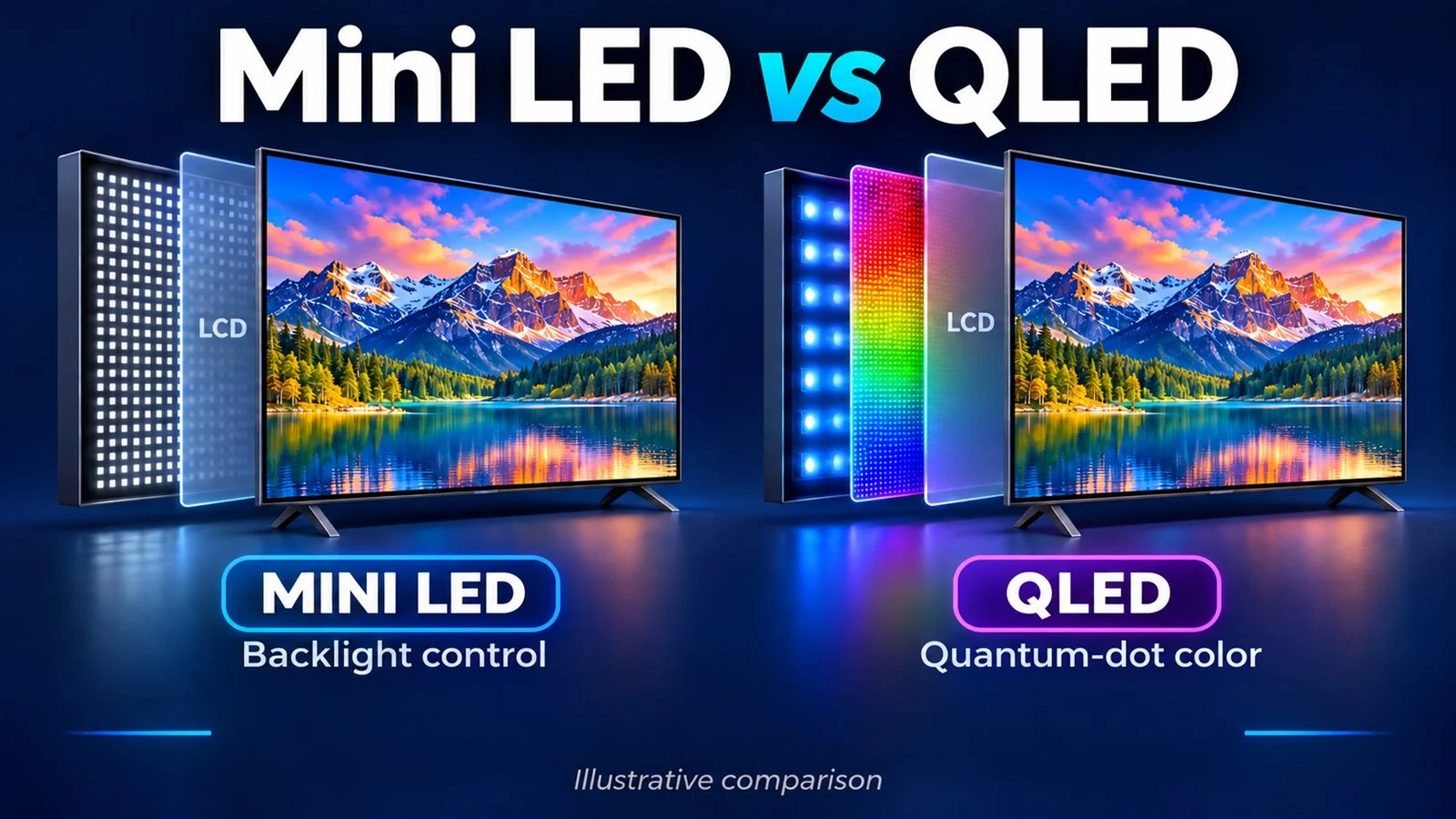
This differs from an LCD television, which uses a liquid-crystal panel with backlighting. It also differs from a projector, which directs light onto a separate surface.
01. Direct-View LED Screens for Entertainment Venues
The modular construction of a bar LED display allows screen dimensions to follow a cabinet grid rather than a limited selection of television sizes. It can support a large sports viewing wall, a narrow branding surface, or a display integrated into architectural features.
However, physical size and image resolution are separate properties. A larger wall does not automatically contain enough pixels for detailed menus or small broadcast graphics. Its native resolution depends on both its dimensions and pixel pitch.
02. Venue Screens vs. Bar-Shaped Displays
The phrase “bar display” can also describe a narrow, elongated display used on shelves or counters. Some of those products use stretched LCD panels rather than direct-view LED technology.
A procurement brief should therefore identify the technology and application explicitly. “Indoor direct-view LED video wall for sports viewing” is more useful than “LED bar screen.”
Also distinguish an image display from decorative LED strip lighting. Lighting can outline shelving or furniture, but it does not provide the independently controlled pixel matrix needed for general video playback.
2. Which LED Display Type Fits Your Bar?
Choose the display format around its visual task and installation conditions. A bar LED display intended for permanent sports viewing has different priorities from equipment assembled repeatedly for temporary events.
01. Flat LED Video Walls
A flat wall is a straightforward starting point for live broadcasts and conventional video. It supports a rectangular picture without the geometric complications of wrapping content around corners.
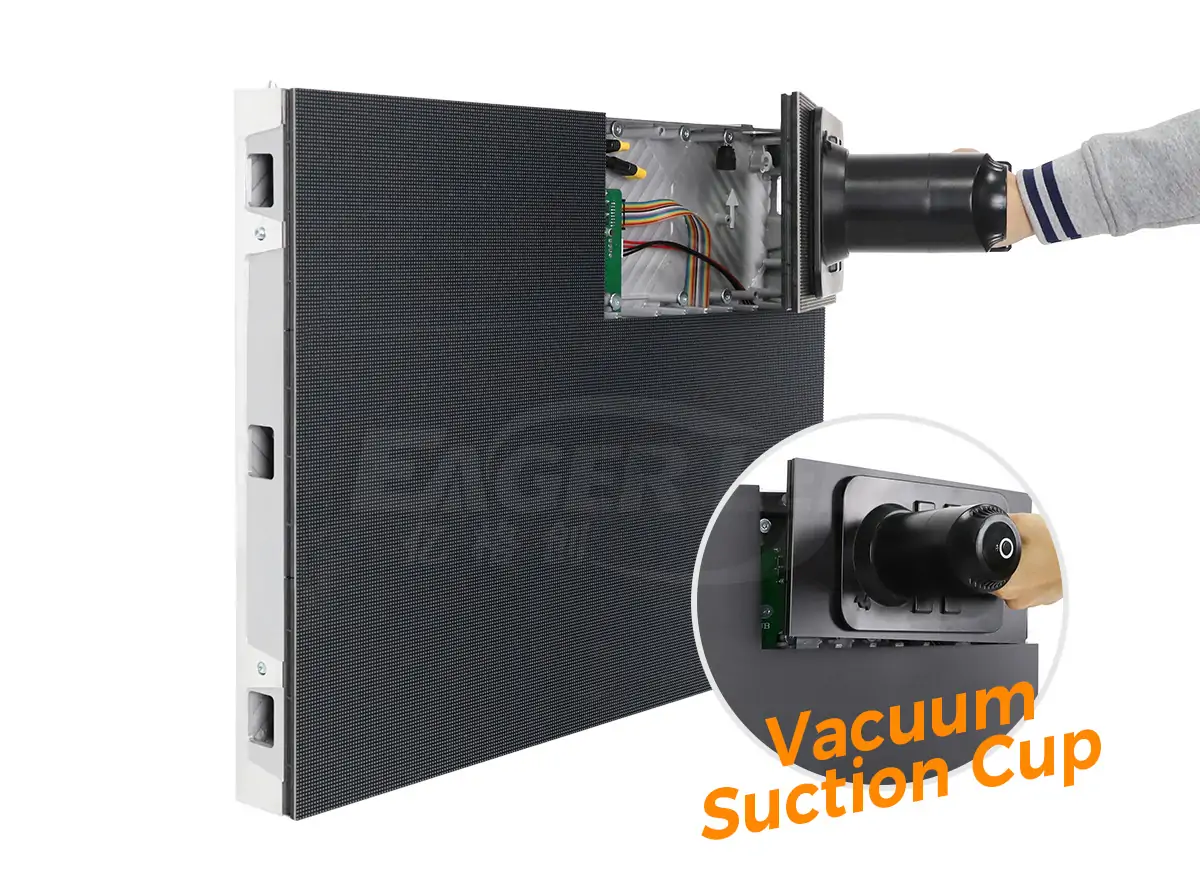
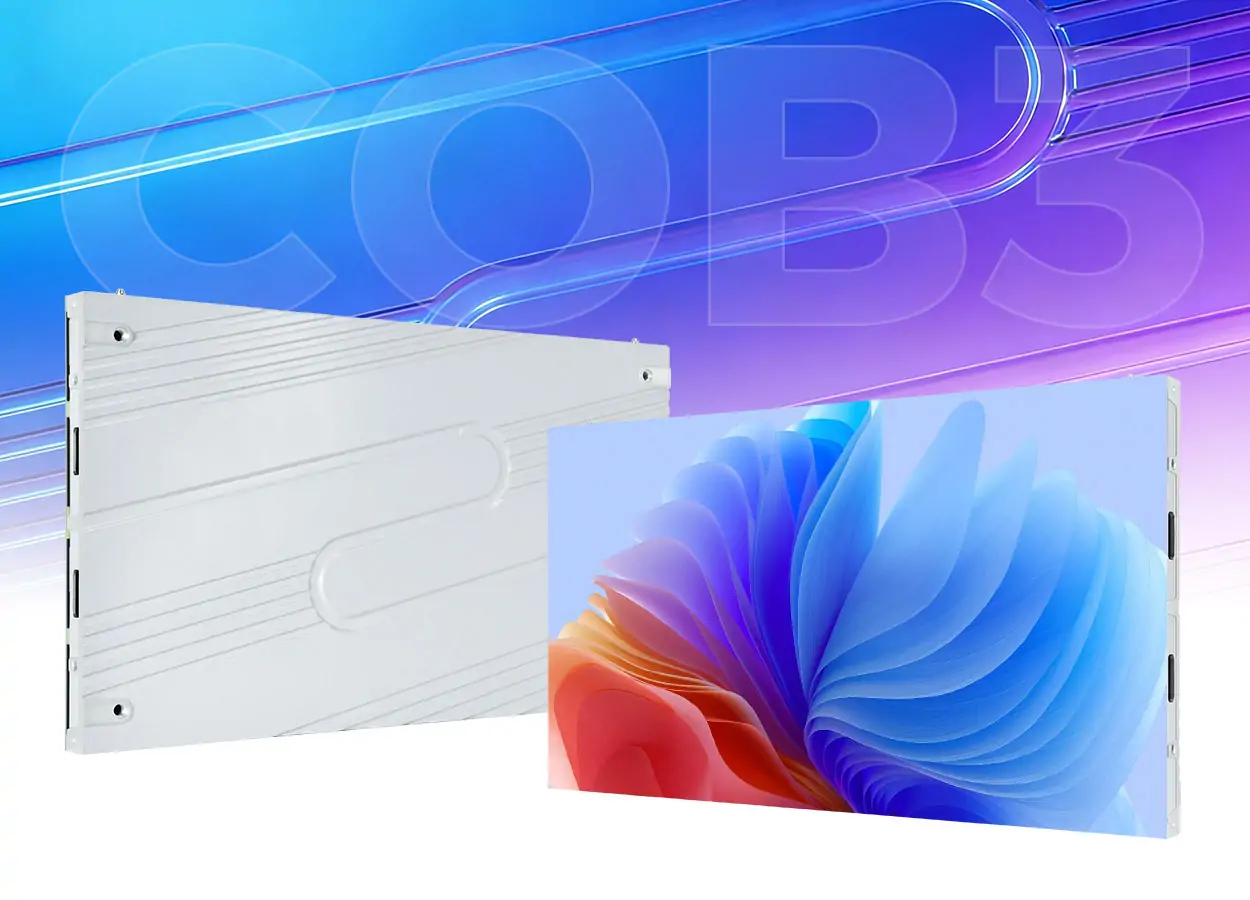
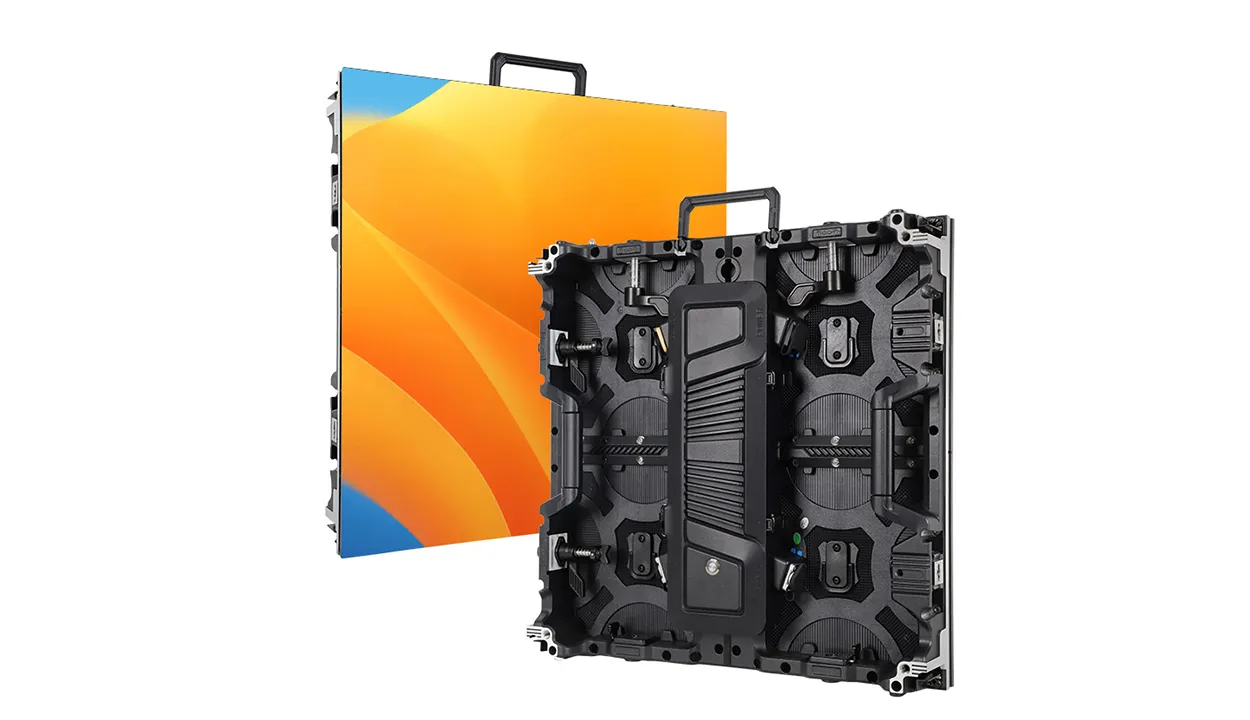
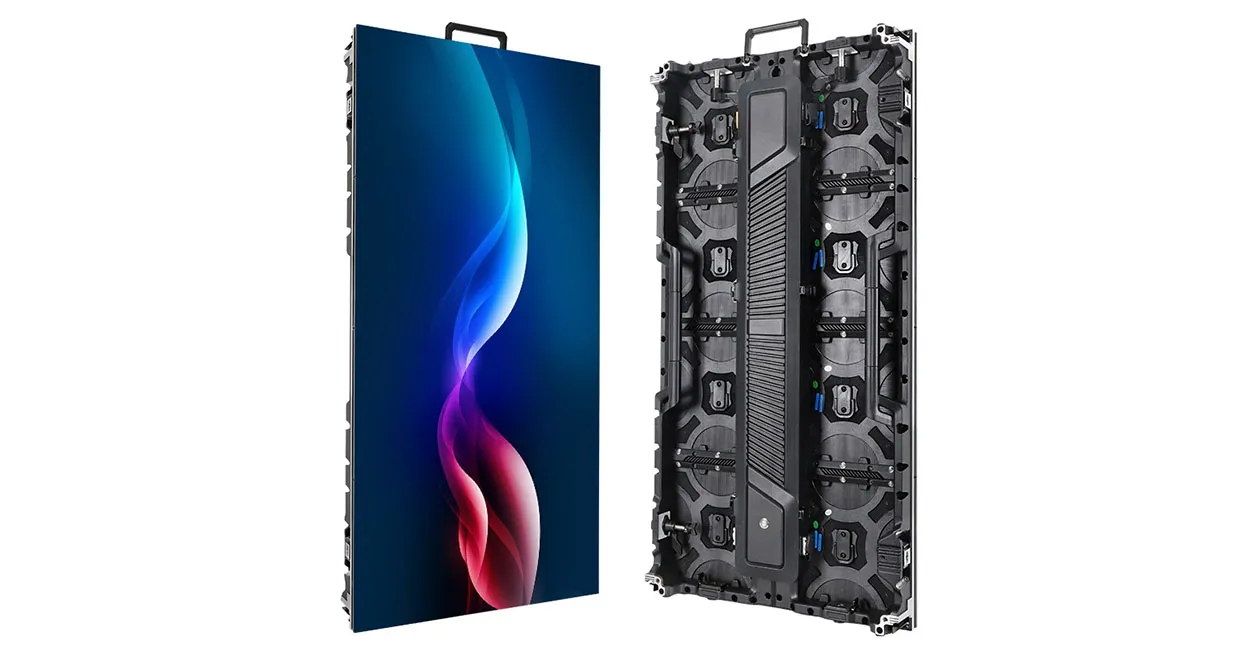
For a permanent bar LED display, evaluate cabinet alignment, structural integration, cable routing, and component replacement. EagerLED’s indoor LED screen range includes modular and front-service options; the appropriate configuration still depends on the project.
02. Counter-Front, Curved, and Custom Displays
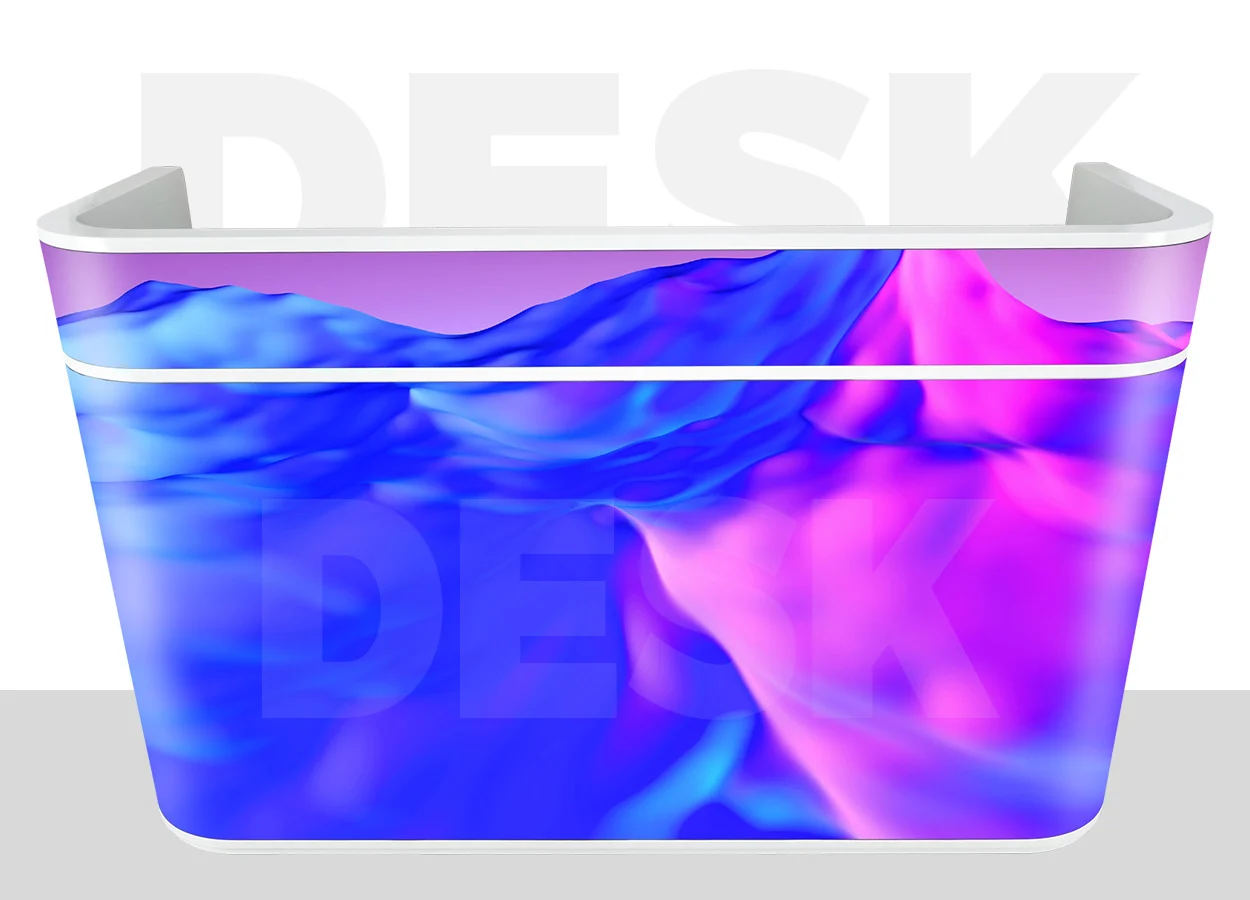
Counter-front screens work well for short branding sequences and visual patterns. They are less suitable for information that guests must read while people stand directly in front of the counter.
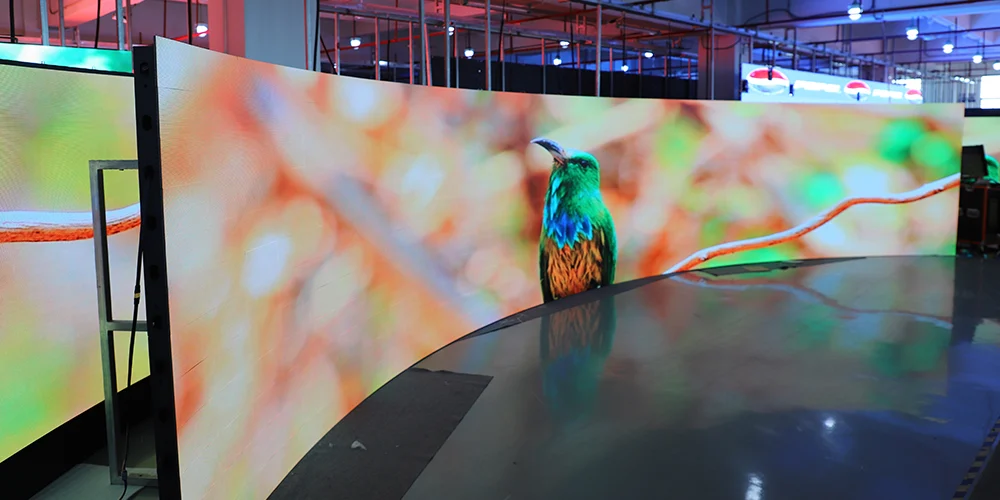
Curved and corner displays require compatible hardware and suitable content mapping. Do not assume a flat cabinet can bend or form a clean right angle.
| Display format | Appropriate task | Main constraint | Procurement check |
|---|---|---|---|
| Flat back-wall screen | Broadcasts and general video | Sightlines across the room | Native resolution and mounting position |
| Counter-front display | Branding and decorative content | Obstruction and accidental contact | Surface protection and replacement access |
| Curved display | Architectural integration | Cabinet geometry and content distortion | Permitted radius and mechanical design |
| Corner display | Content visible from adjacent areas | Image continuity around the corner | Corner construction and content layout |
| Temporary event screen | Seasonal or occasional use | Repeated handling and assembly | Rigging, transport, and connector suitability |

03. Fixed Installation vs. Rental
For a permanent bar LED display, prioritize dependable service access and integration with daily operations. For rental use, assess handling protection, locking mechanisms, transport cases, and assembly procedures.
A rental cabinet is not automatically unsuitable for permanent use. The decision should follow documented installation requirements rather than the product category alone.
3. How to Choose Screen Size and Placement
Start with a measured floor plan and representative guest positions. The right bar LED display must be visible from commercially important seating areas without obstructing circulation or compromising service access.
01. Match Dimensions to the Venue Layout
Record the available wall width, usable height, ceiling clearance, doorways, shelving, and nearby lighting. Include the complete installed assembly: cabinets, mounting frame, connectors, trim, and any required ventilation space.
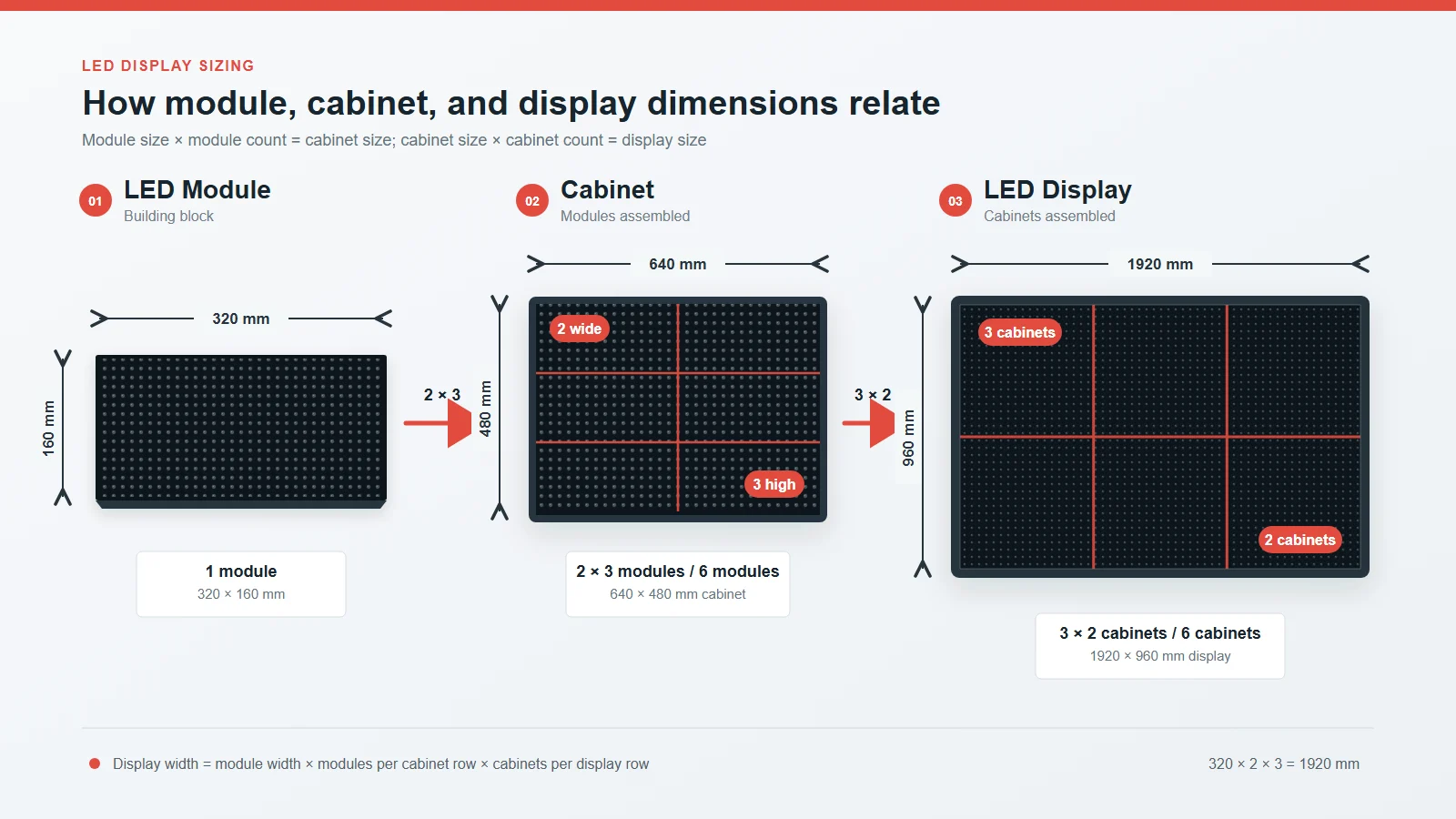
Check proposed dimensions against actual cabinet sizes. A requested architectural opening may not match a feasible cabinet layout.
Before approving the bar LED display, confirm whether the supplier’s dimensions describe the active image, cabinet assembly, or finished installation. These measurements are related but not interchangeable.
02. Check Sightlines and Mounting Height
Evaluate seated and standing eye positions. A display visible from an empty room may become obstructed when guests occupy the bar.
Mounting higher can improve visibility over people, but excessive height creates uncomfortable viewing angles for nearby seats. Structural columns and bottle shelving can also block part of the image.
Use a scaled elevation or temporary screen outline to assess the proposal before fabrication. For difficult layouts, a secondary screen may serve an obstructed seating zone more effectively than enlarging the main wall.
03. Choose an Appropriate Aspect Ratio
A 16:9 image area can simplify the presentation of conventional widescreen video. An unusually wide bar LED display may suit branding, but a single broadcast will require cropping, stretching, or unused space unless the layout accommodates it.
Approve sample layouts for every important operating mode. Check the full-screen picture, promotional sidebar, and multiview arrangement separately. The chosen screen should support the intended content composition.
4. What Pixel Pitch and Resolution Does Your Bar Need?
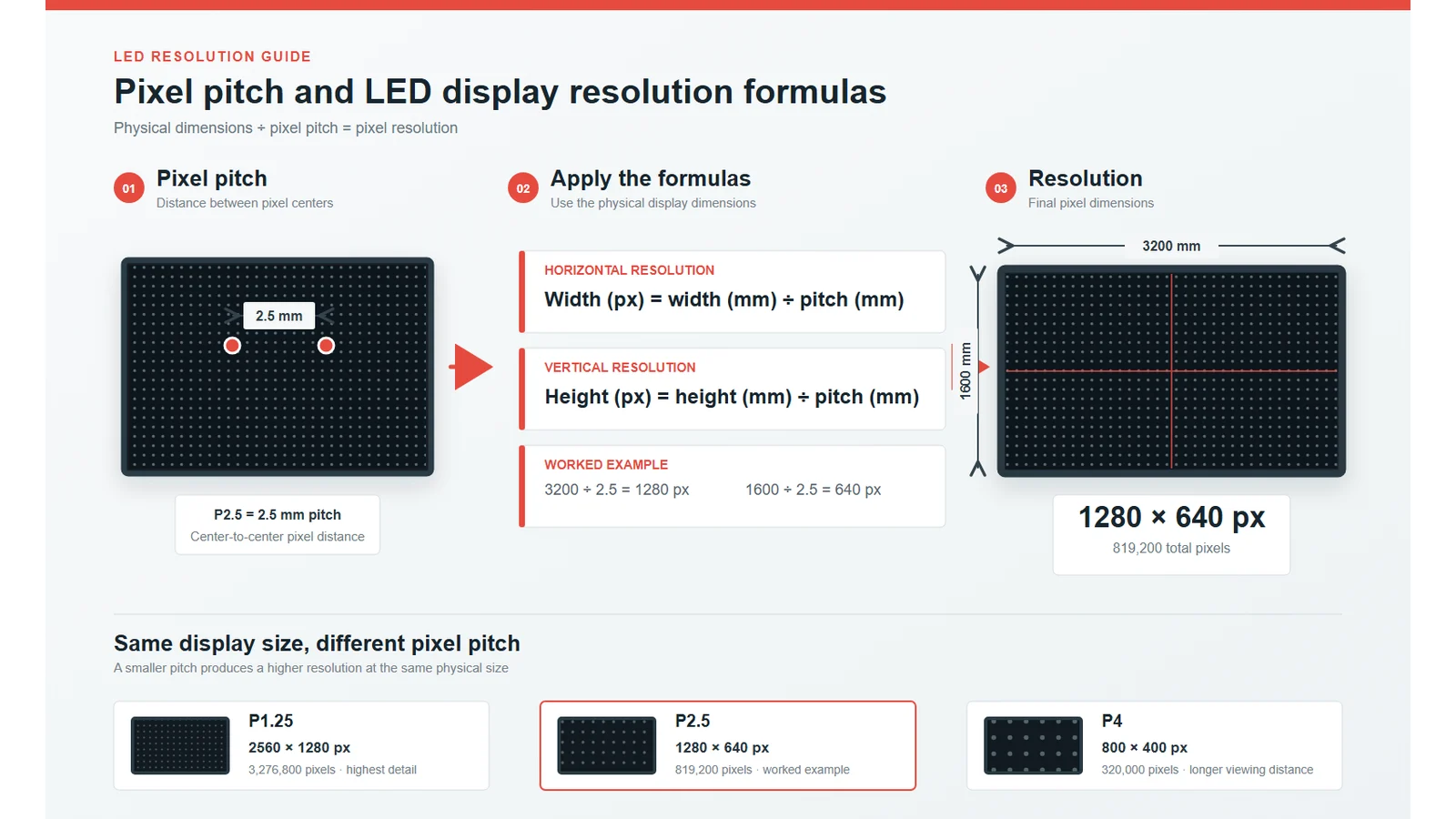
Pixel pitch is the center-to-center distance between adjacent pixels, measured in millimeters. A smaller pitch provides more pixels within the same physical area.
For a bar LED display, the useful choice depends on viewing distance, content detail, and budget. A nearby guest reading menu text creates a different requirement from a distant guest watching large moving images.
01. Match Pitch to the Closest Important Viewer
Begin with the closest regular viewing position, then assess the farthest seats. Smaller pitch generally makes the pixel structure less apparent at close range, but no single distance rule guarantees satisfaction for every viewer and content type.
Request a demonstration using representative material. Include scoreboard text, faces, subtitles, fine lines, and the venue’s actual graphics. View the sample at the proposed distance and brightness.
A bar LED display should be judged under realistic conditions; bright promotional footage alone can hide weaknesses in text reproduction and dark scenes.
02. Calculate Native Resolution
For a conceptual design:
Horizontal pixels = screen width in millimeters ÷ pixel pitch
Vertical pixels = screen height in millimeters ÷ pixel pitch
The following is a hypothetical calculation, not an EagerLED product specification. Assume a display measuring 4.8 × 2.7 m, approximately 15.7 × 8.9 ft.
| Hypothetical pitch | Calculated resolution | Total pixels | Design implication |
|---|---|---|---|
| 1.5 mm | 3,200 × 1,800 | 5,760,000 | More detail; greater processing load |
| 2.5 mm | 1,920 × 1,080 | 2,073,600 | Matches Full HD pixel dimensions |
| 3.0 mm | 1,600 × 900 | 1,440,000 | Lower resolution at the same physical size |
These calculations assume the stated dimensions and pitches can be constructed exactly. An actual proposal must use the selected modules’ integer pixel counts and feasible cabinet arrangement.
03. Separate Input Resolution From Display Resolution
Accepting a 4K source does not make a bar LED display a native 4K screen. The processor may scale that signal to a smaller pixel canvas.
Ask suppliers to state input compatibility, native wall resolution, and the resolution allocated to each content window. When four games share a screen, each receives only part of the available canvas.
Specify the resolution needed for the smallest important content element, rather than purchasing on the strength of an input-format label.
5. Which Display Specifications Matter Most?
Assess specifications as an operating combination. The bar LED display must produce a comfortable picture at the brightness, frame rate, and content settings the venue will actually use.
01. Brightness and Dimming
Maximum brightness, usually expressed in nits or cd/m², does not describe the entire viewing experience. A dim cocktail lounge needs different operating settings from a daylight-facing sports bar.
Request demonstrations at both daytime and evening settings. Check whether dimming preserves neutral colors, shadow detail, and smooth gradients.
Also inspect reflections. A brighter bar LED display cannot fully compensate for poorly positioned spotlights or strong reflections from nearby surfaces. Lighting coordination may improve the picture more effectively than increasing output.
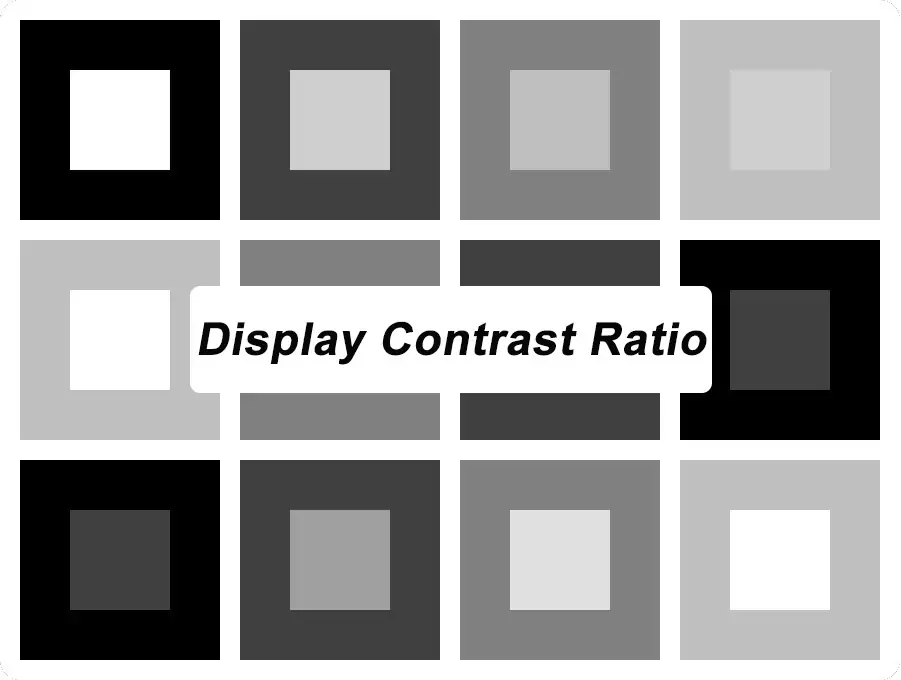
02. Contrast and Low-Brightness Image Quality
Dark scenes reveal problems that colorful demonstration reels can conceal. Examine near-black gradients, faces in shadow, and transitions between dark colors.
Request the conditions behind contrast claims. Ambient lighting and measurement methods affect comparisons, so numbers from unrelated test setups should not be treated as directly equivalent.
EagerLED’s EA250WH5 product page illustrates why model-level checking matters: configurations offer different pitches and options. The final purchase specification should identify the exact configuration being supplied.
03. Refresh Rate, Frame Rate, and Camera Behavior
Refresh rate concerns how the display drives its LEDs; source frame rate concerns the incoming video sequence. A high refresh-rate figure does not add motion information missing from the source.
For a bar LED display that guests will photograph, test with representative phones and cameras. Banding depends on interactions among the display’s driving behavior, brightness settings, and camera exposure. No isolated refresh-rate number guarantees artifact-free recording.
| Specification | What to request | What to verify |
|---|---|---|
| Brightness | Output range and dimming controls | Comfortable daytime and evening pictures |
| Grayscale | Available processing and operating settings | Smooth dark gradients at intended brightness |
| Refresh behavior | Performance for the quoted configuration | Camera tests under realistic exposure settings |
| Viewing angle | Published conditions and sample demonstration | Color and brightness from side seating |
| Power | Maximum input and stated operating assumptions | Electrical capacity and realistic energy estimates |
| Processing | Input formats, pixel capacity, and window functions | All planned content layouts |
6. LED Video Wall vs. TVs and Projectors for Bars
A bar LED display is most compelling when the project needs a large continuous image, modular dimensions, or integration into an unusual surface. Other technologies can be more practical for smaller or distributed viewing areas.
01. Compare the Visual Requirements
Televisions provide defined screen sizes and native resolutions. Several independently controlled TVs can suit a venue showing different programs in different seating zones.
Projection can create a large picture, but ambient light, the projection surface, and the optical path need careful planning. Guests or equipment may obstruct some installation arrangements.
A direct-view LED wall removes the projection path and can form a continuous image across cabinets. However, close viewing, cabinet alignment, calibration, and service planning still require attention.
02. Compare System-Level Tradeoffs
| Decision factor | Direct-view LED wall | Commercial LCD/TV | Projection |
|---|---|---|---|
| Physical format | Configured through module and cabinet layouts | Available in defined panel sizes | Depends on optics and projection surface |
| Large continuous image | No conventional LCD panel bezels | Tiled panels introduce borders | Possible with suitable installation |
| Native resolution | Determined by dimensions and pitch | Defined for each panel | Defined by the projector and operating mode |
| Ambient-light planning | Brightness and reflections require assessment | Brightness and reflections require assessment | Light on the image surface can reduce contrast |
| Service work | Requires component access and configuration records | Often involves panel or unit replacement | Depends on projector type and mounting access |
03. Choose by Seating Zone
The most effective system may combine technologies. A main LED wall can serve a large viewing area while commercial displays cover booths or rooms with restricted sightlines.
Do not assume every bar LED display installation needs to replace every existing screen. Evaluate each seating zone against its viewing task, then compare the cost and operational complexity of the complete arrangement.
7. How Different Bars Can Use LED Displays
Application planning determines which features deserve the budget. A bar LED display should have defined operating modes before the processor and content workflow are selected.
01. Sports Bars: Broadcasts and Multiple Sources
Sports viewing requires readable scores, reliable source switching, suitable motion reproduction, and coordinated audio.
Plan a primary-game mode and a multiview mode. Confirm how staff choose the main audio source and whether the system maintains acceptable synchronization between sound and picture.
Do not assume the LED controller can decode television services or create every requested window arrangement. Receivers, decoders, switching equipment, and processors have distinct roles.
02. Cocktail Bars: Menus and Promotions
A back bar LED display can show drinks, event schedules, and branded visuals. Test typography at the final output resolution; a design that looks clear on a laptop may become difficult to read after scaling.
Keep essential information in stable layouts. Rapid movement behind small text makes reading harder. Establish who updates pricing, approves promotions, and removes expired content.
Avoid placing operationally essential menus solely on a screen that guests may not be able to see.
03. Nightclubs and DJ Areas: Event Visuals
For entertainment applications, a bar LED display may use panoramic animations or content synchronized with a performance workflow.
Confirm the actual signal path between the media server, processor, and display. Decide whether staff require presets, scheduled playback, or live operator control.
Content should match the native canvas. Important logos and text need safe placement around corners, structural interruptions, and areas frequently blocked by equipment.
8. How Much Does a Bar LED Display Cost?
There is no reliable universal price for a bar LED display without a defined configuration. Screen area, pitch, cabinet construction, processing requirements, installation conditions, and support scope all affect the quotation.
01. Identify the Main Cost Drivers
Smaller pitch increases the number of pixels within a given area. It may also change module design, electronics, calibration requirements, and control-system capacity.
Custom shapes, special finishes, difficult access, and complex source layouts can add project work. Compare those requirements explicitly rather than assuming a price per square meter represents the finished system.
A lower-priced bar LED display may exclude equipment or services included elsewhere.
02. Budget Beyond the Cabinets
Use a common quotation schedule so each supplier prices the same scope.
| Budget category | Scope to identify | Question for the quotation |
|---|---|---|
| Display hardware | Cabinets, modules, receiving electronics, power supplies | What exact configuration is included? |
| Control equipment | Processor, sender, player, switching | Which inputs and layouts are supported? |
| Installation | Frame, mounting, cabling, labor, access equipment | Who designs and supplies each element? |
| Electrical work | Distribution, isolation, protection, connections | What must the local contractor provide? |
| Logistics | Packing, freight, insurance, import responsibilities | Which delivery terms apply? |
| Commissioning | Mapping, calibration, testing, training | What records and training are delivered? |
| Support | Spare parts, warranty terms, repair process | Who pays freight and provides on-site labor? |
03. Compare Operating Costs and Commercial Terms
Estimate energy using a documented operating scenario, not maximum power alone:
Energy in kWh = average operating power in kW × operating hours
Average consumption depends on content, brightness, and configuration. Ask how the supplier established the estimate.
For the bar LED display warranty, review exclusions, replacement procedures, spare availability, and response responsibilities. Identify whether support means remote advice, depot repair, replacement parts, or on-site attendance. Those services have different implications for a venue that depends on the screen during trading hours.
9. What Should You Check Before Installation?
Installation readiness should be documented before equipment arrives. A bar LED display connects architectural, structural, electrical, AV, and operational work; unclear responsibilities create avoidable delays.
01. Structural Support and Electrical Design
Have qualified project personnel verify the support structure, attachment details, and electrical arrangements for the actual assembly.
Include the frame, trim, cables, and service loads where applicable. Do not use cabinet weight alone as the complete structural design input.
Confirm supply compatibility, circuit planning, protective measures, grounding, and shutdown arrangements. An international product listing does not establish suitability for every local electrical installation.
02. Service Access and Environmental Exposure
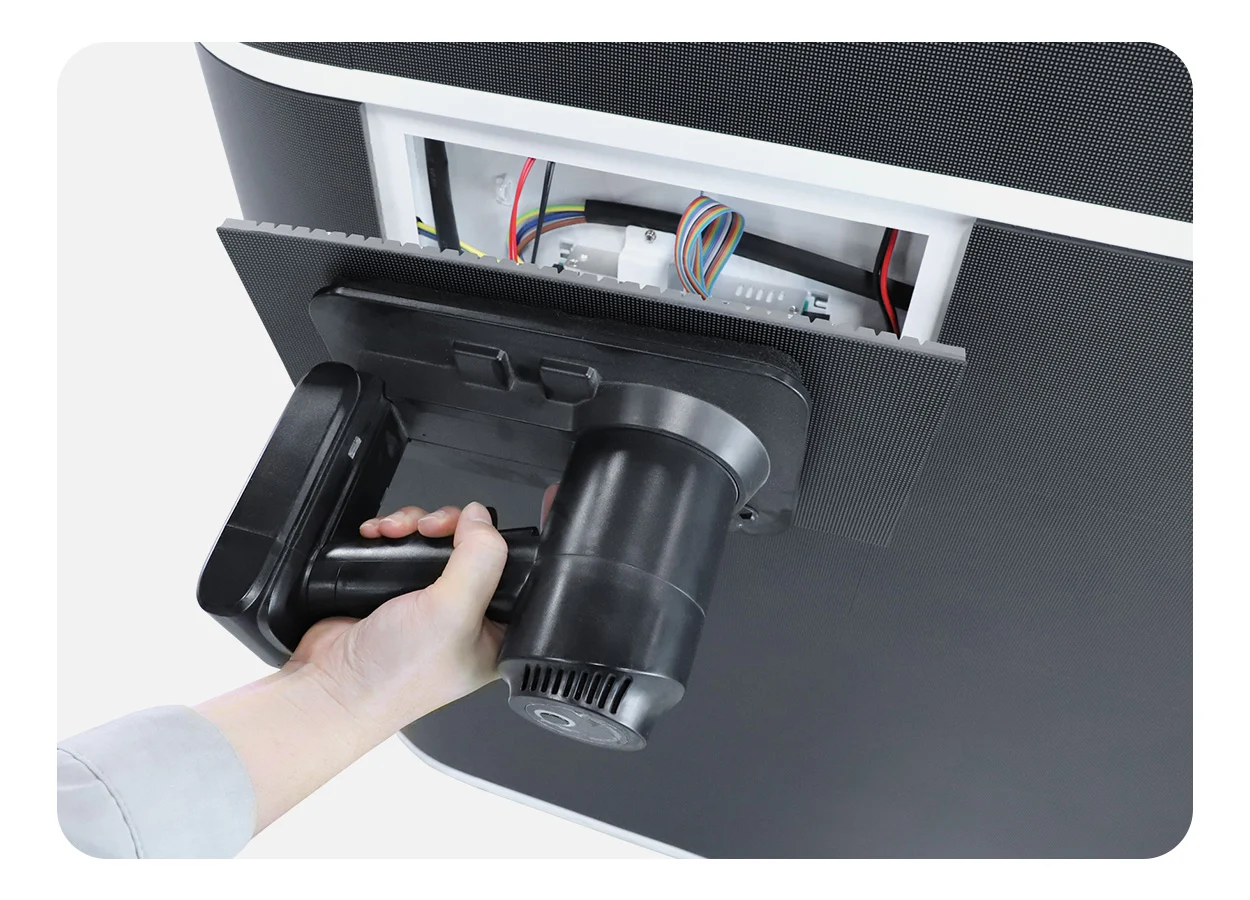
Front service can reduce dependence on a rear maintenance corridor, but it does not eliminate access requirements. A technician still needs space, tools, and a safe method for removing components.
Check that all relevant components—not just LED modules—can be accessed as proposed. Built-in shelves or decorative trim must not obstruct the repair path.
For a counter-facing bar LED display, assess cleaning chemicals, accidental impacts, drink spills, and condensation. An indoor designation or protective coating does not establish resistance to every exposure. Request documented protection conditions for the quoted assembly.
03. Commissioning and Handover
Agree on acceptance tests before shipment or installation. Include full-screen test patterns, actual broadcasts, menu graphics, source switching, audio synchronization, and recovery after a controlled restart.
Inspect uniformity from normal guest positions at both daytime and evening brightness. Check multiview layouts individually, including source labels and score graphics.
Handover should include cabinet maps, configuration backups, cable identification, spare inventories, operating presets, and escalation contacts. Record which settings staff may change and which require technical support. A successful installation leaves the venue able to operate the system consistently.
10. FAQ
Yes, when the complete system supports multiple simultaneous sources and the required window layouts. Confirm input capacity, decoding or switching equipment, processor functions, and resolution per window. A large screen connected to one basic player does not automatically provide multiview operation.
Sometimes, but expansion requires planning. Compatible cabinets, matching modules, structural capacity, power, and processor headroom must be available. Later production batches may differ visually. Record the expansion requirement during procurement and ask the supplier to explain availability and matching limitations in writing.
Yes, with an appropriately designed distribution system. Check output formats, cable distances, content protection compatibility, and delay across the different display paths. If adjacent screens show the same program, visible timing differences can distract viewers even when each screen works correctly.
Do not assume so. A display hardware purchase should be treated separately from commercial broadcast subscriptions and public exhibition permissions. Confirm the applicable rights with the authorized content provider for the venue’s location and intended use.
Use the manufacturer’s operating guidance and the venue’s maintenance policy. A planned shutdown schedule can reduce unnecessary operating hours, but the sequence must account for players, processors, and power distribution. Document restart behavior so the next shift can restore the intended layout reliably.
An indoor model should not be assumed suitable for weather exposure. Direct sunlight, water, temperature variation, and condensation can change the requirements. Describe the actual location and exposure to the supplier, including covered patios, open doorways, and window-facing installations.
Ask for a project-specific spare recommendation covering compatible LED modules, power supplies, receiving electronics, and relevant cables. Quantities should reflect installed size, failure consequences, repair logistics, and replacement lead times. Preserve configuration files and module identification alongside physical parts.
Request the final configuration, drawings, packing details, electrical information, operating instructions, warranty terms, and applicable product compliance documentation. Verify that documents identify the supplied model and configuration. Agree on delivery responsibilities and acceptance procedures before the purchase order is finalized.
11. Conclusion
The right bar LED display fits the venue’s content, sightlines, lighting, and service requirements. Compare proposals against the same screen dimensions, native resolution, controls, and installation scope. Send EagerLED your project requirements, including viewing distances, site photographs, sources, and access constraints, to request a model-specific configuration and quotation.
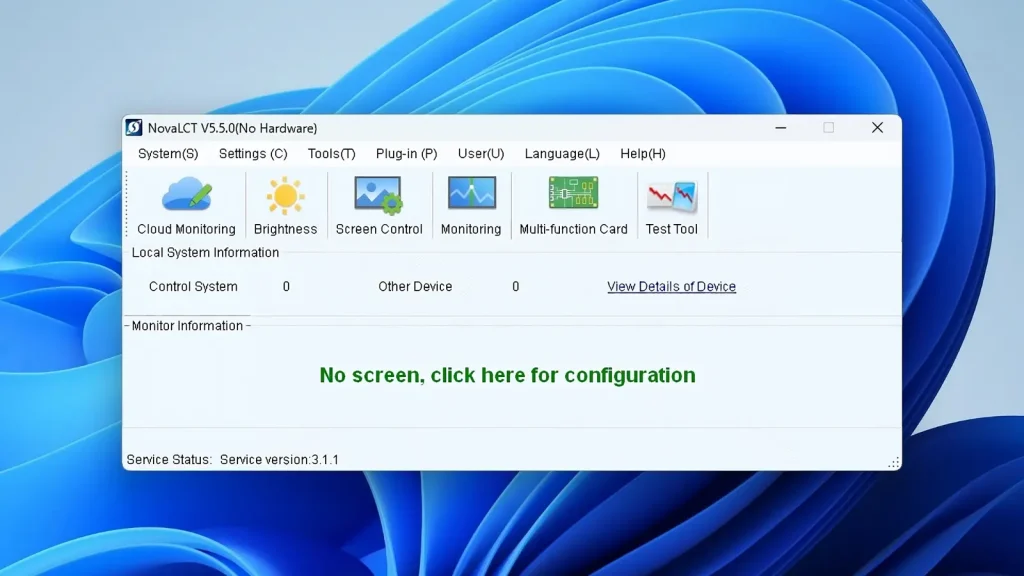
Complete NovaLCT Screen Configuration and Download Guide (2026)Related Posts
Fill In Your Needs In Detail
Fill in the screen usage scene and size you need in “Content”.You will get a quote.