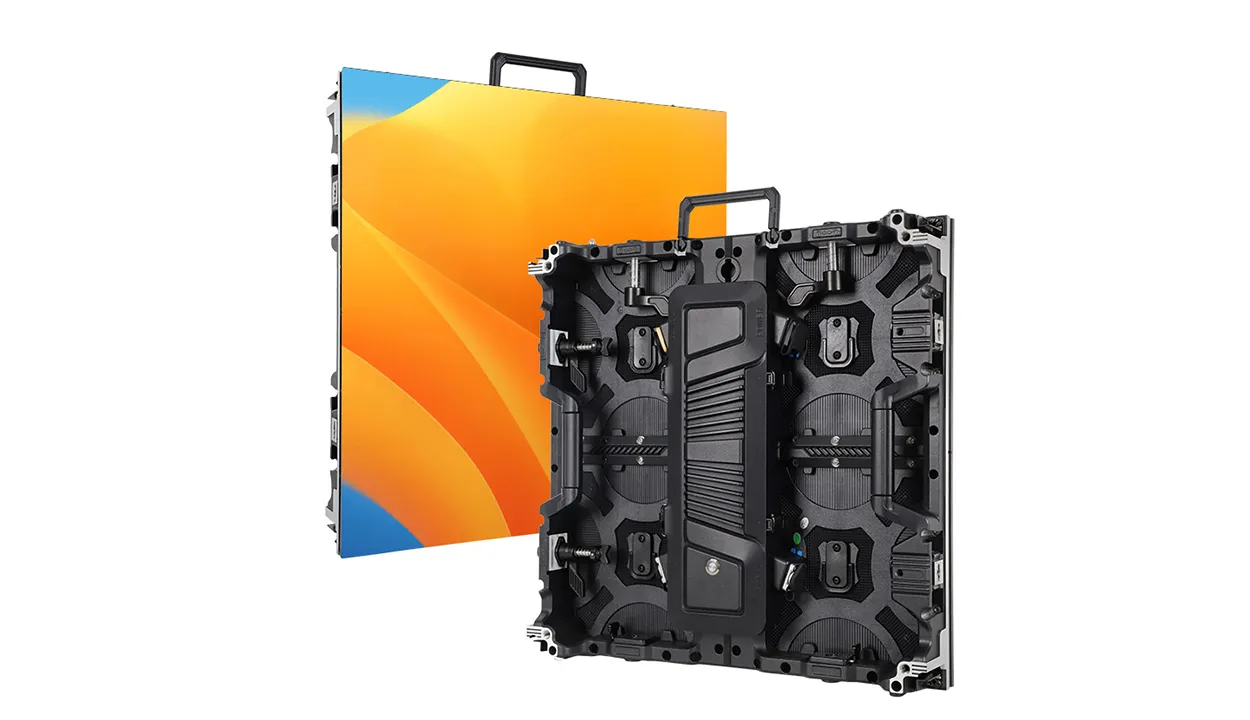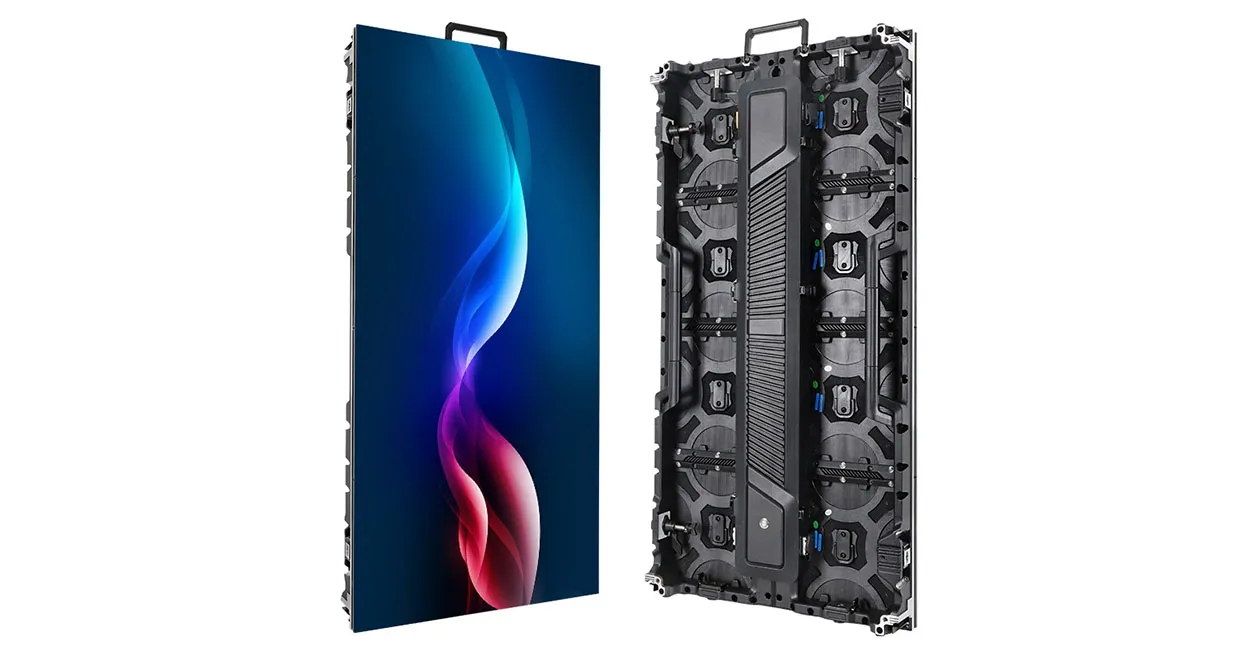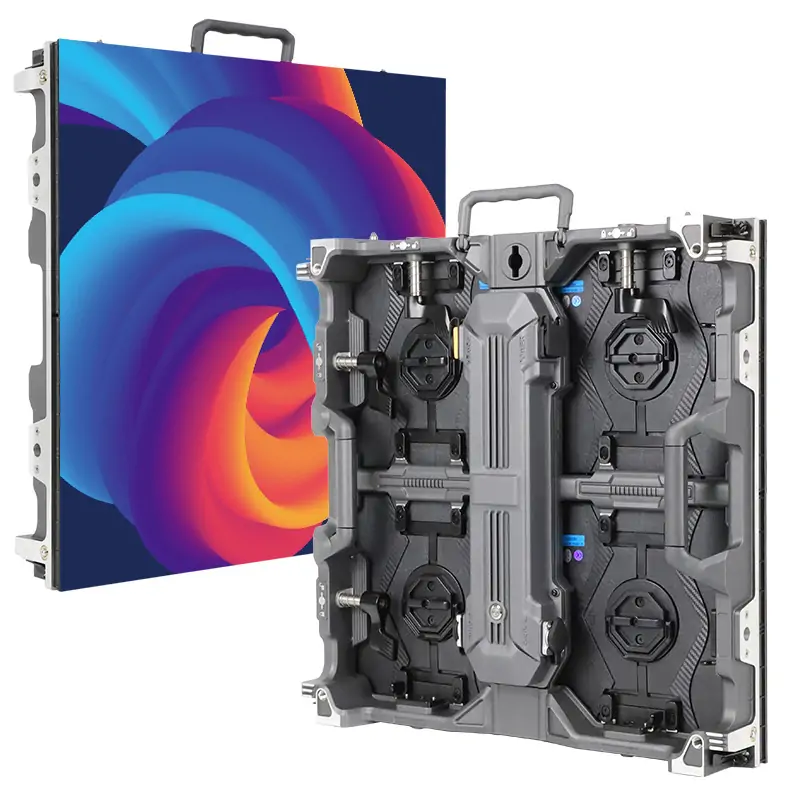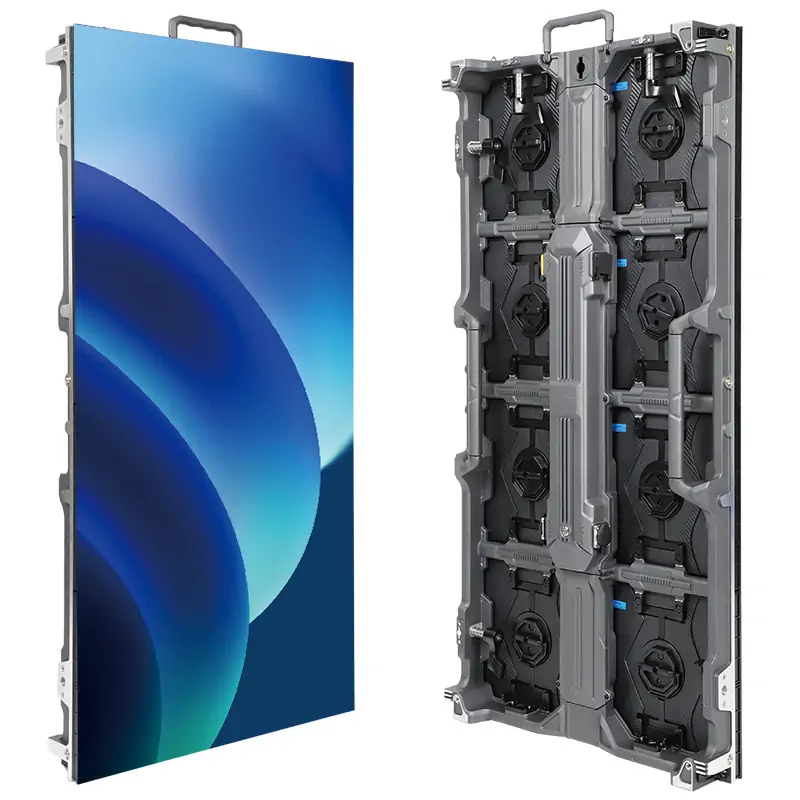
An LED podium display combines a speaker’s lectern with an audience-facing LED screen. It shows event branding, speaker names, images, and video while providing a surface for presentation materials. The best configuration depends on viewing distance, content, stage space, transport needs, and the complete purchase budget.
This guide is for AV buyers comparing equipment for conference venues and events. It explains the differences between a direct-view LED lectern, a podium fitted with an LCD monitor, and a lectern with decorative lighting. The EagerLED EA-PD provides a documented product example; its specifications should not be assumed to apply to every digital podium.
1. What Is an LED Podium Display?
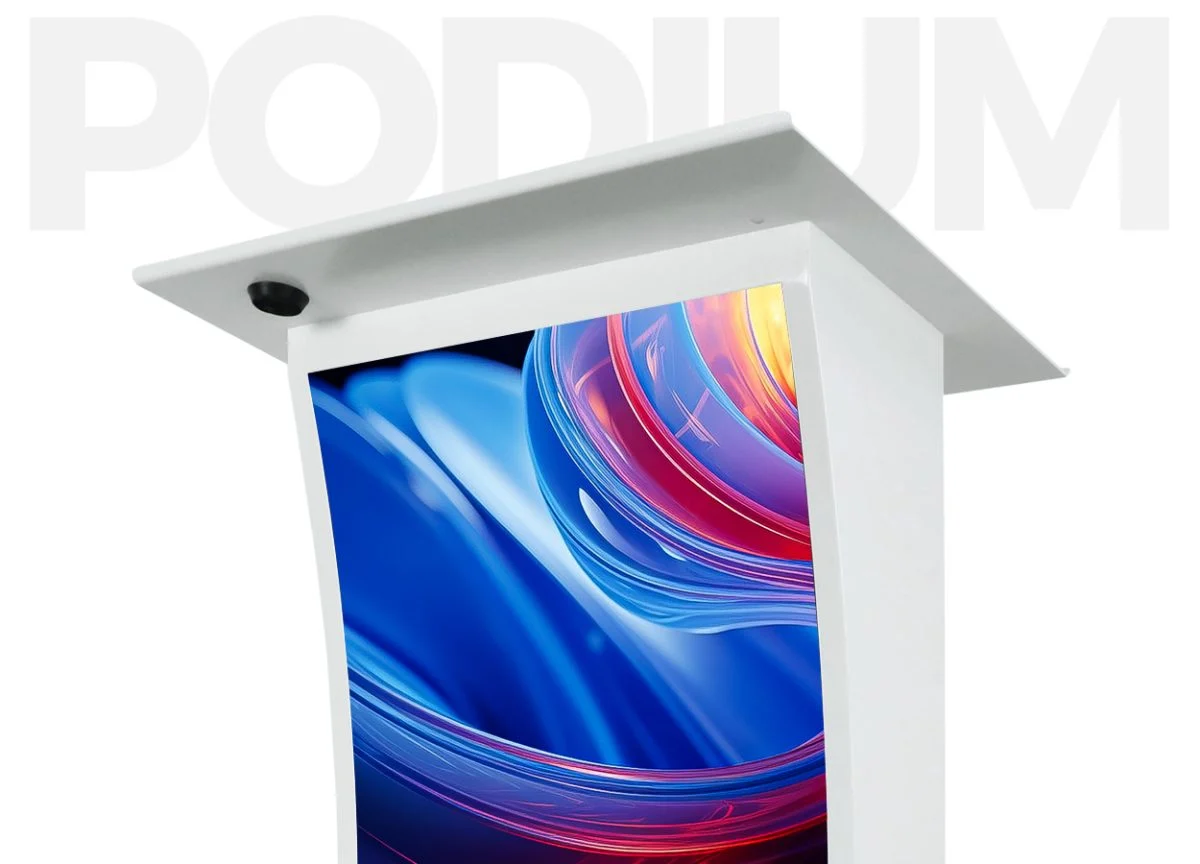
An LED podium display is presentation furniture with a built-in digital display on its front. In a direct-view model, LED modules create the visible image. A controller receives or stores content and maps it to the screen’s pixels. The lectern cabinet supports the display, electronics, work surface, and any included storage.
The audience-facing screen is usually intended for short, prominent messages. A logo or speaker name can work well on a narrow portrait canvas; a dense spreadsheet usually cannot. The presenter still needs a separate confidence monitor or laptop when private notes must remain visible from behind the lectern.
1.1 LED Screen Podiums vs. Other Lecterns
Product names can be confusing. An “LED-lighted podium” may have colored light strips but no video screen. A digital podium may use an LCD monitor with an LED backlight, which is different from a modular direct-view LED surface. Confirm the display technology before comparing quotations.
| Type | What it displays | Main buying check |
|---|---|---|
| Direct-view LED lectern | Images and video on LED modules | Native pixel resolution, surface protection, and service access |
| LCD screen lectern | Images and video on an integrated monitor | Monitor resolution, portrait support, cooling, and replacement access |
| LED-lighted lectern | Decorative illumination, sometimes behind a printed graphic | Whether it actually includes a programmable screen |
2. Key Benefits of an LED Podium Display
2.1 Change Branding Between Presentations
A digital front panel lets a venue replace a printed sign with approved graphics. The same lectern can serve different clients, sessions, and speakers when the content is prepared in advance.
- Reuse the podium across events: switch between a conference logo, university crest, or corporate identity without replacing the furniture.
- Identify the current session: display a speaker’s name, job title, or session heading in a simple portrait layout. Check readability from the audience’s actual viewing distance.
- Manage sponsor graphics: prepare approved layouts for each session and check logo proportions, colors, and display times with the event organizer.
- Simplify changeovers: name files clearly and arrange them in running order so the operator can select the correct graphic during rehearsal and the live event.
The practical benefit is controlled reuse with different visual identities. Advertising revenue or audience engagement still depends on the event, content, and commercial arrangements.
2.2 Combine the Screen and Work Surface
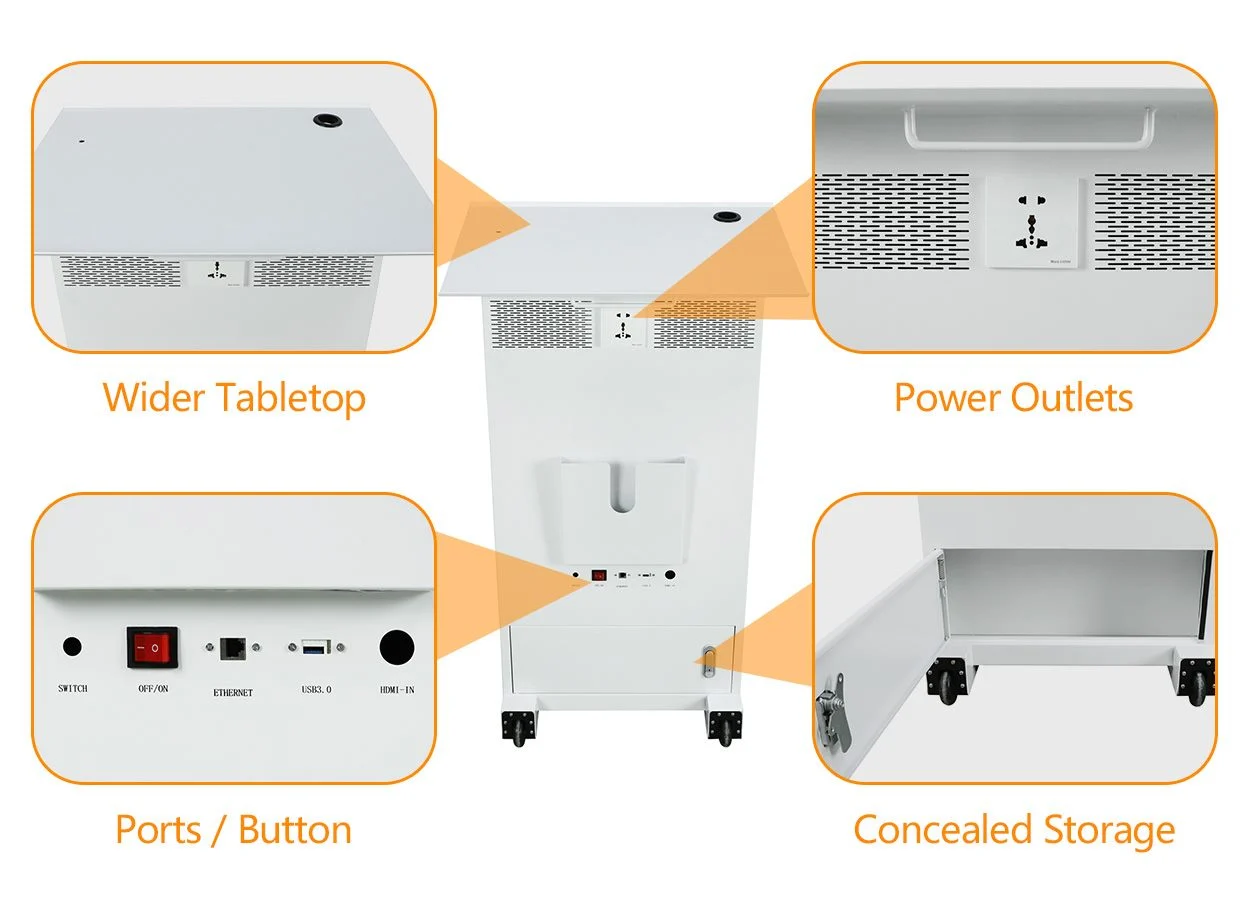
An integrated LED podium display brings the audience-facing screen and presenter’s work surface into one cabinet. EagerLED’s EA-PD includes a work surface, power outlets, data interfaces, and storage; confirm the exact supplied configuration before ordering.
- Organize presentation equipment: check that the desktop accommodates the laptop, notes, and any microphone base without crowding the speaker.
- Reduce separate stage items: an integrated front display may remove the need for a small branding sign beside the lectern. Detailed slides may still require a larger main screen.
- Plan cable routing: keep power and signal leads away from the speaker’s feet, leave ventilation openings clear, and allow access for troubleshooting.
- Confirm connections: verify socket format, outlet rating, data connectors, and controller functions. Microphones and sound equipment should be listed separately in the quotation.
2.3 Support a Repeatable Event Workflow
The value of the screen increases when the venue uses a consistent process for preparing and approving content.
- Create reusable templates: reserve fixed areas for a logo, speaker name, and short event title. Keep essential information away from the edges.
- Check the camera view: rehearse with the intended lighting, brightness, and camera settings so the display complements the speaker in recordings.
- Prepare a fallback: store a neutral event graphic locally and document how the operator restores it if the live feed fails.
3. Where Can You Use an LED Podium Display?
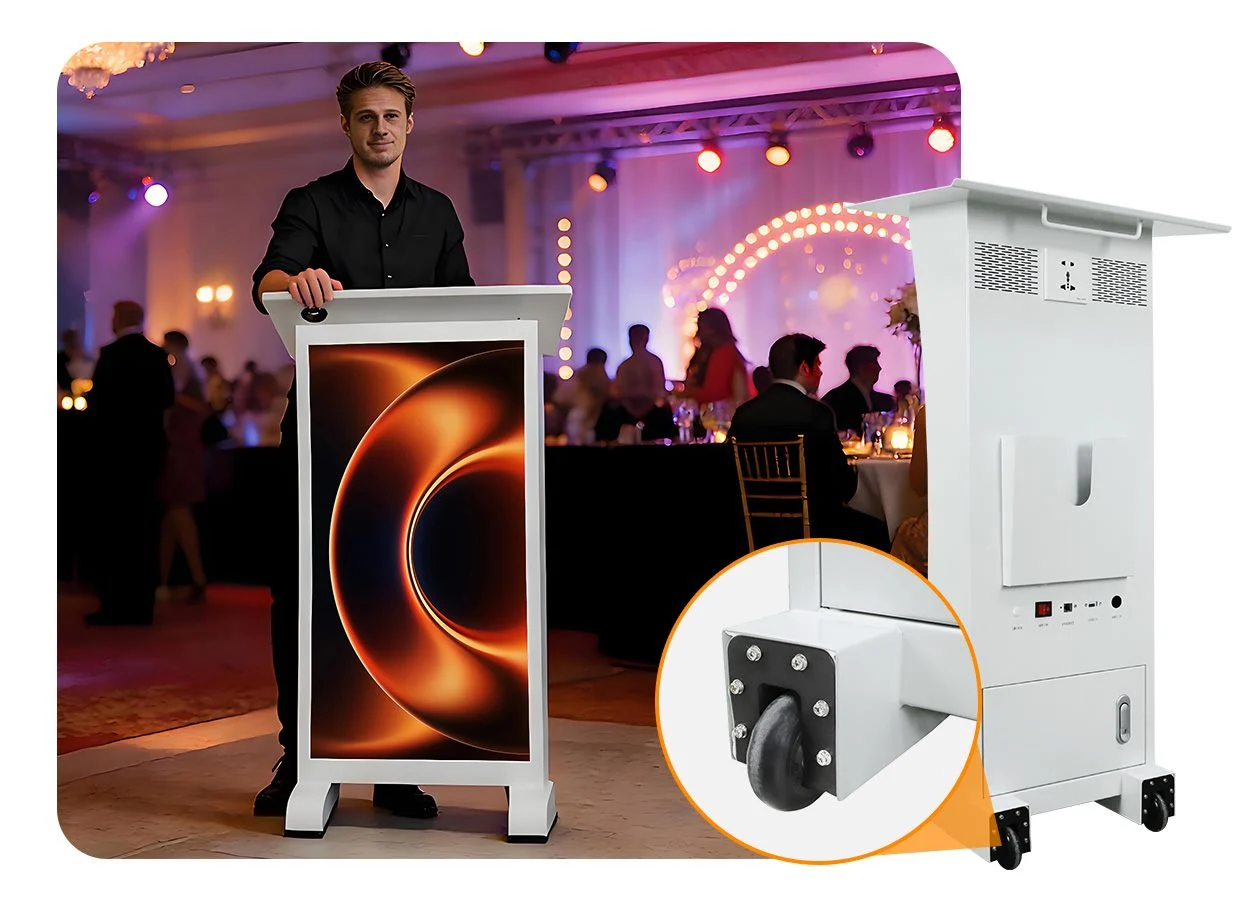
A conference LED podium display is most useful where the lectern remains visible to the audience or cameras. Confirm sightlines from the front rows and the back of the room. A small front panel may support branding while the main presentation remains on a larger stage screen.
- Conferences and corporate events: show the session name, company identity, or a restrained motion background.
- Hotels and exhibition venues: change the graphic for different clients and room bookings.
- Churches and religious venues: use a logo, service title, or short message without distracting from the speaker.
- Schools and universities: display institutional branding for lectures, awards, and graduation events.
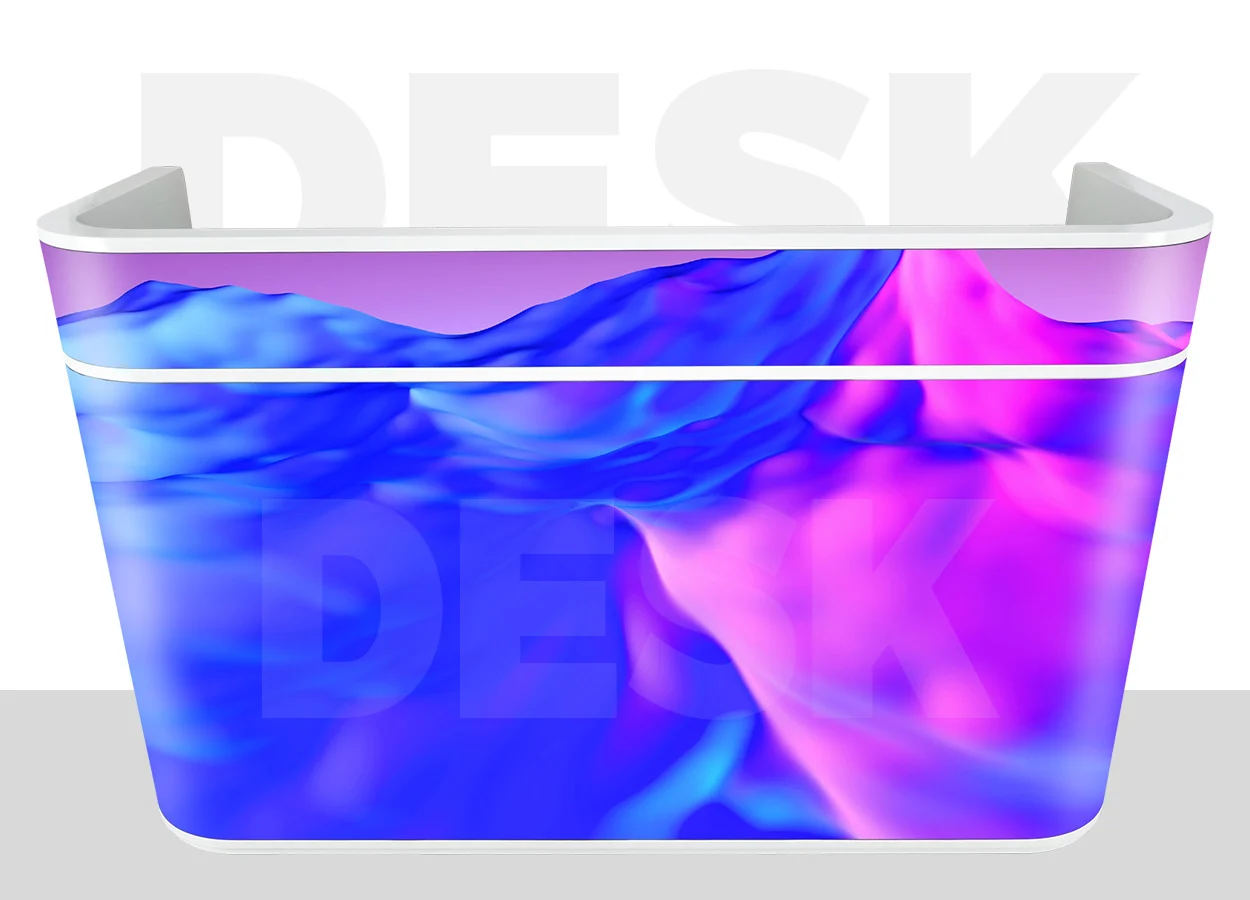
EagerLED lists these indoor applications for the EA-PD. Treat the promotional scene below as an application illustration, not evidence of a named customer installation. If detailed slides must be readable throughout a large hall, assess a separate main display alongside the podium.
4. LED Podium Display Specifications: What Matters?
4.1 Pixel Pitch, Screen Size, and Resolution
Pixel pitch is the distance between adjacent pixel centers, measured in millimeters. A smaller pitch normally places more pixels within the same screen area. However, viewing distance, letter size, graphic complexity, and camera framing determine whether the extra detail is useful. Use the pixel-pitch selection guide as a starting point, then request a demonstration with your own content.
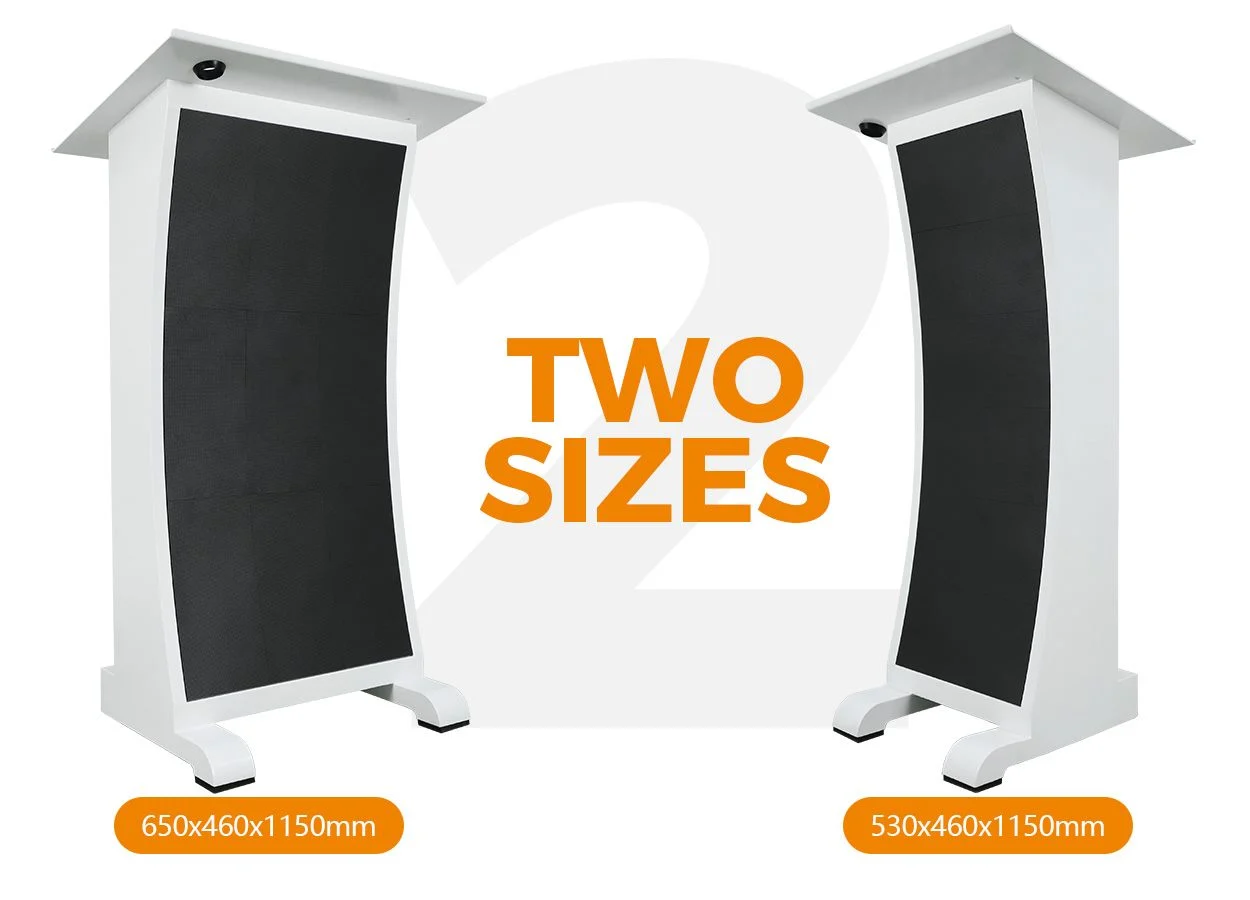
The following specifications come from EagerLED’s EA-PD product page, checked on November 3, 2026. The display widths are approximately 12.6 and 18.9 inches; both displays are 37.8 inches high. Confirm the selected configuration in the quotation.
| Model | Pixel pitch | Display size | Native resolution | Cabinet weight |
|---|---|---|---|---|
| EA-PD-P1.53-320 | 1.53 mm | 320 × 960 mm | 208 × 624 pixels | 24 kg / 52.9 lb |
| EA-PD-P1.53-480 | 1.53 mm | 480 × 960 mm | 312 × 624 pixels | 29.6 kg / 65.3 lb |
| EA-PD-P1.86-320 | 1.86 mm | 320 × 960 mm | 172 × 516 pixels | 24 kg / 52.9 lb |
| EA-PD-P1.86-480 | 1.86 mm | 480 × 960 mm | 258 × 516 pixels | 29.6 kg / 65.3 lb |
These are portrait displays, not native Full HD or 4K screens. A controller may accept a higher-resolution input and scale it, but input compatibility does not increase the physical pixel count. Use the exact native resolution when preparing final artwork.
4.2 Brightness and Camera Performance
The EA-PD specification lists 600 nits brightness and a refresh frequency of at least 3,840 Hz. These are model-specific figures. Set brightness for the room and camera exposure; running at maximum brightness can make the panel dominate the speaker or clip highlights in recordings.
A high refresh specification alone does not guarantee a clean camera image. Test the LED podium display with the intended camera, shutter settings, shooting distance, and dimming level. Look for banding, moiré, and loss of detail before accepting a configuration for broadcast work.
4.3 GOB Protection and Service Access
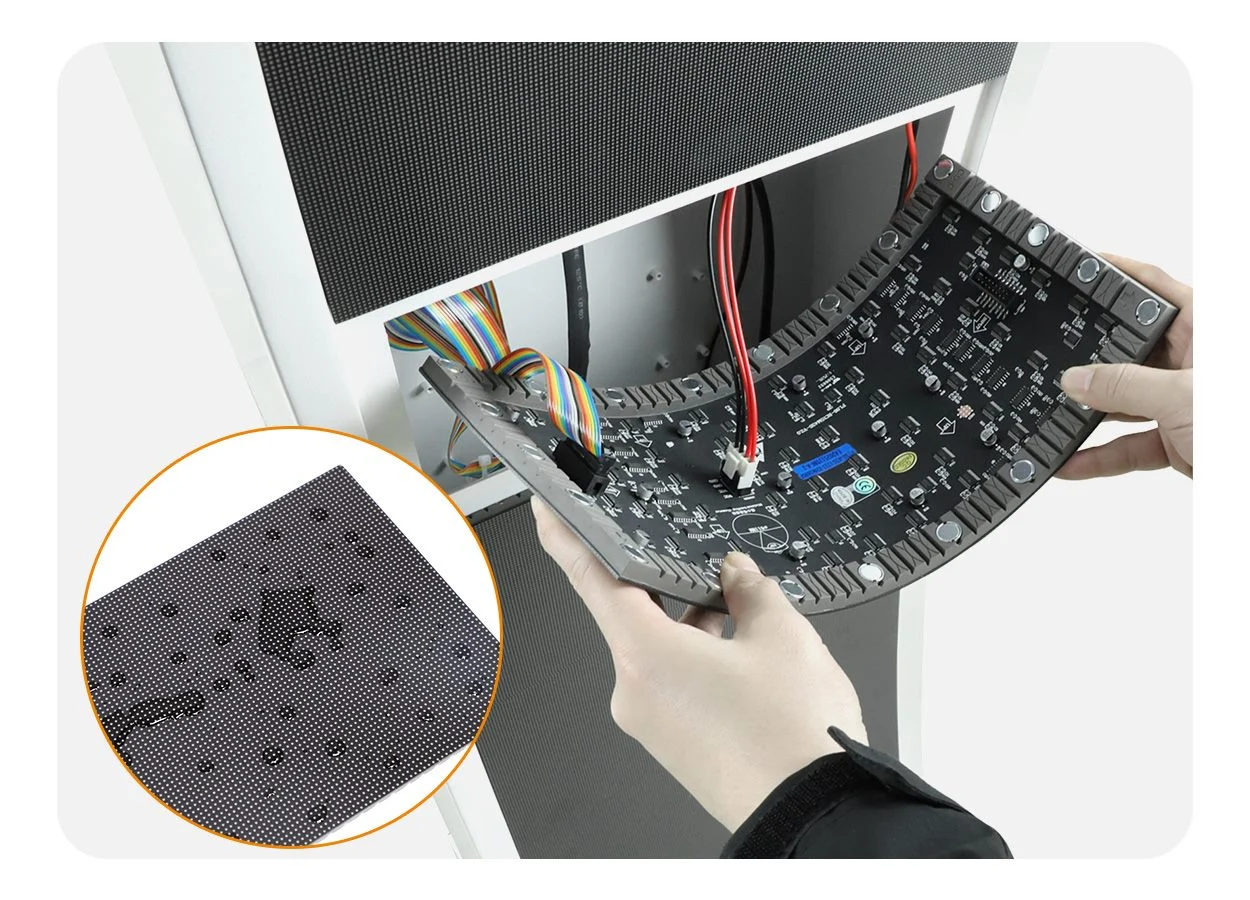
GOB means glue-on-board encapsulation over the LED surface. EagerLED describes its EA-PD modules as protected against everyday impact, dust, and moisture. This protection does not make the entire cabinet suitable for rain, washing, or rough handling. The EA-PD is marketed as an indoor product.
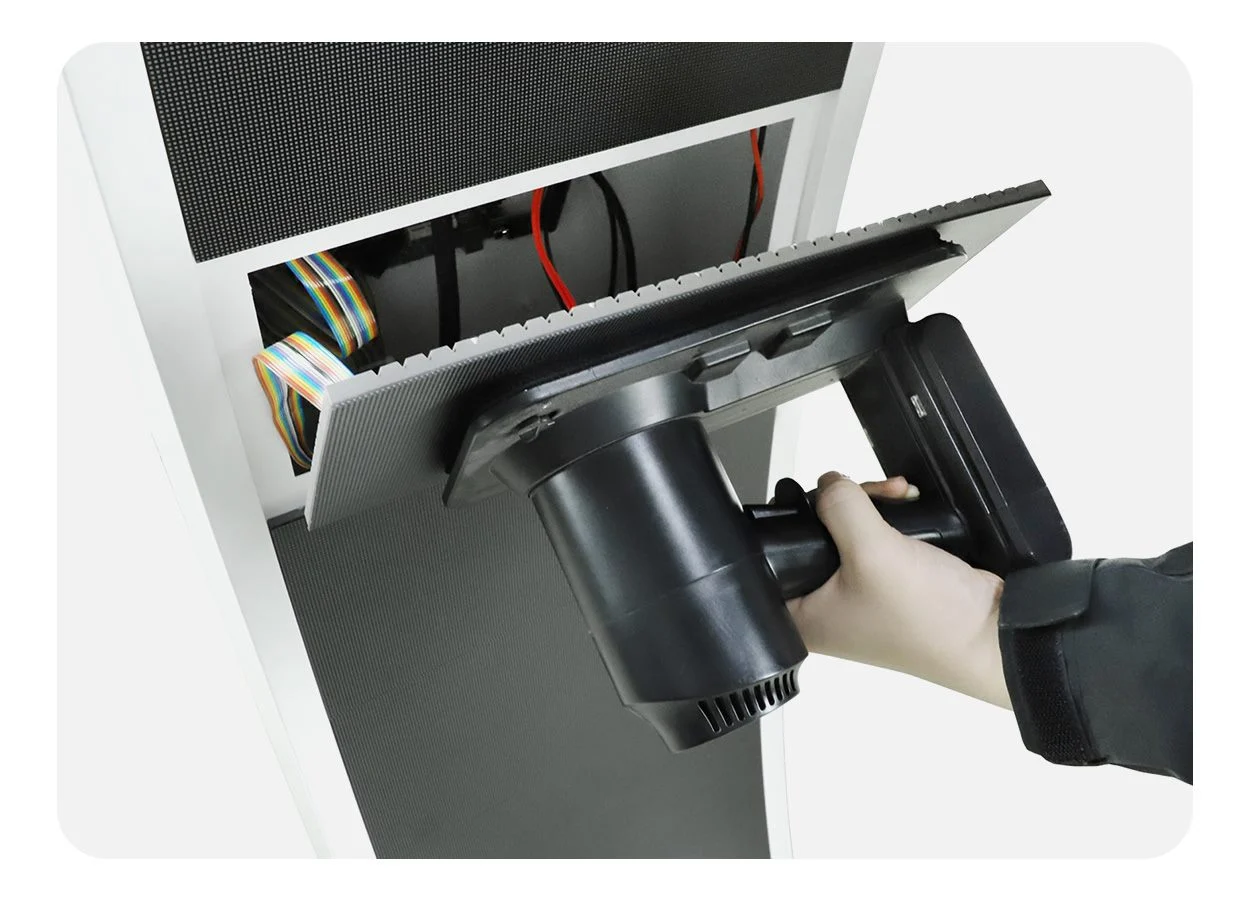
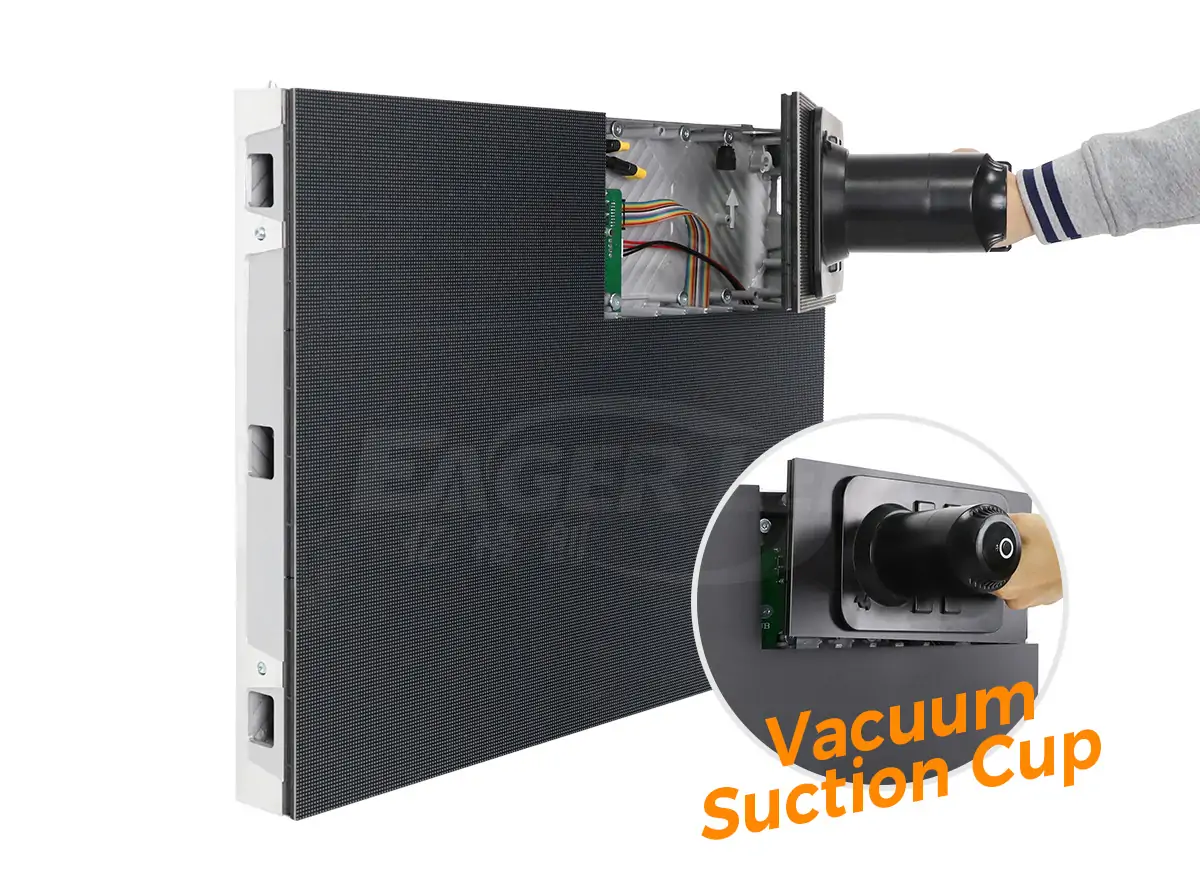
Front-service modules allow access from the display face. Ask which tools are required, how replacement modules are matched, and whether trained staff can replace a module without disturbing adjacent panels. The LED display module guide explains why dimensions alone do not establish replacement compatibility.
5. How to Choose the Right LED Lectern Display
5.1 Check the Venue and Presenter Requirements
Start with a project brief covering the room, content, presenter, and stage. Assess the lectern as working furniture as well as a display.
- Viewing conditions: record the nearest and farthest viewers, room lighting, and camera position. Request a demonstration with the smallest text you plan to use.
- Stage footprint: measure the available area and leave room for the speaker, cables, nearby equipment, and circulation.
- Presenter comfort: check laptop size, working height, access to controls, and any accessibility requirements. Confirm whether a separate confidence monitor is needed for private notes.
- Content format: ask for the native pixel resolution and prepare a portrait test graphic. A high-resolution input specification does not establish the screen’s native resolution.
The EA-PD cabinet sizes are 530 × 460 × 1,150 mm and 650 × 460 × 1,150 mm, approximately 20.9 × 18.1 × 45.3 inches and 25.6 × 18.1 × 45.3 inches. These published models have a stated fixed height. If height adjustment is required, request a separately documented option.
5.2 Evaluate Movement, Storage, and Support
A portable LED podium display needs more than wheels. Assess the complete route from storage to the stage and, where relevant, into the transport vehicle.
- Access route: check doorway widths, lift dimensions, ramps, thresholds, and floor surfaces. Moving a unit on a level floor is different from lifting it over stairs.
- Transport protection: specify suitable cases or packaging, restraints, and a handling plan. Ask for packed dimensions and shipping weight rather than relying on cabinet weight alone.
- Storage: allow space for the podium, case, spare modules, and cables. Follow the supplier’s storage conditions and protect the display face from contact with other equipment.
- Repair support: request spare-module availability, service instructions, and controller configuration backups. Confirm how replacement modules are matched to the original display.
- Warranty scope: clarify the coverage period, exclusions, response process, labor, and responsibility for repair freight. Ask whether on-site support is available for your location.
5.3 Agree on an Acceptance Checklist
Before approving the order, turn the project brief into checks that both your team and the supplier can follow.
- Confirm the hardware: record the model, screen size, native resolution, cabinet finish, supplied controller, and accessories.
- Test your workflow: demonstrate the required playback method, input switching, and restart behavior using your own sample files.
- Inspect the display: review text clarity, color consistency, brightness adjustment, and camera performance under representative conditions.
- Complete the handover: obtain manuals, approved content files, configuration backups, spare-parts details, and a named support contact.
EagerLED’s indoor LED screen range can also help buyers consider a separate main display. Keep that equipment scope distinct from the podium.
EagerLED’s factory video shows several EA-PD podiums undergoing an aging test. Use it alongside the acceptance checklist, and request test records and a demonstration for your own ordered configuration.
6. LED Podium Display Price: What Affects the Cost?
There is no single useful LED podium display price without a defined configuration. The reviewed EA-PD page requests a quotation and does not publish a fixed selling price. Ask for a dated, itemized quote in your preferred currency rather than treating an unrelated marketplace listing as the price of this model.
The main cost drivers are screen area, pixel pitch, cabinet construction, controller capabilities, finish, accessories, and order quantity. A custom LED podium display may also require engineering, sample approval, and different packaging. These additions should be visible in the proposal.
| Cost item | What to confirm |
|---|---|
| Complete podium | Exact model, screen resolution, cabinet finish, and quantity |
| Control and playback | Controller, supported inputs, software, and any recurring fees |
| Accessories and spares | Cables, service tools, matched modules, and protective case |
| Delivery | Packing, freight, insurance, taxes, duties, and delivery terms |
| Commissioning and support | Content setup, training, warranty coverage, and repair freight |
Compare the total delivered cost against the same checklist. A lower equipment price can exclude the controller or transport case needed for your workflow. Likewise, an expensive configuration is not automatically more suitable if its extra resolution or connectivity will never be used.
Estimate energy separately from purchase cost. EagerLED lists average consumption of 30 W for the narrower EA-PD and 50 W for the wider version, with maximum figures of 90 W and 140 W. Actual use varies with content and brightness. For illustration, 50 W over eight hours equals 0.4 kWh; multiply by your electricity rate. This calculation is not a measured operating guarantee.
7. Buying vs. Renting an LED Podium Display
Renting can suit occasional events with local delivery and technical support. Buying can suit repeat bookings when the venue has staff and space to manage the equipment. Compare the complete service scope as well as the equipment cost.
7.1 When Renting Makes Sense
- Infrequent use: a small number of events may not justify owning, storing, and maintaining a dedicated podium.
- Changing requirements: different venues or clients may need different cabinet sizes, finishes, or control arrangements.
- Limited in-house support: a rental package can include delivery, setup, rehearsal assistance, and collection. Confirm each service rather than assuming it is included.
- A trial before purchase: using a comparable unit at an event can reveal practical issues with sightlines, content design, and presenter comfort.
Request an LED podium display rental quote for the complete booking period. Include rehearsal time, delivery and collection windows, technician hours, overtime, cancellation terms, and damage liability. Check the exact model and any permitted substitutions before committing.
7.2 When Buying Makes Sense
- Regular bookings: ownership can suit a venue with a predictable calendar and repeated demand for the same configuration.
- Consistent branding: an owned unit can retain approved templates and settings, reducing the amount of setup required for repeat events.
- Available staff and storage: assign responsibility for content, transport, inspection, and maintenance, and provide a suitable place to keep the equipment.
- A defined long-term requirement: confirm that the screen, work surface, and inputs will meet expected needs throughout the planned ownership period.
Ownership also brings repair costs and the risk of downtime. Keep spare parts and support arrangements appropriate to the event schedule, especially when the podium is needed for consecutive bookings.
7.3 Compare Total Costs on the Same Basis
Use a realistic planning period and compare equivalent equipment and services.
- Calculate ownership cost: include purchase, shipping, cases, storage, expected maintenance, insurance where applicable, and staff time. Deduct only a residual value you can reasonably support.
- Calculate rental cost: add complete event quotations, including transport, rehearsal days, setup, and technical support.
- Test different booking levels: compare lower, expected, and higher usage. Ownership costs remain even if planned events are cancelled.
- Consider availability and downtime: assess local rental supply and the backup arrangements available if owned equipment needs repair.
There is no universal break-even event count. For a simple estimate, divide fixed ownership costs by the difference between an all-inclusive rental cost per event and your own operating cost per event. Use this only when the service scopes match and that difference is positive; then check the result against the actual event calendar.
8. How to Set Up and Manage Display Content
8.1 Confirm Power and Playback Connections
Place the LED podium display on a stable surface, secure it according to its instructions, and inspect cables before connecting power. The EA-PD specification lists AC 100–240 V, 50–60 Hz input. Confirm the delivered power lead, grounding requirements, circuit capacity, and the rating of any auxiliary outlets with the supplier and venue team.
Check the installed controller’s manual for HDMI, USB, Ethernet, and wireless functions. A connector shown in a cabinet drawing does not prove every playback mode is supplied. Stored playlists and live computer input are different workflows; test the one required for the event, including recovery after power loss.
The following EagerLED EA-PD user guide demonstrates one control-system configuration. Confirm the controller supplied with your unit and follow its matching instructions when preparing and transferring content.
8.2 Prepare and Test the Content
Create graphics at the native screen resolution, preserve the portrait aspect ratio, and keep essential text away from the edges. Use strong contrast and a small number of large elements. Check the design on the actual panel instead of judging it only on a laptop.
- Load an approved logo, speaker-name layout, and neutral fallback image.
- Check scaling, cropping, orientation, and the brightness setting.
- Test transitions and any live video during rehearsal.
- Confirm that the intended content returns after a restart.
- Save the final media files and configuration with the event handover notes.
Assign one operator to content changes during the session. Keep a local backup of approved material and record how to restore it. This makes the LED podium display easier to reuse when a different technician handles the next booking.
9. FAQs
10. Conclusion
Turn your requirements into a short acceptance brief before requesting quotations. Include a sample graphic, viewing distances, stage dimensions, transport route, and the connections your team needs. Ask each supplier to demonstrate that exact workflow and identify every exclusion in writing. To discuss an LED podium display with EagerLED, send your project requirements and request a configuration-specific proposal. Keep the approved specifications and content files with the equipment for future events.
 Mini LED vs QLED: Key Differences and Which Is Better?
 Front Service LED Wall Planning: An Integrator’s Guide
Related Posts
Fill In Your Needs In Detail
Fill in the screen usage scene and size you need in “Content”.You will get a quote.