LED screen lifespan is normally stated as the number of operating hours until the LEDs fall to a set share of their starting brightness, usually 70% (L70) or 50% (L50), not the hours until the screen stops working. A rating only means something when you also know that threshold, the temperature and drive current it was measured at, and how it was projected. In practice, the power supplies, connectors and color uniformity of a screen usually need attention well before the LEDs reach their rated hours, so service life depends as much on design, cooling and maintenance as on the LEDs themselves.
This guide is written for AV integrators and rental companies budgeting an LED purchase and trying to judge how many years of use they will get from it. It explains what lifespan figures measure, how to convert hours into years for your duty cycle, which parts wear out first, what shortens or extends service life, and what to ask a supplier before you order.
Every number below is either arithmetic you can repeat, a value from a named industry method, or published EagerLED information. Where a value depends on a specific model, the text says so.
1. How Long Does an LED Screen Last?
An LED screen lasts as many years as its rated hours divided by its yearly operating hours, provided the rest of the system is maintained. The rating is a brightness threshold, so a screen at the end of its rated life still works; it is simply dimmer than when new. The table converts common hour ratings into calendar years for typical duty cycles.
| Rated hours | 24 h/day (signage, control rooms) | 12 h/day (retail, lobbies) | 6 h/day (churches, venues) | 1,000 h/year (busy rental fleet) |
|---|---|---|---|---|
| 30,000 h | 3.4 years | 6.8 years | 13.7 years | 30 years |
| 50,000 h | 5.7 years | 11.4 years | 22.8 years | 50 years |
| 100,000 h | 11.4 years | 22.8 years | 45.7 years | 100 years |
The right-hand columns show why LED wear is rarely what retires a rental or part-time screen. At a few thousand hours a year, the LEDs outlast the useful life of the product line, the control system and the pixel pitch the market wants. For screens running around the clock, the LED screen lifespan rating becomes a real planning number, and the conditions behind it matter.
2. What Does an LED Screen Lifespan Rating Actually Measure?
01. Brightness loss, not sudden failure
LEDs rarely fail all at once. They lose light gradually, and the lifespan figure marks the point where output has fallen to a chosen share of the starting value. L70 is the time to 70% of initial brightness, the threshold the US Department of Energy uses to define useful life for LED lighting. Display sheets sometimes use half brightness (L50) instead, which gives a longer number for the same LED. A 50,000-hour L70 rating and a 100,000-hour L50 rating can describe very similar parts.

02. Most ratings are projections
Nobody tests an LED for 100,000 hours before selling it; that is more than eleven years. Long ratings are projected from shorter tests. In the lighting industry, LEDs are tested under the IES LM-80 method, often for 6,000 hours at fixed temperatures and currents, and the results are projected forward with the IES TM-21 method. TM-21 caps the projection at six times the test duration when 20 or more samples are tested, so 6,000 hours of data supports a claim of no more than 36,000 hours, reported as “L70(6k) > 36,000 hours”. By the same rule, a 100,000-hour L70 projection would need roughly 16,700 hours of test data behind it.
Display LEDs are not always rated with these lighting methods, so treat them as a reference for good practice rather than a requirement. The useful lesson is that a lifespan figure is an estimate tied to test conditions.
03. What to ask about any rating
Ask four questions about any LED screen lifespan figure: which threshold it uses (L70 or L50), at what LED temperature and drive current, whether it was measured or projected and from how many test hours, and whether it describes the LED package or the finished screen. A figure without these answers cannot be compared with another supplier’s.
3. Which Parts Limit LED Screen Lifespan First?
In most screens the LEDs are not the first parts to need replacing, so the practical LED screen lifespan is set by the parts around them. Power electronics and, in rental cabinets, mechanical parts usually set the maintenance schedule.
| Part | How it ages | What to plan or ask for |
|---|---|---|
| Power supplies | Electrolytic capacitors dry out faster when hot; a widely used rule of thumb is that capacitor life halves for each 10 °C (18 °F) rise | Spare power supplies of the same model; cabinet ventilation; avoid sealed hot spaces |
| Cooling fans (where fitted) | Bearings wear and dust builds up | Inspection interval and spare fans; fanless designs avoid this item |
| Receiving cards and connectors | Contacts loosen or corrode, especially with repeated plugging and outdoor humidity | Spare cards; connector checks after each rental job |
| LED modules | Gradual brightness loss; red, green and blue age at different rates, shifting color | Spare modules from the same production batch; periodic recalibration |
| Module masks and outdoor surfaces | UV and weather fade the face, lowering contrast | Cleaning schedule; check that replacement masks match |
| Locks, handles and corners (rental) | Mechanical wear from repeated builds and transport | Replaceable corner protectors and locks; flight cases |
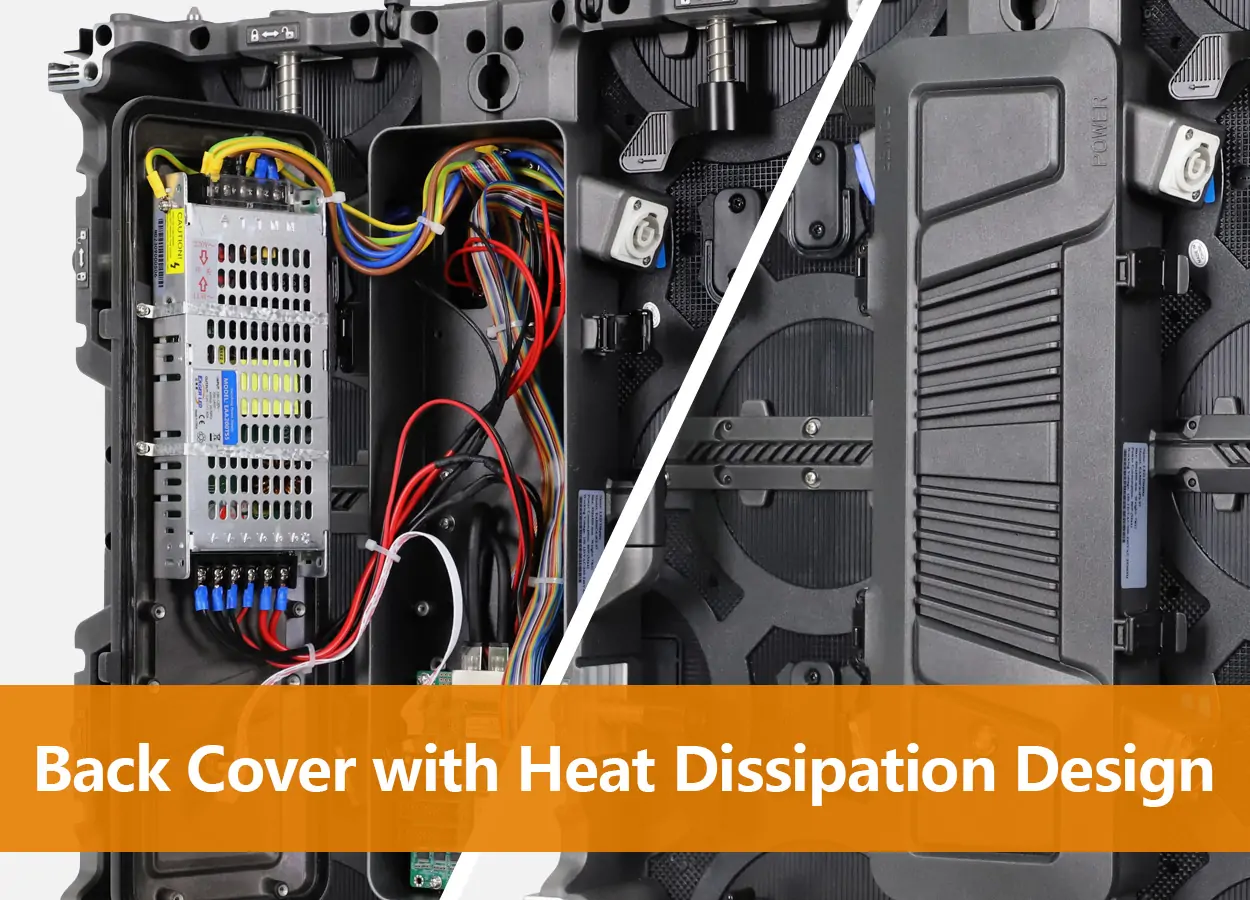
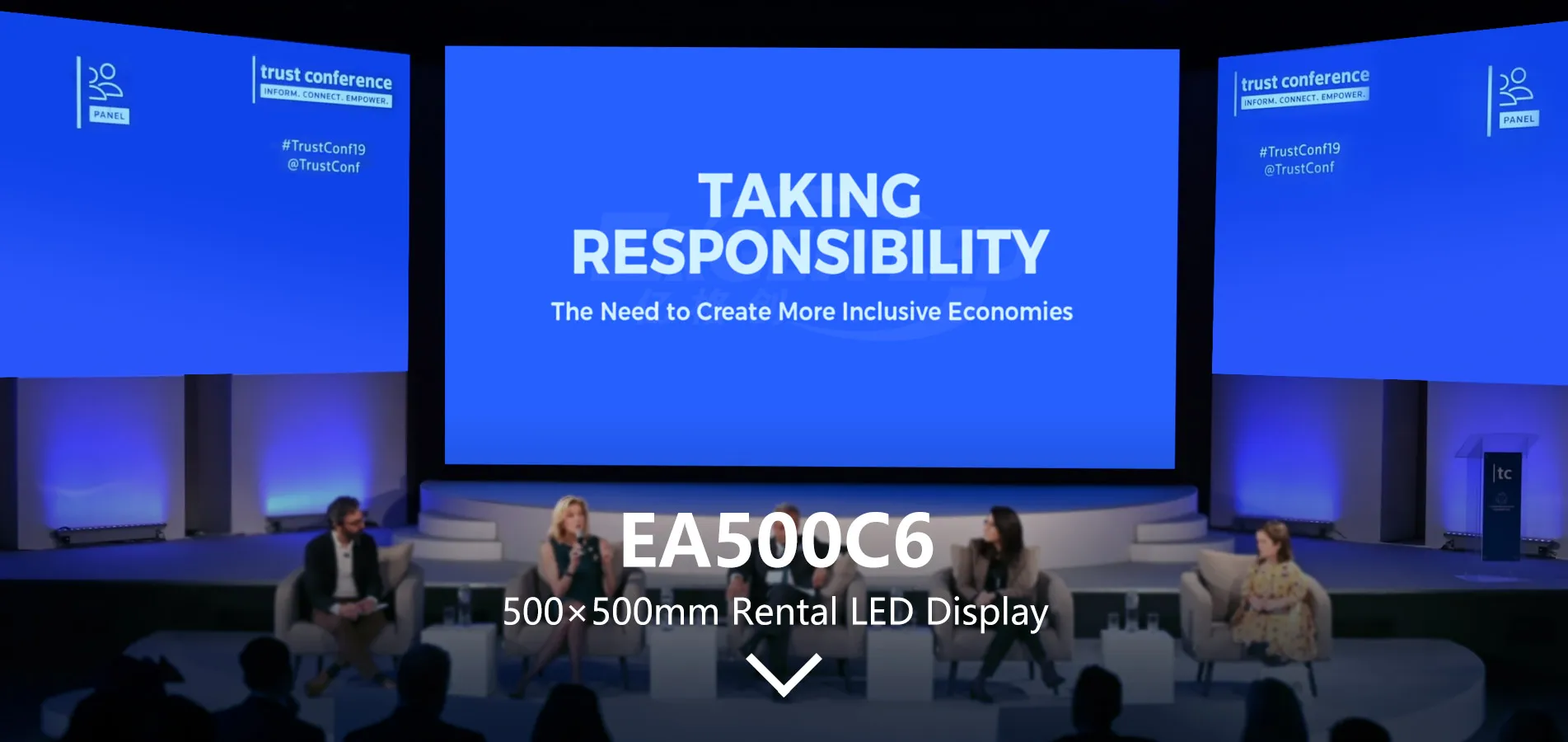
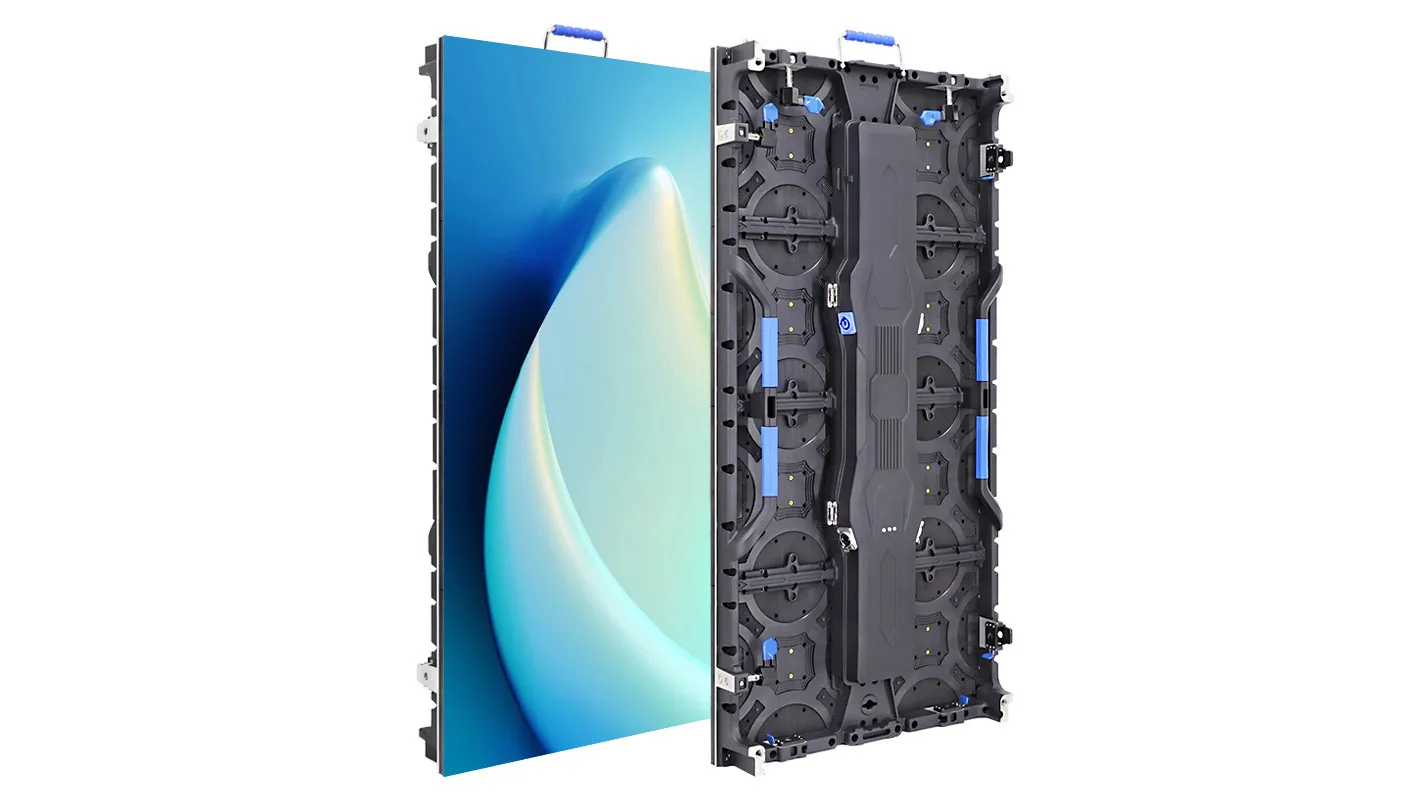
The power supply is worth special attention because heat ages it quickly. EagerLED’s EA500C6 rental cabinet, for example, places the power supply close to a heat-dissipating rear door so that heat leaves the cabinet rather than building up inside it.
4. What Shortens LED Screen Lifespan?
Heat is the single biggest factor in LED screen lifespan. In the TM-21 example data published for the ENERGY STAR program, the same LEDs projected about 36,400 hours to L70 at 55 °C (131 °F) but only about 24,000 hours at 85 °C (185 °F). That is about a third less life from running hotter, and the effect applies to power supplies as well.
- Running at full brightness all the time. Higher brightness means higher drive current and more heat in the LED. Most indoor and evening screens need only a fraction of their maximum output, and automatic dimming keeps the LEDs cooler.
- Poor ventilation. Screens built into closed recesses, or outdoor cabinets in direct sun without airflow, run hotter than their test conditions.
- Moisture, salt and dust. Coastal air and humidity corrode connectors and boards. An IP rating describes resistance to dust and water entry, not resistance to corrosion over years, so ask about coatings and sealing as well.
- Unstable power. Voltage spikes and repeated hard power cuts stress power supplies and receiving cards. Use a proper distribution board and a controlled power-on and power-off sequence.
- Rough handling. Dropped cabinets, bent corners and forced locks are the main cause of early failure in rental fleets, long before the LEDs age.
5. How Do You Estimate LED Screen Lifespan for Your Own Project?
You estimate LED screen lifespan for a project by dividing the usable hours of the rating by the hours the screen will actually run, then adjusting for how the site compares with the rating conditions. Four steps keep the estimate honest.
01. Fix the threshold you care about
Decide how much brightness loss your application can accept. A daylight billboard that already needs most of its output cannot lose much, so L70 is the sensible limit. A dim indoor venue that runs at a fraction of maximum brightness can tolerate far more loss before anyone notices, so the L50 figure may be the more useful one.
02. Count the real operating hours
Use the hours the screen is lit, not the hours the site is open. Include rehearsals and test runs for venues, and remember that many outdoor screens run late into the evening. A simple hour meter in the control software, or a service log, gives you the number later.
03. Compare site conditions with the rating conditions
If the rating was projected at a lower LED temperature than your site will reach, plan for less life. The TM-21 example in section 4 shows how large the difference can be. Sun-facing outdoor cabinets, sealed recesses and screens run near full brightness all sit on the hotter side.
04. Worked example
Assume an outdoor advertising screen that runs 18 hours a day, and a module rating of 50,000 hours to L70. Simple arithmetic gives 50,000 ÷ (18 × 365) = 7.6 years to L70. If the site runs hotter than the rating conditions, plan on a shorter period and budget a recalibration and a batch of spare modules within that time. The same screen used 6 hours a day in a cooler indoor venue would reach the same brightness level after more than twenty years. These are planning assumptions, not a guarantee for any specific product.
6. How Does Rental Use Change LED Screen Lifespan?
Rental use changes LED screen lifespan because rental screens accumulate few operating hours but a lot of handling. A fleet that works 1,000 hours a year will not wear out its LEDs in any realistic period, so its service life is set by mechanical wear, connector wear and whether the product line is still current when spares are needed.
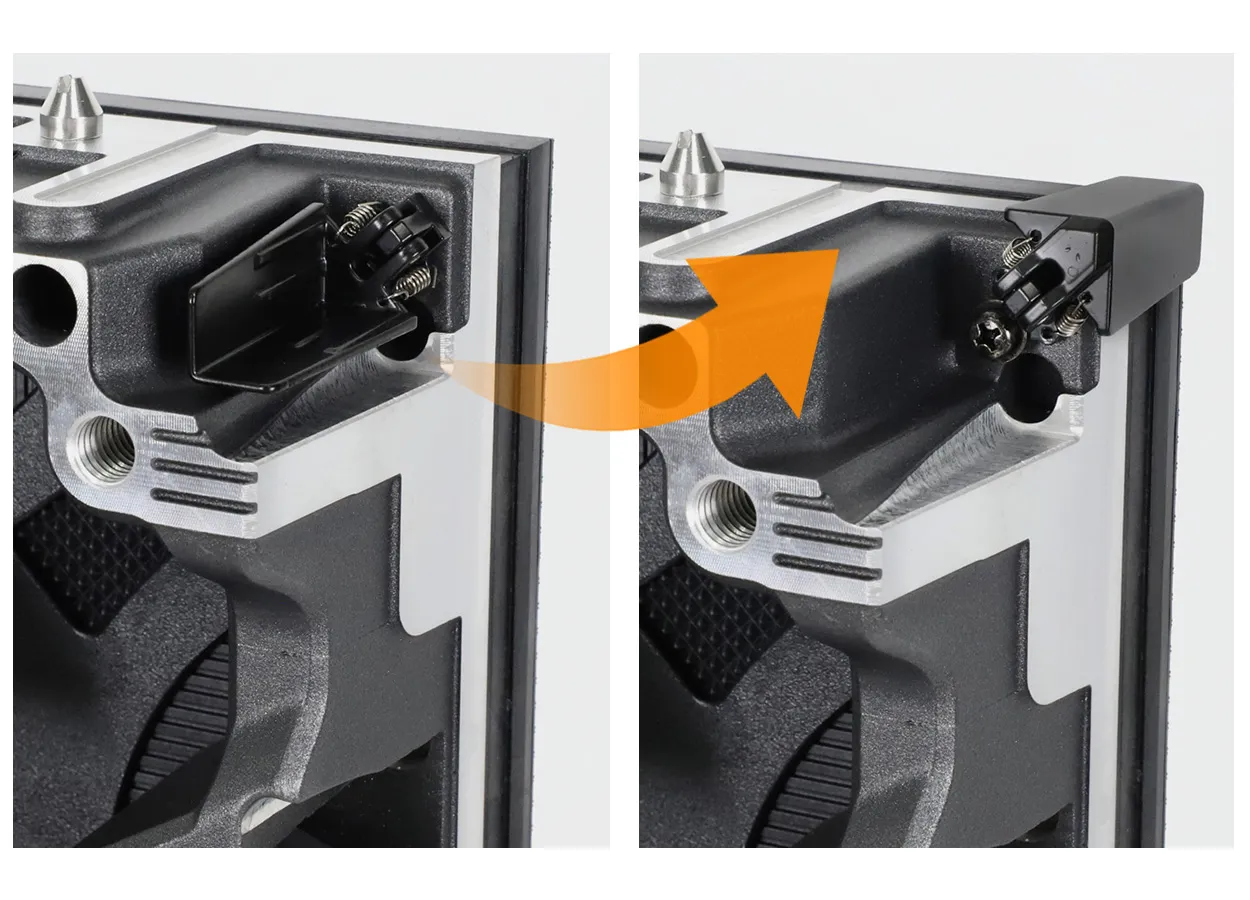
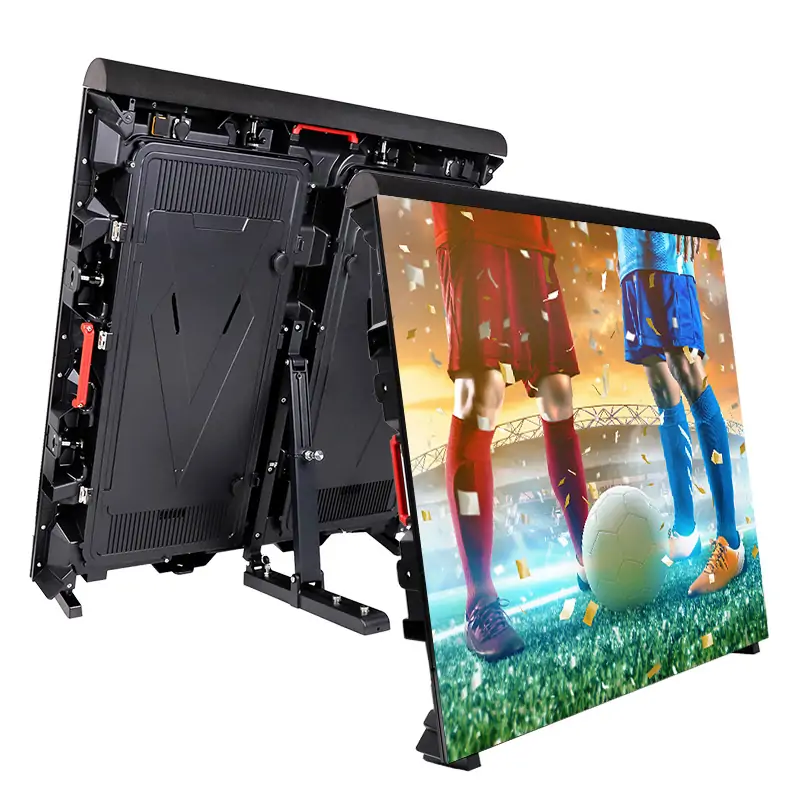
That is why rental cabinets are built differently from fixed screens. Features such as corner protectors, anti-collision bases and stainless steel locks on the EA500C6 rental cabinet exist to protect the modules during hundreds of builds. For a rental buyer, checking these parts and the availability of matching spare modules says more about real service life than any hour rating.
7. How Can You Extend LED Screen Lifespan?
You extend LED screen lifespan by keeping the screen cool, running it no brighter than needed, and keeping matched spares on hand. These steps cost little and protect the whole system, not just the LEDs.
- Set brightness to the site, not to the maximum. Use a light sensor or a schedule so the screen dims at night and indoors.
- Keep air moving. Leave the ventilation gaps the installation drawing specifies and keep vents and filters clean.
- Order spares with the screen. Modules from the same production batch match in color and brightness; modules bought years later often do not. EagerLED includes 2% free spare parts with display and module orders.
- Recalibrate when uniformity drifts. Point-by-point calibration can even out brightness and color differences, at the cost of some brightness headroom.
- Power on and off in sequence. Avoid switching a whole wall on at once on a weak supply, and avoid repeated hard power cuts.
- Inspect rental cabinets after every job. Check locks, corners, connectors and cables before the next booking, and store the fleet dry.
None of these steps requires special tools, and most can be written into a simple service log that also records operating hours, the one figure you need to compare against any LED screen lifespan rating.
8. What Do Factory Aging Tests Prove?
Factory aging tests catch early failures; they do not prove long-term LED screen lifespan. Running modules and finished screens for a period before shipment exposes weak LEDs, solder joints and power supplies that would otherwise fail in the first weeks of use. They cannot show how bright the screen will be after ten years.
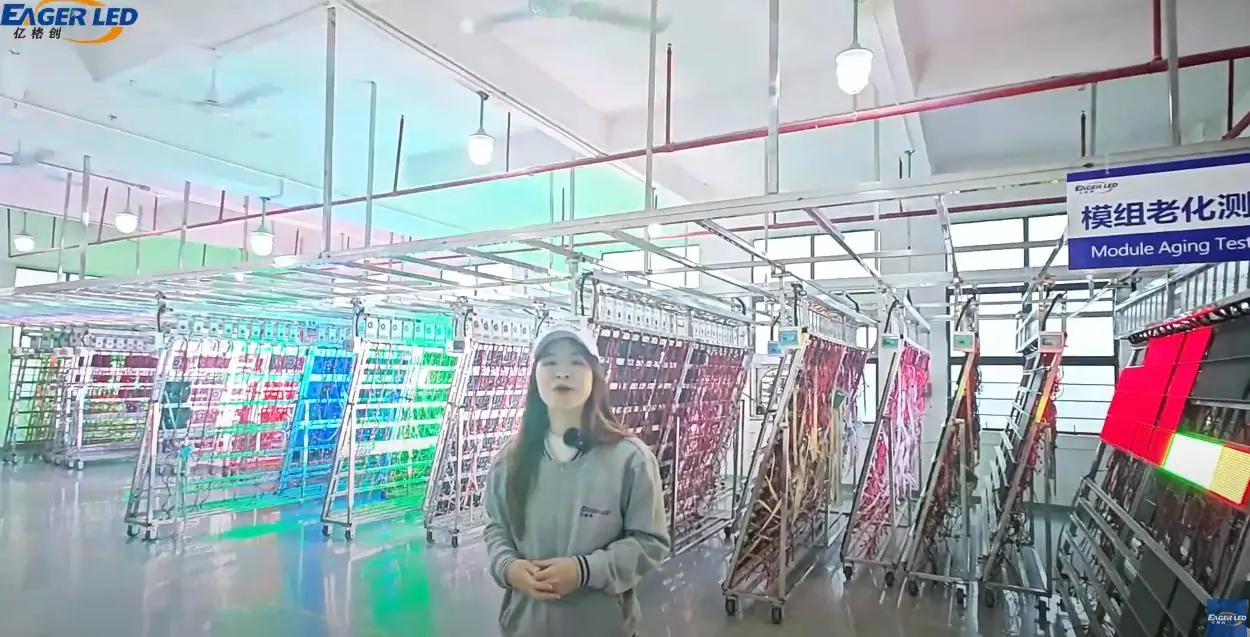
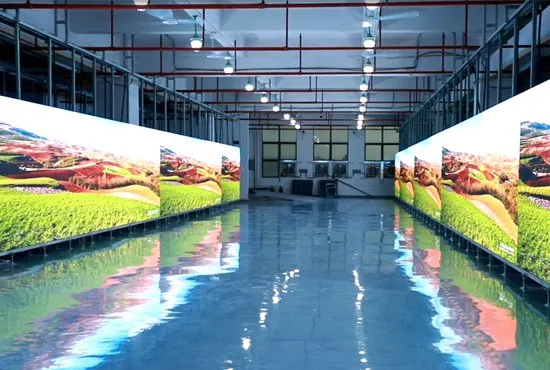
EagerLED’s quality control process runs a lighting test on each module, then a module aging test in a simulated use environment, then an aging test on the assembled screen before delivery. The page does not publish a standard duration, so ask for the duration, brightness setting and acceptance criteria that will apply to your order. The guide to budgeting factory QC audits and aging tests on LEDScreenPrice lists the details worth putting in writing.
Warranty is a separate question from LED screen lifespan. EagerLED’s warranty runs up to two years depending on the product model, so confirm the term for the exact model you order and what it covers.
9. When Is It Time to Replace an LED Screen?
Replace a screen when it can no longer do its job at an acceptable cost, not when it reaches the hours of its LED screen lifespan rating. The usual signs are practical:
- At maximum brightness the screen no longer reads well in its normal ambient light.
- Color and brightness patches remain after recalibration, because replacement modules no longer match the originals.
- Spare modules, power supplies or receiving cards for the model are no longer available.
- The control system is no longer supported or cannot accept the sources you now use.
- Your clients now ask for a finer pixel pitch or features the old fleet cannot offer.
For most part-time and rental screens, the last two reasons arrive first. For screens running every day, brightness and spares usually decide it.
Frequently Asked Questions
Is 100,000 hours a realistic LED screen lifespan?
It can be, if it is stated as half brightness (L50) at moderate temperature and current. Ask whether it is L50 or L70, whether it was measured or projected, and from how many test hours. Under the TM-21 method, a 100,000-hour L70 projection would need about 16,700 hours of test data.
Do outdoor LED screens last as long as indoor ones?
Usually not: for the same LEDs, outdoor LED screen lifespan is shorter. Outdoor screens run brighter, get hotter in sun and face humidity, salt and UV, all of which shorten the life of LEDs, power supplies and connectors. Good ventilation, automatic dimming and sealed connectors narrow the gap.
Does turning the screen off at night extend its life?
Yes. Lifespan is counted in operating hours, so a screen that runs 12 hours a day takes twice as long to use up its rated hours as one running 24 hours. Use a controlled shutdown sequence rather than cutting power to the whole wall.
Why do new replacement modules look different from the old ones?
The old modules have lost some brightness and shifted slightly in color, and the new ones may come from a different LED batch. Ordering spares with the original screen, and recalibrating after replacement, keeps the wall uniform.
Does GOB or COB packaging change LED screen lifespan?
Packaging mainly changes how well the LEDs survive knocks, dust and moisture, not how fast they lose brightness. GOB modules add a clear protective layer over standard SMD LEDs, and COB modules mount the LED chips directly on the board under a sealed surface. Both reduce physical damage in floors, low-level walls and busy rental fleets, which removes one common cause of early module replacement. The underlying brightness decay still depends on temperature and drive current.
Can an aging screen be brightened back to its original level?
Partly. If the screen normally runs below its maximum output, as most indoor and evening screens do, the control system can raise the drive level to make up for some of the lost brightness, and recalibration can even out patches. Once the screen is already running at full output to stay readable, there is no headroom left, and modules or the screen need replacing.
Does a higher refresh rate or a lower scan ratio shorten lifespan?
Not directly. What matters is the average current and the temperature each LED reaches. A lower scan ratio allows higher brightness, and running at that higher brightness would shorten life, but the same module dimmed to the level the site needs ages no faster. See our explanation of LED scan rate for how scan affects brightness headroom.
Plan Service Life Into Your Quote
Service life is decided at the quotation stage as much as on site, and a realistic LED screen lifespan estimate starts with the right questions. When you request a quote, tell us how many hours a day the screen will run, whether it is indoor, outdoor or rental, and the ambient conditions, and ask for the spare-parts list, warranty term and aging-test details for the exact model. EagerLED can then recommend a configuration from our rental LED display range or fixed-installation series with the spares to match. Send your project details to get started.
 Top 10 LED Display Manufacturers and Suppliers in Italy (2026)
 Curved LED Film: Storefront Supplier Checks
Related Posts
Fill In Your Needs In Detail
Fill in the screen usage scene and size you need in “Content”.You will get a quote.