LED scan rate describes how many pixel rows on a module are driven at the same moment. On a 1/16 scan module, one row in every sixteen is lit at any instant, so each LED is on for 1/16 of every cycle; on a 1/8 scan module, each LED is on for 1/8 of the cycle. A lower scan ratio gives each LED more on-time and more brightness headroom, at the cost of more driver chips. For outdoor screens that face daylight, that difference decides whether the image holds up at noon.
This guide is for AV integrators and rental companies comparing outdoor LED quotes where the same pixel pitch appears in two versions, such as an outdoor P3.91 cabinet offered as “8S” and “16S”. It explains what the number means, what it changes, what it does not change, and how to choose between the versions using EagerLED’s published module data.
1. What LED Scan Rate Means
01. Rows take turns
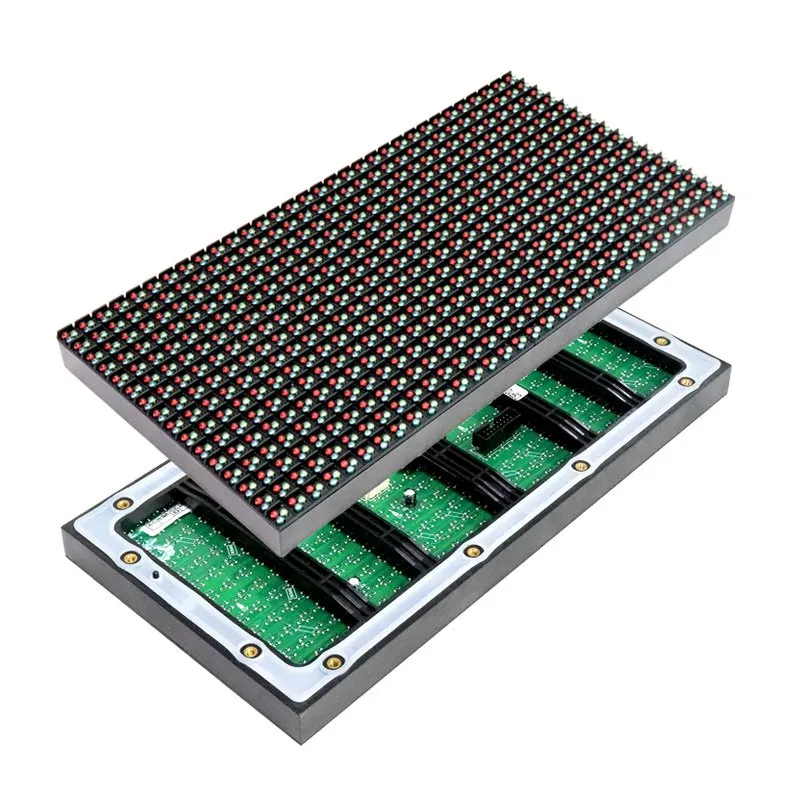
An LED module does not power every pixel continuously. Its constant-current driver chips feed the columns, and a set of row switches connects one group of rows at a time. The module cycles through all the row groups so quickly that the eye sees one steady picture. The LED scan rate tells you how many groups there are: 1/16 means sixteen groups, so each row is connected for one-sixteenth of the cycle; 1/8 means eight groups and twice the on-time per row.

A static-drive display, written as 1/1, has no row switching at all: every LED has its own driver channel. It is the brightest and most expensive arrangement and is mostly found on very coarse outdoor signs. Video modules use row scanning instead; EagerLED’s own outdoor range runs from 1/2 to 1/43 scan.
02. Scan rate is not refresh rate
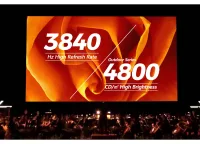
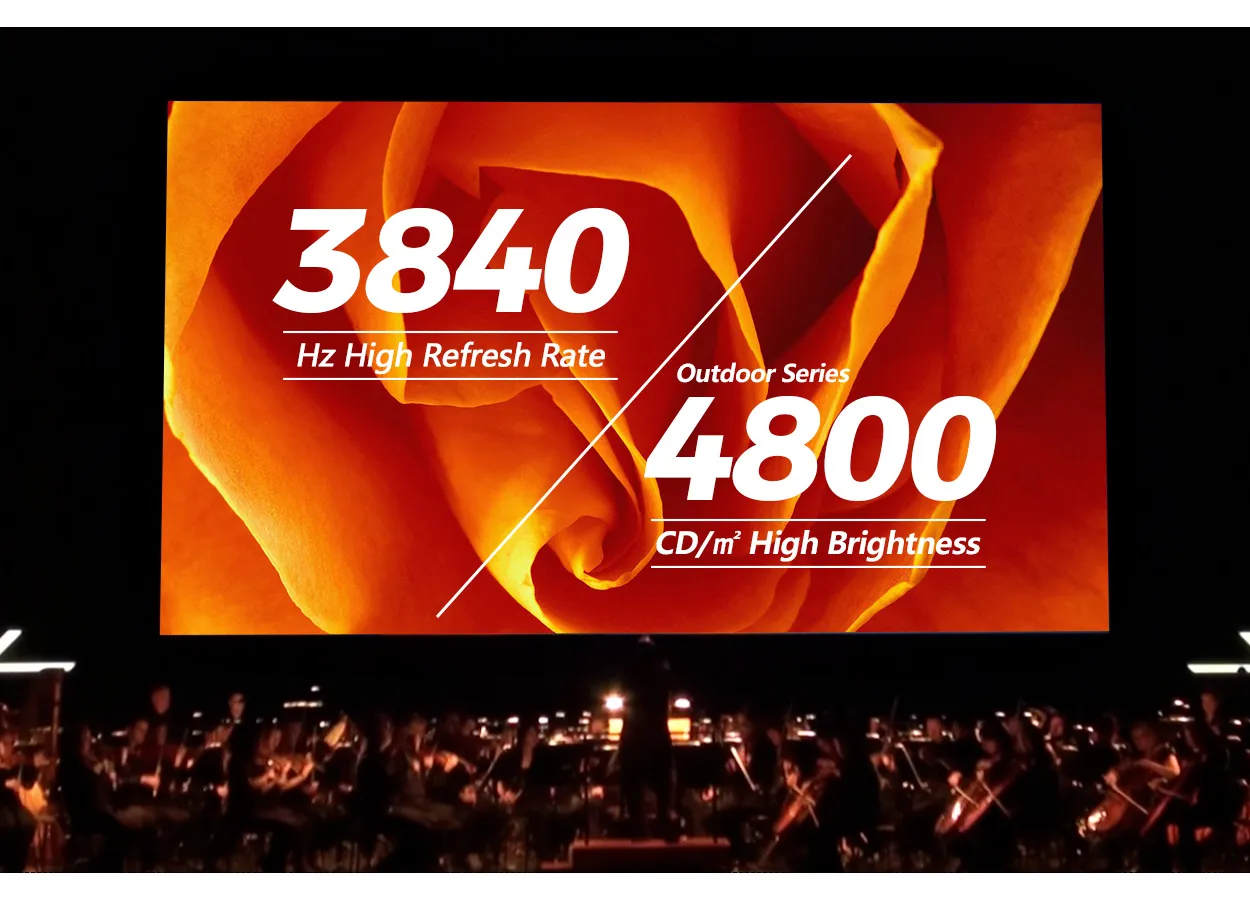
The two numbers are often confused because both describe timing. Refresh rate, such as 3840 Hz, is how many times per second the whole image is redrawn and mainly affects flicker on camera. LED scan rate is the share of time each row is switched on. Two modules can both refresh at 3840 Hz and still use different scan ratios, which is exactly the case with the outdoor EA500C6 versions discussed below. When a supplier says “high scan rate”, ask which of the two they mean.
2. What LED Scan Rate Changes, and What It Does Not
Choosing a lower or higher LED scan rate shifts several properties of the module at once. The trade-offs below apply when the pixel pitch, LED package and module size stay the same.
- Brightness headroom. More on-time per LED lets the module reach a higher average brightness. The gain is not automatically double, because designers also set different drive currents, but the direction is consistent.
- Driver chip count and cost. Each driver channel serves one column of LEDs across all the rows in its scan group. Halving the scan group doubles the channels. A 64 × 64 pixel full-color module has 12,288 individual red, green and blue LEDs; at 1/16 scan that is 768 driver channels, at 1/8 scan 1,536. With 16-channel drivers, a simplified count gives 48 chips versus 96. Real layouts vary, but the module with the lower scan ratio carries more electronics.
- Low-brightness image quality. When each row gets only a short slice of time, the driver has less room to render dark gray levels smoothly. Modern PWM drivers with built-in memory reduce this problem; EagerLED’s outdoor module page names driver ICs such as MBI5153 and ICN2153 for this reason. It is still worth checking dark scenes on a sample.
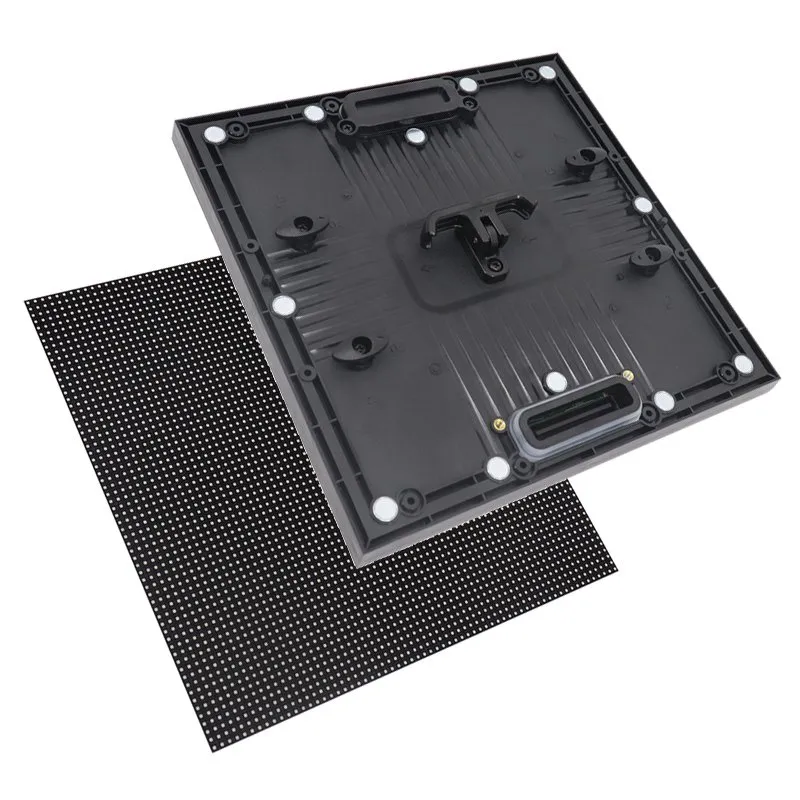
- What it does not change. Scan ratio does not change the pixel pitch, the resolution, the cabinet size, or the content canvas. A 500 × 500 mm cabinet at P3.91 has the same 128 × 128 pixels in either version.
So the question for an outdoor screen is not “which scan is better” but “how much brightness does this site need, and is the extra driver cost worth it to get there”.
3. What EagerLED’s Module Data Shows About LED Scan Rate
EagerLED publishes the driving duty, which is the scan ratio, for each outdoor module in its outdoor LED module specification tables. The rows below are taken from that list. They show how LED scan rate tracks pixel pitch: coarse pitches use low scan ratios and high brightness, fine pitches use high scan ratios, and at P3.91 the same module is offered with two different scan ratios.
| Pitch | Module size | LED package | Scan ratio | Listed brightness |
|---|---|---|---|---|
| P10 | 320 × 160 mm | DIP346 | 1/4 | 8,000 nits |
| P5 | 320 × 160 mm | SMD2727 | 1/8 | 6,000 nits |
| P2.5 | 320 × 160 mm | SMD1415 | 1/16 | 5,000 nits |
| P1.86 | 320 × 160 mm | SMD1010 | 1/43 | 4,000 nits |
| P3.91 | 250 × 250 mm | SMD1921 | 1/8 | 6,000 nits |
| P3.91 | 250 × 250 mm | SMD1921 | 1/16 | 4,800 nits |
Listed brightness is the specification value for each row, not a measurement on a finished screen, and it changes with LED package as well as LED scan rate. Use the table to compare direction and order of magnitude, then confirm the exact figures on the dated specification sheet for the model you order.
4. 1/8 vs 1/16 Scan on an Outdoor P3.91 Rental Wall
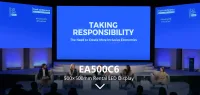
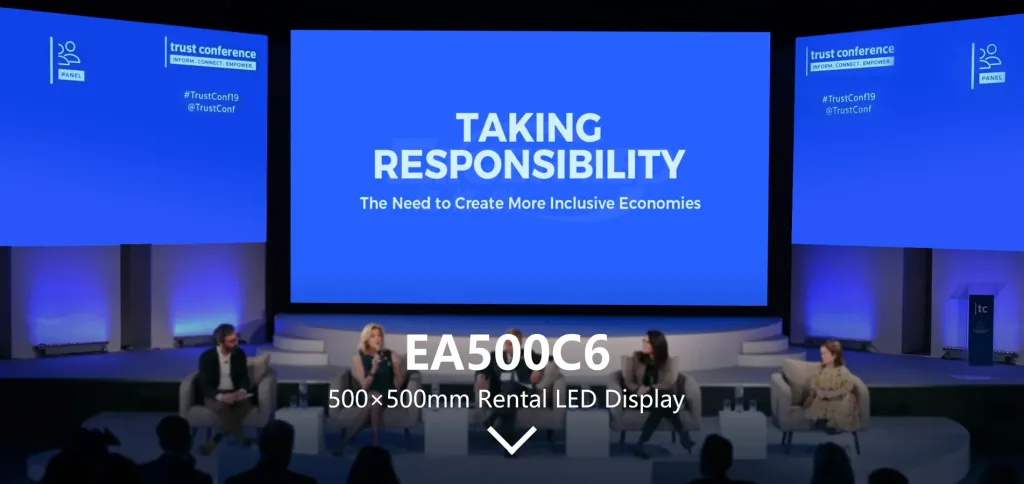
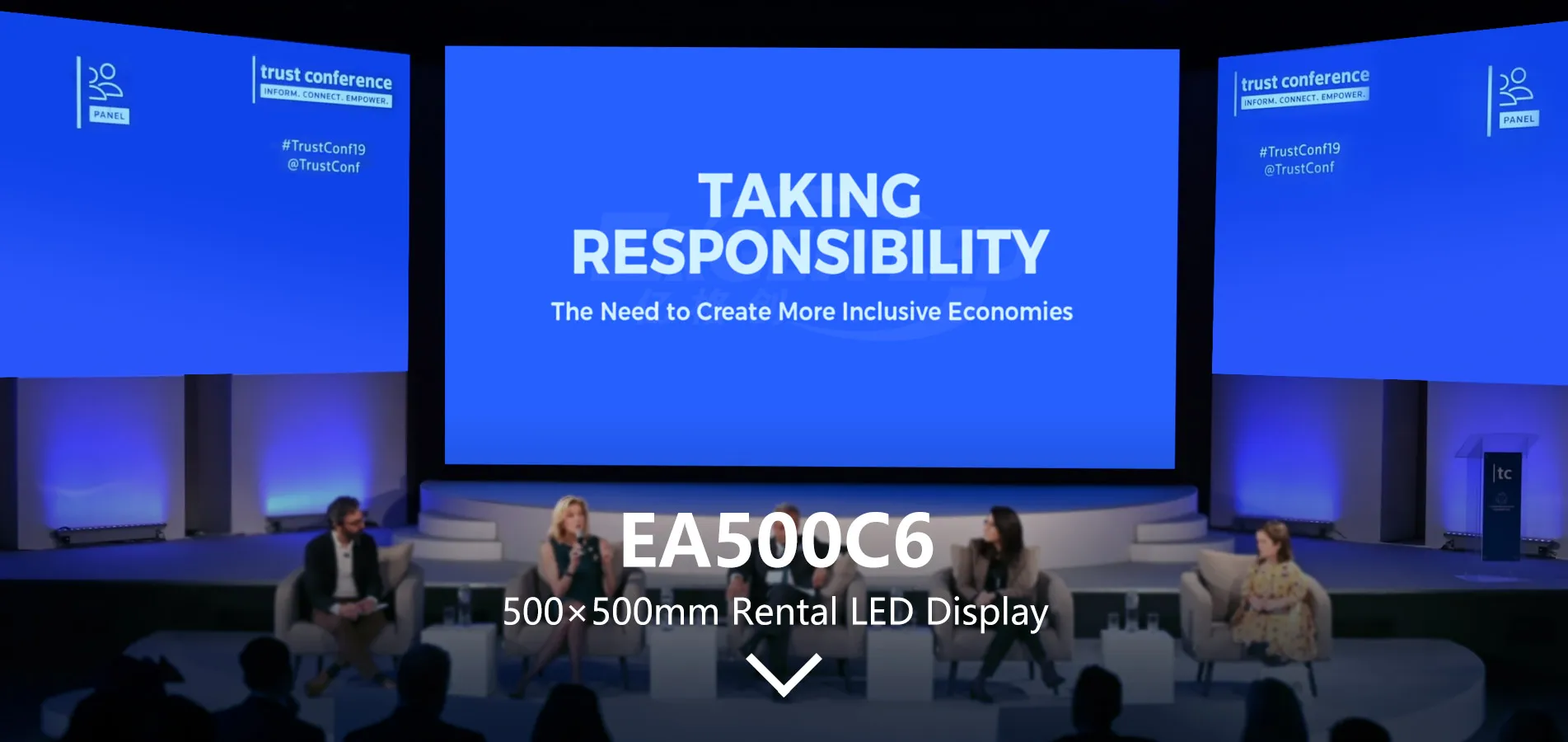
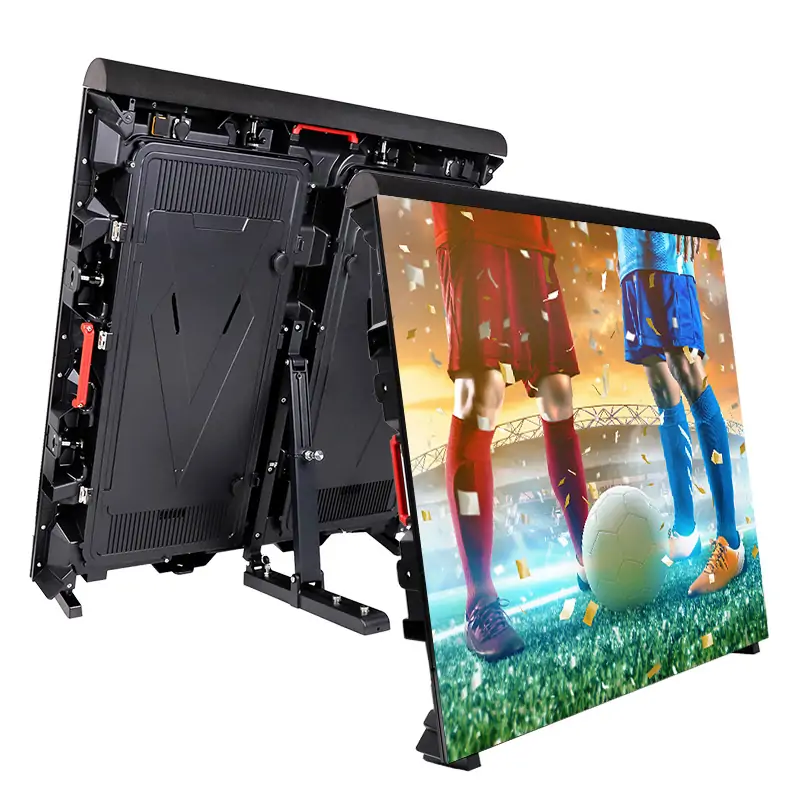
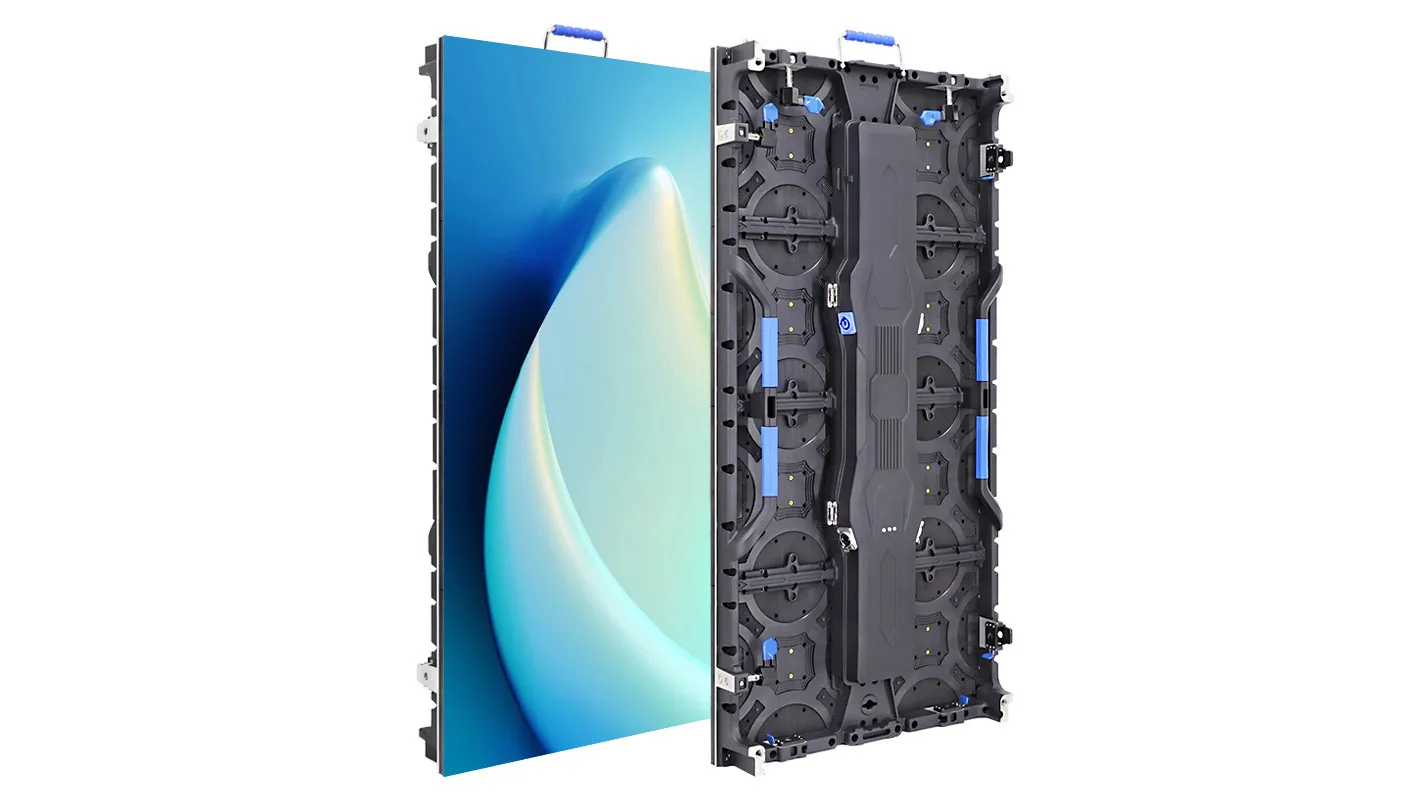
The outdoor EA500C6 500 × 500 mm rental cabinet at P3.91 is listed in two versions, EA500C6-OP3.91-16S at 4,800 cd/m² and EA500C6-OP3.91-8S at 6,000 cd/m². These are the same brightness pairs as the 1/16 and 1/8 scan P3.91 modules in the table above. Both versions share the cabinet size, the 7.3 kg (16.1 lb) listed weight, and a refresh rate of at least 3840 Hz, so the practical difference is brightness headroom against the cost of the extra drivers. In other words, the scan version is the only thing you are choosing.
| Typical use | Better fit | Reason |
|---|---|---|
| Daytime festivals, sports and outdoor stages in direct sun | 8S (1/8 scan) | Extra brightness headroom keeps the image readable at midday |
| Evening concerts, covered stages, shaded plazas | 16S (1/16 scan) | 4,800 cd/m² is far more than a dark scene needs; the wall runs dimmed most of the time |
| Mixed fleet used both day and night | 8S, or a split fleet | The brightest jobs set the requirement; the wall can always be dimmed |
| Budget-led outdoor jobs that are mostly after sunset | 16S | Fewer driver chips per module for the same pixel count |
One rule keeps a rental fleet simple: do not mix 8S and 16S cabinets in the same wall. Even after calibration, the two versions have different brightness ceilings and different low-gray behavior, and the difference can show as patches when the wall is pushed to full output. If you run both, keep them as separate sets and label the flight cases. The same caution applies to the LED wall content: a show that relies on very bright white fields needs the 8S set, not a mixed one.
Frequently Asked Questions
Is a lower LED scan rate always better?
No. A lower ratio such as 1/8 gives more brightness headroom and usually better low-gray performance, but costs more because the module needs more driver chips. Indoor and evening screens rarely use that headroom, so a higher ratio is often the sensible choice there.
What do “8S” and “16S” mean in an LED model name?
In EagerLED’s outdoor P3.91 listings, the 8S and 16S versions match the brightness of the 1/8 and 1/16 scan modules. Always confirm the scan ratio on the specification sheet rather than relying on the suffix alone, because naming is not standardized across the industry.
Does scan rate affect how the screen looks on camera?
Indirectly. Camera banding is mainly governed by refresh rate and camera shutter settings rather than LED scan rate, and both EA500C6 outdoor versions list at least 3840 Hz. Scan ratio matters more for dark scenes, where short row on-times can make gray gradients less smooth.
Can I upgrade a 16S cabinet to 8S later?
Not by changing settings. The LED scan rate is built into the module’s circuit board and driver layout, so changing it means replacing the modules. Decide which version the fleet needs before ordering.
Ask for the Scan Version in Your Quote
When you compare outdoor quotes, ask every supplier to state the LED scan rate next to the pixel pitch and brightness, and to quote both versions if the model comes in two. Tell us where the screen will be used, how much of the work is in daylight, the wall size, and whether the fleet will be mixed with existing cabinets. EagerLED can then recommend the right version from the outdoor module range or our rental LED display series and send the dated specification sheets for each. Send your project details to start the comparison.
 LED Wall Content Specs: Canvas, Text, Frame Rate and Files
 Top 10 LED Display Manufacturers and Suppliers in Italy (2026)
Related Posts
Fill In Your Needs In Detail
Fill in the screen usage scene and size you need in “Content”.You will get a quote.