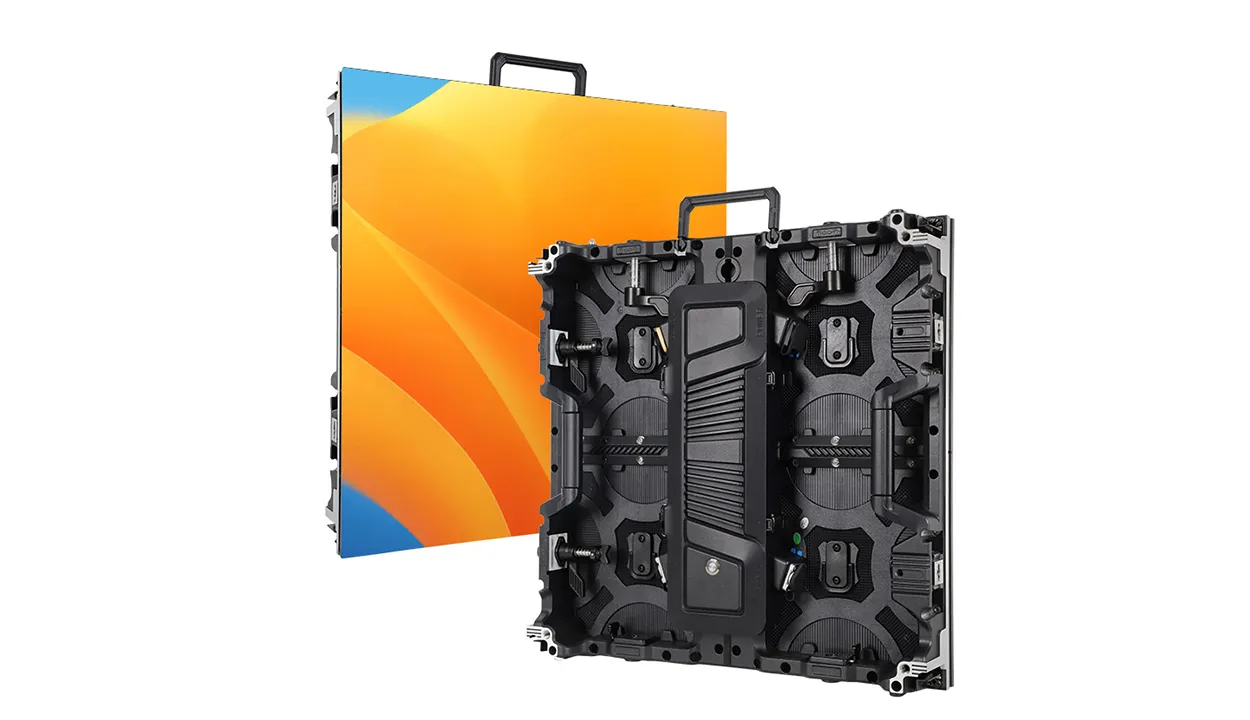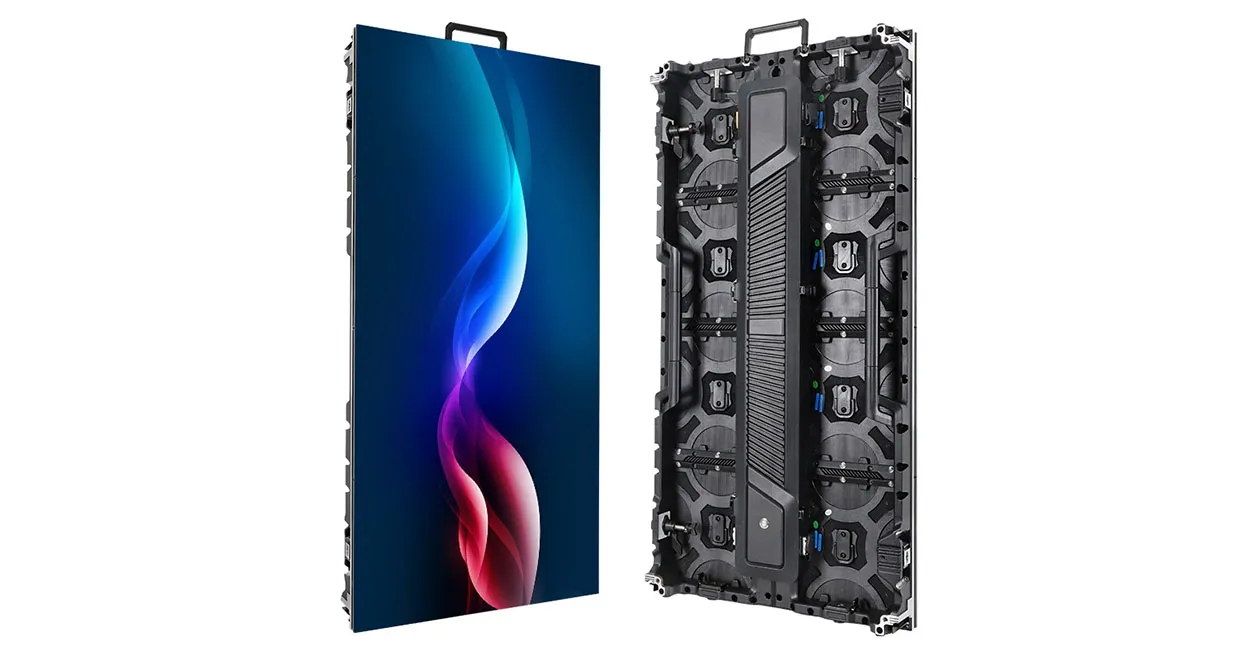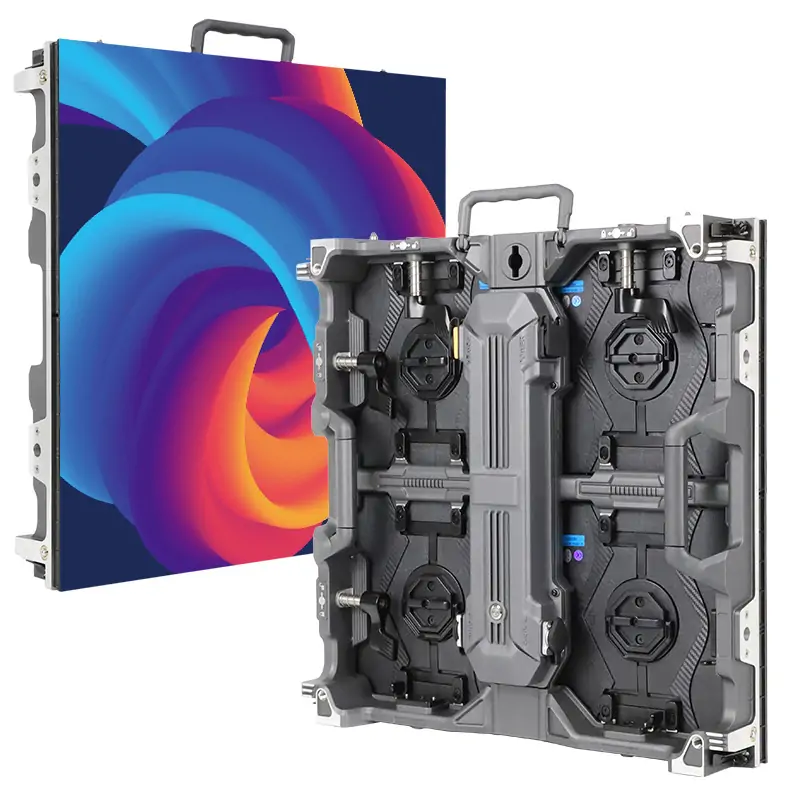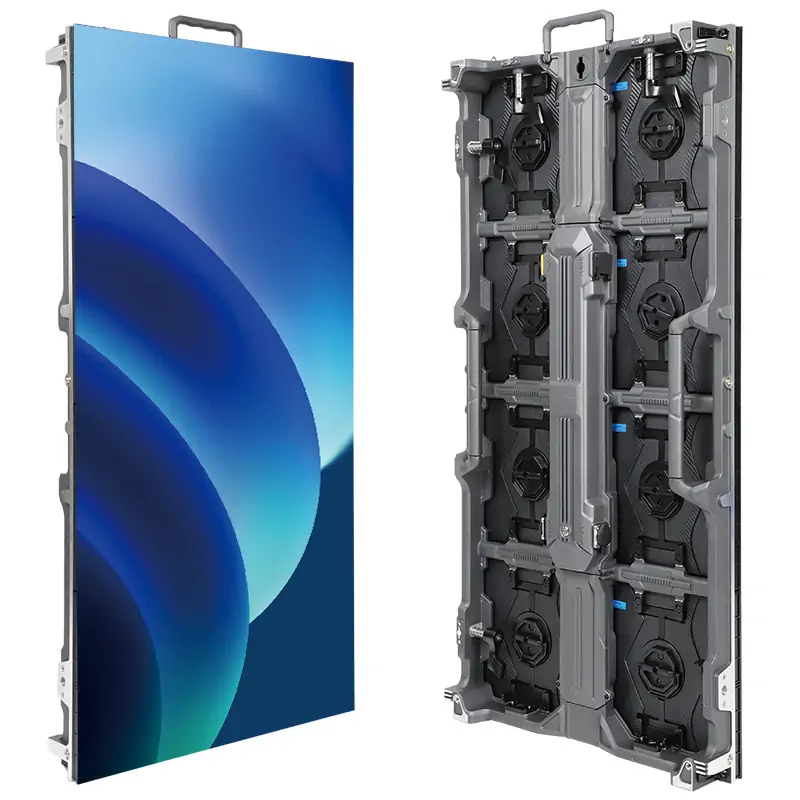
A P8 LED display is a direct-view LED screen whose pixels sit 8 mm apart, measured center to center. That single number fixes the pixel density at 15,625 pixels per square meter. In addition, it sets a practical minimum viewing distance of roughly 8 meters. Outdoor advertisers, stadium operators and city-information projects specify this pitch class every week.
For buyers and integrators, the attraction is balance. A P8 LED display resolves noticeably more detail than a P10 board of the same size. However, it needs far fewer LEDs, driver ICs and power supplies than a P5 or P6 wall. When the audience is a road, a plaza or a grandstand, that trade-off usually works in the project’s favor. Even so, the screen must be sized, specified and sourced correctly.
This guide is written for LED display buyers, distributors, AV integrators and project contractors who need to quote, specify or approve a P8 project. It explains how the pitch works and which specifications deserve attention. It also shows how to size a P8 LED screen, how it compares with neighboring pitches, where it performs best, what drives cost and how to evaluate a supplier. Values described as “typical” come from published manufacturer datasheets; always confirm them against the exact product you intend to buy.
1. What Is a P8 LED Display?
The “P” in P8 stands for pixel pitch: the distance from the center of one pixel to the center of the next. On a full-color P8 LED display, every pixel is an RGB group. In SMD products, red, green and blue chips share one surface-mounted package. In older DIP products, three separate lamps form each pixel. Both layouts are usually written as 1R1G1B.
In other words, pitch fixes density. With 8 mm between pixels there are 125 pixels per meter in each direction, so one square meter carries 125 × 125 = 15,625 pixels. Consequently, every true 8 mm product shares this figure, whoever builds it. What separates one P8 LED display from another is everything around the geometry. That includes LED package and chip quality, driver IC, cabinet design, brightness, refresh rate, sealing and calibration.
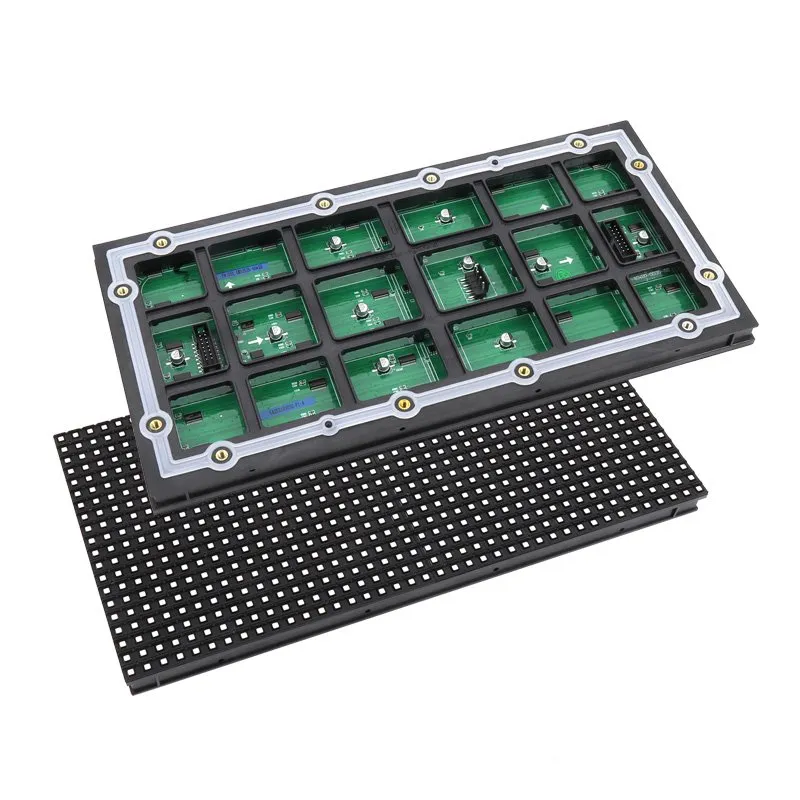
01 How pixel pitch translates into resolution
Unlike a TV, an LED screen has no fixed native resolution. Resolution follows physical size: divide the width and height in millimeters by the pitch. A 3.84 m wide P8 LED screen is 480 pixels across; double the width and the horizontal resolution doubles too. For this reason, integrators talk about P8 projects in square meters and cabinet counts rather than in “HD” or “4K” labels.
02 Where P8 sits in the pitch range
Pitches above roughly 6 mm are generally treated as large or regular-pitch outdoor products, alongside P6.67, P10 and P16. Most P8 products are therefore built for outdoor fixed installation: weather-sealed cabinets, high-brightness LEDs and wide horizontal viewing angles. Indoor P8 variants exist for large halls and arenas, but most indoor audiences sit close enough that a finer pitch is the better choice.
2. P8 LED Display Specifications Explained
Datasheets for a P8 LED display can run to dozens of lines. The table below groups the parameters that most affect image quality, installation and long-term cost. It shows the range commonly seen in published outdoor P8 datasheets and the questions a buyer should ask.
| Parameter | Typical for outdoor P8 | What to check |
|---|---|---|
| Pixel pitch | 8 mm | Real pitch; some “P8-class” cabinets use 7.81, 8.21 or 8.33 mm |
| Pixel density | 15,625 pixels/m² | Fixed by geometry for a true 8 mm pitch |
| Pixel configuration | 1R1G1B (SMD three-in-one) | LED chip brand and binning |
| LED package | SMD3535 or SMD2727; DIP346 on legacy products | Package size, black-body surface, viewing angle |
| Module size | 320 × 160 mm (40 × 20 px) or 256 × 128 mm (32 × 16 px) | Spare-part compatibility with existing screens |
| Cabinet size | 960 × 960 mm (120 × 120 px) most common | Weight, material, splicing and service method |
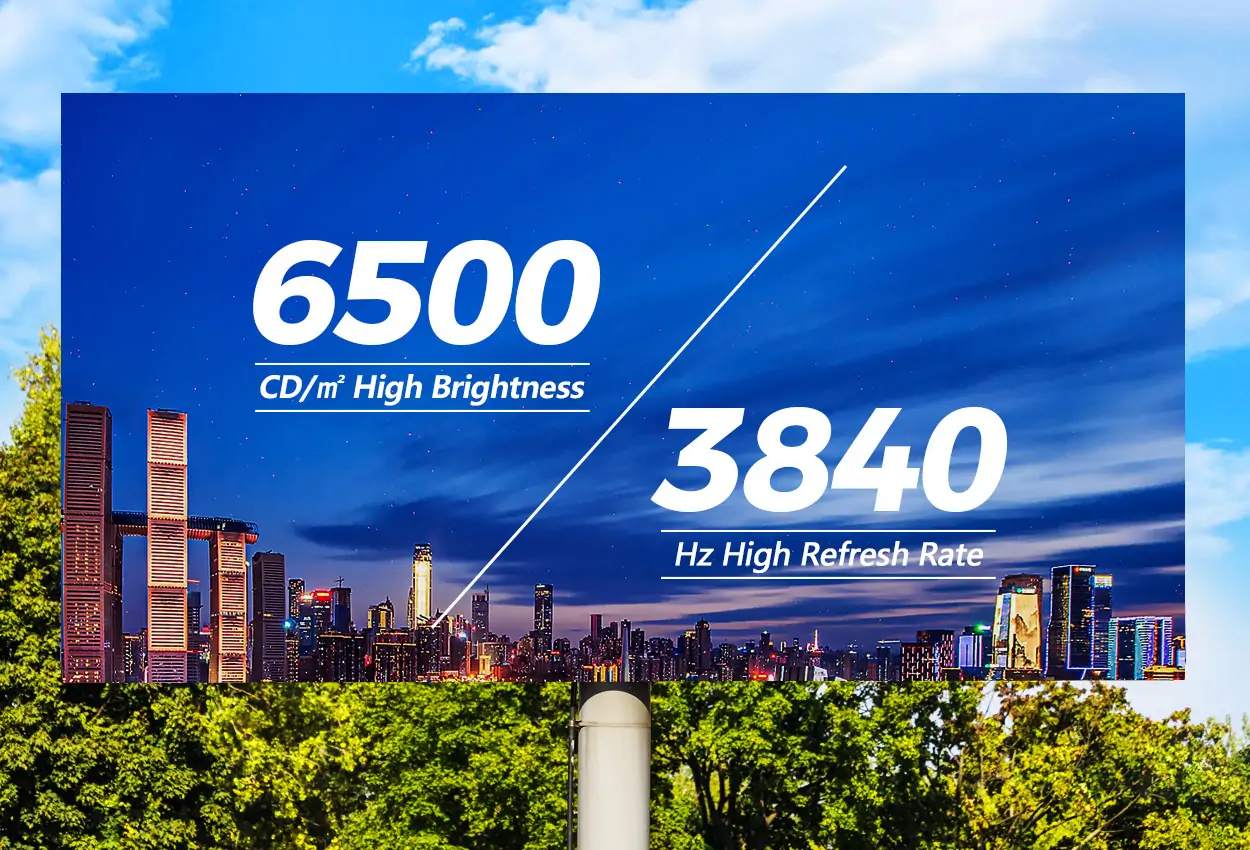
| Brightness | Often about 5,000–7,000 nits | Measured after calibration? Light sensor included? |
| Refresh rate | 1920 Hz standard; 3840 Hz options | Camera filming or broadcast requirements |
| Scan mode | Low scan, e.g. 1/4 or 1/5 | Driver IC model and gray-scale depth |
| Ingress protection | IP65 front | Rear rating and sealing method |
| Maintenance | Rear or front service | Access space available on site |
However, one detail catches buyers out. Some cabinets marketed as “P8” use a pitch slightly different from 8.0 mm so the pixel count divides evenly into the cabinet. A 1,000 × 1,000 mm cabinet with 128 × 128 pixels, for example, has a 7.81 mm pitch and 16,384 pixels per square meter. Similarly, several major brands sell 8.21 mm or 8.33 mm models under P8-class names. None of these is wrong, but mixing them in one wall is impossible, and comparing quotes requires comparing the real pitch.
01 Brightness and contrast
Outdoor P8 products are usually rated somewhere around 5,000 to 7,000 nits, and some high-brightness models go further. However, more is not automatically better. A screen facing south over an open road needs headroom against direct sun. In contrast, a shaded façade, or a screen running mostly at night, will spend its life dimmed.
For reference, brightness is quoted in nits, where one nit equals one candela per square meter. Ask whether the brightness figure is measured after white-balance calibration, and specify an ambient light sensor so the controller can lower output at night.
Contrast, meanwhile, depends heavily on the LED package and mask: black-body SMD LEDs and a matte module surface help keep content readable in daylight. Our guide to LED screen brightness in nits covers the calculation in more depth.
02 Refresh rate, gray scale and scan mode
Refresh rate decides how stable the image looks to people and to cameras. Standard outdoor P8 configurations are commonly offered at 1920 Hz, with 3840 Hz options for venues where the screen will appear on broadcast or phone video. Meanwhile, gray-scale depth, set mainly by the driver IC, controls how smoothly dark gradients render. Outdoor P8 modules usually use a low scan ratio, such as 1/4 or 1/5. As a result, each LED stays lit for a larger share of the frame, which supports high brightness.
03 Protection, cooling and power
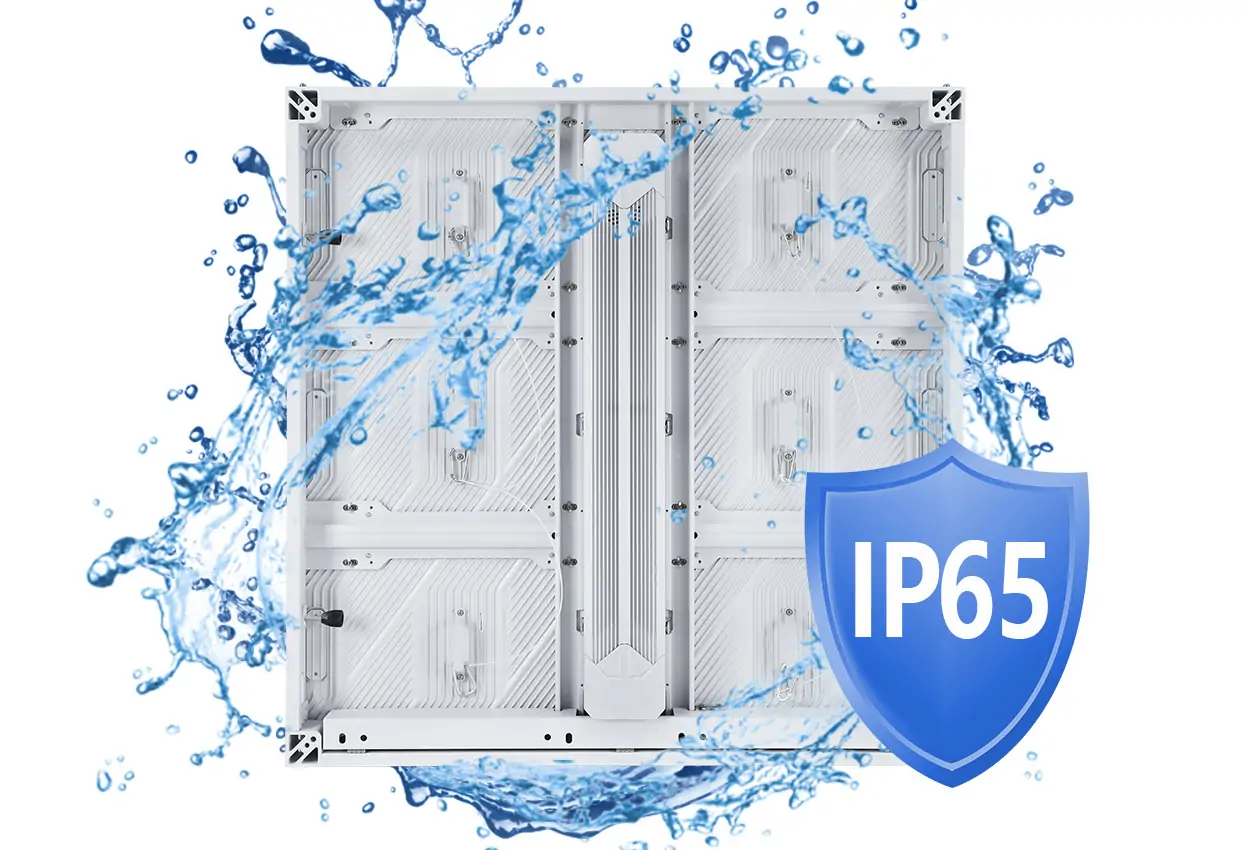
IP65 on the front face is the common baseline for outdoor fixed screens; the IEC explains what each IP rating digit means. Check the rear rating as well, because it decides how much the support structure must shelter the cabinets.
In addition, cooling design matters as much as sealing. Cabinets either use fans or rely on passive heat dissipation through die-cast aluminum. The right choice depends on climate and on whether the back of the screen is enclosed. Finally, for power, always request both maximum and average consumption per square meter: the maximum sizes the electrical supply and breakers, while the average drives operating cost.
3. P8 Viewing Distance and Screen Size Planning
Two planning questions decide most P8 projects: how close will the nearest viewer be, and what resolution does the content need? A P8 LED screen answers both in a predictable way because its geometry is fixed.
01 Minimum and comfortable viewing distance
A widely used industry rule of thumb sets the minimum viewing distance in meters at about the pitch in millimeters. For a P8 LED display that means around 8 m. Closer than that, however, viewers start to see individual pixels. A comfortable distance is often taken as two to three times the minimum, or roughly 16 to 24 m. At that range, images look smooth rather than merely acceptable.
There is no meaningful maximum set by pitch; at long range the limit is the size of text and images in the content. Treat these figures as planning guides rather than standards, and test sample content at the real distance if the decision is close. The pixel pitch selection guide explains the rule and its exceptions.
02 Screen size versus native resolution
The table below uses the common 960 × 960 mm cabinet (120 × 120 pixels). It shows how cabinet layouts translate into screen size and native resolution on a P8 LED display.
| Cabinet layout (W × H) | Screen size (W × H) | Native resolution | Approx. aspect ratio |
|---|---|---|---|
| 4 × 2 | 3.84 × 1.92 m | 480 × 240 | 2:1 |
| 4 × 3 | 3.84 × 2.88 m | 480 × 360 | 4:3 |
| 6 × 3 | 5.76 × 2.88 m | 720 × 360 | 2:1 |
| 8 × 5 | 7.68 × 4.80 m | 960 × 600 | 16:10 |
| 10 × 6 | 9.60 × 5.76 m | 1200 × 720 | 5:3 |
| 16 × 9 | 15.36 × 8.64 m | 1920 × 1080 | 16:9 |
Two consequences follow. First, a P8 screen only reaches Full HD at more than 15 m wide. Most P8 billboards therefore run content well below 1920 × 1080. Designers should author at the screen’s native resolution rather than scaling down HD footage. Second, aspect ratio is set by the cabinet grid, so confirm the layout before the creative team starts work.
4. P8 LED Module and Cabinet Options
A P8 LED display is assembled from modules mounted in cabinets. Both levels involve choices that affect performance, maintenance and spare parts.
01 SMD, DIP and GOB P8 modules
SMD modules dominate current P8 production. In particular, SMD3535 and SMD2727 packages are common at this pitch, giving wide viewing angles and good color mixing because all three colors leave the same package. DIP P8 modules, built with separate through-hole lamps, still appear in some markets. Although they can reach high brightness, they offer narrower viewing angles and a more visible pixel structure.
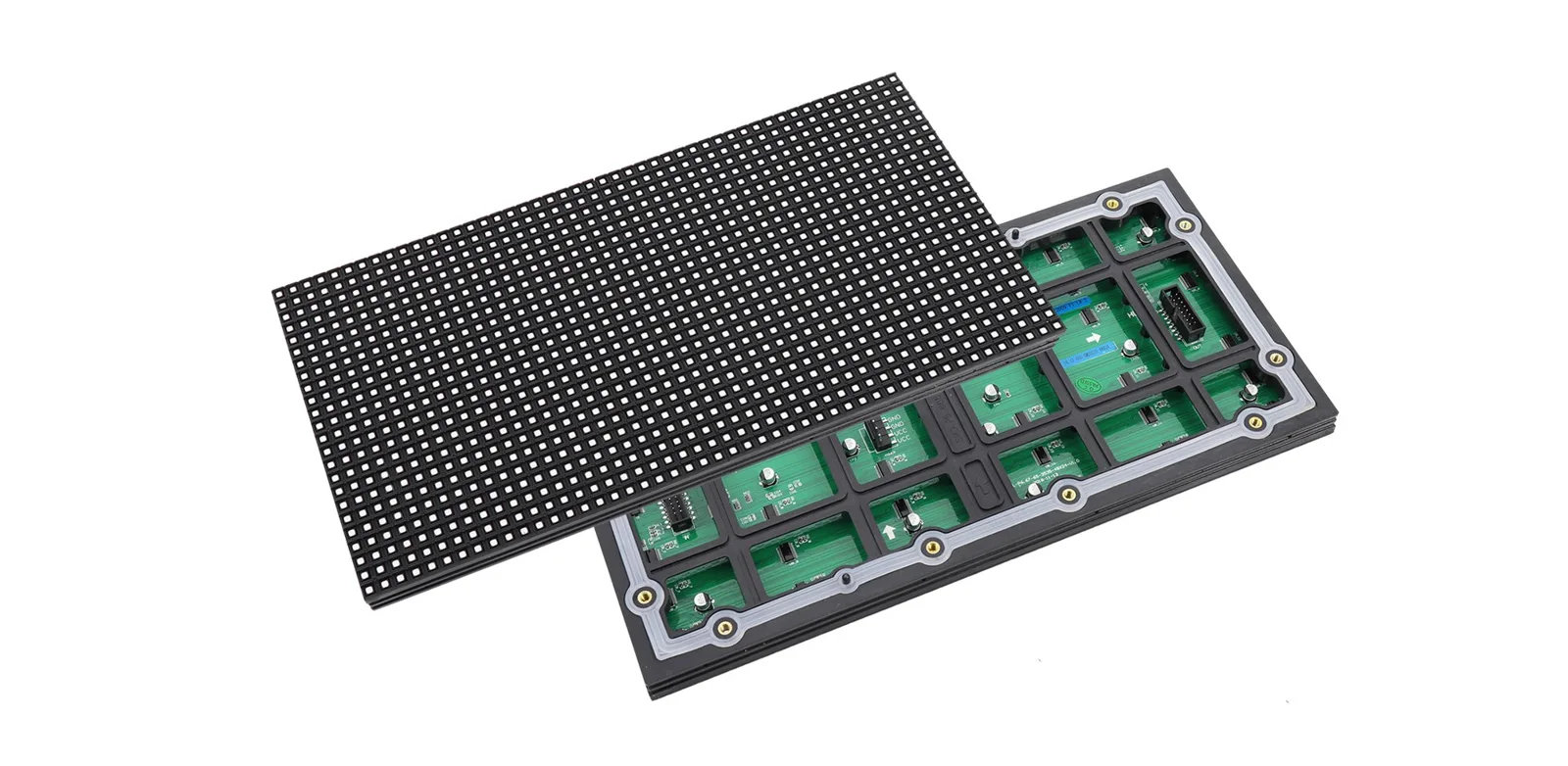
Meanwhile, GOB (glue on board) modules add a protective resin layer over SMD LEDs, which helps against impact and moisture. Standard P8 module sizes are 320 × 160 mm (40 × 20 pixels) and 256 × 128 mm (32 × 16 pixels). Always confirm the module format, because it decides which spares will fit later.
02 Cabinet sizes and materials
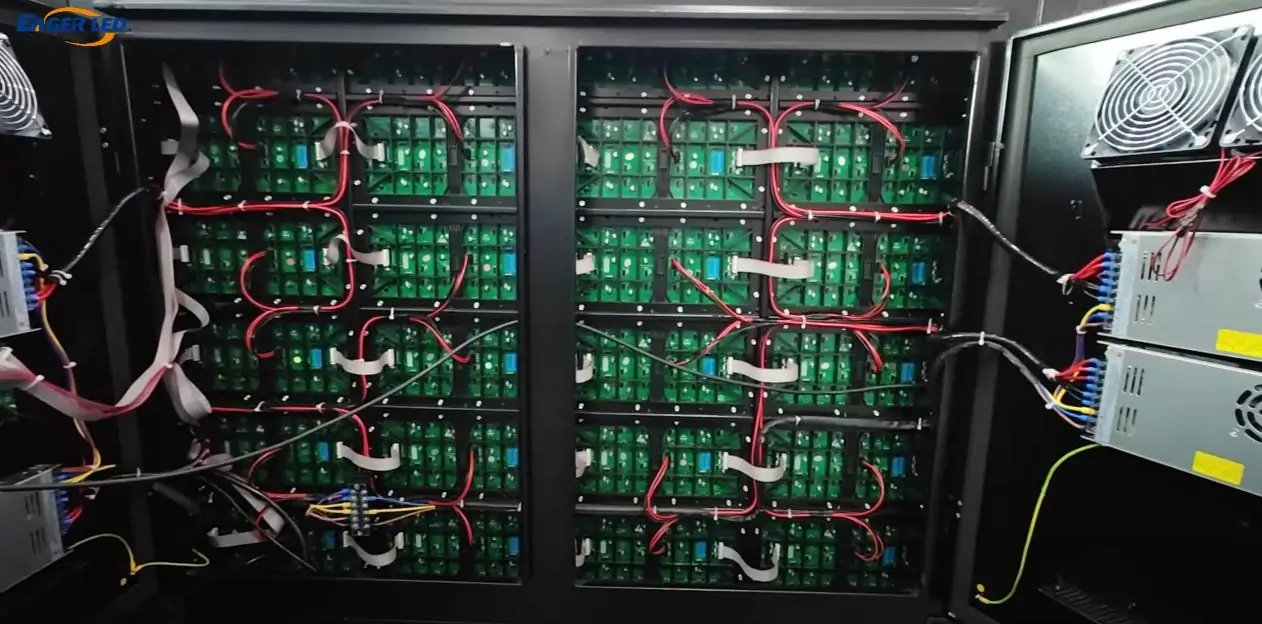
The 960 × 960 mm cabinet is the most common P8 format. It holds eighteen 320 × 160 mm modules in a 3 × 6 arrangement and delivers 120 × 120 pixels. Other formats also exist, such as 640 × 960 mm and 1,000 × 1,000 mm-class cabinets. Material choices range from steel to aluminum and die-cast aluminum. Aluminum reduces weight on the support structure and simplifies handling. On the other hand, steel cabinets can lower purchase cost.
EagerLED’s EA-OFixed outdoor fixed LED display is offered in P8 in both 960 × 960 mm and curved 640 × 960 mm versions, and the EA960F4 outdoor advertising screen also lists a P8 option.
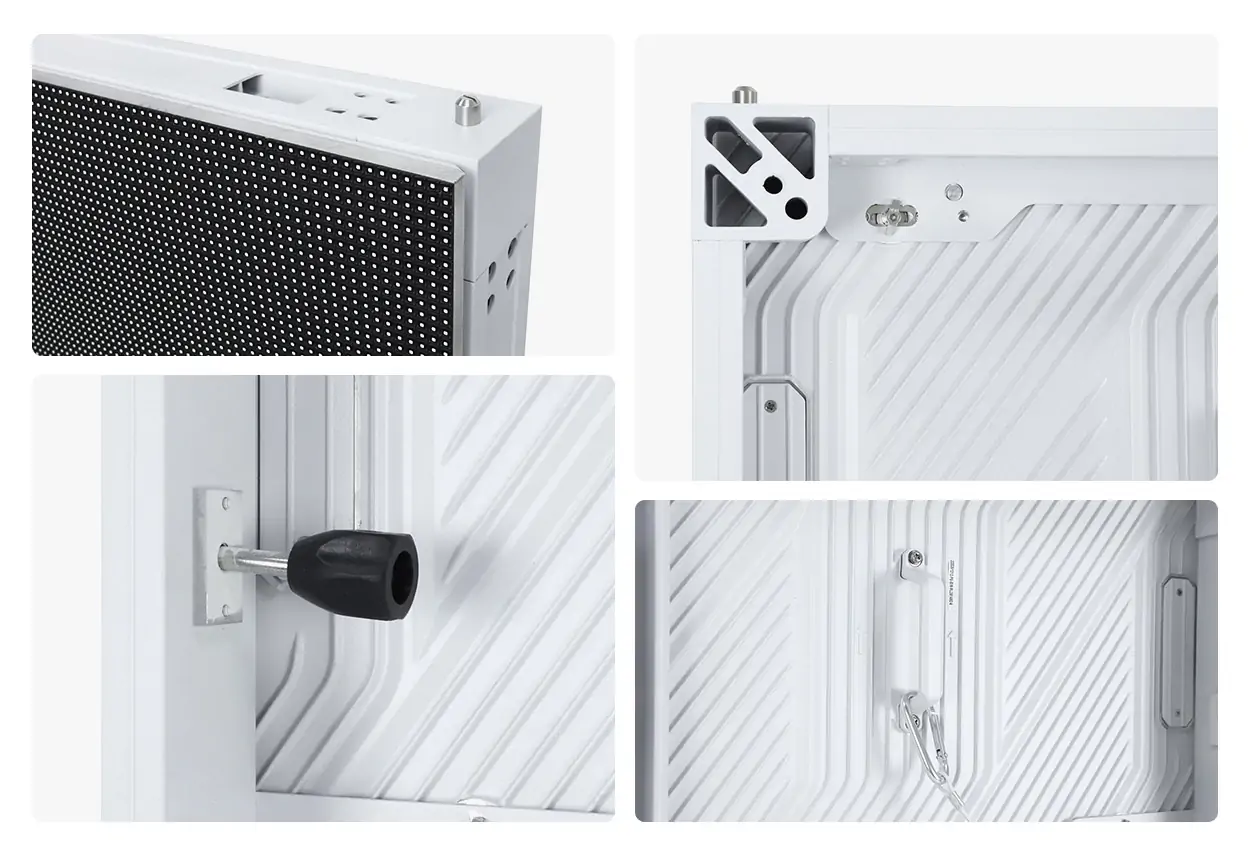
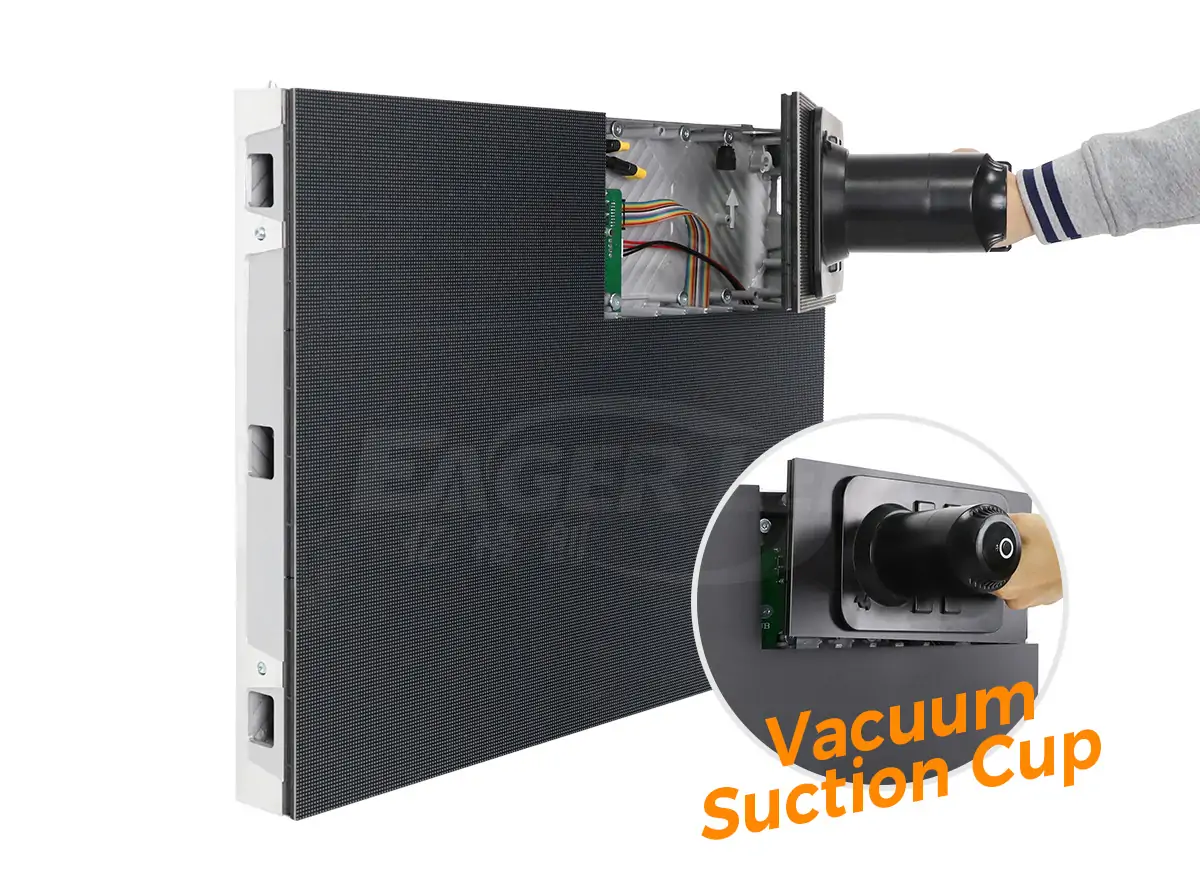
03 Front service or rear service
Rear-service cabinets need a walkway or access space behind the screen, which suits rooftop frames and freestanding billboards with a built-in service corridor. By contrast, front-service designs let technicians remove modules from the viewing side, which matters for wall-mounted screens on façades where there is no room behind. Front service usually adds some cost and changes the sealing design, so it should be chosen for site reasons rather than by default. Rear-service models such as the EA960R5 outdoor LED billboard remain a practical choice where structure access exists. The differences are compared in detail in front service vs rear service LED displays.
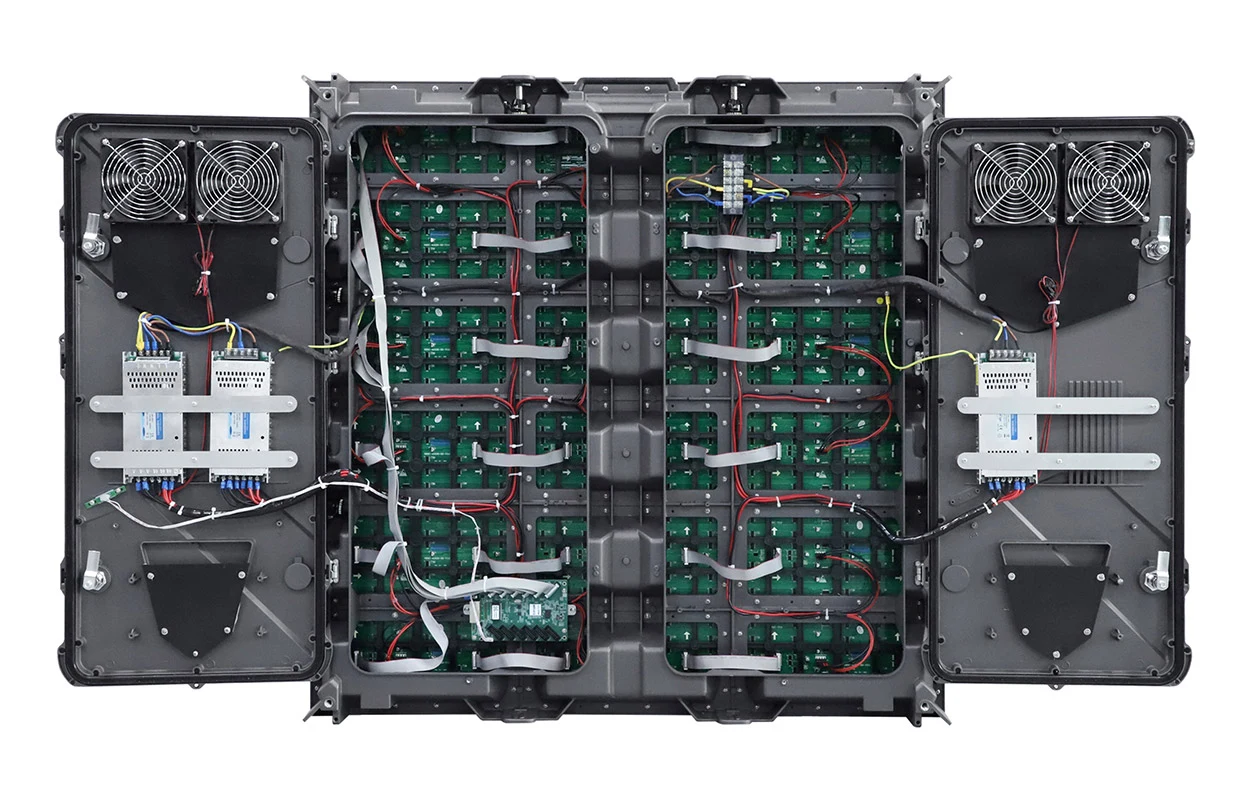
5. P8 vs P6 vs P10: Choosing the Right Outdoor Pixel Pitch
Most outdoor RFQs end up comparing a P8 LED display with its neighbors. The figures below are calculated directly from pitch; viewing distance uses the same rule of thumb as section 3.
| Item | P6 | P6.67 | P8 | P10 |
|---|---|---|---|---|
| Pixel pitch | 6 mm | 6.67 mm | 8 mm | 10 mm |
| Pixels per m² | ≈27,778 | ≈22,500 | 15,625 | 10,000 |
| Pixels per 960 × 960 mm cabinet | 160 × 160 | 144 × 144 | 120 × 120 | 96 × 96 |
| Rule-of-thumb minimum viewing distance | ≈6 m | ≈6.7 m | ≈8 m | ≈10 m |
| Screen width needed for 1920 px | 11.52 m | 12.80 m | 15.36 m | 19.20 m |
| Relative component count and cost | Highest | High | Medium | Lowest |
| Typical fit | Pedestrian streets, shopfronts | Mixed street and road viewing | Roadside, façades, stadiums | Highways, large rooftops |
In practice, the key rows are pixels per cabinet and per square meter. A P8 LED display carries about 56% more pixels per square meter than P10, which shows clearly in small text, logos and faces. P6.67 carries about 44% more pixels than P8, and P6 almost 78% more. As a result, they help where viewers stand within 6 to 8 m, such as a pedestrian street or shopfront.
The practical decision usually runs like this:
- Go with P10 when the closest viewers are 10 m or more away, content is bold and simple, and budget per square meter is the main constraint, as on highway billboards or large rooftop signs.
- Choose P8 when viewers range from about 8 m outward, the content includes video and smaller graphics, and the screen is large enough that a finer pitch would multiply cost without a visible gain.
- Step down to P6 or P6.67 when a meaningful share of the audience stands closer than 8 m, or when a smaller screen still needs enough pixels for detailed content.
Because power, controller capacity and data cabling all scale with pixel count, moving one step finer affects more than the LED module price. Running the numbers for the real site, with actual viewing distances and screen dimensions, usually makes the choice clear.
6. Advantages and Limitations of a P8 LED Screen
After all, every pitch is a compromise. Knowing where a P8 LED screen is strong, and where it is not, helps avoid both over-specifying and disappointing a client.
01 Advantages of a P8 LED Display
- Balanced detail and cost. More resolution than P10 for photographic and video content, with fewer components per square meter than P6-class screens.
- Wide viewing distance band. Comfortable from mid-range outward, which suits roads, plazas and stadium stands where audiences are spread out.
- Mature supply chain. P8 modules, receiving cards and power supplies are standard items, which helps with lead times and spare parts.
- Brightness headroom. Larger pitch leaves room for bigger LED packages and low scan ratios that support outdoor brightness.
- Scalable resolution. Large P8 walls reach HD-class resolutions while staying within a reasonable component count.
02 Limitations to Plan Around
- Not for close viewing. Within about 8 m, pixel structure becomes visible, so shopfronts and small plazas may need a finer pitch.
- Low resolution on small screens. A 2 m wide P8 LED display has only 250 horizontal pixels, which limits text and detail.
- Higher cost than P10. For audiences that never come within 10 m, the extra resolution may not justify the cost.
- Structural and power planning. As with any outdoor LED wall, weight, wind load and electrical supply need engineering, not just a product order.
7. Where a P8 LED Display Works Best
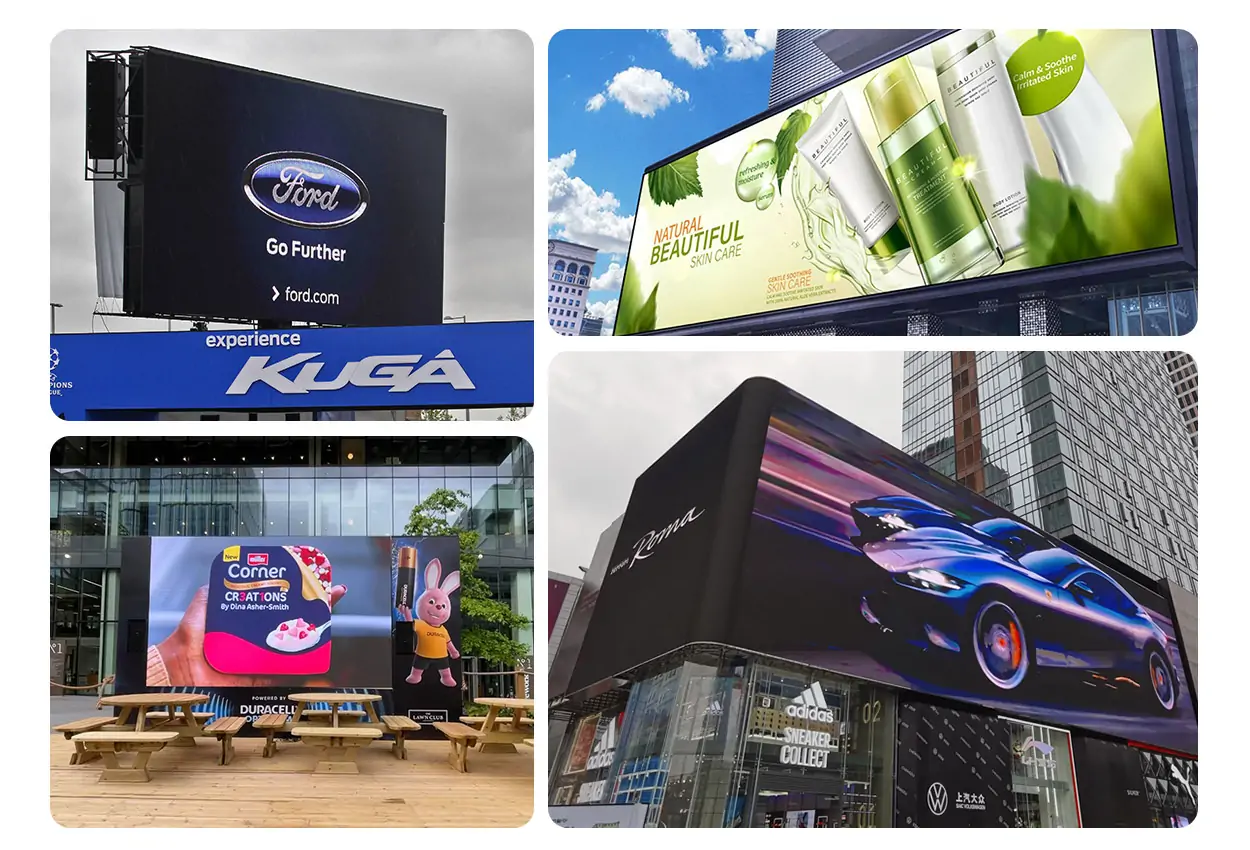
The application decides how a P8 LED display specification should be tuned. The table below matches common project types with configuration priorities.
| Application | Typical viewing distance | Configuration priorities |
|---|---|---|
| Roadside and rooftop billboards | Mid to long range | High brightness, light sensor, rear service with walkway, wind-load design |
| Building façades and media walls | Mixed pedestrian and traffic | Front service where no rear access, cabinet weight, color uniformity |
| Stadium screens and perimeter boards | Across the stands | 3840 Hz refresh for broadcast, impact protection, quick module replacement |
| Shopping mall and retail exteriors | Plaza and car park | Night-time dimming, content scheduling, IP65 sealing |
| Transport hubs and public information | Concourse and forecourt | Legible text size, remote monitoring, reliability |
| Campus, municipal and event spaces | Open squares | Asynchronous control, flexible content, sturdy structure |
Overall, the common thread across these uses is mixed-distance viewing. A P8 LED display on a building façade, for example, may be read by drivers at 40 m and pedestrians at 10 m. Even so, the pitch keeps both groups served. Where the nearest viewers are consistently closer, a finer pitch is worth the investment. On the other hand, where they are always far away, P10 or larger may serve the brief at lower cost.
8. P8 LED Display Price: What Drives the Cost
Buyers often ask for a P8 LED display price per square meter, and suppliers often answer with one. That number is useful for early budgeting, but two quotes at the same headline price can describe very different screens and very different scopes. In most cases, the factors below explain the gap.
| Cost factor | Why it changes the price | Buyer tip |
|---|---|---|
| LED package and chip brand | Chip quality sets brightness, consistency and failure rate | Ask for LED brand and package on the quote |
| Driver IC and refresh rate | Higher refresh and gray-scale ICs cost more | Pay for 3840 Hz only if cameras matter |
| Cabinet material and service type | Die-cast aluminum and front service add cost | Choose service type from site access |
| Brightness and protection | High-brightness LEDs, sealing and cooling add components | Match brightness to sun exposure |
| Control system | Processors, sending cards and players vary widely | Confirm synchronous or asynchronous use |
| Screen area and cabinet count | Fixed costs spread over more square meters | Compare price per cabinet and count |
| Structure, installation and freight | Often excluded from panel prices | Request a scope-separated quotation |
| Spares, warranty and support | Extra modules and service terms carry cost | Agree spare quantities in writing |
Three budgeting habits make quotes comparable. First, ask for the price per cabinet and the exact cabinet count, not only a per-square-meter figure, because screens are built in whole cabinets. Second, separate the display hardware from the steel structure, power distribution, installation, freight and content; a low panel price can hide expensive extras. Third, compare total cost of ownership. Brightness control, efficient power supplies and accessible maintenance all reduce operating cost over the years a P8 LED display stays in service. For a quick first estimate, the LED display price calculator gives a starting point that a project quotation can then refine.
9. How to Specify and Source a P8 LED Display
Above all, a clear specification protects both buyer and supplier. Before sending an RFQ for a P8 LED display, collect the site facts and decide the non-negotiable requirements. Then use the checklist below to compare offers line by line.
| Checklist item | What to request | Why it matters |
|---|---|---|
| Exact pitch and module format | Pitch in mm, module size, pixels per cabinet | Prevents P8-class mismatches |
| LED and IC details | LED brand and package, driver IC model | Determines uniformity and camera performance |
| Optical data | Calibrated brightness, refresh rate, viewing angle | Confirms daylight readability |
| Power figures | Maximum and average W/m² | Sizes electrical supply and running cost |
| Protection and cooling | IP rating front and rear, cooling method | Protects against weather and heat |
| Service access | Front or rear service, tools required | Sets maintenance cost over the screen’s life |
| Testing and documents | Aging test, calibration report, certificates | Evidence of quality before shipment |
| Scope and support | Spares, warranty, structure, remote support | Makes quotations comparable |
01 Start from the site, not the catalogue
First, measure the closest and typical viewing distances, note the screen’s orientation to the sun, and confirm what is behind the mounting surface. In short, these three facts settle pitch, brightness and service type. Local rules on permits, wind load and electrical work also shape the design, so involve a structural engineer early for façade and rooftop projects. Common mounting options are reviewed in outdoor LED screen installation methods.
02 Verify quality before shipment
Next, ask the supplier how cabinets are calibrated and tested. Reputable factories run every screen through an aging test before it leaves the plant. EagerLED, for instance, assembles outdoor screens and runs a 72-hour test before shipping. Request certificates that match the exact model and market. Then confirm the warranty terms, the spare modules and power supplies included, and how remote technical support works.
03 Plan the control system and content
First, decide early whether the screen will run synchronous playback from a video processor or asynchronous playback from a player box with scheduled content. In addition, remote monitoring of temperature, power and module status reduces site visits. Finally, brief the content team on native resolution and viewing distance. Text sizes and frame layouts should suit the screen instead of being scaled from other media.
10. FAQ
11. Conclusion
A P8 LED display is a strong default for outdoor screens viewed from about 8 meters and beyond. Its 15,625 pixels per square meter deliver clearly better detail than P10. At the same time, component count, power and cost stay well below P6-class walls. The pitch itself is only the starting point. Beyond that, brightness, refresh rate, cabinet design, service access and supplier quality decide whether a P8 LED screen performs for years or becomes a maintenance burden.
For buyers, distributors and integrators, the reliable path starts from site facts. Next, size the screen in whole cabinets for the content’s native resolution. Then compare suppliers on full specifications and scope rather than on headline price per square meter. Planning a P8 LED display project? EagerLED’s engineering team can review your site conditions and propose a configuration that fits the viewing distance, budget and maintenance plan.
 What Is an AIO LED Display? What’s Included and How It Works
 P4 Outdoor LED Video Wall: Specs, Sizing, Cost & Buying Guide
Related Posts
Fill In Your Needs In Detail
Fill in the screen usage scene and size you need in “Content”.You will get a quote.