Buy the NovaStar TU15 Pro for a compact indoor LED screen up to 2.6 million pixels; choose the TU20 Pro when you need six Ethernet outputs and up to 3.9 million pixels with scaling; move to the TU4K Pro for native 4K-class canvases, 20 Ethernet outputs, optical transmission, HDR, or a large and irregular screen. For many meeting rooms and showrooms, the TU20 Pro is the practical middle choice. It expands output capacity without the cost and rack-scale complexity of the TU4K Pro.
The model number alone is not enough. NovaStar publishes different limits for scaling, pixel-to-pixel display, internal Android playback, and HDMI input. This guide separates those limits, calculates realistic screen loads, and shows which controller fits each deployment before you request a quotation.
1. Quick Verdict: Which NovaStar TU Pro Should You Buy?
Choose TU15 Pro when the final LED canvas is no more than 2.6 million pixels, four Gigabit Ethernet outputs are enough, and your external sources do not need HDMI 2.0. A 1920 × 1080 wall contains 2,073,600 pixels, so it fits comfortably. This is the sensible entry point for a single conference-room screen, reception display, compact showroom, classroom, or hotel lobby.
Choose TU20 Pro when the screen needs five or six output ports, or when scaling may push the canvas above the TU15 Pro limit. It supports up to 3.9 million pixels with scaling, but NovaStar limits pixel-to-pixel display and the internal Android source to 2.88 million pixels. That distinction makes TU20 Pro a strong value model, but not a universal solution for every 3.9-million-pixel design.
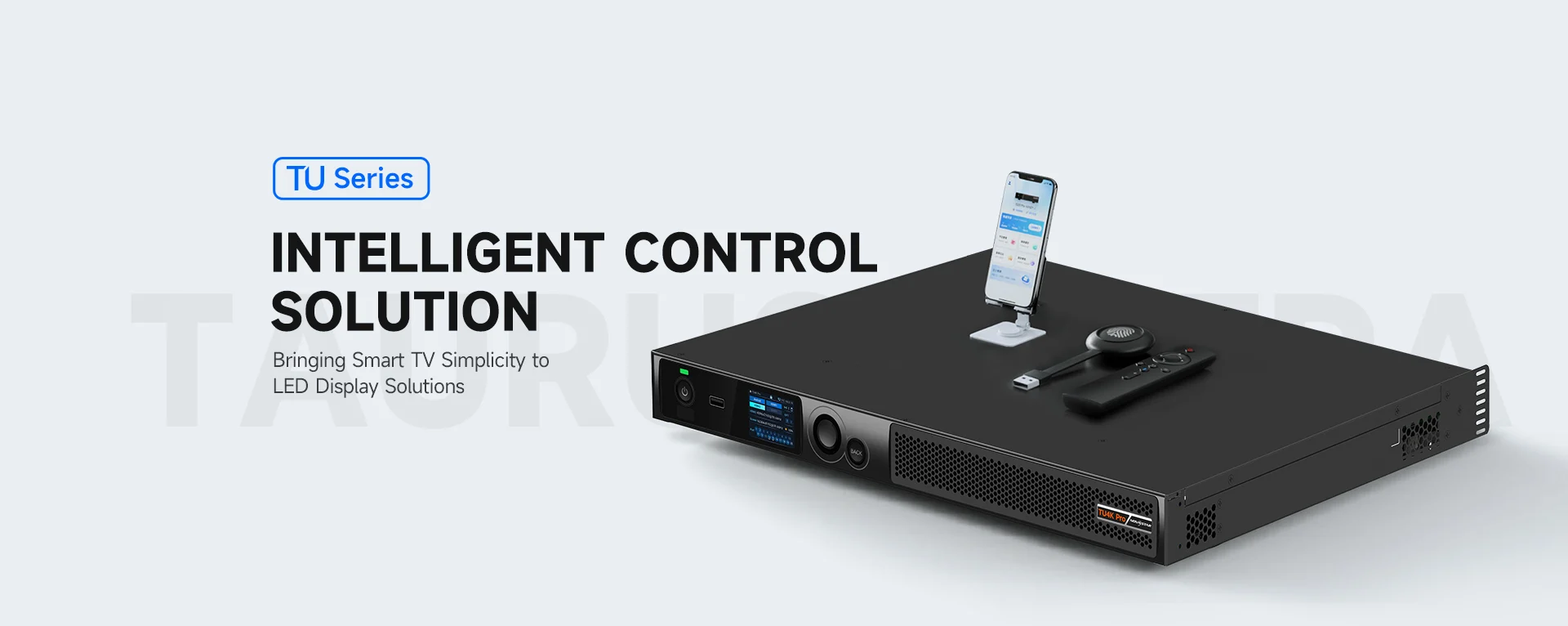
Choose TU4K Pro when the project needs a 3840 × 2160 canvas, 4K@60Hz HDMI input, 10-bit sources, HDR10, 20 copper outputs, two 10G optical outputs, or more than 3.9 million scaled pixels. Its 13-million-pixel scaling capacity and 8.8-million-pixel pixel-to-pixel limit put it in a different class. Do not buy it only for a small 1080p wall; most of its extra hardware would sit unused.
2. NovaStar TU15 Pro vs TU20 Pro vs TU4K Pro at a Glance
The comparison below uses the current NovaStar TU Series product page and the manufacturer specifications for the TU15 Pro, TU20 Pro, and TU4K Pro. Firmware and regional packages can change, so confirm the exact shipping version before purchase.
| Specification | TU15 Pro | TU20 Pro | TU4K Pro |
|---|---|---|---|
| Best fit | Compact indoor screen | Medium indoor screen | 4K, large, wide, or fiber-fed screen |
| Ethernet outputs | 4 × 1GbE | 6 × 1GbE | 20 × 1GbE + 2 × 10G OPT |
| Maximum with scaling | 2.6 million pixels | 3.9 million pixels | 13 million pixels |
| Pixel-to-pixel / internal source | 2.6 million | 2.88 million | 8.8 million |
| Video inputs | 2 × HDMI 1.3 | 2 × HDMI 1.3 | 1 × HDMI 1.3 + 2 × HDMI 2.0 |
| Maximum HDMI input | 2048 × 1152@60Hz | 2048 × 1152@60Hz | 4096 × 2160@60Hz on HDMI 2.0 |
| System / memory | Android 11, 4GB + 32GB | Android 11, 4GB + 32GB | Android 13, 8GB + 128GB |
| Default split-screen mirroring | Single screen | Single screen | 9-way split |
| Rated power / net weight | 21W / 1.12kg | 21W / 1.12kg | 53.9W / 4.60kg |
3. What All Three NovaStar TU Pro Models Have in Common
3.1. One box combines playback, control, and screen management
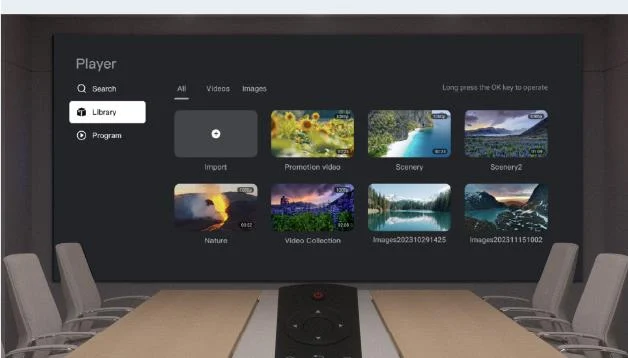
Each TU Pro integrates an Android media system with LED sending-card functions. That means a meeting room can play local files, run approved third-party Android apps, accept HDMI sources, and drive receiving cards without a separate media player and sending box. Operators can switch sources and manage basic playback with the included Bluetooth voice remote.
All three models support Wi-Fi station and hotspot modes at the same time, Bluetooth 5.1 for up to seven common peripherals, USB playback, a Gigabit Ethernet control port, sensor input, RS232 central control, relay control, 3.5mm audio, and SPDIF. They also provide four display modes – standard, meeting, vivid, and skin – with brightness, color temperature, saturation, and contrast adjustment.
3.2. Wireless mirroring is a core feature, not the capacity difference
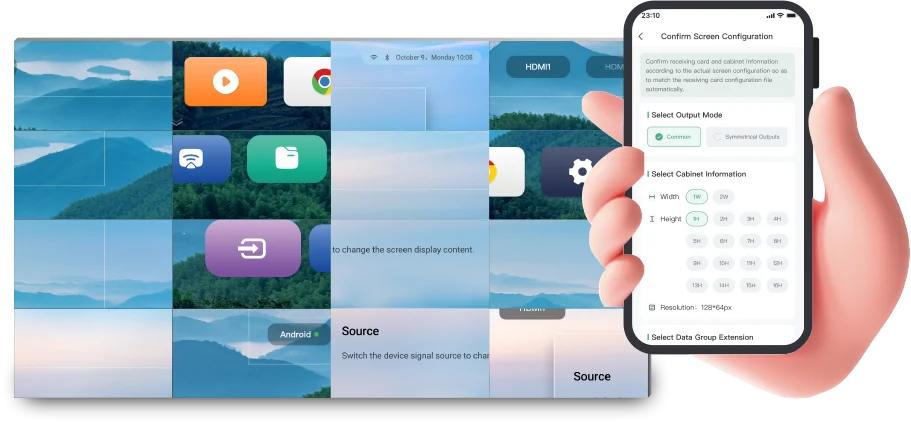
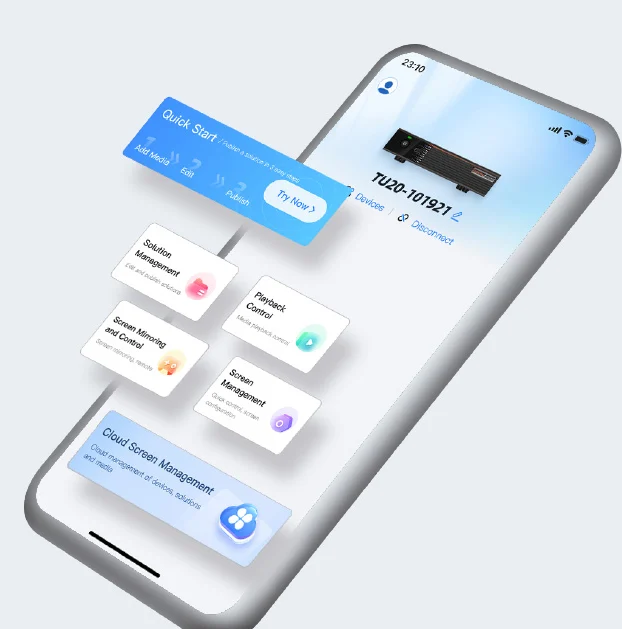
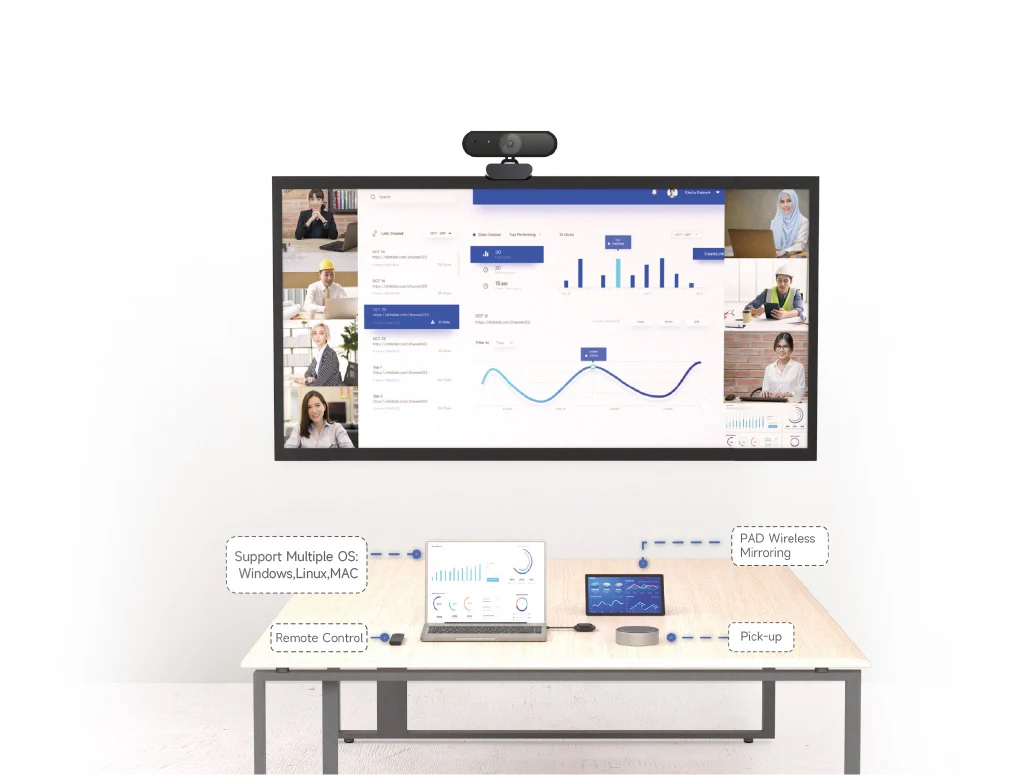
Windows, macOS, iOS, and Android devices can mirror to every model. ViPlex Handy supports mobile publishing and screen control, while VNNOX Care supports assisted configuration and monitoring. NovaStar states that its mobile workflow can complete screen configuration in about 10 minutes under suitable conditions; treat that as an onboarding target, not a substitute for receiving-card, power, and topology verification.
4. NovaStar TU15 Pro: Best for Compact Indoor LED Screens
4.1. Buy it when four outputs and 2.6 million pixels are enough
The TU15 Pro is the most efficient purchase when a single indoor wall stays below 2.6 million pixels. It is particularly well matched to 1920 × 1080 canvases, which leave about 526,400 pixels of headroom for topology choices. Four 1GbE outputs simplify a compact installation, while the 211.7 × 185.0 × 50.6mm enclosure can sit on a surface or use the supplied hanging brackets.
For a meeting room, classroom, lobby, or small showroom using an indoor LED screen, that combination is often all the system needs. The Android 11 platform has 4GB RAM and 32GB storage and can decode H.265 video up to 4K@60Hz or H.264 up to 4K@30Hz for internal playback.
4.2. Do not confuse 4K decoding with 4K HDMI input
TU15 Pro can decode a 4K file internally, but its two HDMI 1.3 inputs accept a maximum of 2048 × 1152@60Hz. Its LED load is also capped at 2.6 million pixels. Therefore, it is not the correct choice for a native 3840 × 2160 LED canvas or a 4K@60Hz presentation computer. This is one of the most common specification-reading mistakes in the TU range.
5. NovaStar TU20 Pro: The Best Value for Medium Screens
5.1. The two additional Ethernet outputs are the main upgrade
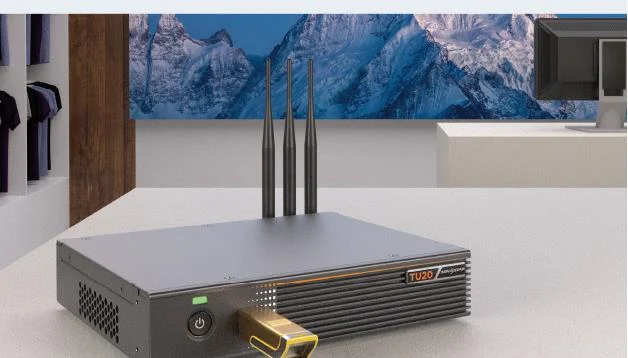
TU20 Pro retains the TU15 Pro enclosure, 21W rated consumption, Android 11 platform, 4GB RAM, 32GB storage, two HDMI 1.3 inputs, and the same playback engine. The purchase case is the output stage: six Ethernet ports and a 3.9-million-pixel scaling ceiling give installers more freedom for a medium-size wall or a topology that would overfill four ports.
5.2. Understand the 3.9-million versus 2.88-million limit
NovaStar specifies 3.9 million pixels when the scaling function is used, but only 2.88 million pixels for pixel-to-pixel display. The internal Android source is also limited to 2.88 million pixels. For example, a 2400 × 1350 screen contains 3.24 million pixels: it can fit the scaling envelope, yet it exceeds the native internal-source limit. If the project requires exact pixel mapping from Android, either reduce the canvas or move to TU4K Pro.
This is why TU20 Pro should be selected from the complete signal workflow, not just the port count. Ask whether content will come from Android, an external HDMI source, or a mixture; whether scaling is acceptable; and whether one-to-one pixel mapping is required for text, CAD, broadcast, or control-room graphics.
6. NovaStar TU4K Pro: Built for 4K and Large LED Canvases
6.1. Its output architecture is in a different class
TU4K Pro provides 20 Gigabit Ethernet outputs and two 10G optical outputs. OPT 1 carries Ethernet ports 1-10 and OPT 2 carries ports 11-20; NovaStar notes that both are primary outputs, not loop backups, and the unit ships without optical modules. This makes the controller suitable for long fiber runs, high-resolution auditoriums, large showrooms, wide retail canvases, and standalone outdoor displays.
The unit supports up to 13 million pixels with scaling, a width up to 16,384 pixels, and a height up to 8,192 pixels. Pixel-to-pixel display and the internal Android source are limited to 8.8 million pixels, which still accommodates a 3840 × 2160 canvas at 8,294,400 pixels.
6.2. HDMI 2.0, HDR10, and stronger processing justify the upgrade
Two HDMI 2.0 inputs accept up to 4096 × 2160@60Hz and support 8-bit or 10-bit sources. TU4K Pro also adds HDR10, peak-brightness processing with compatible A10s Pro or A8s Pro receiving cards, and AI image enhancement for the internal source and HDMI 1 during single-window playback. Its Android 13 system uses an eight-core A73/A53 processor at up to 2.2GHz, 8GB RAM, and 128GB storage.
For a deeper feature tour, read EagerLED’s NovaStar TU4K Pro guide. Buyers comparing a conventional all-in-one video controller rather than an Android playback processor can also review the NovaStar MX20 guide before finalizing the architecture.
7. Calculate Your LED Screen Load Before Choosing a Model
7.1. Multiply total canvas width by total canvas height
Controller capacity is based on the complete LED canvas, not the resolution of one cabinet. Multiply the final horizontal pixel count by the final vertical pixel count. If a wall is 20 cabinets wide and 8 cabinets high, and each cabinet is 192 × 192 pixels, the canvas is 3840 × 1536, or 5,898,240 pixels.
That example exceeds both TU15 Pro and TU20 Pro. It fits TU4K Pro for pixel-to-pixel operation, assuming the topology, per-port loading, receiving cards, refresh rate, bit depth, and redundancy plan are also valid. Pixel count is the first gate, not the only engineering check.
7.2. Use these four load examples as a shortlist
| Canvas | Pixels | Practical model choice |
|---|---|---|
| 1920 × 1080 | 2,073,600 | TU15 Pro or higher |
| 2160 × 1200 | 2,592,000 | TU15 Pro, close to its ceiling |
| 2400 × 1350 | 3,240,000 | TU20 Pro with scaling, or TU4K Pro for native mapping |
| 3840 × 2160 | 8,294,400 | TU4K Pro |
| 4800 × 2700 | 12,960,000 | TU4K Pro with scaling; not native Android mapping |
Leave engineering margin rather than designing exactly to a headline limit. Port bandwidth must be distributed across the cabinet topology, and features such as redundancy, non-rectangular loading, or high bit depth may affect the implementation. Ask the LED supplier for a port-by-port loading diagram before the controller is ordered.
8. Compare Video Inputs, Playback, and Mirroring
8.1. External 4K sources require TU4K Pro
TU15 Pro and TU20 Pro use HDMI 1.3 and top out at 2048 × 1152@60Hz for external input. TU4K Pro adds two HDMI 2.0 inputs at up to 4096 × 2160@60Hz, plus one HDMI 1.3 input. HDMI 2.0 also accepts 10-bit sources, which matters when the workflow includes HDR or higher-bit-depth media.
8.2. Internal playback is closer than the model names suggest
All three models decode H.265 up to 4K@60Hz and H.264 up to 4K@30Hz. TU15 Pro and TU20 Pro can each play two 4K streams, five 1080p streams, five 720p streams, eight 480p streams, or ten 360p streams under NovaStar test conditions. TU4K Pro also handles two 4K streams and adds one supported 8K stream, nine 720p streams, fourteen 480p streams, or fifteen 360p streams.
The split-screen mirroring license is another budget item. TU15 Pro and TU20 Pro include single-screen mirroring; four-way and nine-way split modes require separate activation codes. TU4K Pro supports nine-way split-screen mirroring by default. Confirm licenses and the optional PTB1307 mirroring dongle on the quotation instead of assuming they are included.
9. Installation and Operating Workflow Matter
TU15 Pro and TU20 Pro are compact 1.12kg units powered by a 12V adapter. TU4K Pro is a 445.0 × 381.8 × 50.1mm, 4.60kg controller with a 100-240V AC input, a 2-inch front LCD, knob, and back button. The larger unit is easier to operate from a rack, while the smaller pair can be mounted close to a display or placed in a shallow cabinet.
Map everyday tasks before selecting hardware: powering the LED wall, switching between Android and HDMI, presenting from a guest laptop, publishing scheduled content, recovering after a power cut, muting audio, and returning to a known source. A controller with unused capacity does not improve the system if operators cannot restore it quickly.
The official NovaStar video above introduces the TU Series control and playback workflow. For software preparation, EagerLED also maintains a NovaStar software download guide. Match the downloaded tool and firmware to the exact processor and receiving-card generation.
10. Check Compatibility Beyond the Processor
10.1. Confirm receiving cards and advanced features
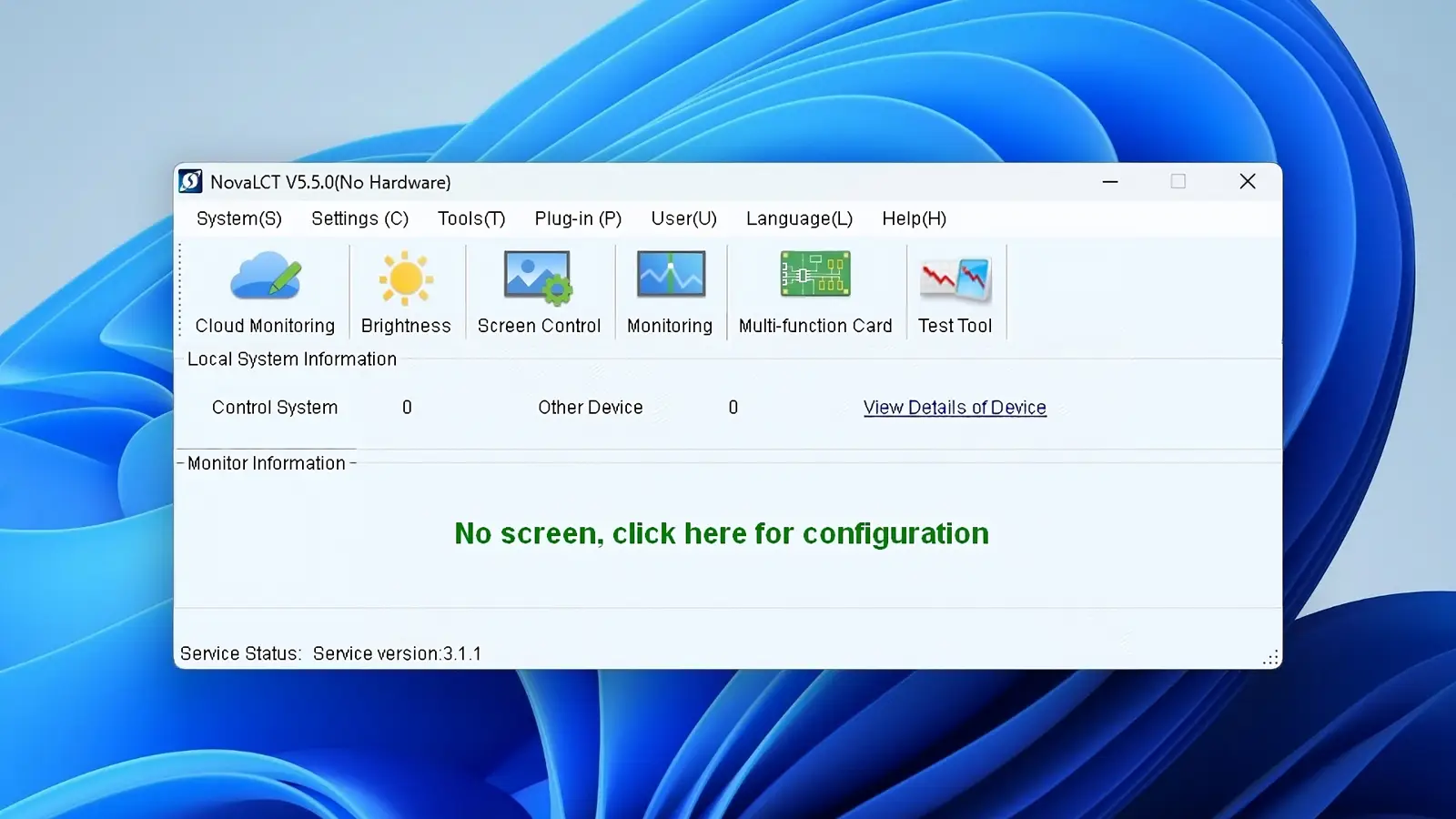
Free receiving-card connection, peak-brightness processing, HDR behavior, and monitoring depend on the surrounding system. For example, NovaStar specifies A10s Pro or A8s Pro receiving cards for TU4K Pro peak-brightness processing. Ask the supplier to list receiving-card models, firmware versions, cabinet resolutions, scan modes, and every feature that depends on an activation code.
10.2. Specify audio, control, and network requirements
All three models provide 3.5mm and SPDIF audio. TU4K Pro adds HDMI ARC and Phoenix audio output. If the room uses a DSP, conferencing codec, central-control processor, or assistive listening system, document the desired audio path and power-control sequence. Likewise, separate the building network from the LED control network when security policy requires it.
11. Avoid These Common Buying Mistakes
11.1. Choosing from the total-pixel headline alone
Scaling capacity, pixel-to-pixel capacity, internal Android capacity, per-port load, and input resolution are separate limits. A 3.24-million-pixel canvas illustrates the problem: TU20 Pro can scale to it, but cannot map the Android source to it pixel for pixel.
11.2. Treating 4K decoding as 4K system support
Decoding describes media playback. It does not prove that the HDMI input accepts 4K@60Hz or that the LED outputs can drive an 8.29-million-pixel canvas. Only TU4K Pro satisfies those requirements within this comparison.
11.3. Paying for TU4K Pro without a defined use case
TU4K Pro earns its price when the project uses its 4K inputs, output capacity, optical links, HDR, richer audio, front-panel control, storage, or processing. A compact 1080p meeting-room wall generally gains no visible benefit from 20 unused Ethernet ports.
11.4. Ignoring licenses, accessories, and commissioning
Whiteboard activation, split-screen mirroring on TU15 Pro and TU20 Pro, the PTB1307 dongle, optical modules, sensors, and some central-control wiring may be separate items. Require a complete bill of materials, topology file, configured spare, firmware record, acceptance test, and operator handover.
12. FAQs
13. Conclusion
For most compact 1080p indoor walls, buy TU15 Pro. Choose TU20 Pro when six outputs or scaled capacity up to 3.9 million pixels solves a defined topology problem. Buy TU4K Pro when the screen or source genuinely requires 4K-class capacity, HDMI 2.0, optical output, HDR, richer I/O, or large-canvas processing.
Before ordering, send the supplier the exact cabinet layout, native canvas resolution, source resolutions, mirroring requirement, audio path, control method, and redundancy plan. EagerLED can match the processor to the LED cabinets and provide a port-by-port design; contact EagerLED with your screen dimensions and pixel pitch for a configuration review.
 NovaStar vs Huidu vs Colorlight: Which System Fits?
 LED Signs vs Traditional Signs: Which Delivers Better ROI?
Related Posts





Fill In Your Needs In Detail
Fill in the screen usage scene and size you need in “Content”.You will get a quote.