
The Novastar MX20 LED Display Controller is a cutting-edge solution designed for professionals in the LED display industry. As part of NovaStar’s COEX series, this all-in-one controller combines video processing and control into a single unit, offering unparalleled flexibility and performance. Whether you’re managing large-scale LED video walls, fine-pitch displays, or creative installations, the MX20 delivers exceptional results with advanced features like multi-layer processing, HDR support, and seamless integration with VMP (Vision Management Platform). This guide will walk you through everything you need to know about the MX20 LED Screen Controller, from its core features to pricing and comparisons with other models.
1. What Is the MX20 LED Screen Controller?
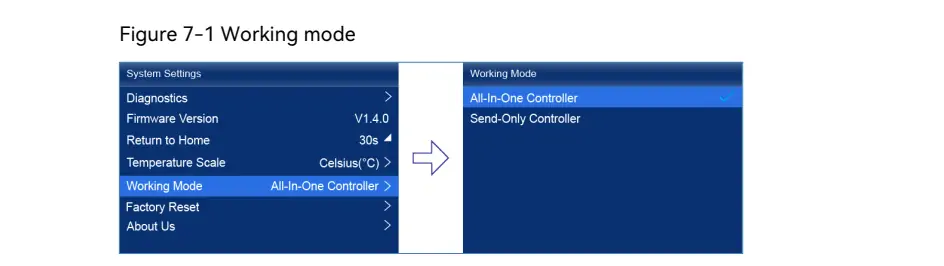
The MX20 LED Screen Controller is an all-in-one LED display controller that integrates video processing and sending functions into a compact device. It supports two working modes: All-In-One Controller and Send-Only Controller, making it adaptable for various applications such as studio broadcasting, virtual production, and live events. With its robust design and advanced capabilities, the MX20 is ideal for handling complex LED setups, including irregular screens and high-resolution displays.
Key highlights of the MX20 LED Display Screen Controller include:
- High Pixel Load Capacity: Up to 3.9 million pixels across six Gigabit Ethernet ports.
- Versatile Inputs/Outputs: Dual HDMI 1.3, one 3G-SDI input, and dual 10G optical ports for long-distance data transmission.
- Multi-Layer Processing: Supports up to three independent layers with Z-order priority adjustment.
- HDR Support: Ensures vibrant colors and superior image quality, even in challenging lighting conditions.
Designed for professional-grade applications, the MX20 is a reliable choice for businesses and organizations seeking a powerful yet user-friendly LED display solution.
2. Novastar MX20 Multi-Layer Processor: Core Features
The Novastar MX20 Multi-Layer Processor sets itself apart with its advanced features tailored for high-end LED display systems. Here’s a closer look at what makes it stand out:
2.1 Advanced Video Processing
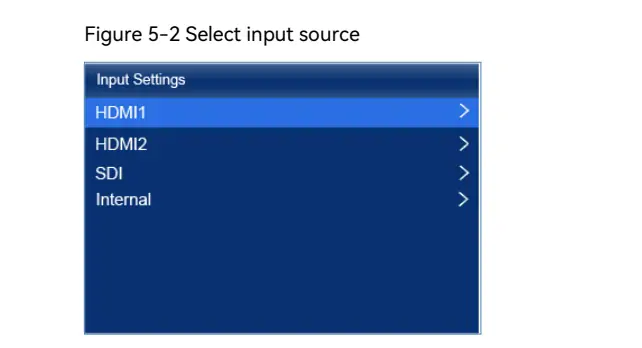
- Image Scaling Modes: The MX20 supports four scaling modes—custom, pixel-to-pixel, snap-to-canvas, and fill-screen—ensuring optimal image quality regardless of screen size or resolution.
- 14-Channel Color Correction: Precise adjustments to hue, saturation, and brightness allow for stunning color accuracy across black, white, and 12 derived standard colors.
- Low Latency: Achieves processing latency as low as 0 frames (<1 ms) in Send-Only mode and 1 frame in All-In-One mode, ensuring real-time performance for live applications.
2.2 Full Grayscale Calibration
When paired with NovaStar’s calibration systems (e.g., CC3, CC60, C3200), the MX20 supports full-grayscale calibration. This feature generates unique calibration coefficients for each grayscale level, ensuring uniformity and enhancing overall image quality.
2.3 Frame Rate Adaptive Technology
The MX20 automatically adapts to different input frame rates, ranging from 23.98 Hz to 480 Hz. It also supports precise frame rate adjustments in 0.01 Hz increments, ensuring consistent brightness across varying frame rates.
2.4 No Rectangle Restriction
Unlike traditional controllers, the MX20 does not impose rectangle restrictions on screen designs. This flexibility allows for creative and architectural LED installations, where blank pixels do not count toward the total load capacity.

2.5 System Monitoring and Diagnostics
Equipped with hardware monitoring capabilities, the MX20 provides real-time feedback on fan speed, module temperatures, voltage levels, and operational status. It automatically detects and reports faults or alarms, ensuring uninterrupted performance.
3. Novastar MX20 Input Output Ports Overview
One of the standout features of the Novastar MX20 Input Output Ports is its versatility and connectivity options. Let’s break down the key inputs and outputs:
3.1 Inputs
- HDMI 1.3 (x2): Supports resolutions up to 1920×1200@60Hz with custom resolutions available (up to 3840 pixels wide or 2560 pixels high).
- 3G-SDI: Handles resolutions up to 1920×1080@60Hz, supporting ST-424 (3G), ST-292 (HD), and ST-259 (SD) standards.
- Genlock Input: Enables synchronization with external devices, crucial for broadcast and live event applications.
3.2 Outputs
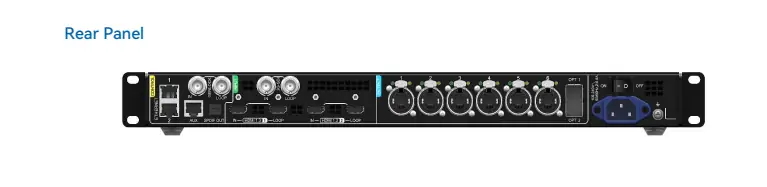
- 6x Gigabit Ethernet Ports: Each port supports a maximum load capacity of 659,722 pixels (8-bit @ 60Hz) or 329,861 pixels (10-bit @ 60Hz). When paired with the A10s Pro receiving card, the capacity increases to 494,791 pixels.
- 2x 10G Optical Ports: Facilitate high-bandwidth data transmission over long distances, with OPT 1 transmitting data from Ethernet ports 1–6 and OPT 2 serving as a backup channel.
- SPDIF Audio Output: Allows digital audio output from HDMI 1.3 sources.
3.3 Control Ports
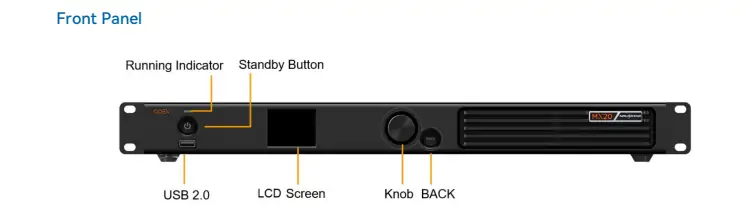
- 2x Ethernet Control Ports: Support TCP/IP protocol and star topology, enabling cascading of up to 20 MX20 units without additional switches or routers.
- Auxiliary Port: Provides RS232 connectivity for central control integration.
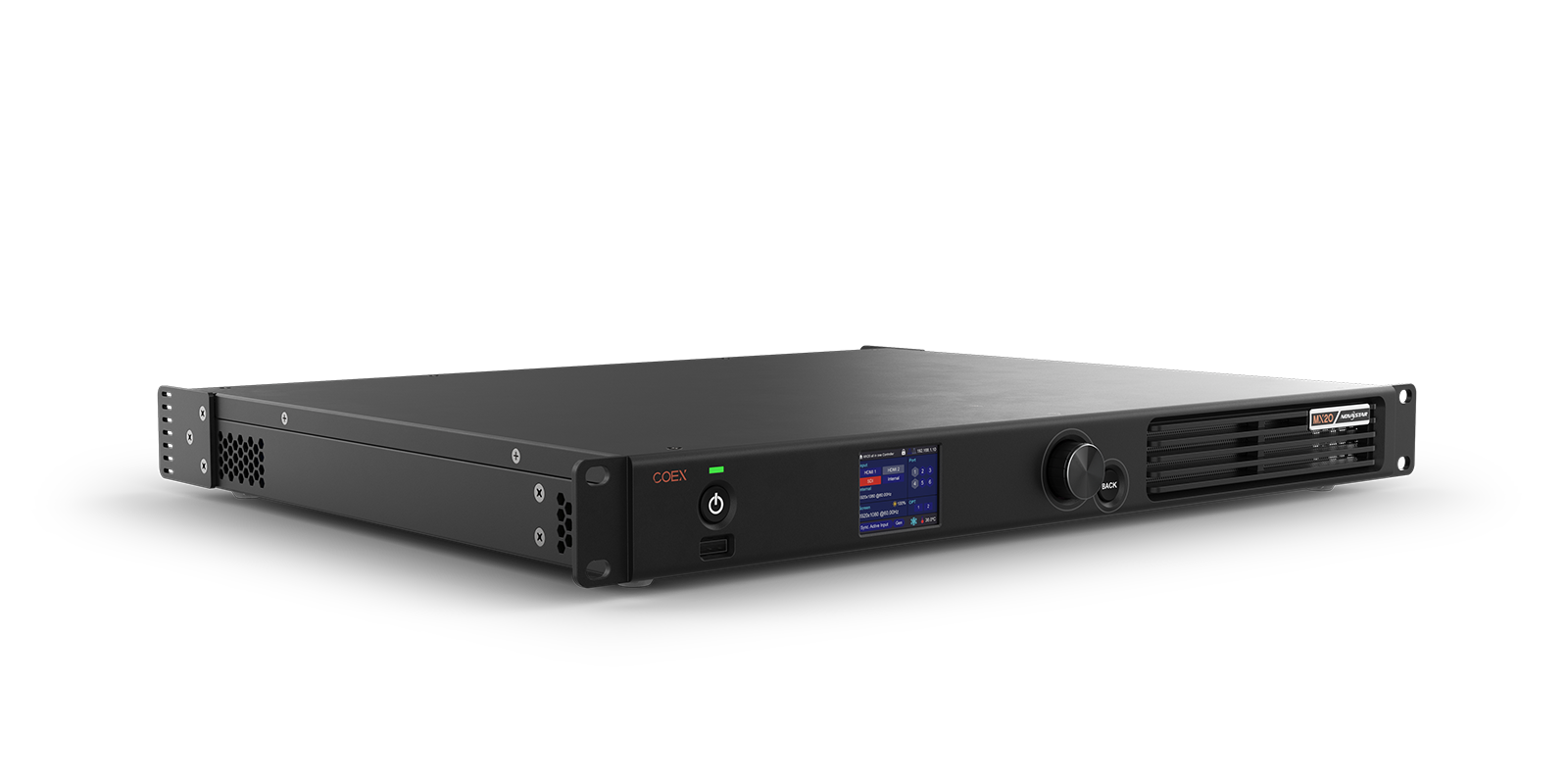
With these comprehensive I/O options, the MX20 ensures seamless integration into any LED display ecosystem.
4. Novastar MX20 Controller Price and Value Analysis
The Novastar MX20 Controller Price reflects its premium build quality and advanced functionality. While exact pricing may vary based on region and distributor, the MX20 offers excellent value for money considering its features:
- High Pixel Load Capacity: Competitors often struggle to match the MX20’s ability to handle up to 3.9 million pixels.
- Versatile Connectivity: With multiple input/output options, the MX20 eliminates the need for additional equipment, reducing overall costs.
- Advanced Processing: Features like multi-layer support, HDR, and full-grayscale calibration justify the investment for professional users.
For businesses requiring top-tier performance, the MX20 represents a cost-effective solution compared to higher-end models like the MX30, which we’ll explore next.
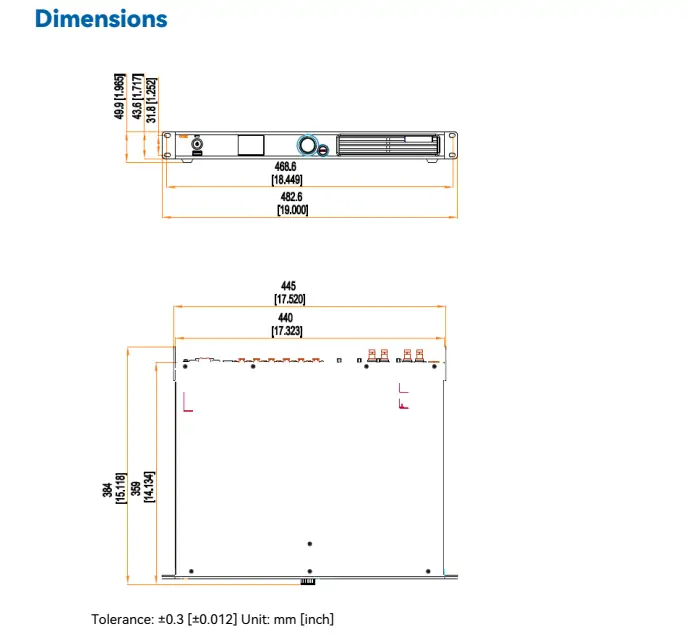
5. Novastar MX20 vs MX30: Which One is Better?
When comparing the Novastar MX20 vs MX30, both controllers excel in their respective domains but cater to slightly different needs:
| Feature | MX20 | MX30 |
|---|---|---|
| Pixel Load Capacity | Up to 3.9 million pixels | Higher capacity (exact specs depend on model) |
| Input Options | 2x HDMI 1.3, 1x 3G-SDI | Additional inputs for enhanced versatility |
| Output Ports | 6x Gigabit Ethernet, 2x 10G optical | More Ethernet ports for larger installations |
| Latency | 0-frame (<1 ms) in Send-Only | Similar low-latency performance |
| Price | More affordable | Higher price point |
While the MX30 offers greater scalability for massive installations, the MX20 strikes an excellent balance between performance and affordability. For most users, the MX20’s capabilities are more than sufficient for demanding applications.
6. FAQs
7. Conclusion
The Novastar MX20 LED Display Controller is a powerhouse designed to meet the demands of modern LED display systems. With its advanced multi-layer processing, versatile input/output options, and robust build quality, the MX20 stands out as a top choice for professionals in the industry. Whether you’re managing a small studio setup or a large-scale event, the MX20 delivers unmatched performance and reliability.
While the Novastar MX20 Controller Price may be higher than entry-level models, its value proposition is undeniable. For those weighing the Novastar MX20 vs MX30, the decision ultimately depends on your specific requirements. However, for most users, the MX20 offers the perfect blend of power, flexibility, and affordability.
Invest in the MX20 today and elevate your LED display projects to new heights!
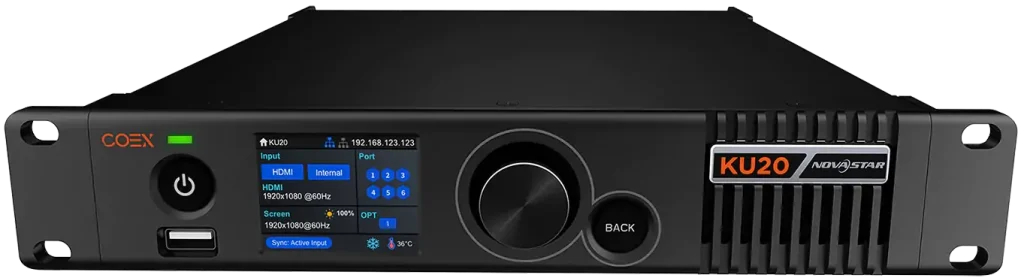 Novastar KU20 Breakdown: What Makes It Stand Out
 2026 EagerLED New Year’s Day Holiday Notice
Related Posts

Fill In Your Needs In Detail
Fill in the screen usage scene and size you need in “Content”.You will get a quote.



