Choose a transparent LED screen when brightness potential, visibility from farther away, modular servicing, long operating life, and a large glass facade matter most. In a transparent LED screen vs LED film decision, a rigid modular display is usually the stronger starting point for a sunlit, street-facing window, provided the structure can support it.
Choose LED film when the priority is a thin, glass-hugging appearance, minimal visible framing, close viewing, and less structural alteration for an indoor installation. For either option, test the actual glass, orientation, ambient light, content, and viewing positions before buying; nominal transparency alone does not predict a clear daytime image.
1. Quick Answer: Transparent LED Screen vs LED Film
The choice is between two system architectures. A modular screen generally offers more brightness headroom, established replaceable parts, and easier fault isolation. Film creates less visual weight, but its adhesive interface, cables, controller, and repair method need early confirmation.
| Factor | Transparent LED screen | LED film |
|---|---|---|
| Physical construction | Rigid modules, LED strips, frame, power and controls | Clear substrate with LEDs, traces and edge connections |
| Typical mounting | Suspended, framed or independently supported | Bonded or laminated to compatible glass |
| Visual weight on glass | More visible bars, frames and equipment | Usually thinner with less visible framing |
| Brightness potential | Usually stronger for demanding daylight | Product-dependent; test on real glass |
| Transparency | Affected by bars, frames and power placement | Lighter, but traces, seams and edge hardware remain |
| Pixel-pitch availability | Varies by module family | Varies; horizontal and vertical pitch may differ |
| Suitable viewing distance | Often medium to long | Often close to medium |
| Installation complexity | More structural work and access planning | Less framing, but surface preparation and bonding are critical |
| Service method | Replace module, cabinet, power supply or card | Repair or replace an approved film zone |
| Replaceable components | Usually well-defined modular parts | Product-specific; confirm zone size and field process |
| Structural requirements | Engineering review of load and attachment | Glass, electrical and code review still required |
| Best applications | Large, bright, long-running installations where serviceability matters | Refined indoor glazing and close-view installations with minimal framing |
Overall judgment: “More transparent” does not mean clearer in daylight, and “easier to install” does not mean that professional electrical, signal, fire-safety, or glass-compatibility checks can be skipped.
2. What Is a Transparent LED Screen?
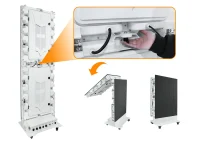
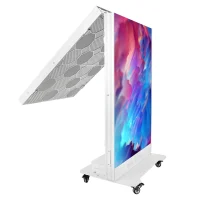
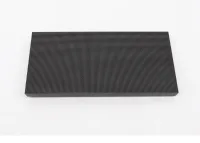
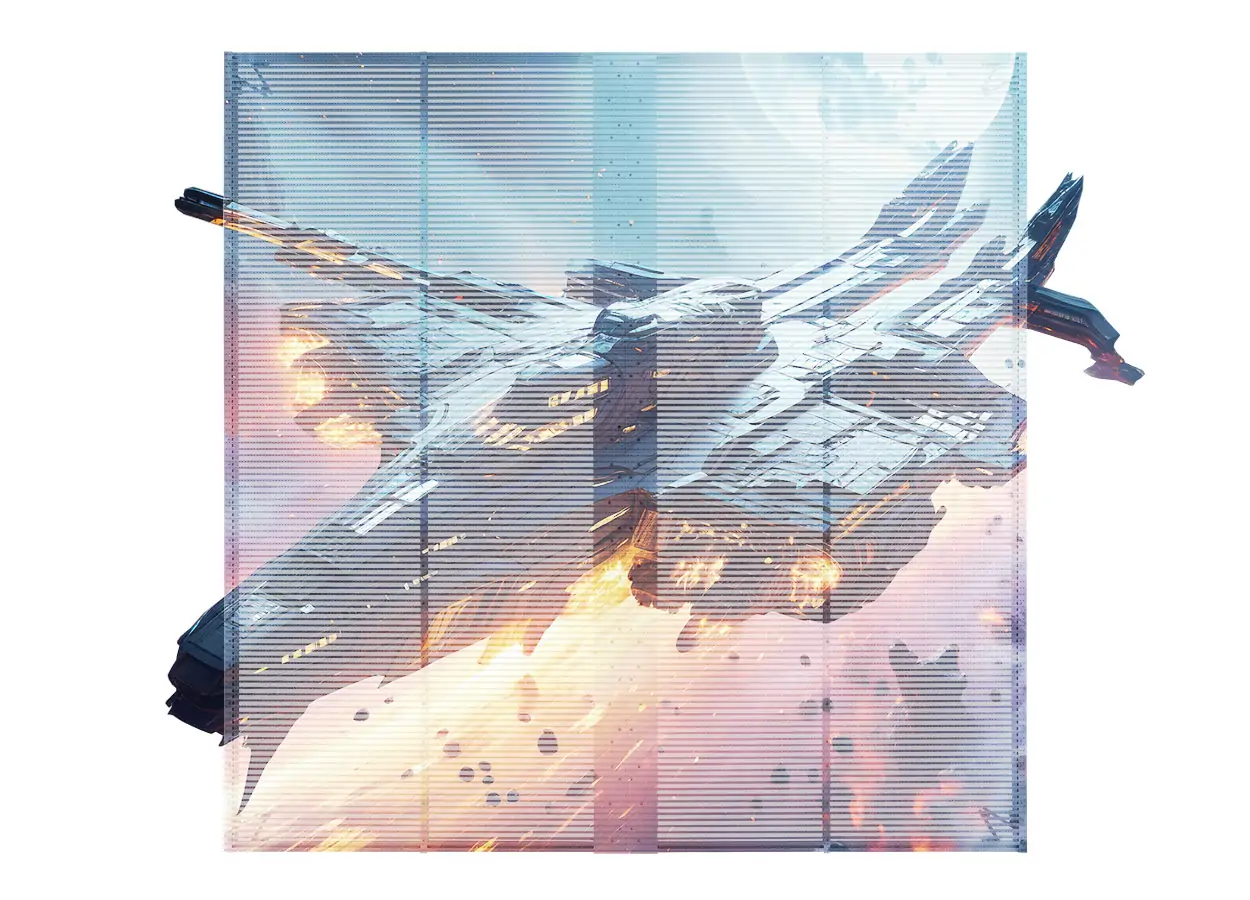
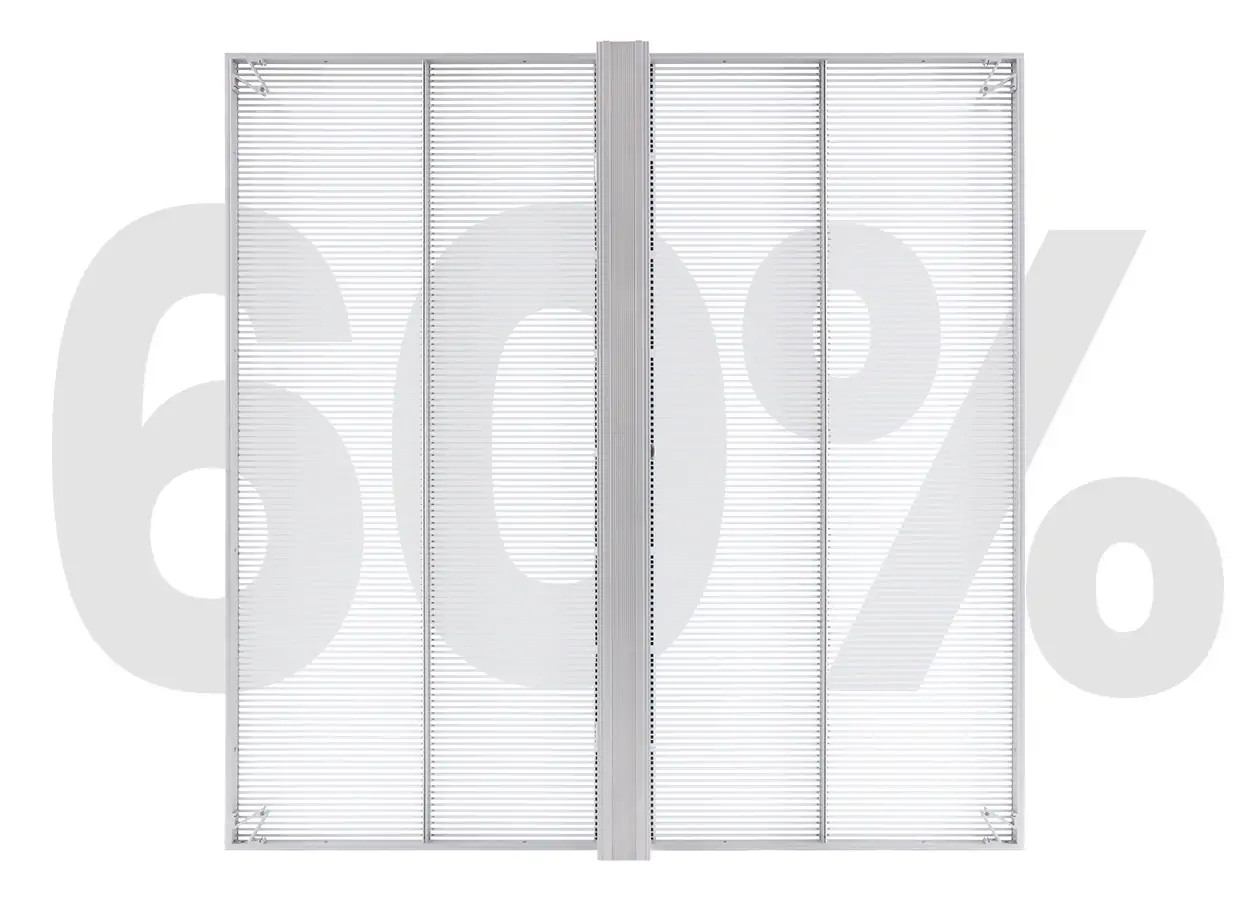
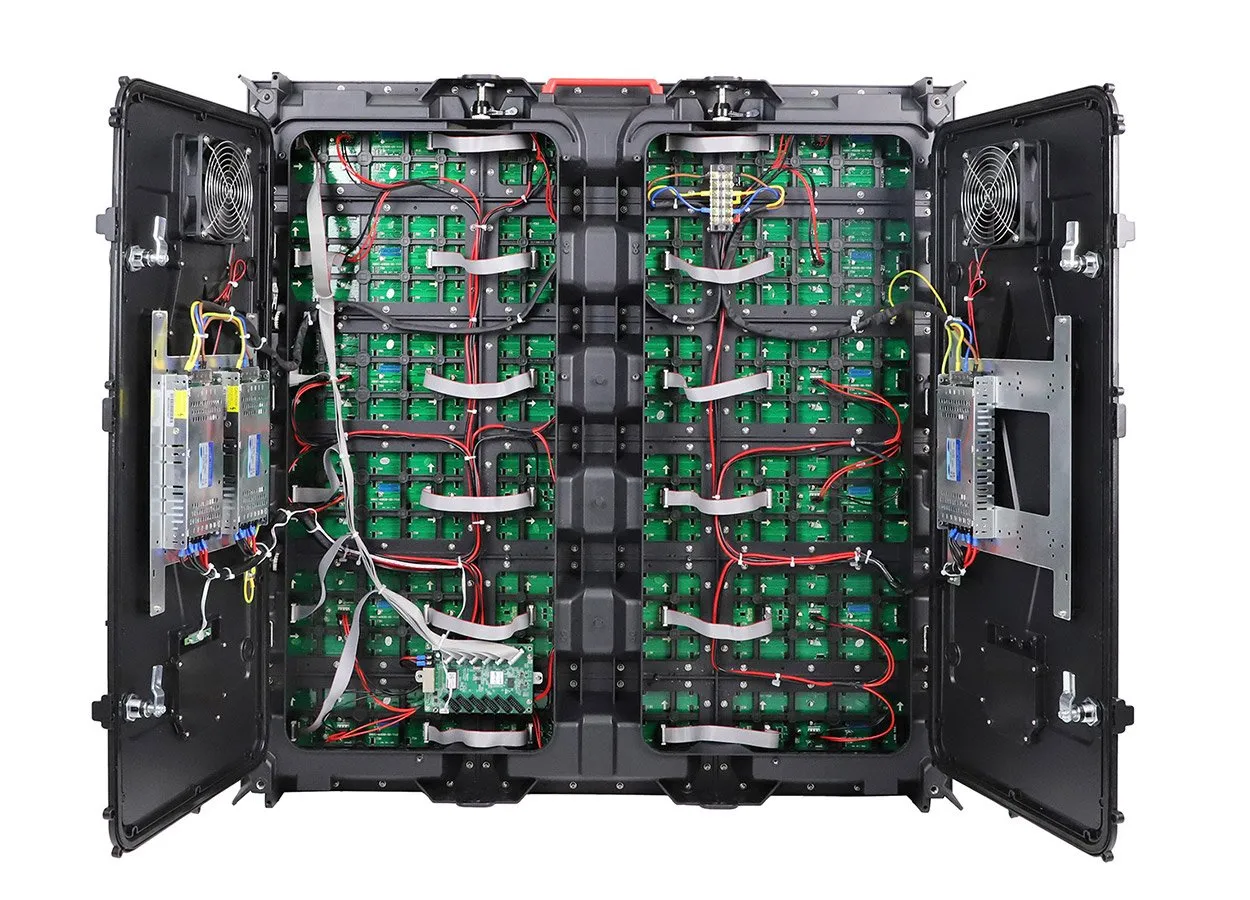
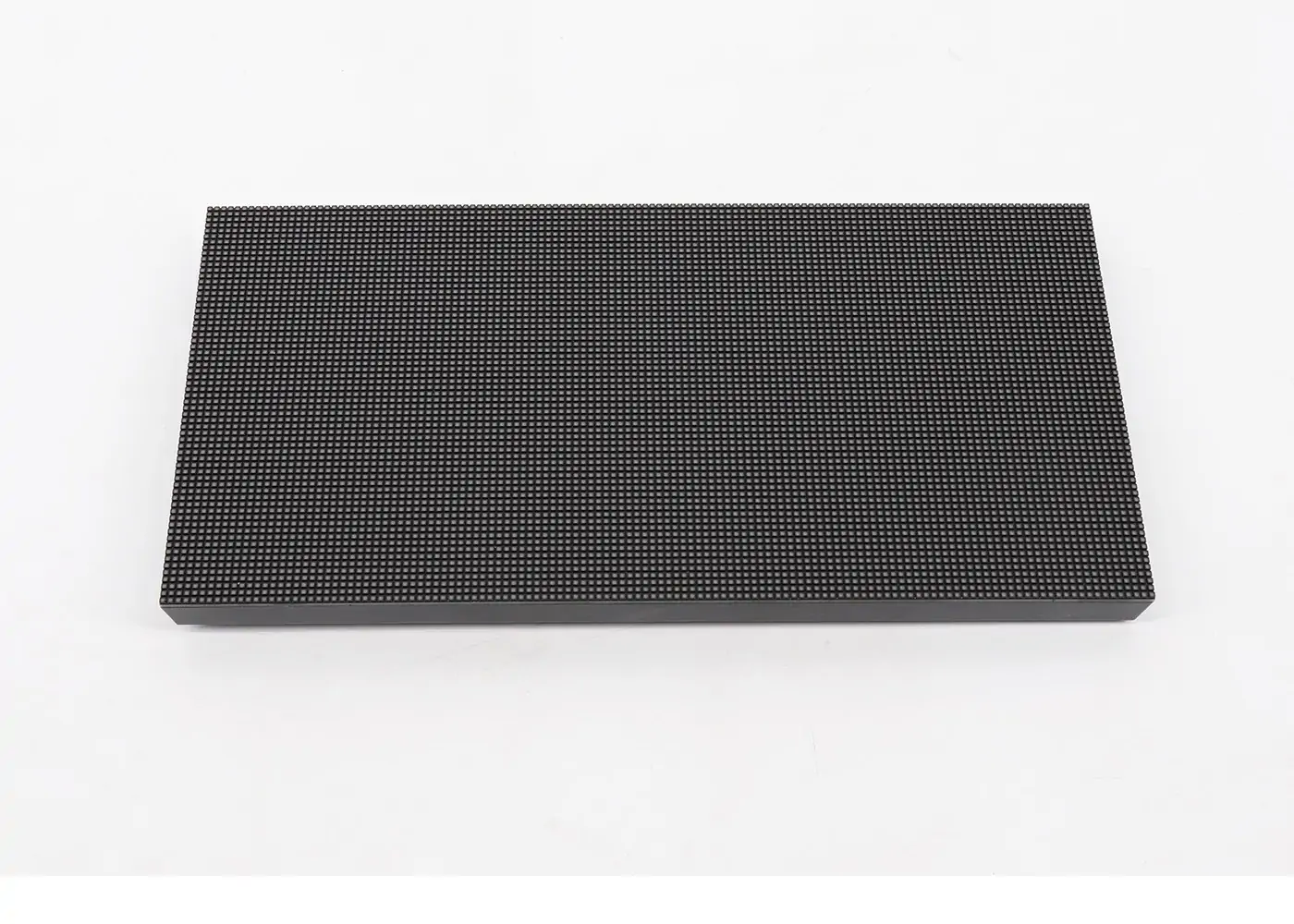
A transparent LED screen normally uses rigid LED modules or cabinets arranged so that open areas remain between pixel rows or lamp strips. LEDs, PCBs, frames, power supplies, receiving cards, and data connections form a modular display system. See EagerLED's transparent LED screen range for current product families.
This architecture suits higher-output, long-running installations with access to discrete components. Support members, strips, cables, and power boxes reduce perceived openness, even when a data sheet reports high transparency.
3. What Is Transparent LED Film?
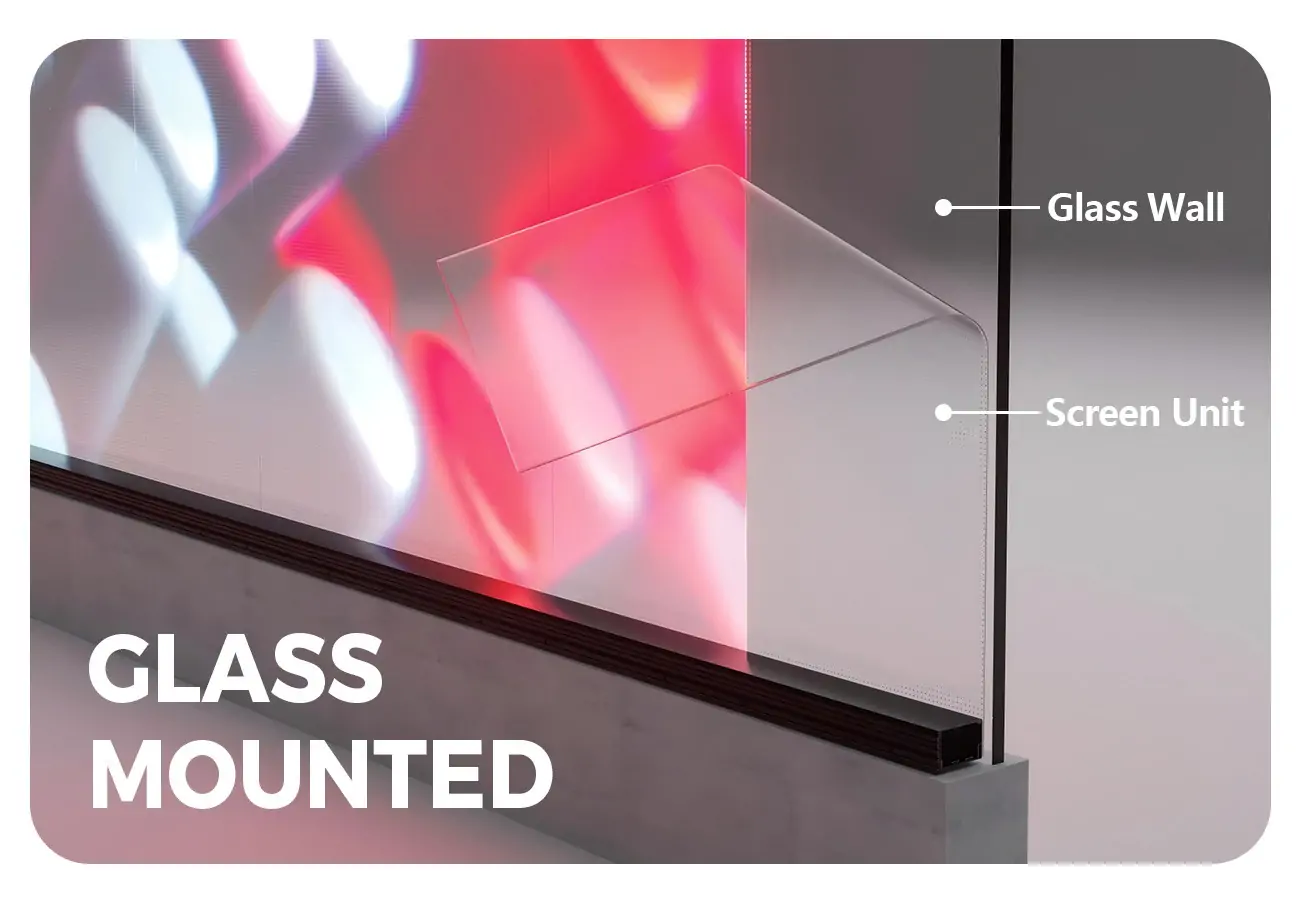
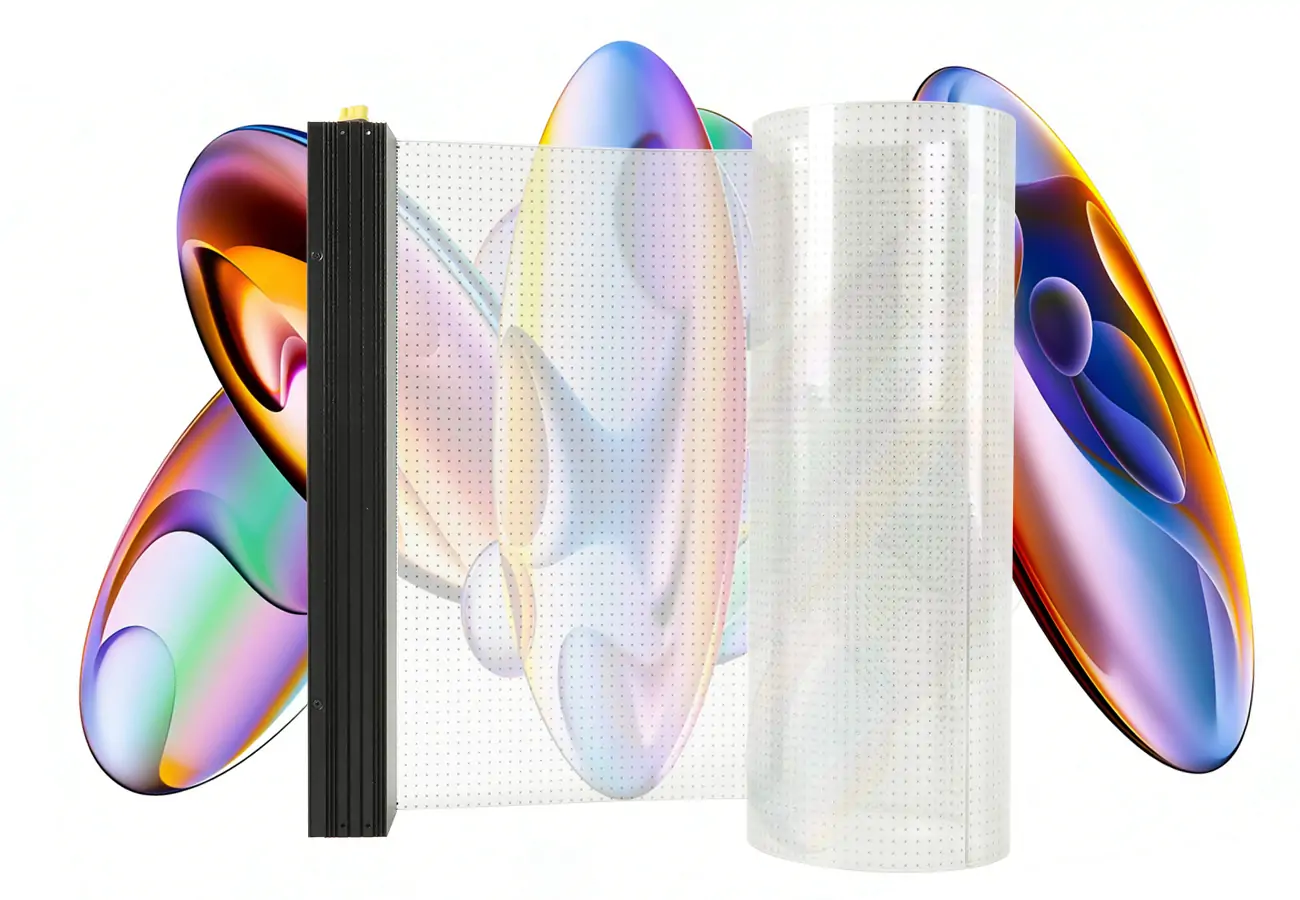
LED film is generally a thin display layer attached or laminated to glass, with LEDs and conductive paths integrated into a clear substrate. Suppliers also use terms such as crystal film screen, adhesive transparent LED, and film LED display, but those labels are not standardized. Always confirm whether a quoted system is adhesive, laminated, mesh-like, rigid at its edges, field-cuttable, or factory-sized.
Film reduces visible cabinets and frames, but still needs power, data, controllers, seams, and an approved edge detail. Cutting and joining rules are product-specific.
For a verified example, the EagerLED EA-iFilm product page lists 90% transparency, about 5 mm thickness, 6 kg/m2, and 5,000 cd/m2 brightness. These are EA-iFilm product-related specifications, not universal film values; verify the current data sheet, exact variant, measurement method, and project operating conditions.
4. Transparent LED Screen vs LED Film Comparison
4.1 System Architecture and Visual Impact
The practical divide is system robustness versus minimal visual intrusion. Rigid systems simplify component replacement; film gives architects cleaner glass but makes bonding, edge connections, wiring, and local repair critical.
4.2 Supplier Documentation and Samples
Request a representative sample, controller and power layout, spare-parts list, cleaning method, and written replacement procedure. Review the EagerLED transparent LED wall guide for context, then validate claims against the proposed model.
5. Transparency Is Not the Same as Visibility
5.1 Transparency and Installed Openness
Transparency describes light or open area passing through the display. Installed openness also depends on pixel strips, traces, frames, seams, equipment, viewing angle, and the background. A data-sheet percentage cannot show the completed storefront experience.
5.2 Brightness and Real-World Contrast
Brightness describes LED light output, but brightness alone cannot guarantee daylight contrast. Ambient light passes through the open display and illuminates the store interior, so the image does not have the true black background available to an opaque LED wall. The same screen may look vivid at night and washed out at noon.
5.3 Content Design for Transparent Displays
High-contrast type, bold outlines, bright colors, and isolated objects usually work better than dark scenes or subtle shadows. Design for a changing real-world background instead of reusing conventional video unchanged.
6. Which Option Performs Better in Daylight?
For a sunlit street window viewed from a distance, test a modular screen first. Not every rigid screen beats every film: reflectance, orientation, shade, interior lighting, content, pixel fill, and angle can reverse an on-paper result.
Run a site sample during the strongest sunlight, overcast conditions, and after dark. Repeat with store lights on and off, from the front and side, and from the nearest and farthest important positions. Test white text, brand colors, a person on video, outline animation, and dark content.
Witness acceptance on the actual glass or matching build-up. Test cameras too, because scan behavior and refresh settings can differ from the eye.
7. Installation on Glass: What Changes?
7.1 Rigid Screen Support and Load Path
A rigid screen may be suspended, framed, or independently supported. Resolve load path, deflection, access, lifting, and curtain-wall warranty effects. With film, the glass surface becomes part of the display assembly.
7.2 LED Film and Glass Compatibility
Check whether the pane is tempered, laminated, Low-E coated, curved, fritted, treated, or protected by another film. Confirm allowable surface preparation, adhesive compatibility, operating temperature, solar heat, cleaning chemicals, contamination limits, removal method, and warranty impact with both the display supplier and glass supplier.
7.3 Engineering and Code Review
Never drill glass, bond to a coated surface, add loads to a curtain wall, or obstruct a fire route or operable escape panel without approval. Engage the glazing supplier, structural engineer, electrical designer, fire consultant, and local authority where applicable.
7.4 Power, Data and Hidden Wiring
Hidden wiring is often the most visible design problem. Coordinate power, data, controllers, junction boxes, and strain relief through mullions, ceiling voids, floors, or millwork before design packages are frozen.
7.5 Thermal and Cleaning Plan
Also assess heat trapped behind sunlit glass, ventilation around electronics, and the component operating-temperature limits. Define cleaning access, approved chemicals, protection during window merchandising, and what happens when a pane or display zone must be replaced.
8. Resolution, Pixel Pitch and Viewing Distance
8.1 Calculate Native Resolution
Pixel pitch still matters, but transparent systems may have different horizontal and vertical spacing. Ask for both values, the direction of pixel rows, the active display dimensions, and the final native canvas. Calculate each axis separately:
- Width in pixels = display width in millimeters / horizontal pixel pitch
- Height in pixels = display height in millimeters / vertical pixel pitch
For a 4,000 mm x 2,500 mm shop window, assume only for comparison that Option A has a 10 mm horizontal and 10 mm vertical pitch. Its native canvas would be 400 x 250 pixels. If Option B uses a hypothetical 10 mm horizontal by 20 mm vertical layout, the result would be 400 x 125 pixels, not “P10” in both directions.
8.2 Approve Content at Native Canvas
These are planning examples, not EagerLED claims. Test headlines and logos on the native canvas at pedestrian distance and speed. Approve type by observation because readability also depends on pixel height, weight, contrast, exposure time, and background.
For the same 4 m x 2.5 m window, compare street daylight, nearest viewer, controller position, power and data routes, and the need to see outside from inside the store. Ask whether a failed area can be isolated while the rest operates and whether technicians can reach it without removing merchandise or closing the whole window. EagerLED's LED display resolution guide provides further resolution planning context.
9. Maintenance, Reliability and Replacement
9.1 Modular Screen Service Plan
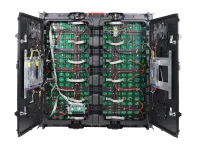
With a modular screen, a service plan commonly identifies replaceable cabinets or modules, power supplies, receiving cards, and cables. Confirm front or rear access, spare quantities, calibration after replacement, safe isolation, and whether one section can be shut down without blanking the entire facade.
9.2 LED Film Repair Plan
For film, ask what constitutes the smallest field-replaceable zone, how a damaged zone is removed, whether adhesive residue or surface cleaning affects the glass, and how seams will look after repair. Obtain written instructions for protecting the film during daily cleaning and seasonal window changes.
9.3 Lifecycle Operating Conditions
Reliability also depends on solar heating, cable strain, edge sealing, dust, cleaning fluid, ventilation, controller location, and response time. Price access equipment and disruption with the spares.
10. Best Choice for Different Glass-Window Applications
| Application | Main challenge | Better starting option | What must be tested |
|---|---|---|---|
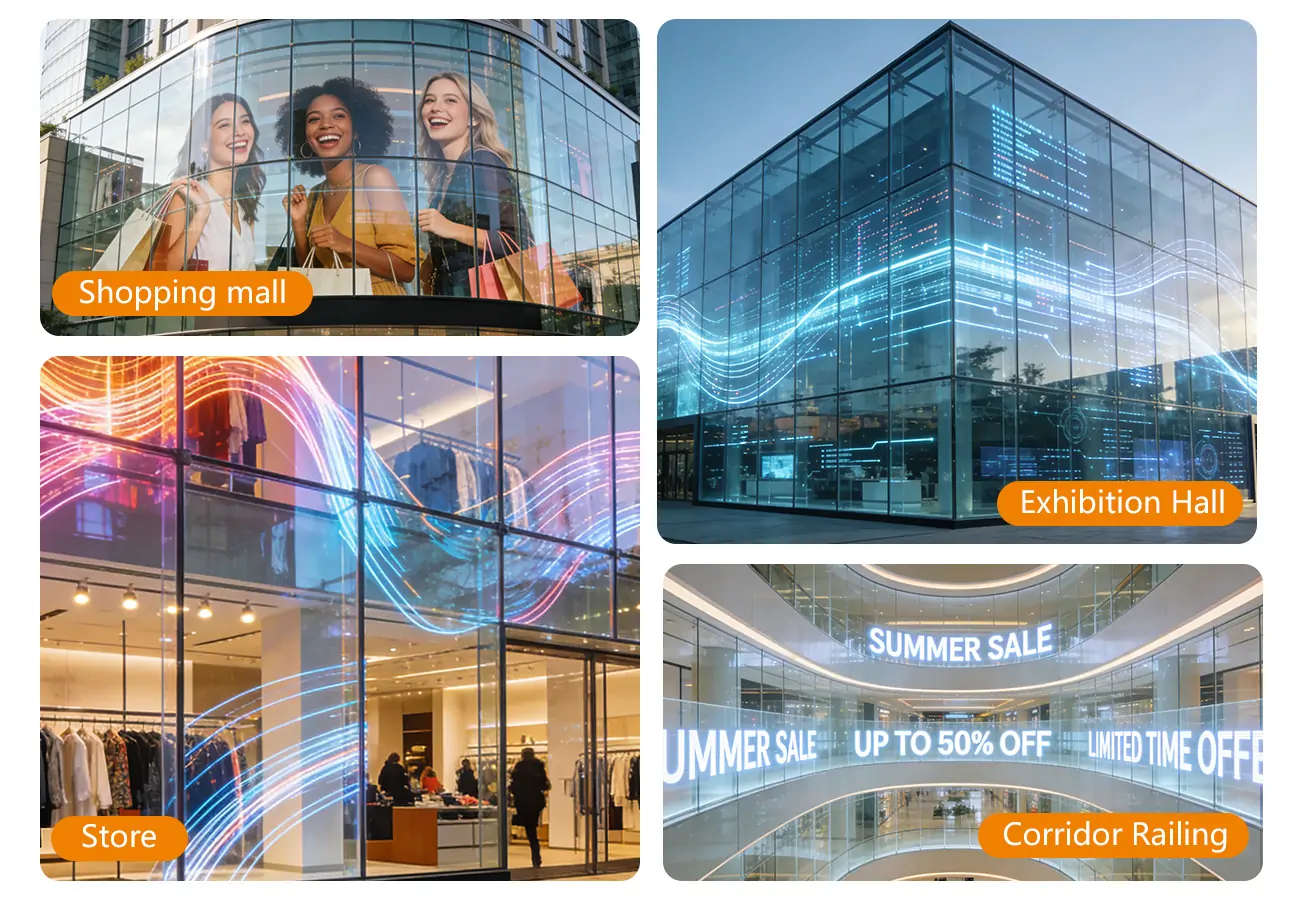
| Street-facing retail window | Sunlight and distance | Modular screen | Noon contrast, reflections, street viewing and content |
| Luxury indoor storefront | Clean glass and close view | LED film | Trace visibility, seams, wiring and glass compatibility |
| Shopping mall atrium | Scale, height and access | Modular screen for large high-level work | Structure, lift access, sightlines and output |
| Automotive showroom | Vehicle visibility and clean wiring | Test film first indoors | Daylight output, reflections, cable concealment and close view |
| Corporate lobby or exhibition | Close image quality and integration | Fine-pitch film or lightweight transparent display | Native resolution, moire, sightlines and service access |
| Large glass curtain wall | Engineering and building compliance | Engineered modular system | Loads, wind, fire, electrical, heat, access and facade warranty |
| Temporary event or pop-up | Fast removal and reuse | Rental modular screen | Install time, transport, residue, glass warranty and reuse plan |
These are starting points. Intense western sun may push a showroom toward a modular screen, while structural limits may require a lighter atrium system.
11. Total Cost: Look Beyond the Display Price
11.1 Compare Usable Display Area
Compare usable display area, not only glass area or price per square meter. Deduct borders, seams, mullions, control zones, access clearances, and equipment areas. Custom steel, lifts, night work, or difficult cable routes can erase a lower material price.
11.2 Build a Lifecycle Budget
Build a lifecycle budget that includes display hardware, structural support, glazing work, control system, power distribution, data, installation, commissioning, content redesign, cleaning, access equipment, spares, calibration, downtime, and eventual removal. For film, include surface preparation and potential pane or adhesive remediation; for rigid systems, include frames, lifting, and service access.
11.3 Standardize Supplier Quote Scope
Ask suppliers to price the same scope and state exclusions; a hardware-only quote is not comparable to an installed, commissioned system.
12. Final Decision Checklist
- Define the strongest daylight condition and primary viewing points.
- Confirm glass type, coating, lamination, curvature, surface treatment, temperature exposure, and warranty conditions.
- Calculate native resolution from separate horizontal and vertical pitch values.
- Test approved content on the proposed model and actual glazing.
- Map every power cable, data line, controller, junction box, and isolation point.
- Confirm structural loads, electrical protection, ventilation, fire rules, escape windows, and work-at-height controls.
- Obtain a component or film-zone replacement procedure, spare-parts plan, and access method.
- Approve cleaning chemicals, storefront-change procedures, and surface protection.
- Compare usable image area and full lifecycle cost, not transparency or unit price alone.
13. Transparent LED Screen vs LED Film FAQs
14. Conclusion
A transparent LED screen is usually the better choice for higher brightness, a large display, longer viewing distances, long-term operation, and modular repair. LED film is usually better for an indoor project that prioritizes a thin, glass-integrated appearance, close-range aesthetics, and less structural modification.
Do not make the final choice from transparency or unit price. Test the shortlisted product on the real glass, in the real ambient light, with real content, from the primary viewing distances. Before requesting a quotation, provide the glass dimensions, glass type, indoor or outdoor orientation, strongest daylight condition, closest viewing distance, content type and preferred maintenance access.
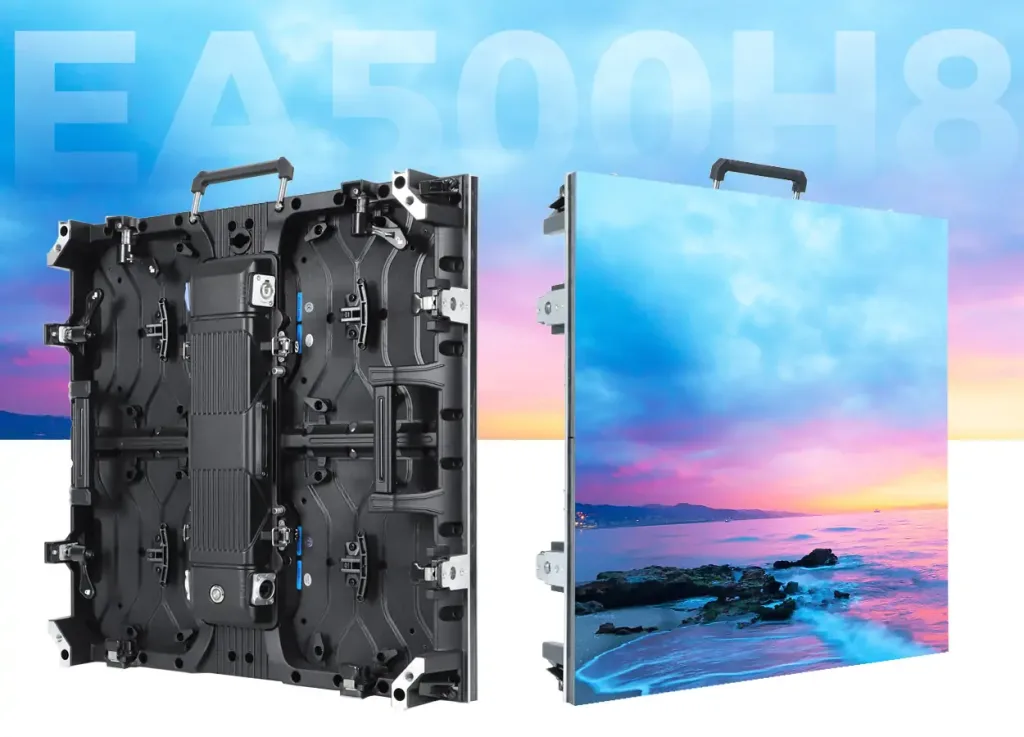 500x500 vs 500x1000 Rental LED Cabinet: Which Size Should You Choose?
 How Do LED Screens Work? RGB Pixels, Modules & Controls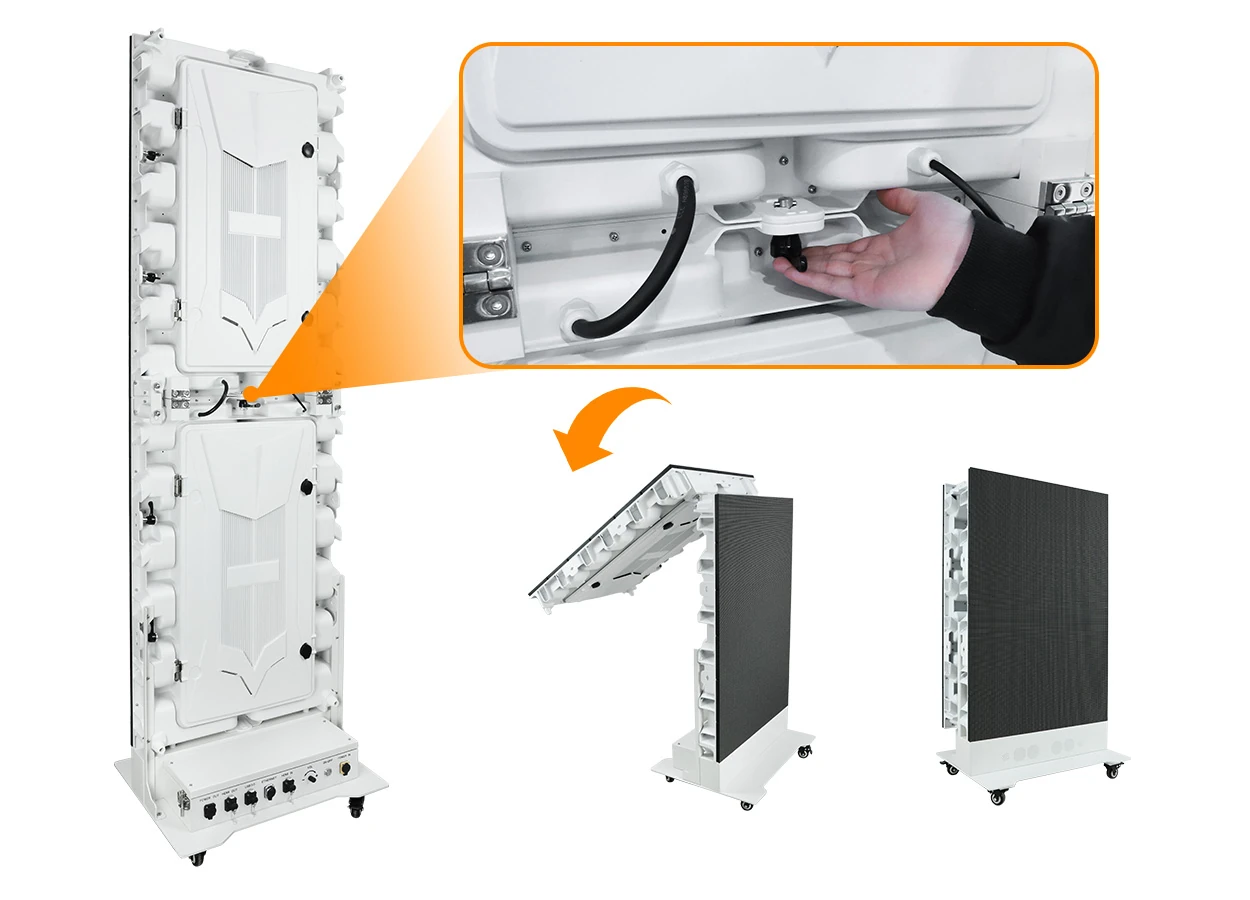
Fill In Your Needs In Detail
Fill in the screen usage scene and size you need in “Content”.You will get a quote.