To choose a church LED screen, start with the nearest and farthest viewing positions, the smallest text people must read, room lighting, camera workflow, available wall structure, service access, and total project budget. Then compare pixel pitch, screen dimensions, brightness control, refresh behavior, cabinet format, processing, installation, warranty, and support as one complete system.
1. Church LED Screen vs Projector: Which Is Better?
A church LED screen is generally stronger when the sanctuary has substantial ambient light or people frequently cross a projector's light path. A projector may remain practical with strong light control, occasional use, and a limited initial budget.
Neither technology wins in every room. When comparing a church video wall with projection, compare complete installed systems rather than equipment-only prices.
| Decision factor | Church LED wall | Projector and screen |
|---|---|---|
| Ambient light | Direct-view image can remain visible in brighter rooms | Best results usually require better light control |
| Shadows and sightlines | No projection beam to block | People, scenery, or rigging can obstruct the beam |
| Image continuity | Modular wall can create one large image without LCD bezels | One continuous image, subject to lens and screen geometry |
| Black level in dark worship | Depends on panel, calibration, and minimum brightness | Depends on projector contrast, screen, and room reflections |
| On-camera use | Requires panel, processor, and camera testing | Also requires camera testing for exposure and color |
| Maintenance | Modules, power supplies, receiving cards, and fans may need service | Lamps or laser engine, filters, optics, alignment, and screen need care |
| Initial investment | Often higher for a comparable large installed image | Can be lower where room conditions suit projection |
Decision rule: choose LED when visibility under real lighting, unobstructed placement, and frequent weekly use justify the investment. Choose projection when light can be controlled and the budget does not support a properly specified LED system.
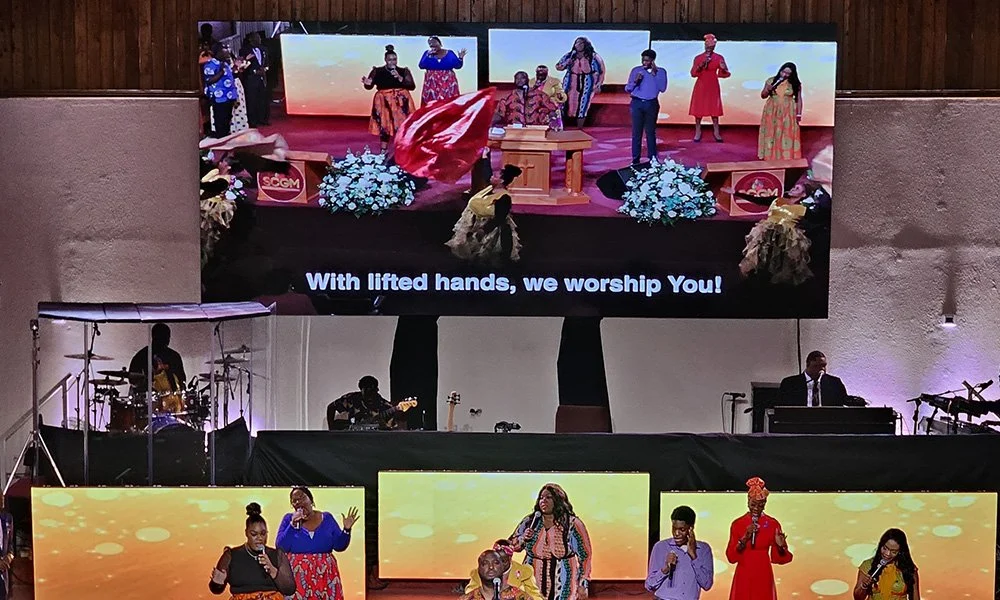
2. Seven Factors for Choosing a Church LED Screen
2.1 Determine Church LED Screen Size from Viewing Distance and Content
Do not begin with a diagonal measurement. Start by recording:
- The nearest regular seat.
- The farthest seat, including balconies and side sections.
- The smallest content element that must be readable, such as worship lyrics, Bible verses, captions, or sermon points.
- Obstructions, viewing angles, stage height, and the vertical position of the image.
AVIXA's display-size guidance distinguishes the active displayed image from the physical screen and relates image size to content detail and viewing positions. That distinction matters in a church: a large cabinet area does not help if the usable image is cropped, masked, or filled with text that is too small.
Test the church's real fonts and longest lines from the most difficult seats. If they are not comfortably readable, increase the active image or simplify the content before buying higher resolution.
2.2 Choose Church LED Screen Pixel Pitch from the Nearest Viewer
Pixel pitch is the center-to-center distance between adjacent LED pixels, measured in millimeters. A smaller pitch places more pixels into the same area and can produce a smoother image at close range, but it normally increases system cost and processing load.
Use the nearest normal viewing position to shortlist pixel pitch, then compare physical samples there with lyrics, skin tones, dark backgrounds, motion, and live camera feeds. Do not treat a single distance formula as a guarantee; content, brightness, contrast, and calibration also affect the result.
Also calculate the finished wall's native pixel dimensions. Pixel pitch alone does not tell you whether the completed canvas is suitable for 1920 x 1080 content or another production format.
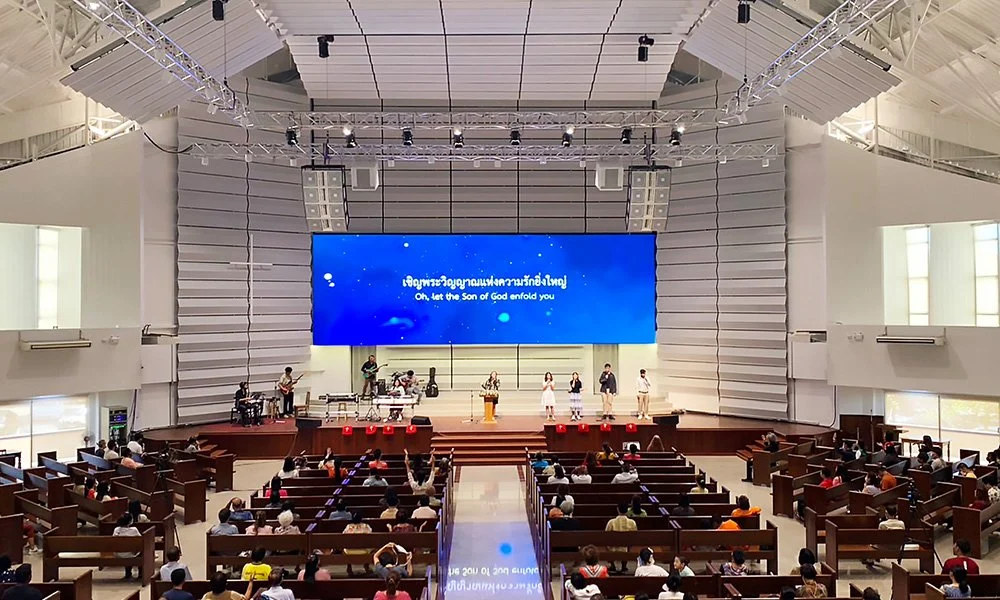
2.3 Match Brightness to Indoor or Outdoor Conditions
For an indoor LED screen, controllable brightness, uniformity, grayscale, and color at real worship levels matter more than maximum output. Excessive brightness can fatigue viewers and overpower stage lighting.
Ask the supplier to demonstrate:
- Smooth dimming without visible color shifts or banding.
- Legible text under the brightest normal service lighting.
- Natural skin tones on camera and in person.
- Dark worship content at realistic operating brightness.
For an outdoor house of worship LED display, daylight visibility, heat, drainage, wind, corrosion protection, and enclosure rating all matter. The IEC's IP-rating guidance explains that an IP code's first numeral covers solid objects and its second covers liquids. Verify the finished cabinet's relevant faces; “outdoor” does not describe every component.
2.4 Specify Refresh and Camera Performance for Live Streaming
If the wall will appear in recordings or live streams, test it before approval. A refresh-rate specification of 3840 Hz or above is a useful camera-facing shortlist criterion, but it does not guarantee a clean image.
Brompton Technology's ShutterSync guidance explains that camera shutter and LED refresh must be matched to prevent artifacts. Test the church's cameras, frame rates, shutter, processor, and expected brightness for scan lines, camera flicker, banding, moire, color shifts, and lost shadow detail.
Include the video processor, receiving cards, firmware, cabling, redundancy plan, and supported input formats in the written proposal. They are part of the image system, not accessories to consider later.
2.5 Plan Church LED Wall Installation and Maintenance Access
Choose the service method before finalizing wall depth and structure.
- Front maintenance allows modules and selected components to be removed from the audience side. It suits wall-mounted installations or rooms without a rear service corridor.
- Rear maintenance can provide convenient component access when a safe, adequately sized service space exists behind the display.
The choice depends on cabinet design, mounting height, architectural finishes, safe access, and repair workflow.
A qualified local professional should verify structure, attachment, electrical circuits, grounding, ventilation, cable routes, applicable codes, and seismic or wind loads. Require drawings showing cabinet layout, weight, power, data paths, processor location, and service clearances.
2.6 Choose an Aspect Ratio that Fits the Content Workflow
A 16:9 aspect ratio usually simplifies 1080p or UHD video, presentation software, lyrics, and live camera feeds. It reduces scaling and makes content creation more predictable for volunteer teams.
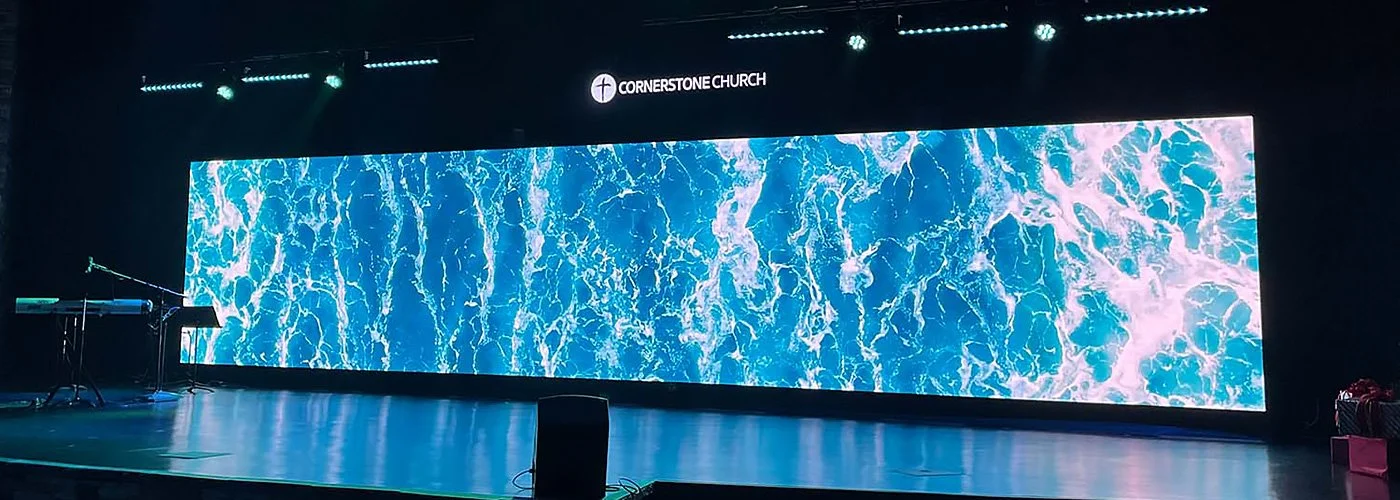
However, an LED wall for church use can follow other proportions to fit the architecture. An ultra-wide backdrop may suit scenic worship content but require custom templates and deliberate placement of lyrics and camera feeds. If the wall is not 16:9, decide in advance whether content will be cropped, letterboxed, split into zones, or produced at the wall's native canvas.
2.7 Budget for Total Cost of Ownership
Panel purchase is only one part of church LED screen cost. Compare the same scope:
- LED cabinets and modules
- Mounting structure and architectural finishing
- Video processor, scaler, switching, and control equipment
- Power distribution, grounding, and data cabling
- Shipping, duties, lifting equipment, and installation labor
- Calibration, commissioning, training, and documentation
- Spare modules, receiving cards, power supplies, and cables
- Warranty terms, technical support, and response process
- Expected energy use, inspection, cleaning, and future service access
Require exclusions in writing; omitted structure, processing, spares, or commissioning can reverse a price comparison.
3. Recommended Starting Specifications by Venue
The ranges below are shortlisting examples, not universal requirements. Final choices should follow site measurements, content tests, structural review, camera tests, and a complete quotation.
| Venue situation | Typical nearest-viewing condition | Pixel-pitch shortlist | Screen and format priority | Camera and service priority |
|---|---|---|---|---|
| Small chapel or close seating | Congregants sit relatively close; text detail is important | Approximately 1.5–2.6 mm | Use the largest readable active image the stage safely supports; favor 16:9 for standard content | Test low-brightness quality; front service is often useful where wall depth is limited |
| Medium sanctuary | Moderate viewing distance with lyrics, sermon slides, and live video | Approximately 2.5–3.9 mm | Validate image height from the farthest seat and calculate native canvas resolution | Specify camera testing, written processor details, and accessible service routes |
| Large auditorium | Longer distances, large image area, and image magnification | Approximately 3.9–4.8 mm or project-specific | Prioritize farthest-seat readability, side sightlines, rigging, and redundancy | Test every camera position; plan safe rear or front access according to structure |
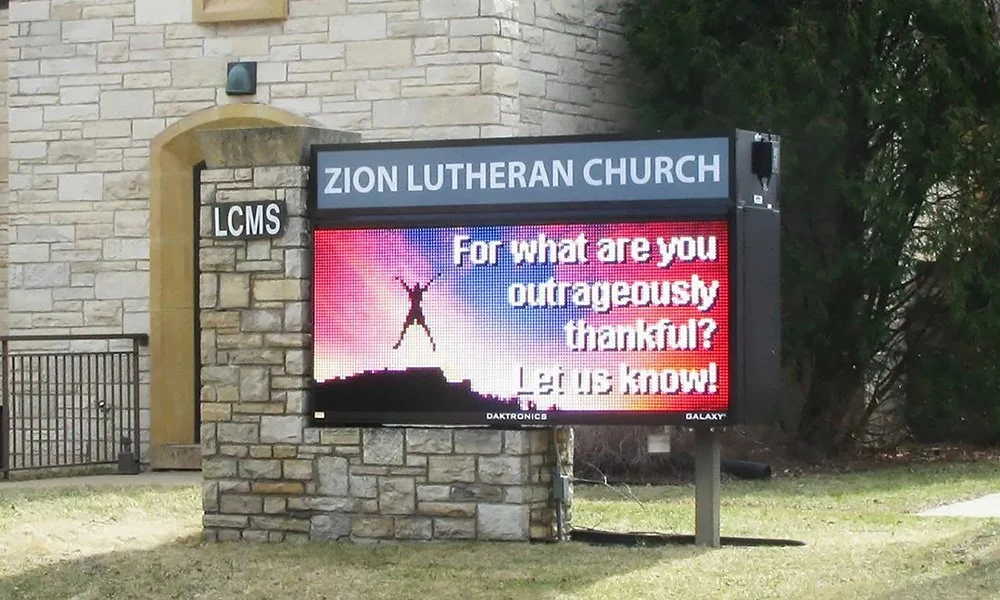
| Outdoor church sign or welcome display | Viewing distance, road speed, and sunlight vary | Project-specific outdoor pitch | Prioritize message legibility, brightness control, local sign rules, and content dwell time | Verify cabinet IP claims, heat, wind, drainage, power, and service access |
If two pitches look equally suitable from the nearest seat, the coarser option may fund a larger image, better redundancy, or a more complete installation.
4. Church LED Screen Selection Checklist
Use this checklist when requesting or comparing proposals:
- Record nearest, farthest, side, and balcony viewing positions.
- Test real lyrics, scripture, captions, sermon slides, and camera feeds.
- Confirm active image width, height, aspect ratio, and native pixel dimensions.
- Approve pixel pitch from a physical demonstration at the intended distance.
- Measure or document typical and maximum ambient-light conditions.
- Confirm usable brightness range, dimming, grayscale, color, and uniformity.
- Test the panel and processor with the church's cameras and production settings.
- Decide front maintenance, rear maintenance, or a documented hybrid method.
- Obtain structural, electrical, ventilation, and cable-routing plans.
- Confirm processor model, input formats, redundancy, and signal distances.
- Verify outdoor IP claims and installation details where applicable.
- Compare warranty coverage, support workflow, training, documentation, and spares.
- Compare complete installed cost and exclusions, not panel price alone.
5. What Affects Church LED Screen Cost?
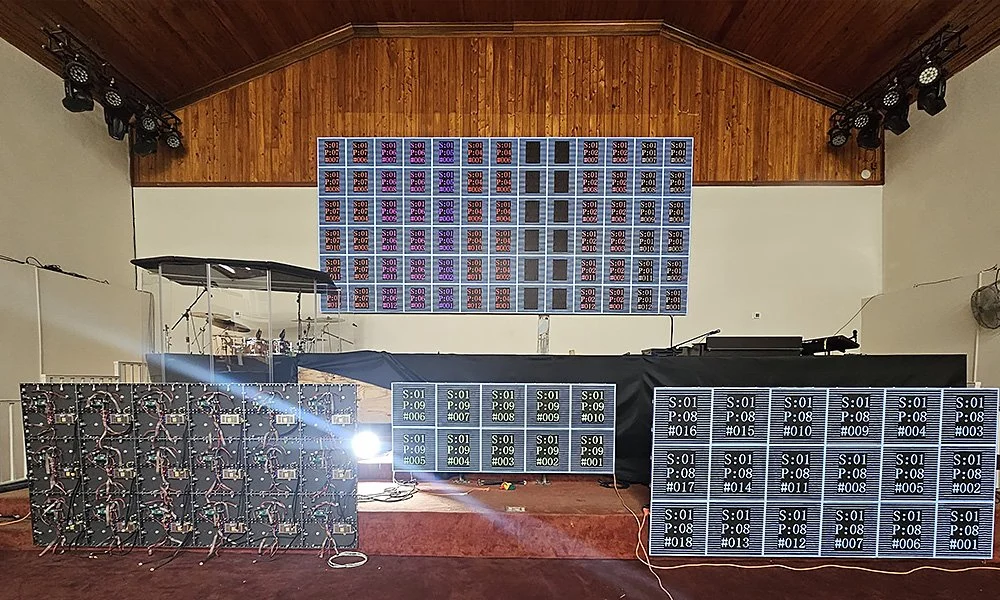
The main cost drivers are total display area, pixel pitch, cabinet and LED package, processing, structural complexity, electrical work, access equipment, shipping, commissioning, spare parts, warranty, and support.
Same-size proposals may include different processing, structure, installation, spares, calibration, and training. Request a line-item scope and compare the installed system over its expected service period.
For a project-specific recommendation, contact EagerLED with the room dimensions, nearest and farthest viewing distances, proposed screen opening, indoor or outdoor location, photos or drawings, content types, camera models, installation constraints, and target timeline. Then review the available LED screen for church options against this guide.
6. Common Mistakes to Avoid
6.1 Buying the Smallest Pixel Pitch Available
Finer pitch can improve close-viewed detail, but it can consume budget that may be more valuable in a larger image, stronger structure, better processor, camera testing, spares, or support.
6.2 Choosing Size from Wall Space Alone
A wall can physically fit a display that is still too small for the farthest viewer. Base the active image on readable content and sightlines, then confirm the architecture.
6.3 Specifying Maximum Brightness Instead of Usable Brightness
Indoor worship often needs restrained output. Evaluate dimming, grayscale, uniformity, and skin tones at realistic levels.
6.4 Relying Only on a Refresh-Rate Number
On-camera artifacts depend on the complete capture and display chain. Require a test with the intended cameras and processor settings.
6.5 Forgetting Maintenance Access
A thin wall is not serviceable by default. Confirm exactly how modules, power supplies, receiving cards, and cables can be removed after finishes are complete.
6.6 Comparing Incomplete Prices
Require every bid to identify structure, power, data, processing, installation, commissioning, training, spares, warranty, shipping, and exclusions.
7. FAQs
8. Final Recommendation
The best way to decide how to choose a church LED screen is to turn the worship experience into measurable requirements: who must read what, from where, under which lighting, on which cameras, and through which weekly workflow. Shortlist systems from those requirements, test real content, and compare complete installed proposals. The result should serve the congregation clearly, fit the room safely, and remain practical to operate and maintain.
 Black Spots on Screen: 7 Causes and Fixes to Try
 Church LED Wall vs Projector: Which Is Better?
Related Posts

Fill In Your Needs In Detail
Fill in the screen usage scene and size you need in “Content”.You will get a quote.