Evaluate a church LED side-screen supplier as the provider of a coordinated two-screen system, not two independently attractive panels. Ask it to prove that the intended congregation can read the required content, that left and right outputs behave as agreed, and that the weekly operating team can recover the system. For European house-of-worship AV teams, a useful shortlist connects those demonstrations to a named manufacturer, installation scope and support agreement.
- Which seating zones depend on each screen?
- Will the screens mirror one programme, show separate content, or switch between these modes?
- Who will operate, commission and maintain the complete pair?
Contents
1. Build a seat-to-screen acceptance sheet
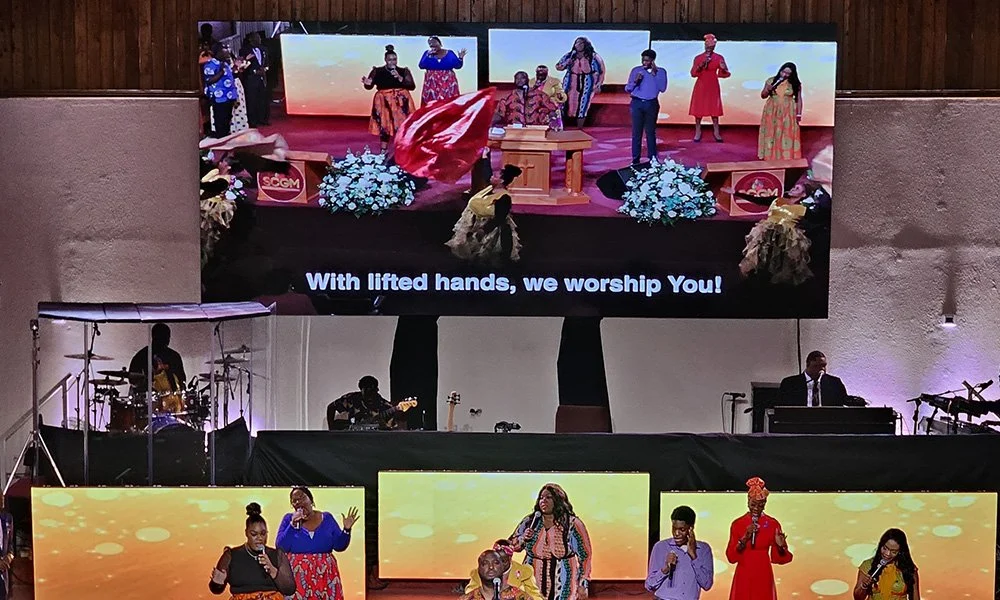
Mark left, centre, right, rear and balcony seating zones on a plan. Nominate the primary screen for each zone and record obstructions such as columns, lighting equipment or stage scenery. Two symmetrical screens do not automatically provide symmetrical coverage in an asymmetrical room.
Use the church’s longest lyric lines, caption style and sermon graphics. Nominate a reviewer for each difficult seating position and test under normal service lighting. Record which content is legible and which must be reformatted. This is more useful than asking whether a supplier’s demonstration reel “looks high definition.”
| Review position | Task for the supplier demonstration | Record before acceptance |
|---|---|---|
| Front-side seats | Read the primary screen at the actual side angle | Assigned screen, nearest position, glare or colour observations |
| Rear-side seats | Read the longest required lyric and caption lines | Content version, text size and any layout changes |
| Centre overlap zone | Watch both screens during a moving image and slide change | Routing mode, timing observations and acceptable differences |
| Balcony or obstructed zone | Inspect the visible active image with normal scenery in place | Obstruction sketch and the agreed remedy or coverage exclusion |
| Operating position | Choose a service preset and recover from an agreed source interruption | Operator steps, expected image and escalation route |
Add actual seat references, dates and reviewer names to this worksheet. Leave failed or untested rows open. A supplier should identify what it has demonstrated and what still requires a site test, rather than signing off every seat from a factory photograph.
2. Demonstrate both outputs together
Attach a routing schedule to the proposal. For each service mode, state the left-screen source, right-screen source, audio handling where relevant, and the operator action that selects the mode. Examples might include mirrored lyrics, a live speaker image on both sides, or different announcements before the service. These are proposed workflows, not standard features of every processor.
Request the physical pixel matrix for each finished screen and the proposed output mapping. Two separate screens receiving the same programme are not necessarily one continuous wide canvas. If the supplier proposes a combined canvas, ask how independent sources, scaling and failure behaviour will work within that arrangement.
Demonstrate simultaneous slide changes, video starts and source switching. Where live camera magnification is required, review the complete camera-to-screen path with the AV team; panel specifications alone do not establish acceptable delay. State whether a failure affecting one output can affect the other, and test the agreed response without creating an unsafe live-service interruption.
3. Check service access in the finished church
Check access separately for the left and right locations. A staircase, organ enclosure, fixed lectern or architectural trim may change the practical repair route on one side. Ask which modules, power supplies, receiving cards and connections can be reached by the quoted method, and who provides the required access equipment.
The company video below shows indoor LED installation and front access inside a UK church. The visible working space is a useful prompt when reviewing your own side-screen locations. It does not prove that a particular service method is safe or accessible at your installation height.
“UK P2.97 Indoor Wallpaper LED Display for Church / EagerLED Project,” by LED Display Manufacturer-EagerLED. Watch the original YouTube video.
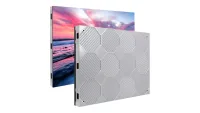
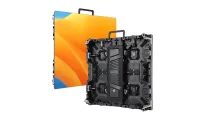
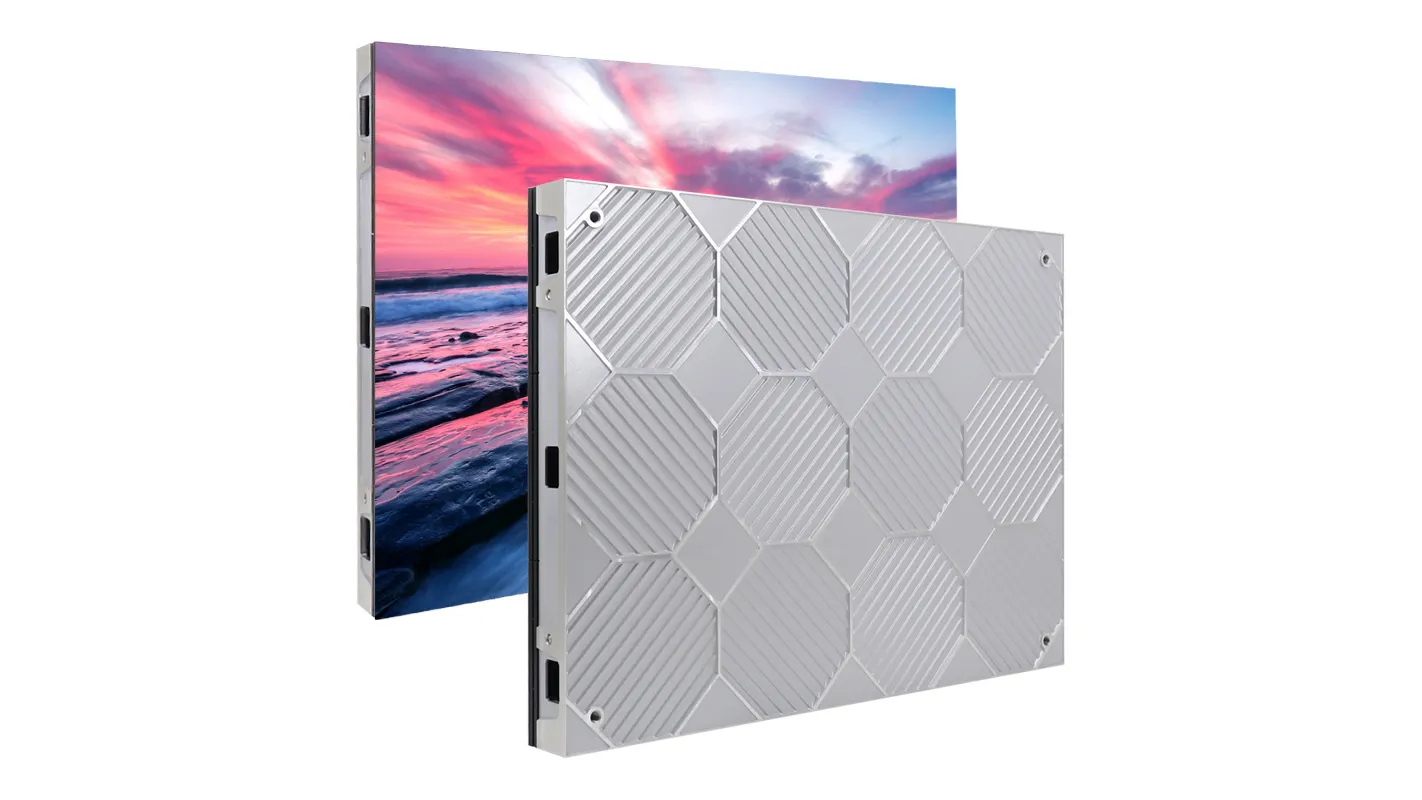
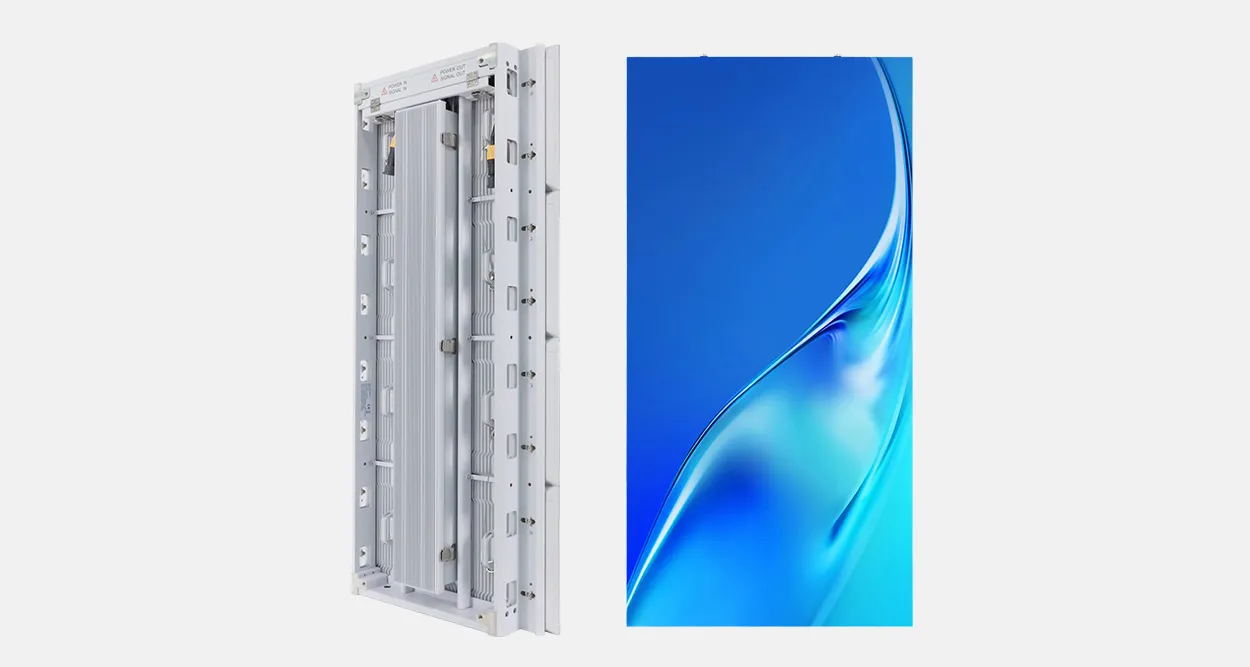
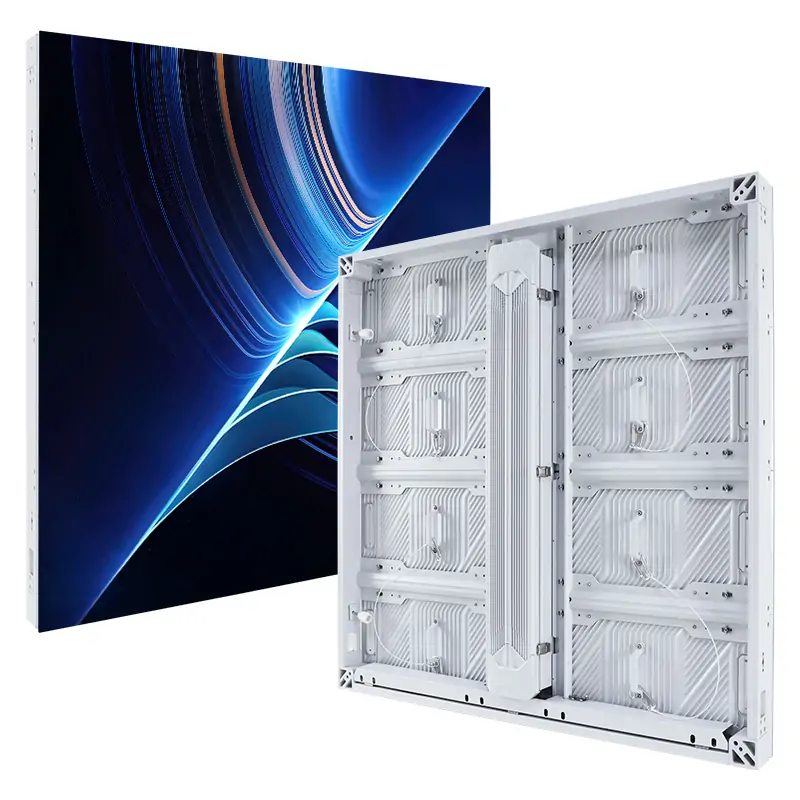
For a cabinet discussion, compare the service concept of an EA250WH1 indoor LED panel with the actual wall position and support design. Confirm the exact quoted revision and its access instructions; the video above does not establish that it uses this model.
4. Test the volunteer handover
Ask a nominated church operator to run the agreed sequence using the supplied quick guide: start the system, select mirrored content, change to another permitted mode, blank the displays, and restore the approved service preset. Have the supplier explain the difference between a content problem and a screen or signal problem.
Keep labelled connection drawings, settings backups and a short fault-report form at the operating position. Identify which actions volunteers may perform and which require trained technical personnel. Agree what the team should display if one screen becomes unavailable; do not leave that decision to an improvised cable change during a service.
5. Connect the demonstration to the supplier
Confirm the legal seller and actual manufacturing or assembly site. During a live factory review, ask to see the quoted cabinet revision, inspection records and replacement-module identification. Tie the accepted sample and component list to the order, including how substitutions will be reviewed.
Europe is not a single installation jurisdiction. Name the destination country, local installer and party responsible for checking applicable equipment documents, structural attachment, electrical work and any building or heritage restrictions. Verify certificate scope and model identity rather than accepting a general factory badge as project approval.
Compare the complete pair: displays, processing, signal distribution, structure, cabling, commissioning, operator training, compatible spares and written support terms. Clarify freight, travel, access equipment and local labour exclusions. A low equipment price is difficult to compare with a proposal that includes site acceptance and a usable handover.
6. Request a coordinated side-screen proposal
Send: country and city; seating plan and difficult-viewing positions; both proposed screen openings and heights; photographs of each service route; lyric and caption samples; required left/right routing modes; existing sources and cameras; operator skill level; building restrictions; installation date; and required support scope.
Ask EagerLED for a matched proposal, routing schedule and completed seat-to-screen test plan. For general pitch, brightness and room-planning background, see the church LED screen selection guide.
 Broadcast Studio LED Walls: Supplier Camera Tests
 Executive Briefing LED Walls: Supplier Recovery Checks
Related Posts


Fill In Your Needs In Detail
Fill in the screen usage scene and size you need in “Content”.You will get a quote.