Shortlist a Chinese broadcast-studio LED wall manufacturer by asking it to reproduce your planned camera shots with the exact proposed display and processing configuration. A sharp showroom image, high refresh-rate label or factory tour alone cannot establish suitability for a news background. For broadcast technical teams in Brazil, the useful deliverable is a witnessed shot test, a reproducible settings record and a clear commissioning responsibility.
- A named cabinet, module, receiving-card and processor configuration tied to the quotation.
- Recorded results for the station’s cameras, lenses, lighting and programme formats.
- A plan to repeat the accepted result after installation, configuration changes and module replacement.
Contents
1. Define the news production envelope
Start with a floor plan showing the wall, presenter positions, desks and camera routes. List each camera body, lens, planned focal lengths, camera-to-presenter and presenter-to-wall distances. Add the intended frame rates, shutter settings, exposure approach, lighting conditions and signal path. Use the station’s actual production requirements rather than assuming one format for every Brazilian broadcaster.
Separate a conventional news backdrop showing graphics or video from a tracked, perspective-correct virtual-production system. The latter introduces additional rendering, tracking and synchronisation requirements. Our LED wall versus green-screen guide explains that broader workflow decision; this article focuses on qualifying the supplier for an already-defined news background.
Ask suppliers to state active dimensions, cabinet arrangement and physical pixel matrix. Input compatibility and native wall resolution are separate specifications. Have the graphics team approve the proposed scaling of news maps, small labels and other critical content.
2. Use a background video to ask better questions
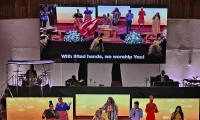
The company video below shows an EA500C6 studio-background arrangement. Use the visible desk, background and available floor space to discuss presenter separation, camera positions and access. It is a supplier presentation, not a camera acceptance test for your station or evidence of a Brazilian installation.
Video: “45 PCS EA500C6 P1.95 Rental LED Display for Germany | Studio Backdrop,” published by LED Screen Factory-EagerLED. Watch the original video on YouTube.
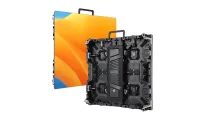
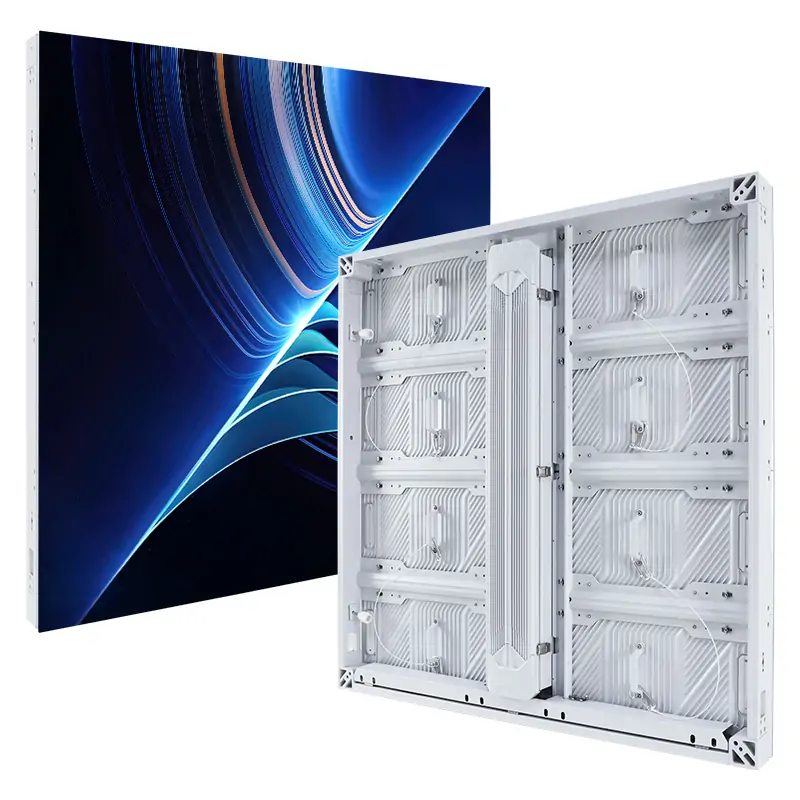
The EA500C6 product page describes a modular rental cabinet. Its appearance in a studio presentation does not make every indoor or outdoor version suitable for every camera setup. Request the exact indoor configuration, support arrangement and demonstration before selecting it for a permanent news set.

3. Give each supplier the same shot-test sheet
Set the acceptance conditions before the demonstration. The broadcast team should define which visible defects are unacceptable at the intended viewing and recording conditions. Retain the original recorded camera output, not only a phone recording of a monitor.
| Test row | Run with the proposed system | Retain in the supplier file |
|---|---|---|
| Wide and presenter shots | Planned lenses, focus, camera positions and wall content | Shot ID, distances, focal length, aperture and unedited recording |
| Camera movement | Normal pan, tilt and planned movement across the wall | Observed patterning or lines, approved settings and any excluded moves |
| Production timing | Each required frame rate, shutter setting and reference arrangement | Signal-chain diagram, settings export and camera recording |
| Dark and neutral backgrounds | Low-gray ramps, neutral fields and real news graphics at operating brightness | Exposure, dimming method and observations about gradients and uniformity |
| Presenter and set lighting | Realistic lighting with the planned background palette | White-balance approach, reflections and approved colour adjustments |
| Recovery and replacement | Agreed signal-loss recovery and a representative approved module replacement | Recovery behaviour, calibration restoration and repeat-shot result |
Camera-facing artefacts have different causes. Moiré depends on the interaction of the camera and display pixel grids; timing-related bars or lines need separate investigation. Camera geometry, shutter timing, synchronisation and panel scanning all merit a complete-system test. An advertised refresh rate does not replace it.
Do not approve a supplier simply because it removes a defect by changing a camera setting the station cannot use. Record the operational trade-off and have the broadcast team decide whether it is acceptable. If a required shot remains unresolved, keep that supplier conditional rather than marking the demonstration as passed.
4. Keep the approved configuration reproducible
Attach hardware identities, firmware versions, receiving-card configuration, processor settings, mapping and calibration backups to the accepted test record. Identify who can change them and when a repeat test is required. Substituting a component after the demonstration should trigger a documented review of the affected results.
Arrange a site acceptance session using the same shot IDs after installation. Include the actual studio lighting and signal chain. A factory result is useful evidence, but it cannot by itself resolve differences introduced by the finished set.
Discuss microphone sensitivity to equipment noise, ventilation, cable access and service space with the studio designers. Request relevant measurements or an agreed demonstration instead of accepting an undefined “silent” claim. Plan how trained personnel can replace parts and restore settings without disturbing permanent set finishes.
5. Verify the factory and delivery responsibilities
Confirm the legal contracting company and actual assembly site. During a live factory review, connect the quoted configuration to the manufacturer’s inspection records, module identification and replacement-part process. Ask what is made in-house, what is outsourced and who is accountable for the finished system.
For certificates, verify the issuing body, model scope and document validity. Ask the local project team to identify applicable Brazilian requirements for the supplied equipment and installation. A general factory certificate is not a substitute for the project’s compliance review.
Agree who commissions the wall, who approves camera output and who supports the system after handover. Specify required Portuguese training material, support hours and escalation contacts. Request written warranty terms that distinguish equipment repairs from freight, travel, access work and local installation. Do not assume that a promotional reference establishes an identical service commitment.
6. Request a studio-specific proposal
Send: studio city; floor plan and active wall dimensions; camera and lens list; shot positions and movements; frame rates and shutter settings; graphics samples; lighting and brightness expectations; reference and signal-chain plan; access restrictions; commissioning date; and required local support scope.
Ask EagerLED to return an exact proposed configuration, a completed shot-test plan, documented exclusions and a repeatable handover package. Compare suppliers against the same production envelope.
 Top 10 LED Screen Suppliers in Indonesia (2026)
 Church Stage Side Screens: LED Supplier Checks
Related Posts

Fill In Your Needs In Detail
Fill in the screen usage scene and size you need in “Content”.You will get a quote.