
Yes, transparent LED screens can show 3D retail content. They display rendered animation that uses perspective, shading, motion, and other visual cues to make products appear dimensional. When the surrounding pixels emit little or no light, an animated object can seem suspended in a storefront window. The effect normally requires no special glasses, but it does not turn an ordinary transparent display into a true holographic system.
For LED display buyers, distributors, AV integrators, and project contractors, the important question is how convincingly that effect will work at the proposed location. A demonstration filmed against a dark background may look very different after installation beside illuminated merchandise or behind reflective street-facing glass.
Successful transparent LED retail displays require coordinated decisions about hardware, content, viewing geometry, installation, and maintenance. This guide explains what to specify, which limitations to discuss with customers, and how to evaluate a proposal before committing to production.
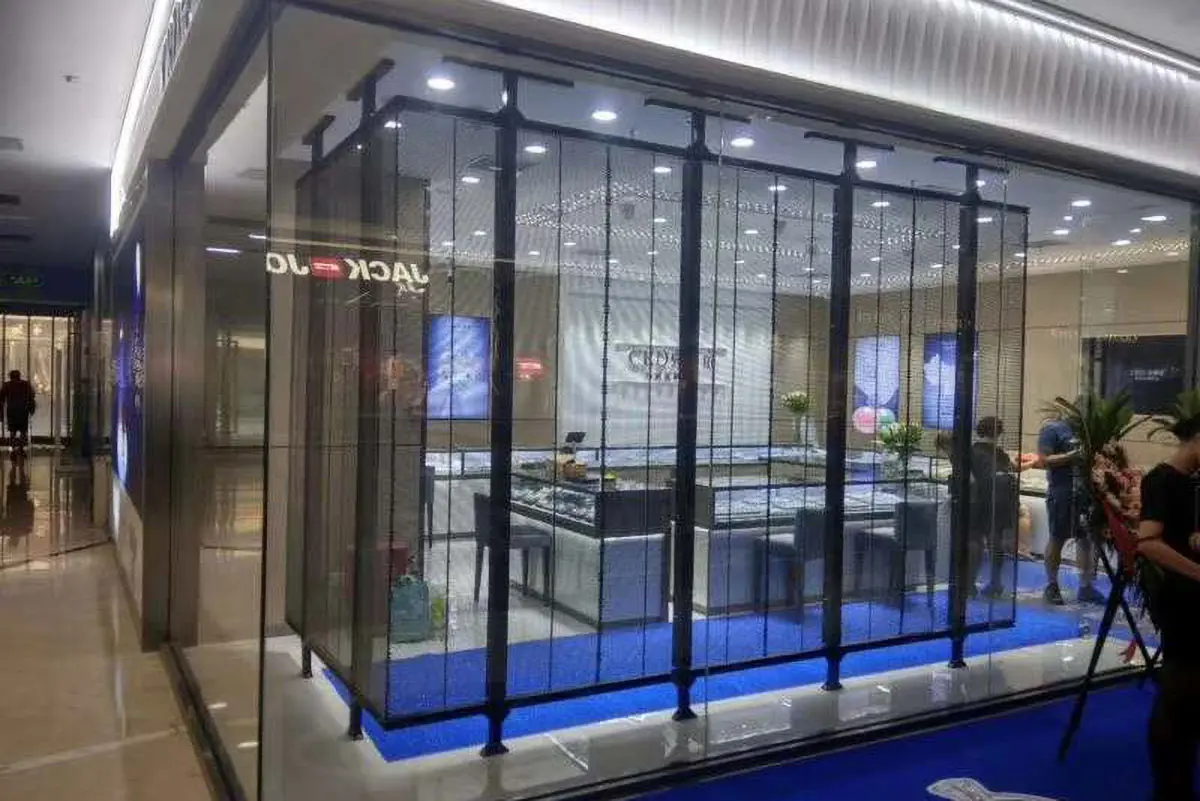
1. What Are Transparent LED Screens and How Do They Work?
A transparent LED screen combines an addressable LED image with a structure that allows some background light to pass through. Unlike an opaque video wall, it lets viewers see portions of the space behind the display.
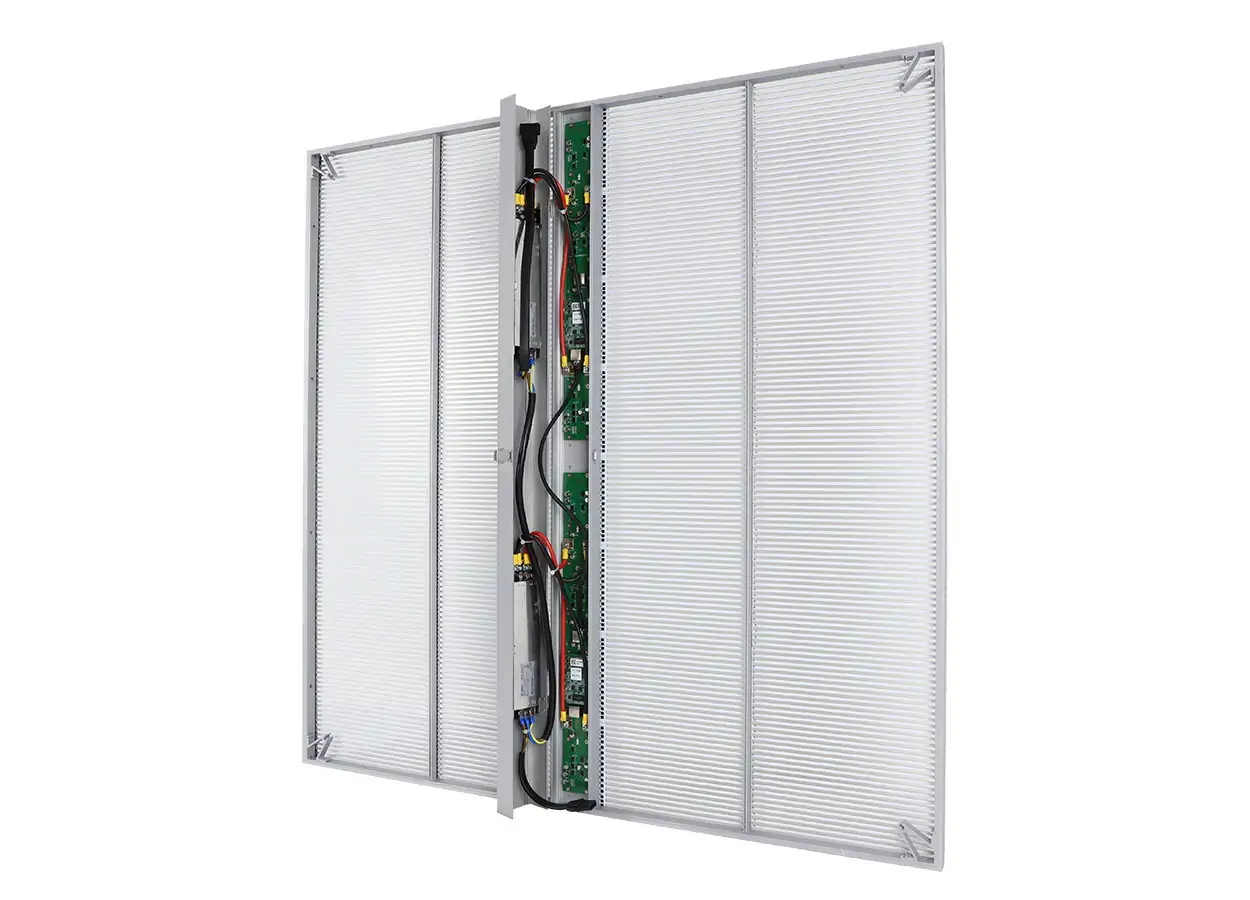
Depending on the construction, LEDs may sit on narrow strips, an open mesh, or a transparent carrier. These arrangements have different mounting, cabling, and servicing requirements. Film-based products and framed transparent cabinets should therefore be evaluated as distinct installation systems.
01. Transparency does not mean invisibility
The LEDs, conductors, connections, and support components remain physical objects. They may be noticeable at close range even when the screen is off. Published transparency figures also need context: the active display area and the complete installed assembly may obstruct different amounts of the view.
EagerLED’s product portfolio includes film, indoor transparent, and outdoor transparent display options. Buyers should establish the appropriate construction before comparing individual specifications. See the EagerLED transparent LED product range.
02. Why black behaves differently
On a transparent LED screen, black image areas generally correspond to LEDs producing little or no light. Those areas do not become an opaque black surface; the real background remains visible through the screen.
This distinction matters for 3D retail content. A bright product rendered against black can appear isolated in space, but a dark product may lose definition against the merchandise behind it. Content approval must account for the actual shop interior.
2. How Transparent LED Screens Create 3D Visual Effects
Transparent LED screens reproduce images on a physical display surface. The sense of depth comes primarily from the content and the way viewers interpret it.
Two approaches are particularly relevant to retail: floating product animation and viewpoint-dependent anamorphic content.
01. Floating product animation
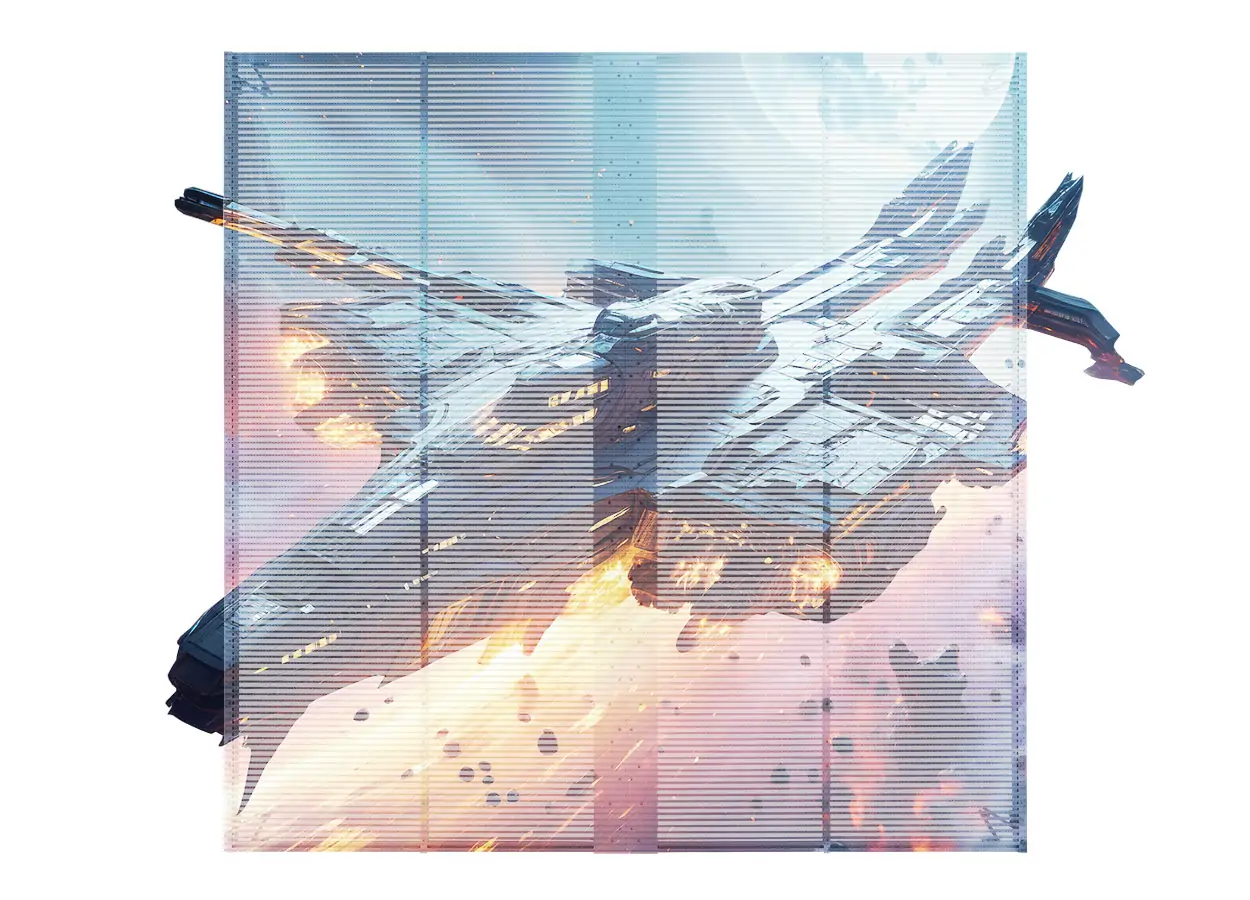
A rendered sneaker, watch, bottle, or other object rotates against a black background. Highlights, shadows within the object, perspective, and changing visible surfaces communicate its shape.
Because the surrounding screen emits little light, viewers can still see the interior around the animation. This can make the object appear detached from a conventional rectangular video frame.
Transparent LED screens are commercially offered for this type of floating visual effect, although performance depends on the installation and content. Pro Display’s transparent mesh description illustrates this application.
02. Anamorphic 3D content
Anamorphic animation is calculated for a particular viewing position and screen geometry. From that position, deliberately distorted imagery can appear to extend into or out of an architectural space.
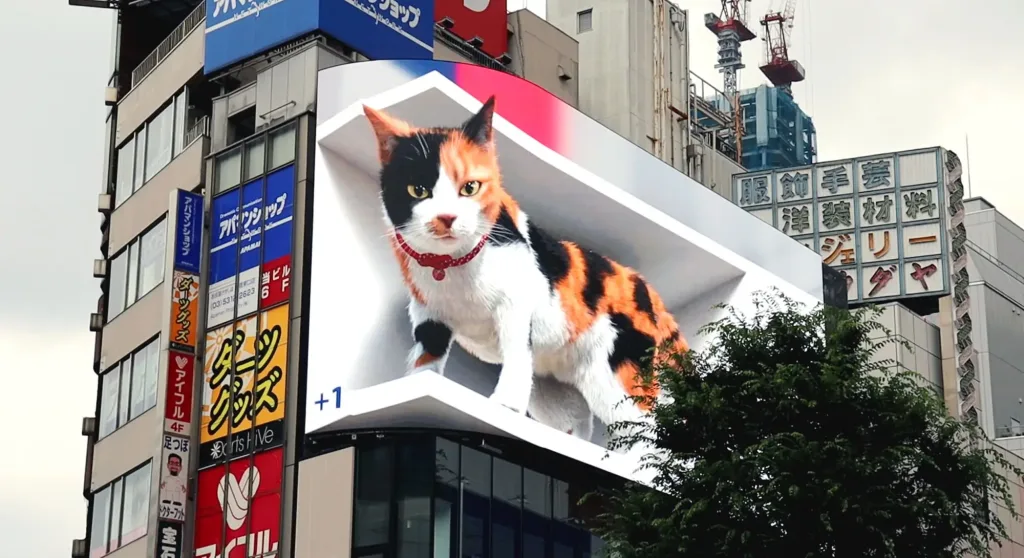
A flat transparent LED screen can present perspective-based illusions. However, content developed for a large corner billboard will not automatically work on a flat retail window. The virtual camera, physical dimensions, and mapped image need to match the installation.
For the wider display context, see the guide to how naked-eye 3D billboards work.
| Content approach | How depth is suggested | Suitable retail objective | Main production constraint |
|---|---|---|---|
| Floating product animation | Rotation, shading, perspective, isolated background | Product launches and window displays | Object must separate visually from the store interior |
| Anamorphic animation | Perspective calculated for a target position | A planned viewing or filming location | Effect changes as viewers move away |
| Layered motion graphics | Overlap, scale changes, and relative movement | Brand storytelling across a wider frontage | Excessive layers can reduce clarity |
| Conventional product video | Depth cues already present in footage | Campaign reuse and general advertising | Full-frame backgrounds reduce the floating effect |
Define the intended visual effect in the brief. “Supports 3D” alone does not explain what the customer will see.
3. 3D Effects vs. True Holograms: What Is the Difference?
A conventional transparent LED screen displaying 3D animation is not a true holographic display. It presents a flat image containing depth cues. Transparency changes how that image blends with its surroundings, but it does not itself create a three-dimensional optical image.
Several technologies are frequently grouped under the word “3D”:
- Rendered 3D animation: A three-dimensional digital model becomes a sequence of two-dimensional images.
- Anamorphic imagery: Perspective distortion creates an illusion from a planned viewpoint.
- Stereoscopic displays: Separate views are delivered to the left and right eyes.
- Light-field displays: Different viewing directions receive different image information.
- Holographic displays: Optical wavefront reconstruction forms the image.
These distinctions help procurement teams avoid comparing unlike products. A quotation described as a “holographic transparent LED screen” may refer to a floating-image presentation rather than wavefront reconstruction.
Ask the supplier to identify the operating principle and demonstrate the result from several positions. Also establish whether the effect needs glasses, tracking, a restricted viewing zone, or additional optical components.
For ordinary rendered animation, transparent LED screens do not need a special stereoscopic mode. The playback system supplies standard image frames, and the content provides the visual impression of depth.
4. What Makes 3D Content Look Good on Transparent LED Screens?
The result depends on the interaction between the screen, the image, the background, and the audience. Selecting the highest value in one specification column cannot resolve weaknesses elsewhere.
01. Pixel pitch and usable detail
Pixel pitch determines the spacing between adjacent pixels. For transparent LED screens, confirm both horizontal and vertical spacing because they may differ.
Approximate pixel dimensions can be calculated as:
Horizontal pixels = active width in millimeters ÷ horizontal pitch
Vertical pixels = active height in millimeters ÷ vertical pitch
For illustration, a hypothetical display measuring 3,000 × 2,000 mm with 5 mm spacing in both directions would contain approximately 600 × 400 pixels. This is a calculation example, not an EagerLED specification.
A higher-resolution source file cannot add physical pixels. Fine lettering, thin watch hands, and small packaging details may disappear when scaled to the actual display map.
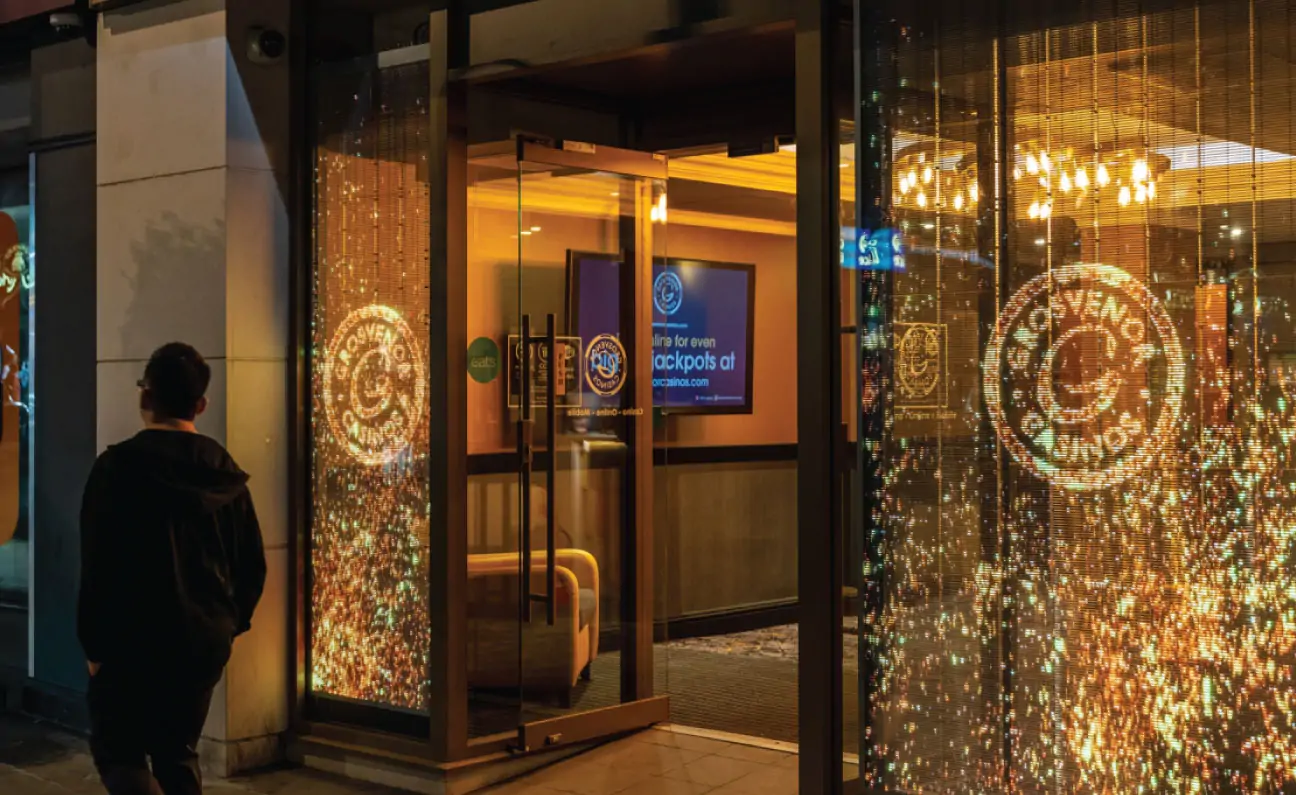
02. Background contrast and glazing
Transparent LED screens add emitted light to a scene that already contains light. They cannot selectively block a bright shelf behind a dark part of the animation.
Evaluate the complete sightline: street reflections, glazing tint, interior lighting, merchandise, and screen output. Increasing brightness may improve visibility, but it cannot fully repair unsuitable content or a visually busy background.
03. Viewing position and movement
Separate the area from which the image is visible from the area in which the intended 3D illusion is convincing. These are different acceptance criteria.
A floating product may remain understandable across a broad approach path. An anamorphic scene can be much more sensitive to lateral movement, elevation, and distance.
| Variable | Effect on 3D retail content | Practical verification |
|---|---|---|
| Pixel spacing | Determines available object detail | Display the smallest required feature at full scale |
| Background lighting | Changes contrast and perceived separation | Test with normal store lighting and merchandise |
| Glass reflections | Can overlay bright distractions | Inspect from the pedestrian side at relevant times |
| Viewing geometry | Controls perspective accuracy | Walk the main approach routes |
| Dimming behavior | Affects nighttime comfort and shadow detail | Review the animation at intended operating levels |
| Image mapping | Determines correct proportions | Display circles, grids, and the final animation |
| Temporal performance | Affects motion and filmed appearance | Test playback and intended cameras together |
Treat this table as a demonstration plan for the proposed system, rather than a checklist satisfied by a brochure.
5. Transparent LED vs. Standard LED Screens for 3D Retail
Transparent LED screens suit projects where the view through the installation has commercial or architectural value. Opaque LED displays offer a more controlled image background.
Neither construction automatically produces a stronger 3D effect. The appropriate choice depends on the display’s role.
| Decision factor | Transparent LED display | Opaque LED display |
|---|---|---|
| Visibility through the installation | Preserves a partial view | Blocks the view within its footprint |
| Dark image regions | Reveal the real background through open areas | Benefit from an opaque backing, subject to ambient light |
| Floating product presentation | Can visually blend animation with the store | Usually needs a rendered environment or visual framing |
| Detailed product information | Depends on pitch and background interference | Can provide a more controlled reading surface |
| Window integration | Useful when openness matters | Appropriate when the window can become a dedicated media area |
| Anamorphic content | Requires matched geometry and suitable background | Requires matched geometry and suitable content |
| Design coordination | Must account for the space behind the screen | Focuses more directly on the displayed composition |
An opaque fine-pitch display may be preferable for dense specifications or close product comparison. A transparent LED screen may be preferable when shoppers must see both an animated product and the physical retail environment.
For distributors, this distinction supports a better sales discussion: begin with the viewing task and storefront requirements, then select the display category.
6. Benefits and Limitations of Transparent 3D Retail Displays
01. Benefits that matter in a retail project
Transparent LED screens allow digital advertising to share a window with merchandise and interior design. This can be useful where a full opaque wall would undermine the visual purpose of the glazing.
A well-composed animation can enlarge a product beyond its physical display size, reveal its shape through movement, or introduce a seasonal campaign without replacing printed window graphics.
The format also gives designers control over visual density. A single animated object can occupy a small portion of the window while the remaining area continues to reveal the store.
These are presentation capabilities. They do not establish a guaranteed increase in footfall, engagement, or sales.
02. Limitations to explain before purchase
Transparent LED screens have reduced control over the background. A planned refurbishment, brighter shelving, or a new window display can change the appearance of previously approved content.
Fine detail may also be difficult to reproduce at the available pixel density. Making an object larger can help, but that changes the composition and may reduce room for other information.
The supporting structure remains another consideration. Cabling, power supplies, frames, and maintenance clearances can affect both the view and the apparent floating effect.
Avoid assuming that transparency guarantees lower energy consumption. Operating demand depends on the particular hardware, brightness settings, displayed material, schedule, and control configuration.
A pilot installation should assess visual quality and operational fit. If business performance is measured, define the metric and comparison method before the campaign begins.
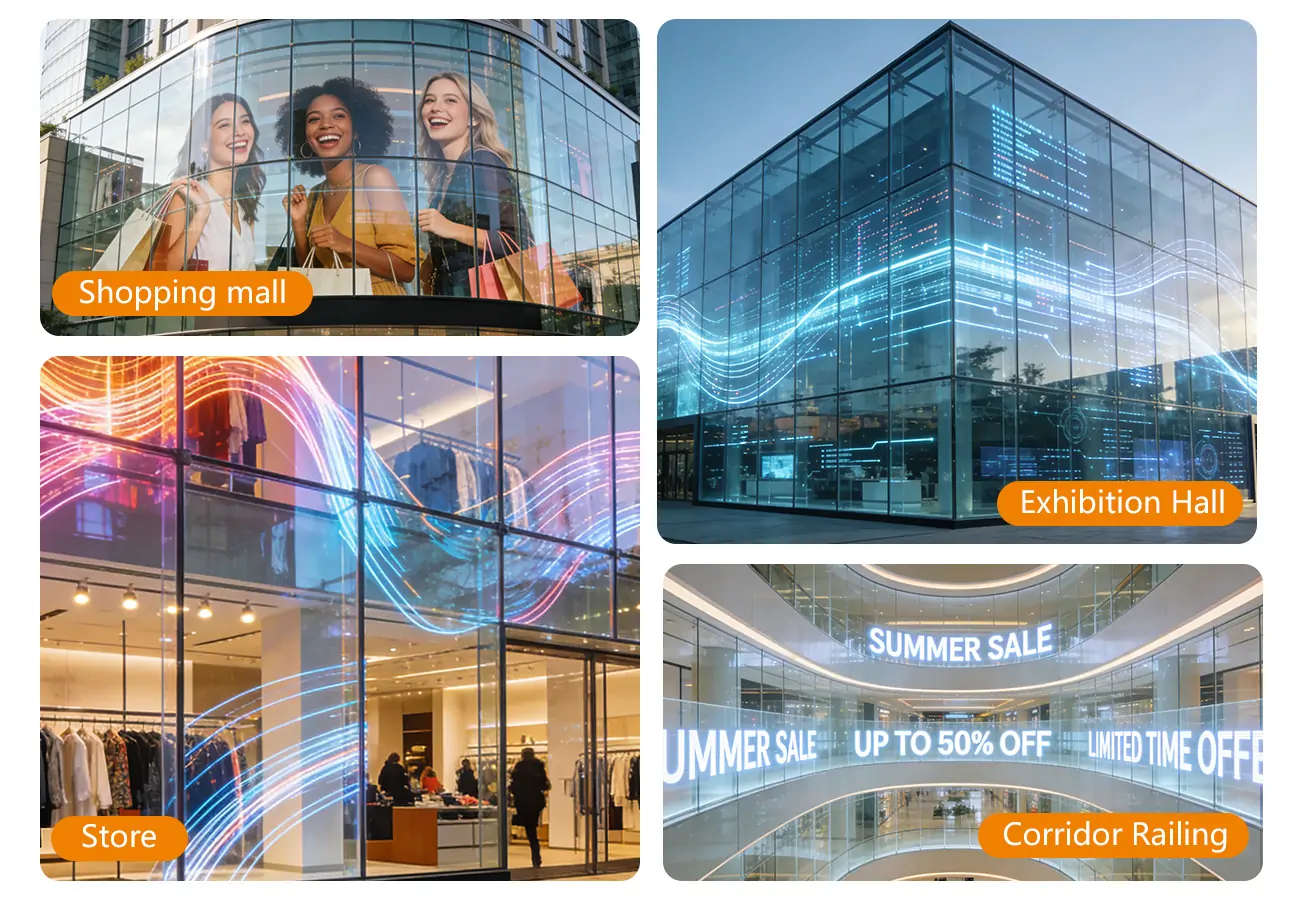
7. Best Uses for 3D Content in Storefronts and Retail Spaces
Transparent LED screens are most useful when the animation has a clear relationship to the products, architecture, and shopper’s route.
01. Storefront product launches
An enlarged rotating product can introduce a launch while leaving the physical display visible behind it. Use a strong silhouette and a short message that remains understandable during a brief glance.
The product should become recognizable early in the sequence. A passerby may enter halfway through the animation and never see its opening.
02. Showrooms and dealership glazing
Large objects and component animations can work well when viewed across a showroom or approach area. A simplified assembly sequence may explain a feature more effectively than a long text panel.
Position the animation so it does not obscure the physical product customers are trying to inspect.
03. Shopping-center interiors
Transparent LED retail displays can support branding across internal glazing or open architectural features. Viewing may occur from multiple levels and directions, making broad readability more important than a tightly controlled anamorphic illusion.
04. Pop-ups and temporary campaigns
Temporary installations require practical planning for transport, assembly, repeated handling, and content changes. A product intended for fixed glass application should not automatically be treated as reusable rental equipment.
These are proposed application patterns, not documented customer cases. For each one, the integrator should approve the mounting approach, audience sightlines, and servicing method before selecting a transparent LED screen.
8. How to Create 3D Content for Transparent LED Screens
Content production should begin with the installed display geometry. Designing an animation first and fitting it to the screen later often creates avoidable compromises.
01. Obtain the final pixel map
Request the active dimensions, pixel resolution, module arrangement, orientation, and any unusable or obstructed areas. Include physical gaps where they affect the composition.
For transparent LED screens with unequal horizontal and vertical pitch, a file viewed on a conventional monitor may not represent the final physical proportions. The production team needs an agreed mapping method and an on-screen geometry test.
02. Select one primary visual message
Decide whether viewers should recognize a product, understand a feature, or remember a campaign message. Trying to accomplish all three simultaneously can produce an unreadable sequence.
Develop a strong object silhouette before adding decorative effects. Keep essential text separate from fast movement.
03. Build for the real background
Render trial frames against photographs of the proposed interior. This is useful for identifying potential conflicts, although it cannot replace a physical test of transparency, brightness, and reflections.
Pay special attention to dark materials, glass products, and subtle surface finishes. Features that look elegant on a studio monitor may become indistinct in a bright window.
04. Match playback requirements
Agree the supported format, codec, resolution, frame rate, color handling, and playback schedule with the integrator. Confirm whether the project needs a local media player, live input, or centrally managed signage.
A black-background video can support a floating presentation without requiring an alpha-channel workflow. Check the player’s black-level handling so the intended dark areas do not emit an unwanted glow.
05. Approve on the actual system
Test transparent LED screens using representative animation, branding, and motion. Review both daytime and evening operating conditions where relevant.
If recording is part of the campaign, assess cameras separately. NovaStar documents synchronization and shutter-related functions for supported systems, but compatibility and results depend on the complete configuration. NovaStar’s MX Series overview describes these capabilities.
| Deliverable | What it should establish | Why it prevents rework |
|---|---|---|
| Approved pixel map | Canvas size and physical layout | Avoids incorrect scaling and placement |
| Viewing-position drawing | Priority sightlines and audience height | Defines perspective assumptions |
| Style frames | Product appearance, text, and background strategy | Resolves creative issues before full animation |
| Playback specification | File and signal requirements | Avoids incompatible delivery |
| On-screen test sequence | Geometry, dark levels, motion, and color | Reveals issues hidden by monitor previews |
| Final content package | Approved files, versions, and usage rights | Supports updates and ongoing operation |
9. How to Choose a Transparent LED Screen and Plan Your Budget
Procurement should compare complete working systems. A price per square meter rarely captures everything required for a successful 3D retail installation.
01. Define the site before requesting a quotation
Provide the window dimensions, photographs, glazing details, mounting restrictions, audience routes, viewing distances, operating hours, and service access.
Distinguish between equipment installed outdoors and equipment mounted indoors but facing daylight. High brightness alone does not establish weather resistance or suitability for an exposed location.
For transparent LED screens attached to or positioned near glass, resolve the mounting method and load path. Do not assume the existing glazing can support equipment simply because the screen is described as lightweight.
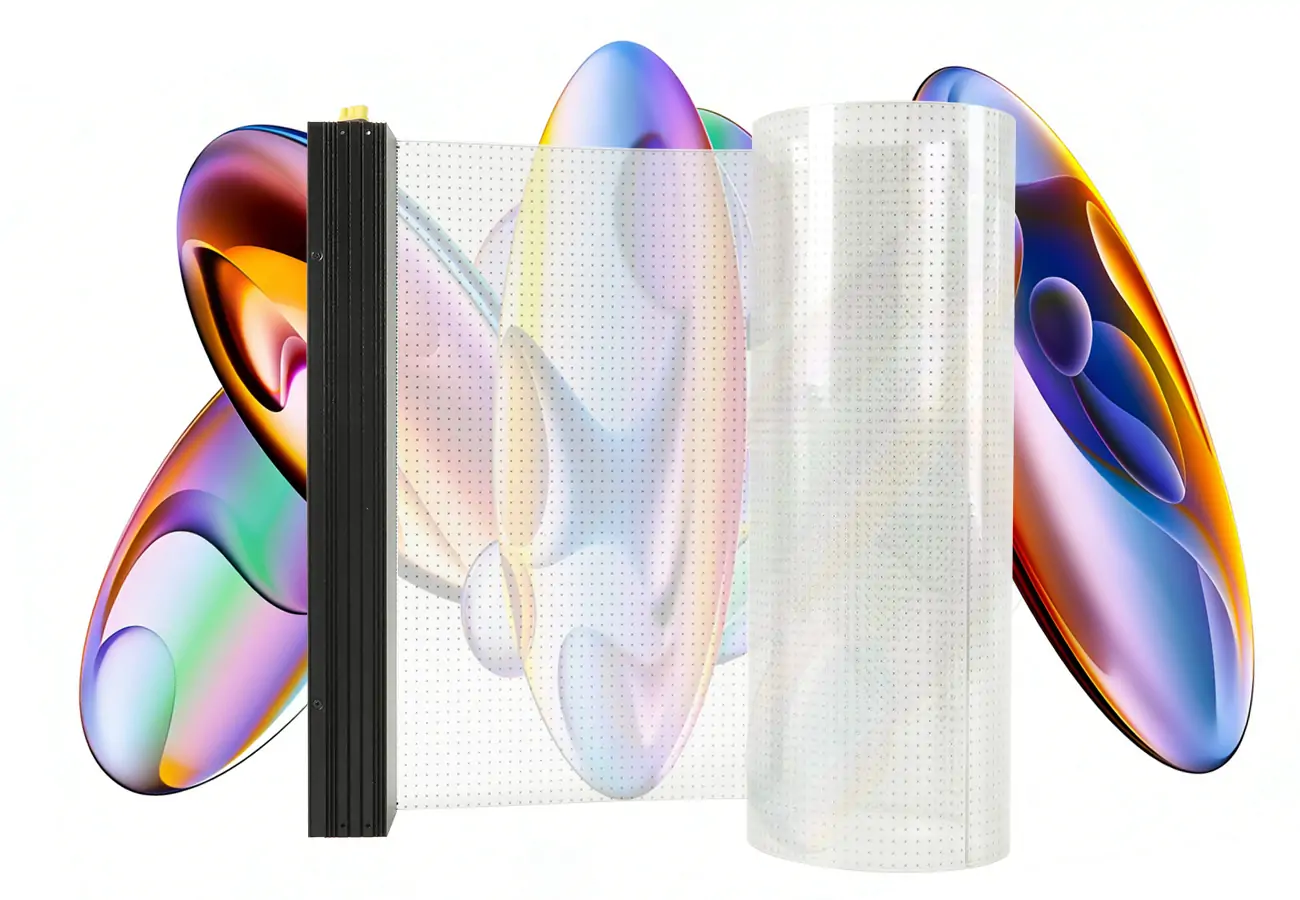
Compare the installation approach of EA-iFilm2 indoor transparent LED film with the requirements of the proposed site.
02. Request comparable technical evidence
Ask for the specifications of the exact proposed configuration. Identify the display modules, control equipment, power arrangement, environmental limits, service method, and replacement strategy.
Transparency figures should state what is being measured. Brightness figures should be relevant to the supplied operating configuration. Documentation of compliance should apply to the actual product and destination requirements.
For an EagerLED project inquiry, provide the site information alongside the creative brief. Ask for a suitable configuration and a content demonstration before using model-level specifications in a client proposal.
03. Build a complete cost schedule
| Budget category | Items to include | Question for the quotation |
|---|---|---|
| Display hardware | Modules, cabinets or film, power components | What is included in the supplied assembly? |
| Control and playback | Controller, player, software, signal equipment | Are licenses or recurring charges involved? |
| Installation | Supports, fixings, electrical work, access equipment | Who supplies and installs each element? |
| Content production | Modeling, animation, mapping, revisions | How many versions and approval rounds are included? |
| Commissioning | Configuration, testing, training, handover | What acceptance evidence will be delivered? |
| Maintenance | Spares, labor, access, replacement procedures | How will faults be repaired during trading? |
| Logistics | Packaging, transport, import-related costs | Which party carries each responsibility? |
Energy budgeting should use a representative operating load, not an unsupported universal consumption figure.
Estimated display energy = average operating power in kW × operating hours
Add control equipment and other project loads where applicable. Keep this operating estimate separate from the maximum electrical demand used to design circuits.
04. Agree acceptance criteria
Before ordering, record the test content, viewing locations, lighting conditions, image-mapping requirements, and service demonstration. Define the acceptable visual outcome using the customer’s actual priorities.
For transparent LED screens used in 3D retail projects, a full-scale sample or representative mock-up can settle questions that specification sheets cannot. Record the approved settings so commissioning reproduces the demonstration.
10. FAQ
11. Conclusion
Transparent LED screens can show convincing 3D retail content when the animation, physical display, and viewing environment are designed together. Their distinctive value is the ability to combine a visible retail interior with dimensional product imagery.
For professional buyers, the most reliable approach is to define the desired effect, verify the pixel map and sightlines, test against the actual background, and purchase a complete installation with clear acceptance criteria. Transparency and a “3D” label alone do not establish performance.
When planning an EagerLED transparent LED screen project, submit the window dimensions, site photographs, audience positions, lighting conditions, and example content with the inquiry. That information provides a practical basis for selecting hardware, estimating the full project budget, and developing a demonstration the customer can evaluate.
 3D Billboard Guide: How Naked-Eye LED Really Works
Related Posts

Fill In Your Needs In Detail
Fill in the screen usage scene and size you need in “Content”.You will get a quote.



