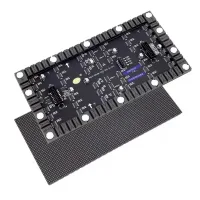
Novastar A8s-N is a compact LED receiving card with HDR10/HLG, Image Booster and pixel-level calibration. At 60 Hz with 8-bit input, one card supports up to 512 × 384 pixels with PWM driver ICs or 384 × 384 with common driver ICs. Controller, driver IC and input bit depth affect the usable capacity.
This guide covers specifications, A7s Plus differences, pricing and firmware. For fixed installations or rental LED displays, confirm the cabinet’s HUB board, module scan settings and controller compatibility before ordering.
1. What Is the Novastar A8s-N?
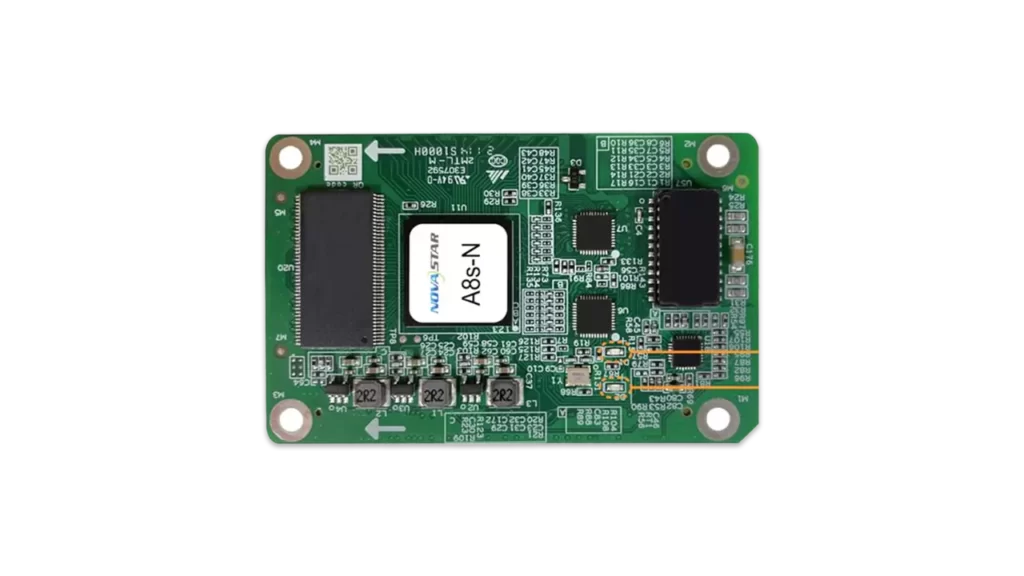
The Novastar A8s-N receiver card is part of NovaStar’s Armor series. It receives display data from a compatible controller and drives the LED modules through a matching HUB board; it is not a standalone media player.
Its Image Booster functions address color and grayscale reproduction. HDR, low latency, 3D and separate RGB gamma adjustment require a compatible display system. The card alone cannot determine the screen’s brightness, contrast or color gamut.
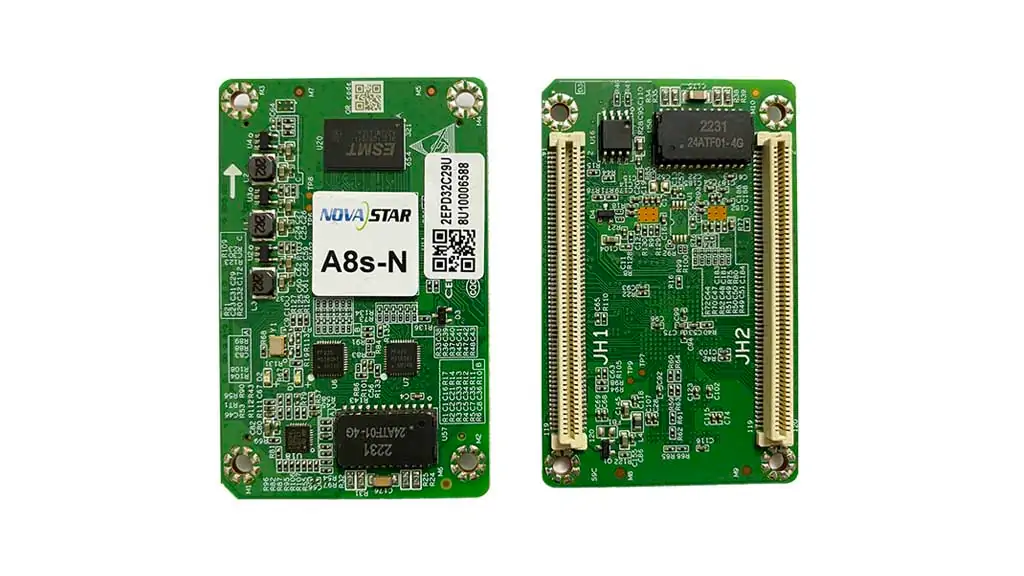
High-density connectors carry up to 32 parallel RGB groups or 64 serial groups, expandable to 128. Check the connector pinout before replacement. NovaStar lists EMC Class B for the card; this does not establish compliance of the assembled display. See the official Armor series overview.
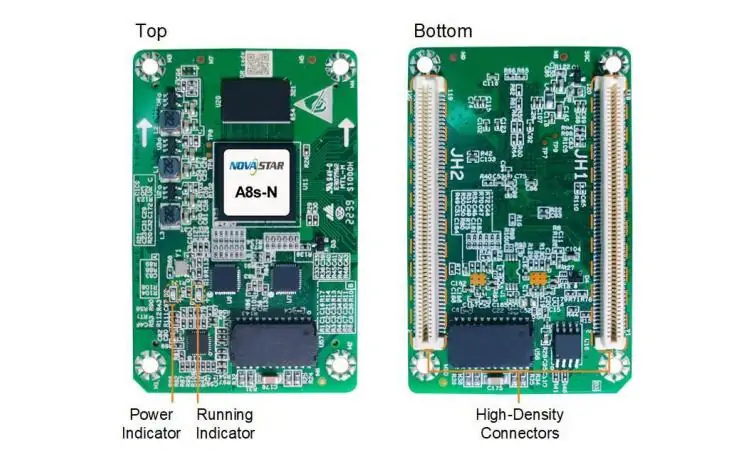
2. Novastar A8s-N LED Display Receiving Card Specs
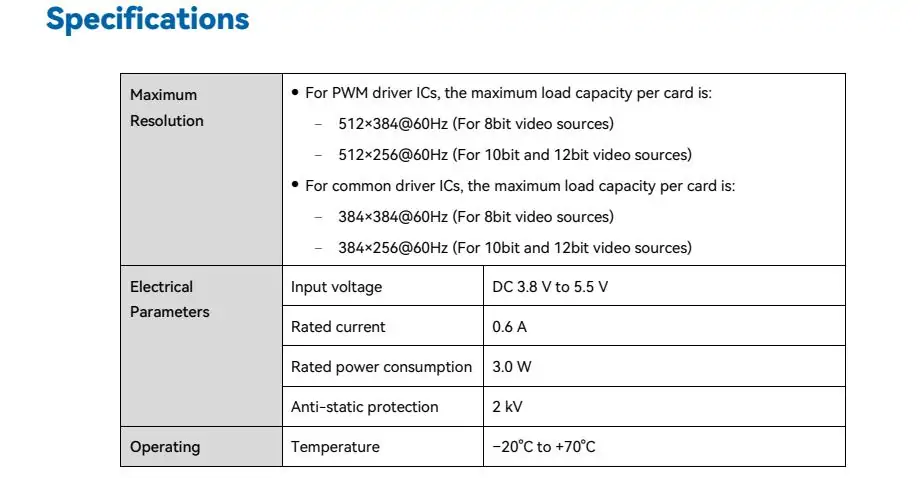
The following values are from NovaStar’s A8s-N specifications V1.5.0 (June 11, 2025). Text below makes the specification images accessible.
2.1 Maximum Resolution
For PWM driver ICs:
- 512×384@60Hz (For 8-bit video sources)
- 512×256@60Hz (For 10-bit and 12-bit video sources)
For common driver ICs:
- 384×384@60Hz (For 8-bit video sources)
- 384×256@60Hz (For 10-bit and 12-bit video sources)
With COEX controllers and 10-bit input, the limits are 512 × 384 (PWM) and 384 × 384 (common), both at 60 Hz. Confirm the intended configuration before sizing a cabinet.
2.2 Electrical Parameters
- Input voltage: DC 3.8–5.5 V; recommended 5.0 V
- Rated current: 0.6 A
- Rated power consumption: 3.0 W; actual use varies with settings and environment
2.3 Operating Environment
- Temperature: –20°C to +70°C
- Humidity: 10% RH to 90% RH, non-condensing
2.4 Storage Environment
- Temperature: –40°C to +85°C
- Humidity: 0% RH to 95% RH, non-condensing
2.5 Physical Specifications
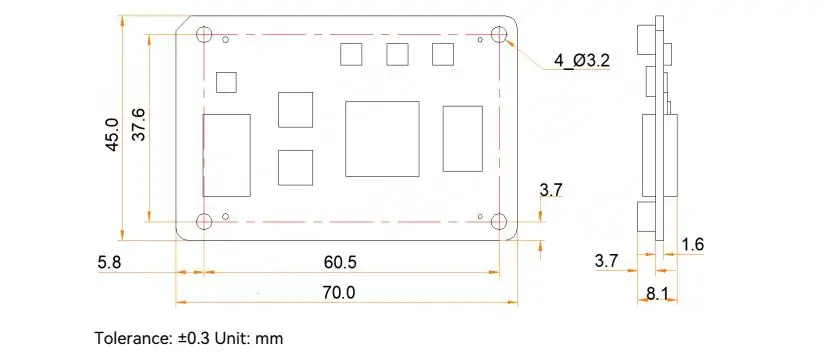
- Listed dimensions: 70.0 × 45.0 × 8.1 mm
- Net weight: 18.7 g per card
- Installation drawing allows up to 8.6 mm overall thickness; obtain the structural drawing before machining mounting holes.
2.6 Packing Information
- Each card is supplied in a blister pack.
- Packing box: 392.0 × 200.0 × 123.0 mm
- 80 receiving cards per box; confirm order quantity separately.
3. Key Features of Novastar A8s-N Receiver Card
Use these features as a compatibility checklist. Test the actual modules and firmware before deploying a full screen.
3.1 Improvements to Display Effect
- Color management: Supports Rec.709, DCI-P3, Rec.2020 and custom gamut settings.
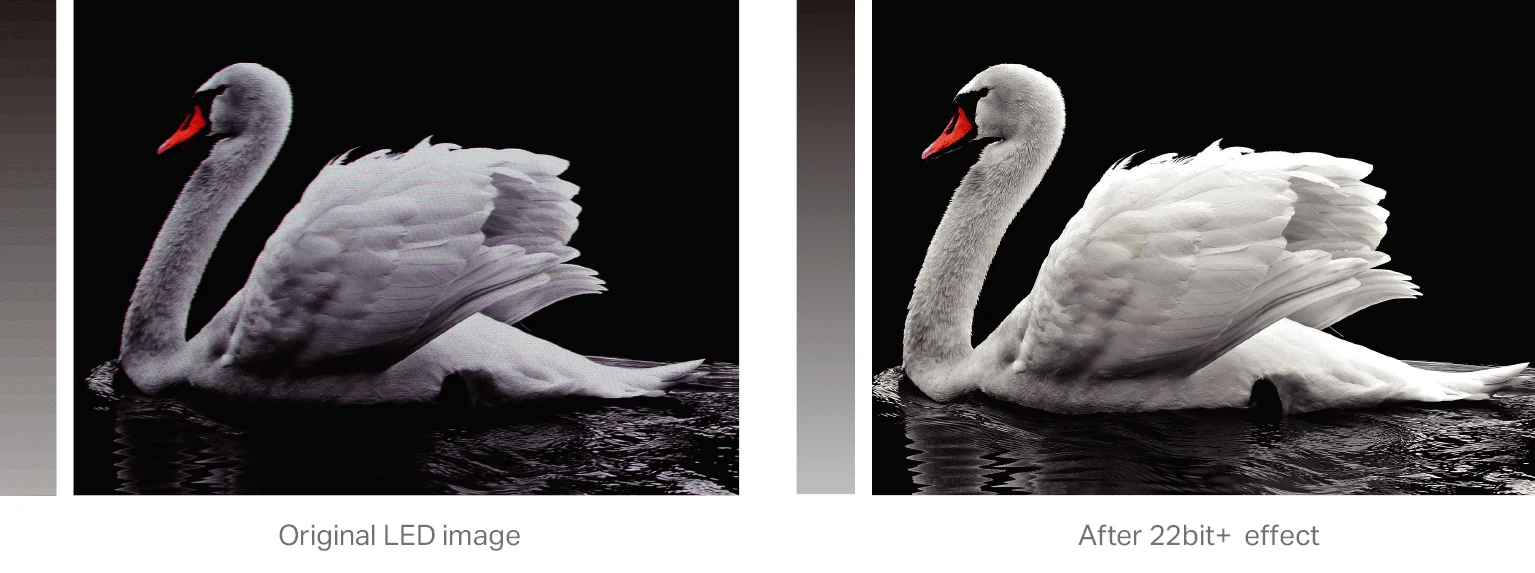
- Precise grayscale: Adjusts 65,536 driver-IC grayscale levels to reduce low-brightness artifacts.
- 22bit+: NovaStar describes a 64-fold grayscale improvement; results depend on the driver IC.
- HDR: Supports HDR10 and HLG with a suitable source and controller.
- Pixel calibration: Works with NovaStar’s calibration system to improve brightness and chroma uniformity.
- Seam adjustment: Corrects dark or bright lines between modules or cabinets.
- Low latency: One frame at the receiving-card end with PWM ICs; continuous-DCLK PWM requires custom firmware. This is not total system latency.
- 3D: Requires a controller supporting 3D.
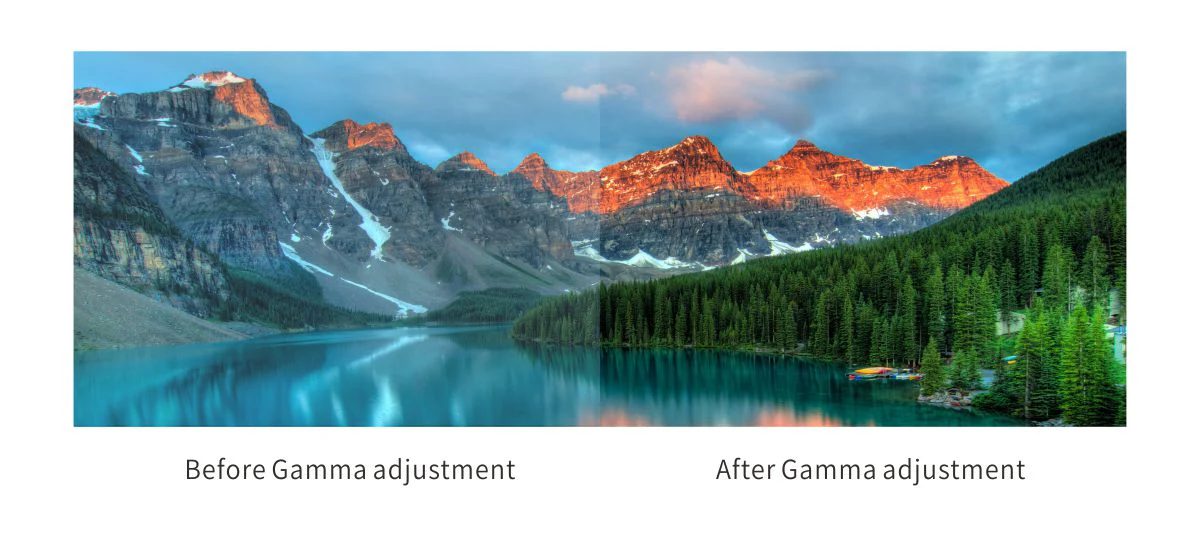
- RGB gamma: Separate red, green and blue adjustment with compatible control software and controller.
- Rotation: 90° steps; arbitrary angles require MCTRL R5 and SmartLCT.
3.2 Improvements to Maintainability
- Smart modules: Dedicated firmware enables module ID, calibration and status functions.
- Automatic calibration: Replacement modules with flash memory can supply saved coefficients at startup.
- Flash management: Stores and reads module IDs and calibration data.
- Apply coefficients: With Ethernet disconnected, hold the cabinet self-test button to load coefficients from module flash.
- Mapping: Shows controller, Ethernet-port and receiving-card numbers on cabinets.
- Stored image: Configures startup and signal-loss images.
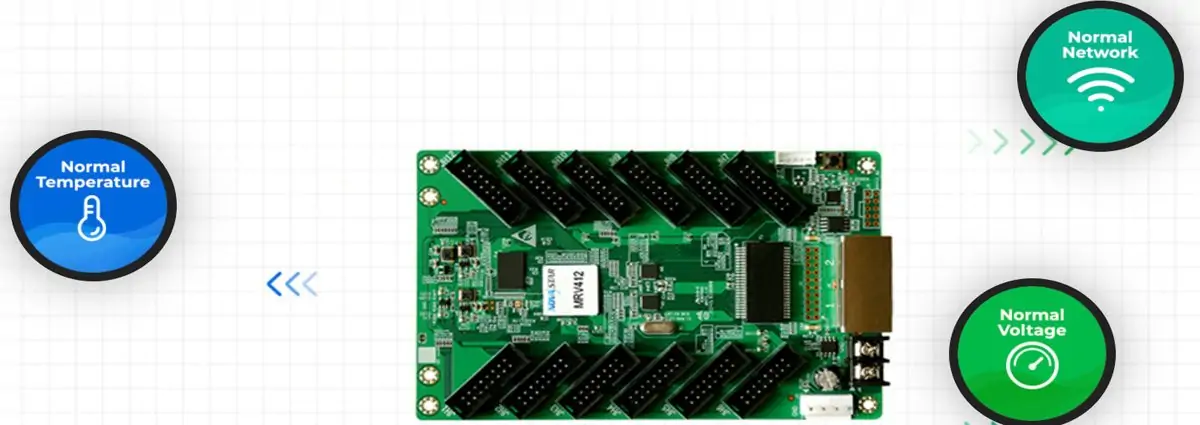
- Monitoring: Reads the receiving card’s temperature and voltage without external sensors.
- Cabinet LCD: A compatible LCD module can display temperature, voltage and runtime.
3.3 Improvements to Reliability
- Dual-card backup: Requires two cards and a compatible HUB board.
- Loop backup: Requires primary and backup cable paths.
- Configuration backup: Stores application and factory parameters.
- Program backup: Retains a second firmware copy for recovery.
- Calibration backup: Retains application and factory coefficients.
Backups reduce downtime risk; test failover during commissioning.
4. Novastar A8s-N vs A7s Plus Receiver Card
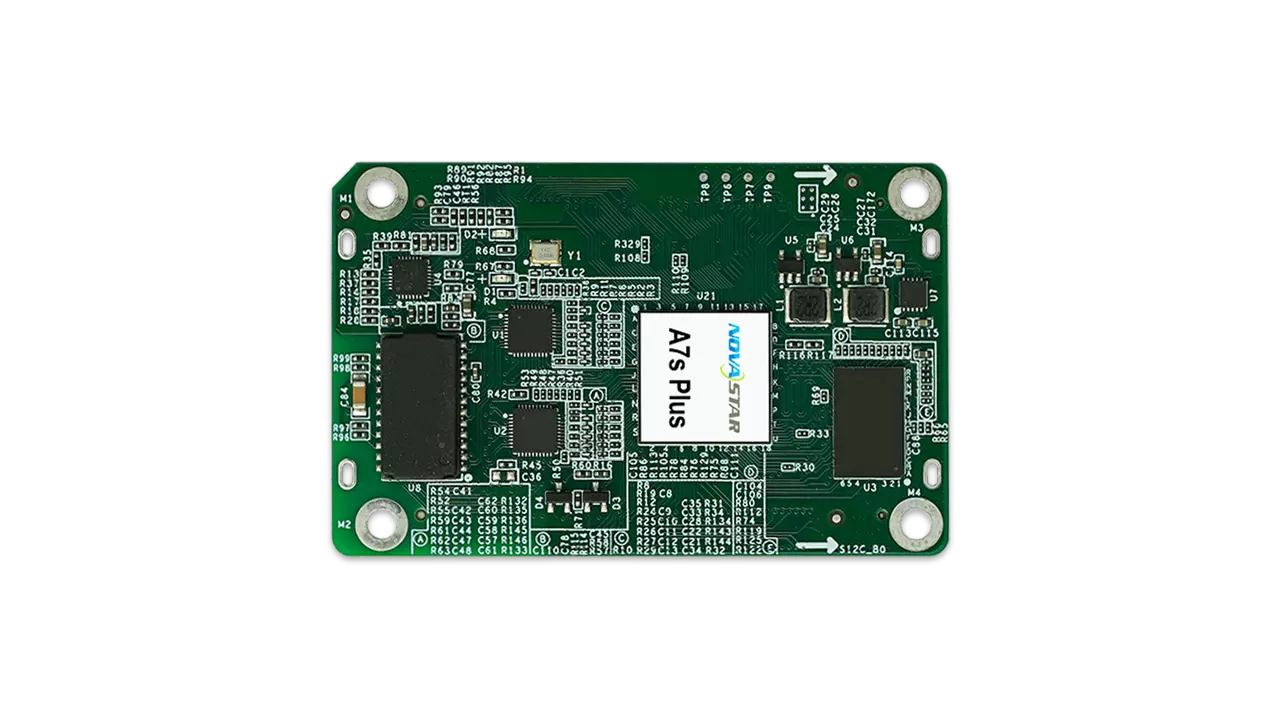
Compare the documented capabilities below using A7s Plus specifications V1.2.5 and the A8s-N source above.
| Feature | A8s-N | A7s Plus |
|---|---|---|
| Maximum resolution, PWM at 60 Hz | 512 × 384 (8-bit) | 512 × 512 (listed maximum) |
| RGB parallel groups | 32 | 32 |
| Serial groups | 64; expandable to 128 | 64; expandable to 128 |
| HDR | HDR10 / HLG | Not listed |
| Low latency | 1 frame at card; conditions apply | Verify firmware; not listed in V1.2.5 |
| Free image rotation | MCTRL R5 + SmartLCT | Not listed; 90° steps supported |
| Smart module support | Dedicated firmware | Dedicated firmware |
| Dual-card backup | Compatible HUB required | Compatible HUB required |
A7s Plus has the higher listed PWM pixel capacity. Choose A8s-N when its HDR or image-processing functions meet a defined requirement. A7s Plus low latency is not listed in V1.2.5; confirm support for the exact firmware instead of assuming it is unavailable.
5. Novastar A8s-N LED Receiving Card Price
There is no verified universal Novastar A8s-N price. Request a dated quote specifying quantity, currency, tax, shipping, warranty and lead time. Compare the total cabinet cost, including HUB boards and spares. For an LED poster screen, ask the supplier to confirm the installed receiving card rather than assume compatibility.
6. Novastar A8s-N Receiver Card File Download
The following existing downloads are EagerLED-hosted copies. Check NovaStar’s official downloads for model-specific releases and notes.
- A8s-N firmware V4.9.1.0: Confirm suitability with the screen supplier before flashing.
- Specifications V1.4.2: Archived copy; V1.5.0 is linked in section 2.
Save the working configuration and calibration data first. Test an update on one cabinet before a screen-wide rollout.
7. FAQs
8. Conclusion
The Novastar A8s-N is worth considering when HDR, calibration and low-grayscale performance matter to the project. Select it by verified module and controller compatibility, not by model number or an assumed resolution advantage.
Before buying, confirm the HUB pinout, input bit depth, loading limits, firmware and backup wiring. Keep a known-good configuration and a tested spare card for maintenance.
 Novastar A7s Plus: Receiving Card Guide
 Is Novastar A10s Plus-N Right for Your Project? A Practical Overview
Related Posts






Fill In Your Needs In Detail
Fill in the screen usage scene and size you need in “Content”.You will get a quote.