Direct LED vs Edge LED describes where an LCD screen’s backlight LEDs sit: behind the panel or along its edges. Direct-lit does not automatically mean local dimming. For better dark-room contrast and HDR, look for effective full-array local dimming (FALD), then compare the actual models. Edge-lit screens can suit slim installations and everyday viewing, but price, brightness and reliability cannot be determined from the label alone.
This guide compares both designs, explains the important exceptions, and gives you practical checks for a TV, monitor or commercial screen. These LCD backlights are different from direct-view LED video walls, whose LEDs form the visible image.
1. Direct LED vs Edge LED: What They Actually Are
An LCD controls transmitted light rather than producing the image’s light itself. In LED-backlit TVs and monitors, that light comes from LEDs behind the panel or at its edges. Backlight placement affects the optical design, but the LCD panel, dimming controls and image processing also influence the result.
Keep three terms separate when shopping: basic direct-lit LCD, edge-lit LCD, and full-array local dimming. Manufacturers sometimes use “Direct LED” broadly, so read the backlight type and dimming type as separate specifications.
1.1 Direct LED
Direct LED, also called direct-lit or DLED, places LEDs behind the LCD panel. Diffuser layers spread their light across the screen. A basic direct-lit set may control the backlight as one unit; it does not provide a separate light source for every image pixel.
FALD adds independently controlled zones across that rear array. It can reduce illumination behind dark parts of an image while keeping other areas bright. The benefit depends on zone size, panel contrast and processing. For a concrete example, Sony’s X90K specifications explicitly list both “Direct (Full Array LED)” and “Local Dimming.” Look for both details rather than assuming one from the other.
1.2 Edge LED
Edge LED, also called edge-lit or ELED, places LEDs along one or more sides of the panel. A light guide plate distributes their light across the screen, with optical layers helping smooth the output. This arrangement can support a slim design.
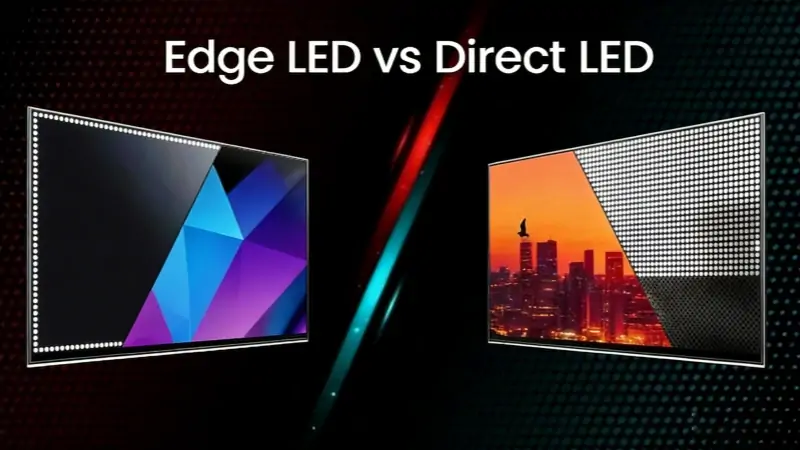
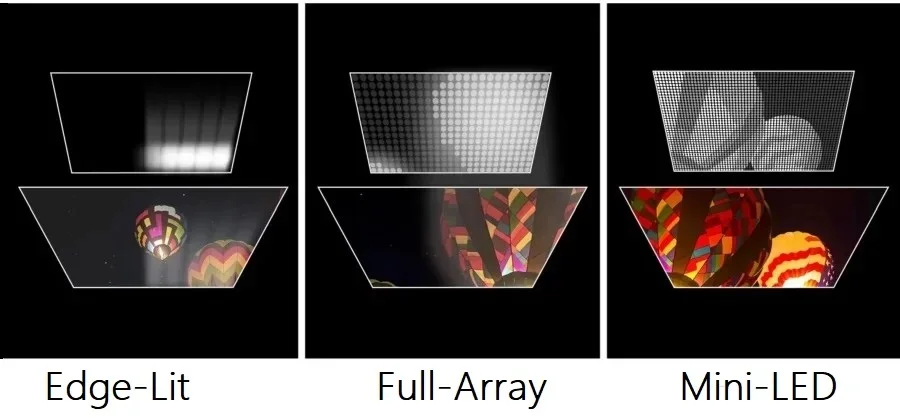
Some edge-lit models have local dimming, but their lighting regions generally provide coarser control than a rear array. Do not assume every edge-lit screen has the same layout or performance: Sony’s backlight explanation distinguishes ordinary Edge LED from Dynamic Edge LED with local dimming. The illustration below shows perimeter lighting versus lighting spread behind the panel; it is a schematic, not a measured comparison of two products.
2. Direct LED vs Edge LED: Head-to-Head Comparison
| Feature | Direct LED | Edge LED |
|---|---|---|
| LED placement | Behind the LCD panel | Along one or more edges |
| Panel thickness | Model-dependent; check full enclosure depth | Often supports slim designs; verify dimensions |
| Brightness uniformity | Depends on optics, panel and sample | Depends on light guide, panel and sample |
| Black levels | FALD can improve local contrast; basic direct-lit may lack it | Panel-dependent; dimming is often absent or coarser |
| Local dimming | Not automatic; verify whether FALD is included | Available on some models; verify implementation |
| HDR performance | Effective FALD helps; assess actual brightness and color | Can accept HDR; impact depends on model capabilities |
| Peak brightness | No universal nit range for this category | No universal nit range for this category |
| Energy use | Compare measured use at matched size and brightness | Compare measured use at matched size and brightness |
| Cost | Basic direct-lit and premium FALD occupy different price tiers | Varies with size, features and design |
| Reliability (long-term) | Check model evidence, thermal design and duty rating | Some tested models show heat-related failures; not a lifespan guarantee |
These are design tendencies, not specifications for every model. Basic direct-lit LCD and FALD are distinguished throughout this comparison; measured results are needed for any numerical claim.
2.1 Brightness Uniformity
Uniformity describes how evenly a screen displays the same shade across its surface. Either design can show uneven areas. Edge-lit screens may show brighter edges or corners; direct-lit screens can also have patches, bands or visible lighting patterns. There is no universal uniformity percentage for either category.
View a gray slide and a dark scene at normal brightness, from your usual seat. Check sports footage for distracting patches during camera pans. Compare sample variation and return terms as well as reviews; the backlight label alone cannot guarantee an even screen.
2.2 Black Levels and Contrast
A good FALD system can improve contrast within one image by dimming dark regions separately. A basic direct-lit TV without local dimming cannot do that, and may not outperform an edge-lit model with a higher-contrast LCD panel. VA/IPS-type panel behavior and viewing angle also matter.
Even with FALD, a zone covers many pixels. Bright subtitles or stars can illuminate nearby dark areas, creating blooming. Test mixed bright and dark content rather than relying on an all-black demonstration, where the backlight may simply switch off.
2.3 HDR Performance
HDR performance depends on brightness, black levels, color reproduction and tone mapping, not just whether a screen accepts an HDR signal. Effective FALD can help show bright highlights next to dark areas, while edge-lit and basic direct-lit sets have more limited control over those areas.
Metadata also varies by format: HDR10 uses static metadata, while Dolby Vision supports dynamic metadata, as Dolby’s metadata documentation explains. It is inaccurate to describe all HDR as using scene-by-scene metadata. For buying decisions, compare measured real-scene HDR brightness and highlight detail in the intended picture mode, not a universal nit range assigned to each backlight type.
2.4 Panel Design
Edge lighting often supports a slim enclosure, but thickness is not a reliable way to identify a backlight. Check the manufacturer’s depth without the stand, the deepest electronics section, connector clearance and the wall bracket. Modern rear-array designs can also be thin; no single millimeter cutoff separates them.
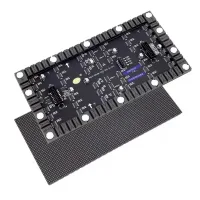
For a modular EA250WH5 direct-view LED panel, cabinet depth and service access are different considerations. That product is an LED video-wall panel, not an example of either LCD backlight. Match the installation drawing to the actual product technology before planning a recess or mount.
3. Local Dimming: The Feature of Direct LED and Edge LED that Defines the Gap
In a Direct LED vs Edge LED comparison, ask whether local dimming is present and how well it works. Moving LEDs behind an LCD does not by itself add zone control. For dark-room films, the distinction between basic direct-lit and effective FALD can matter more than the placement label.
FALD divides a rear backlight into independently controlled regions. Smaller regions can follow bright objects more closely, but zone count is only part of the story. The algorithm must balance bright highlights, shadow detail and distracting halos as objects move.
RTINGS’ lighting-zone tests examine precision and transitions rather than treating the largest zone count as an automatic winner. Try subtitles over a dark scene and a moving bright object. Watch for pumping brightness, missing small highlights and halos that trail motion.
Edge-lit local dimming can control larger bands or regions, so a small bright object may light a much wider area. The exact behavior depends on the model and optical system. If the setting is adjustable, compare it on and off using the same scene; do not assume disabling it is always better.
The diagram below contrasts broad edge-lit illumination, a full rear array, and a denser Mini-LED arrangement. It illustrates a possible design progression, not a promise that every product with those names has the illustrated number of zones.
Mini-LED refers to smaller backlight LEDs; it does not guarantee a particular layout or zone count. Many Mini-LED TVs use rear arrays with local dimming, but exceptions exist. RTINGS’ test of Samsung The Frame Pro 2025 identifies an edge-lit local-dimming implementation marketed as Mini LED.
Verify the exact model and screen size. LED count and independently controlled zone count are different numbers, and neither establishes OLED-like per-pixel control. Compare actual contrast and brightness results instead of assuming that Mini-LED branding settles the choice.
4. Reliability of Direct LED vs Edge LED: What the Long-Term Data Shows
RTINGS’ July 2024 accelerated-longevity investigation documented heat-related problems in tested edge-lit TVs, including damaged light guide plates and LEDs. It gives useful evidence about failure mechanisms in those samples, rather than a guaranteed failure rate for every edge-lit product.
Accelerated tests use demanding conditions, and their results are not a precise conversion to years of normal ownership. Usage hours, brightness, cooling, sample selection and model design affect what can be inferred. Do not convert a test failure into a promised lifespan for your own screen or assume that all models in one backlight category have the same durability.
For long operating hours, compare the manufacturer’s duty-cycle rating, warranty coverage, ventilation requirements and repair support. A consumer TV’s backlight type does not establish suitability for a 24/7 control room.
Ask the supplier whether the warranty covers the intended daily runtime and installation orientation. Confirm access for replacement and whether parts remain available. These checks are more useful for project risk than claiming all Direct LED products last longer, or dismissing reliability because a screen may be replaced after a few years.
5. Bright Room vs Dark Room: Where the Gap Matters Most
Evaluate Direct LED vs Edge LED in the room where the screen will be used. Ambient light, reflections, seating angle and content can change which differences are noticeable. A showroom’s bright lighting is not a substitute for a dark-room check.
In a dark room, uneven blacks and blooming are easier to notice. A well-performing FALD model can keep dark areas dim while retaining bright objects, although it may still show halos. Basic direct-lit and edge-lit models without local dimming rely more heavily on the LCD panel’s native contrast.
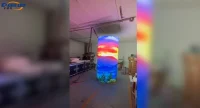
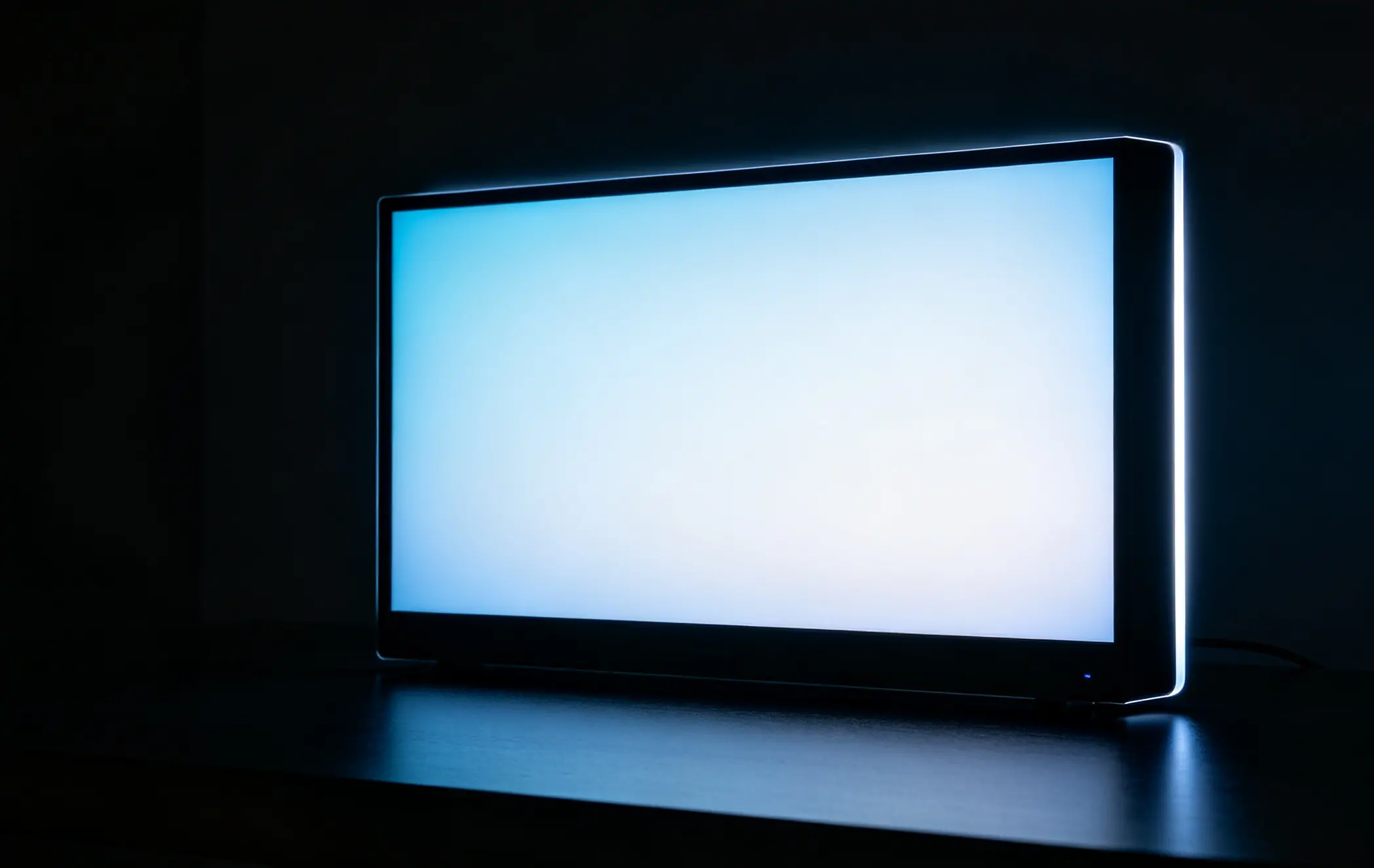
Try a familiar film with subtitles and shadow detail. Compare from the side seats too, since contrast and halos can change off-axis. Avoid selecting a display from a single photograph: camera exposure and room lighting can exaggerate or hide problems. The image below illustrates a glowing screen in a dark room, not laboratory evidence of a specific model’s performance.
In a bright room, assess sustained brightness and reflection handling along with contrast. A bright edge-lit screen may suit daytime viewing, but neither type automatically handles a window reflected directly in the screen. Check the display from the intended seating positions and consider blinds or a different mounting angle.
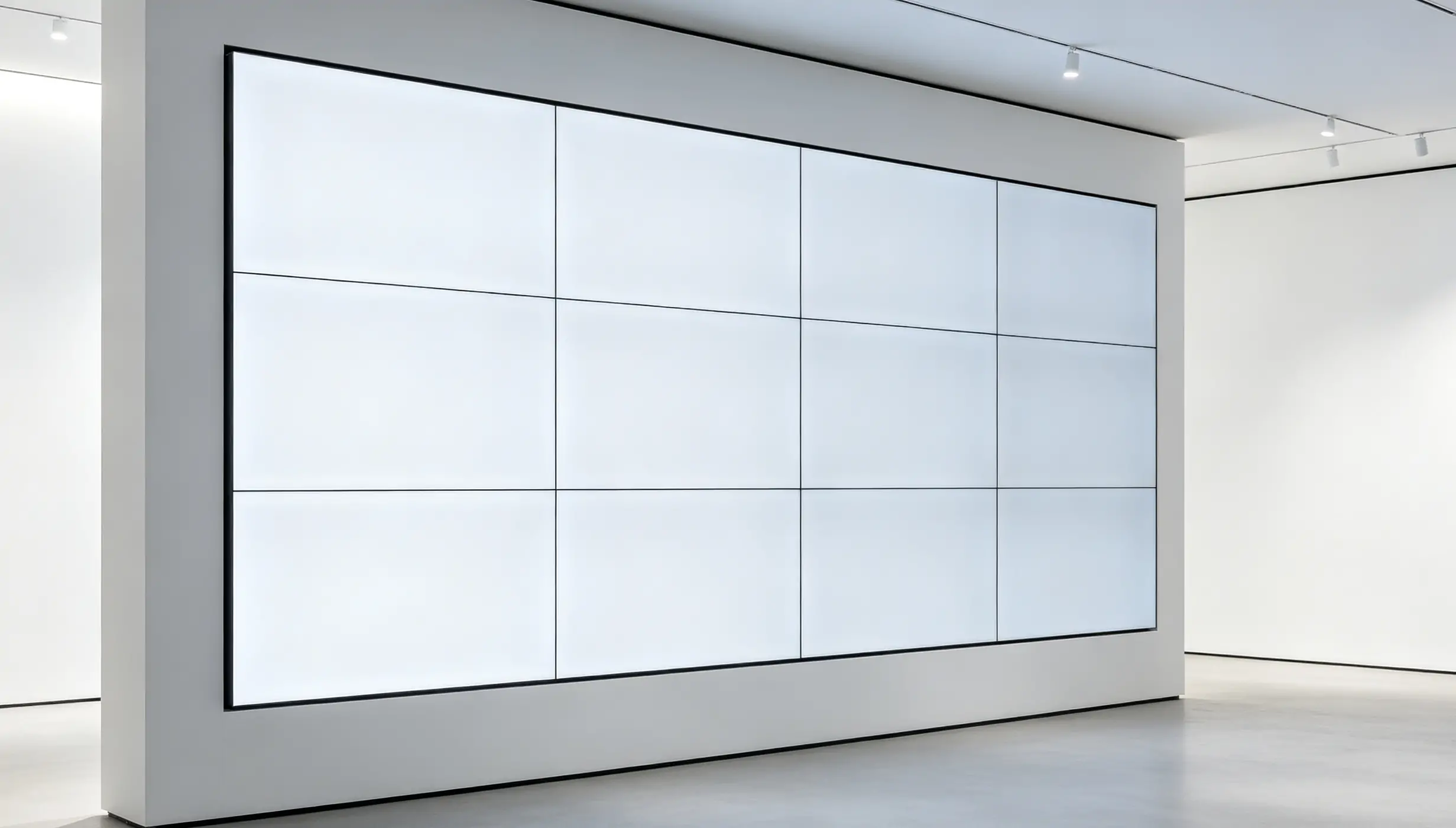
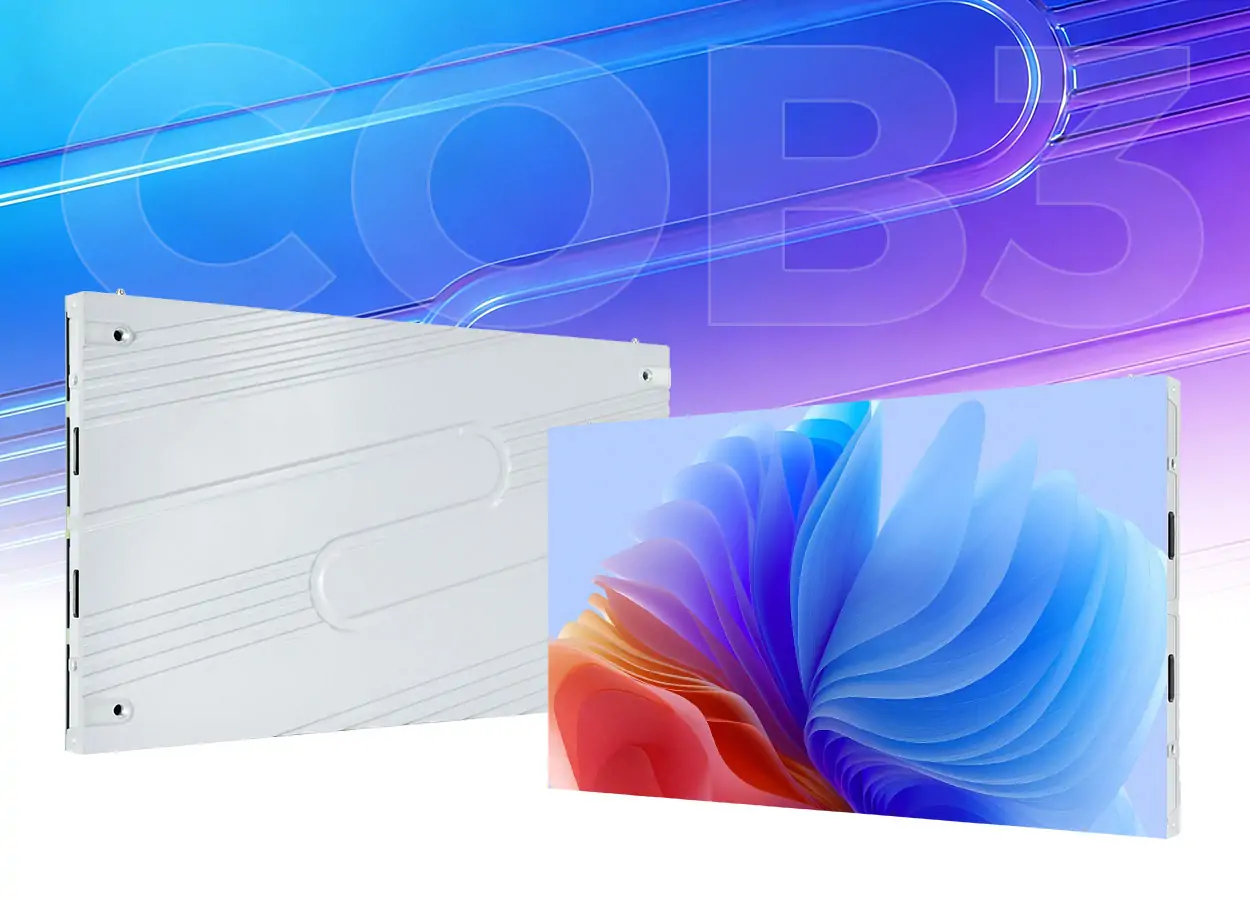
For larger installations, a COB direct-view LED video wall is a separate option; it is not an edge-lit LCD. The bright-room installation image below is illustrative and does not establish its backlight type. Compare actual specifications and room conditions before choosing between LCD and modular LED systems.
6. Direct LED vs Edge LED in Commercial and Professional Use
Commercial projects add operating hours, remote management, service access and installation constraints to the picture-quality checklist. Neither backlight arrangement alone establishes that a screen is appropriate for a business application.
For conference rooms and corporate lobbies, test slides, spreadsheets and video from the farthest seat and at off-center angles. Check text size, glare and connection requirements. Both edge-lit and direct-lit LCD products can be suitable; there is no basis here for claiming most 55-to-75-inch conference screens use one design.
A modular EA640F2 front-service LED display belongs to the separate direct-view category. If that is your project, use our LED display size calculation guide to assess dimensions, resolution and cabinet counts instead of applying LCD backlight rules.
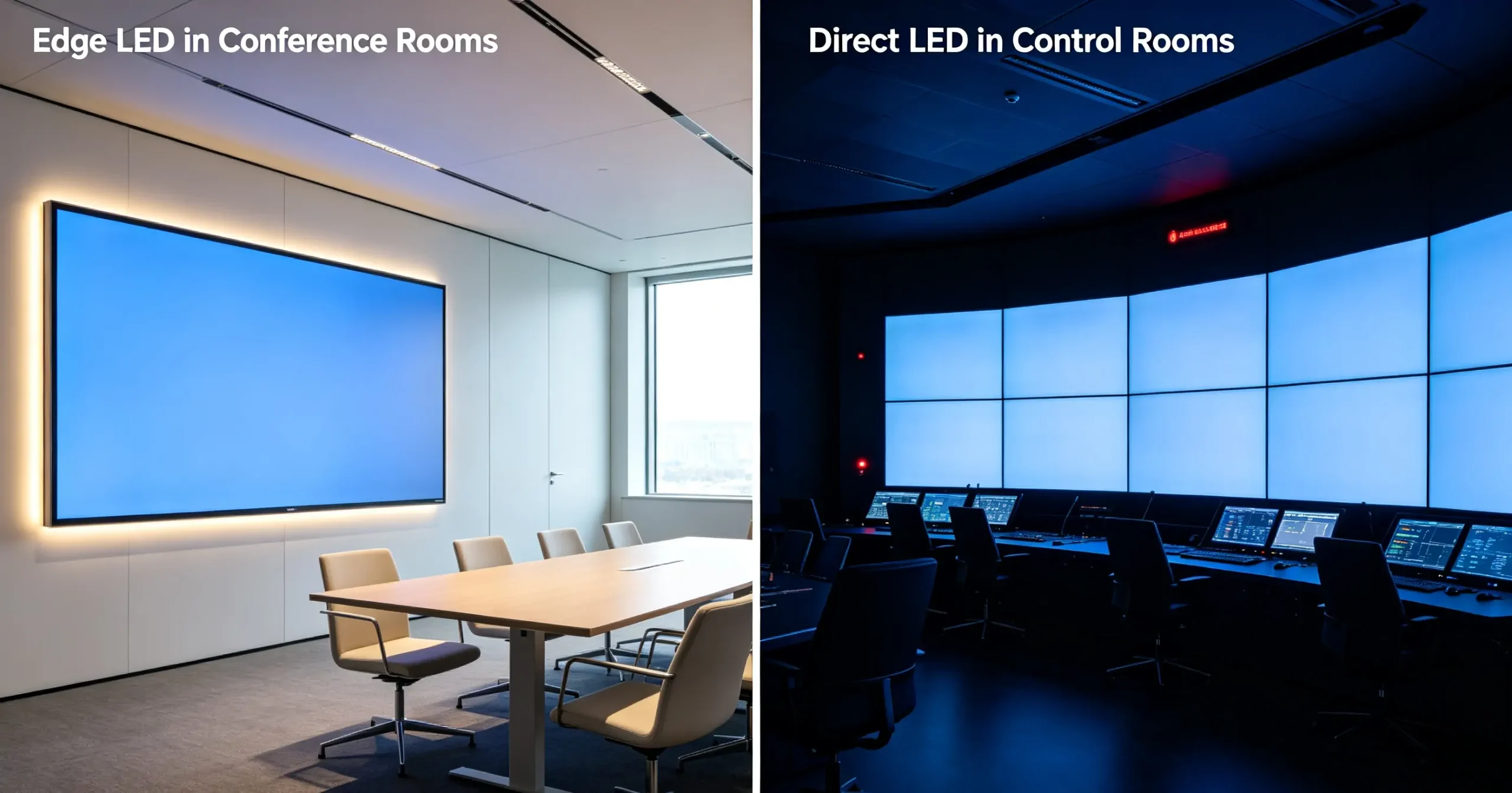
For control rooms and signage, confirm rated runtime, thermal limits, portrait support and maintenance access. For menu boards, assess readability, color consistency, energy use and total installed cost. Do not assume FALD is mandatory for all professional uses or that it guarantees fewer service calls. The illustration contrasts a conference room and a control room; its labels show examples, not exclusive applications for either technology.
7. Direct LED vs Edge LED: Which One Fits Your Use Case?
Choose Direct LED with effective FALD when:
- Dark-room films or HDR are priorities and the model’s measured contrast is strong.
- You have checked blooming and shadow detail with subtitles and moving highlights.
- The available enclosure depth, weight and mount suit the installation.
- The model meets your refresh-rate, input and operating-hour requirements.
- Its picture-quality advantage is worth the actual price difference. For color-critical work, verify calibration and application-specific requirements separately.
Choose Edge LED when:
- A slim installation is important and the actual dimensions fit your plan.
- The specific model offers good value compared with basic direct-lit alternatives.
- Brightness and reflection handling suit your room and viewing positions.
- Your normal content looks acceptable, including sports, slides and darker scenes.
- The screen meets your mounting, weight, connectivity and warranty needs. Do not assume all low-price or lightweight screens use edge lighting.
8. How to Tell Which Technology a Display Uses
Use the full model number, size and regional suffix. “LED TV,” “QLED” and “HDR compatible” do not specify where the backlight sits. Follow these checks before ordering:
Check the official backlight specification. Look for edge-lit, direct-lit or full-array terminology. If the sheet only says LED, ask the manufacturer or supplier; thickness and price are clues, not proof.
Check dimming separately. Look for local dimming and its implementation. “Frame dimming” normally describes adjusting the whole image’s backlight, not independently controlling areas. Ask about zone count if available, but compare actual performance too.
Compare meaningful measurements. Check sustained and peak brightness, black uniformity and viewing angle in comparable modes. A claimed peak value without test conditions does not identify the backlight. For gaming, check input lag, pixel response, VRR and performance in Game Mode.
Confirm the exact variant and cost. Different sizes or regions within one product family may have different hardware. Compare the supplied specification, warranty and installed price. There is no dependable dollar threshold that proves a TV is edge-lit or FALD.
9. Direct LED vs Edge LED FAQs
10. Conclusion
The useful Direct LED vs Edge LED distinction is placement first, dimming capability second. For dark-room films and HDR, shortlist models with effective FALD and verify their actual performance. For everyday viewing or a slim installation, an edge-lit or basic direct-lit screen may meet your needs at a suitable price.
Before buying, confirm the exact backlight and dimming specifications, test familiar content in realistic lighting, and check dimensions, operating hours and warranty. For modular LED walls, use direct-view LED specifications instead. This approach gives you a defensible choice without treating a marketing label as a guarantee of quality or lifespan.
 How to Choose and Calculate LED Display Size for Your Projects?
 DIP vs SMD LED Display: Which One Fits Your Projects
Related Posts
Fill In Your Needs In Detail
Fill in the screen usage scene and size you need in “Content”.You will get a quote.