LED screen technology helps businesses deliver readable, dynamic content across advertising, events, retail, transport and corporate spaces. The right LED display depends on the viewing distance, indoor or outdoor environment, content requirements, screen size and service access. This B2B guide explains how to compare LED advertising screens, LED stage screens and LED display boards before requesting a project quotation from EagerLED.
Use this guide to define your application, compare display configurations and clarify the equipment and services included in a quotation. Specifications should always be checked against the exact model proposed for your site.
1. LED Screen Technology: Key Selection Factors
LED display technology supports large-format digital content in many business environments. Its suitability depends on how the display is configured and operated.
- Visibility: Match brightness and contrast to ambient light.
- Resolution: Select pixel pitch and screen dimensions for the viewing distance and content.
- Service access: Allow space for inspection and component replacement.
- Layout: Confirm that the cabinet arrangement fits the available structure.
A useful comparison starts with site requirements rather than a claim that one screen is best for every project.

2. Evaluating an EagerLED Display Proposal
When evaluating an EagerLED proposal, compare the documented configuration with your project brief. Ask for model-specific information where a requirement is not clearly stated.
2.1 Display Features to Compare
Display quality
Check brightness, contrast, color consistency and refresh rate for the intended content. For filmed events, request a demonstration with the planned camera settings.
Application fit
Retail signage, outdoor advertising and temporary event displays have different installation and operating requirements.
Environmental suitability
For outdoor projects, verify the specified protection rating, operating conditions and installation requirements for the exact model.
Screen configuration
Confirm available cabinet sizes, total dimensions, resolution and any layout restrictions before finalizing the design.
Power requirements
Request typical and maximum power figures with their test conditions. Use the operating schedule and local electricity costs when estimating consumption.
3. LED Display Applications
Choose the application first. Advertising screens, event displays and information boards serve different audiences and need different content workflows.
3.1 LED Advertising Screens
An LED advertising screen displays promotional content in places such as retail spaces, exhibitions and roadside locations. Visibility alone does not establish campaign results; placement and content also matter.
3.1.1 Comparing LED Advertising Boards
- Content: Confirm supported video, animation and image formats.
- Brightness: Match output to the site and any local restrictions.
- Updates: Check whether the proposed control system supports the required scheduling and remote access.
- Costs: Include content production, connectivity, electricity and servicing in the budget.
3.1.2 Advertising Locations
- Shopping malls and retail premises.
- Permitted outdoor advertising locations.
- Exhibitions and promotional events.
3.2 LED Stage Screens
An LED stage screen can carry live video, presentation graphics or a production backdrop. Choose its resolution and layout around audience distance, stage dimensions and camera use.
3.2.1 Event Display Requirements
- Confirm cabinet handling and assembly requirements.
- Check signal inputs, processing and playback compatibility.
- Agree on structural support, power distribution and service responsibilities with the event team.
Before an event, test the complete signal path with representative content and confirm the response plan for a technical fault.
3.3 LED Display Boards for Business
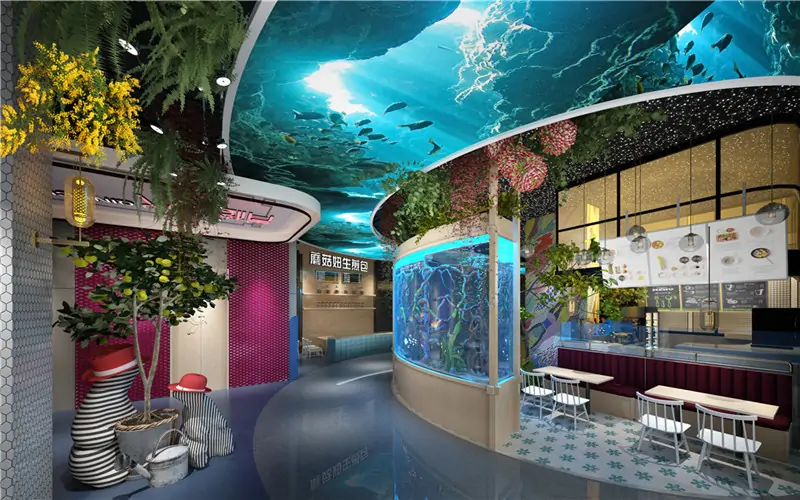
An LED display board can communicate schedules, announcements and branded information. Message readability and a dependable update process are central to a useful installation.
3.3.1 Readability and Content Updates
- Choose text size and contrast for the expected viewing distance.
- Define who can update content and approve urgent messages.
- Check mounting space, access and ongoing maintenance requirements.
3.3.2 Information Display Applications
- Transport terminals for approved passenger information.
- Corporate premises for announcements and branding.
- Educational facilities for notices and event information.
4. How to Evaluate an LED Screen Supplier
Compare suppliers using evidence relevant to your project. A clear proposal should identify the display configuration, responsibilities and commercial terms.
4.1 Specifications and Quality Checks
Request model-specific specifications and relevant inspection or test records. Confirm which acceptance checks will be used for your order.
4.2 System Compatibility
Check the proposed module, cabinet, controller and software configuration for compatibility with your content and operating workflow.
4.3 Layout Requirements
Provide dimensions, drawings and access constraints so the supplier can confirm which layout options are feasible.
4.4 Delivery and Installation Responsibilities
Clarify the delivery destination, packing arrangements, shipping terms and which party handles local installation.
4.5 Environmental Documentation
Ask for documented power consumption and end-of-life guidance where environmental performance is part of the purchasing criteria.
5. Application Planning Examples
5.1 Retail Content Planning
A retail project might use scheduled promotional content across several locations. Define the content workflow and measurement method before assessing any effect on visits or sales.
5.2 Concert Screen Planning
For a concert, plan the screen layout around sightlines, stage lighting and camera positions. A technical rehearsal helps confirm that content and signal processing work together.
5.3 Passenger Information Planning
For a transport information project, define data sources, message approval and update responsibilities. Check how the system handles an interrupted connection.
6. Display Formats and Integration Options
Additional display formats and control features should be evaluated against a real project need. Confirm availability and compatibility rather than assuming every option is included.
- Content integration: Check the playback and scheduling tools supplied with the system.
- Data connections: Verify compatibility with any external information source.
- Flexible displays: Confirm bending limits, support design and service access for a curved installation.
A demonstration or sample review can help resolve configuration questions before the order is agreed.
6.1 How to Choose an LED Screen
Create a short requirements list before comparing quotations. Equivalent screen area alone does not mean two proposals offer the same configuration.
- Purpose: Define advertising, event or information use.
- Location: Record ambient light and environmental conditions.
- Resolution: Compare pixel pitch with viewing distance and content detail.
- Dimensions: Check cabinet layout against the available space.
- Budget: Compare included equipment, services and exclusions.
7. Installation, Training and Support
Support arrangements should be agreed in writing. Confirm what is included in the quotation and what requires a separate service agreement.
7.1 Project Consultation
Share the site drawings, intended content and operating schedule with the supplier. Request clarification of any assumptions in the proposed configuration.
7.2 Installation Scope
Confirm who supplies the structure, cabling and power distribution, and who performs installation and commissioning. Ask whether any on-site service is included for your location.
7.3 Operator Training
Agree on the training format and topics, such as content updates, startup procedures and routine inspection. Identify the documentation provided to operators.
7.4 After-Sales Terms
- Maintenance: Define inspection and spare-part requirements.
- Technical support: Confirm contact methods, service hours and response terms.
- Warranty: Review duration, coverage, exclusions and the claims process in the written agreement.
7.5 Requirements by Industry
7.5.1 Retail and Hospitality
Retail and hospitality displays need readable content that suits the surrounding space. Plan the screen placement alongside customer movement and lighting.
- Schedule promotional content for the intended audience.
- Keep branding consistent across content formats.
- Use clear labels for announcements and wayfinding.
7.5.2 Events and Entertainment
Event displays need a practical setup plan as well as appropriate image quality. Confirm requirements with the production and installation teams.
- Check cabinet transport and handling arrangements.
- Match resolution and sightlines to audience positions.
- Confirm assembly, testing and dismantling schedules.
7.5.3 Public Spaces
Public information displays should use an approved content process and meet the requirements of the installation site.
- Visitor information in parks and public facilities.
- Approved travel and service announcements.
- Public notices with clear responsibility for updates.
7.5.4 Corporate Settings
Corporate displays can support visitor communication, presentations and exhibition messaging. Choose the configuration around the room and intended content.
- Lobby video walls for visitor information.
- Meeting-room displays for presentations and training.
- Exhibition screens for product and brand content.
8. LED Display Ownership Costs
Compare the total cost of ownership alongside the purchase price. Include infrastructure, operation and service expenses over the planned period of use.
8.1 Repair and Replacement Planning
Ask about replaceable components, spare-part availability and access requirements. These affect repair planning and potential downtime.
8.2 Electricity Costs
Estimate electricity use from documented consumption figures, brightness settings and operating hours. Avoid assuming a fixed saving over another display type.
8.3 Maintenance Costs
Include cleaning, inspection, labor and replacement parts in the maintenance budget. Site access can materially affect servicing costs.
8.4 Measuring Advertising Results
Measure advertising outcomes using defined campaign goals and a consistent method. Screen installation alone does not guarantee higher engagement or a financial return.
9. Environmental and Display Format Considerations
Environmental comparisons should use documented information for the proposed system. Discuss operating settings, repair options and disposal requirements.
9.1 Operating Power
Compare power figures under similar conditions and consider scheduling the screen around actual operating needs.
9.2 Recycling and Disposal
Ask the supplier for material and disposal information. Confirm locally available recycling routes for electronic components.
9.3 Supporting Documents
If manufacturing practices or environmental certifications are purchasing requirements, request current documents applicable to the supplier and product.
9.4 Maintenance and Service Life
Plan for maintenance and component replacement to support continued operation. Actual service life depends on the equipment and operating conditions.

9.5 Comparing Display Formats
Different display formats can suit different spaces. Evaluate the following options with model-specific documentation and a practical demonstration where possible.
9.5.1 Close-Viewing Displays
For close-viewing projects, compare pixel pitch, native resolution and the intended content detail. Do not rely on a technology label alone.
- Review text and graphics at the expected viewing distance.
- Check brightness and contrast in representative lighting.
- Confirm dimensions, heat management and service access.
9.5.2 Transparent LED Screens
Transparent display formats may suit selected storefront and architectural projects. Assess the balance between visibility through the display and the displayed image.
- Review content against the actual background and ambient light.
- Confirm mounting, cable routing and access requirements.
9.5.3 Interactive System Requirements
Interactive projects require compatible input hardware and software in addition to a display. Confirm which components and integration services are included.
- Define the intended visitor interaction.
- Check software and input-system compatibility.
- Agree on content maintenance and technical support responsibilities.
10. Request an LED Screen Quotation
Prepare a project brief to help the supplier quote a suitable configuration. Include the site conditions and any requirements that must be met.
- Describe the project: Provide dimensions, location, viewing distance and intended content.
- Confirm constraints: Share installation access, power availability and structural requirements.
- Review the proposal: Compare equipment, specifications, services and exclusions.
- Agree on delivery: Confirm responsibilities, destination and target schedule.
- Plan operation: Establish training, maintenance and support terms.
11. Next Steps
Choosing LED display boards or stage screens starts with a clear application brief. Compare the proposed configuration and service terms against that brief before committing to an order.
For an EagerLED quotation, provide the screen dimensions, installation location, intended content and target schedule. Ask for an itemized proposal so you can review equipment, optional services and exclusions.
LED Screen Technology FAQs
What is LED screen technology used for?
LED screen technology is used for advertising, live events, retail, transport, corporate communication and other visual display projects. The suitable system depends on the site, content and viewing conditions.
How do I choose an LED advertising screen?
Compare the location, ambient light, viewing distance, content workflow, brightness requirements, control system and maintenance access. Request documentation for the exact model and an itemized quotation.
What should I check when selecting an LED stage screen?
Confirm the setup method, signal inputs, viewing angles, cabinet layout, repeated assembly requirements and service responsibilities with the supplier and event team.
How do I choose an LED display board for a business?
Define the message type, screen size, viewing distance, indoor or outdoor environment and content update method. Then compare equivalent configurations and included equipment.
What information is needed for an LED screen quotation?
Provide the screen dimensions, location, viewing distance, intended content, installation method, delivery destination and target schedule. Ask the supplier to identify included equipment, optional services and exclusions.
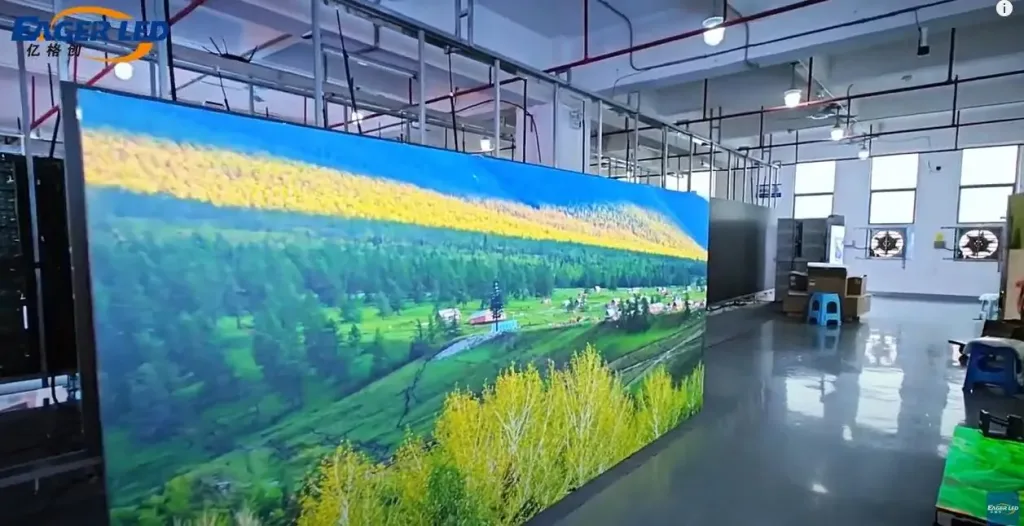 EagerLED EA250WH1 Indoor LED Wallpaper Introduction
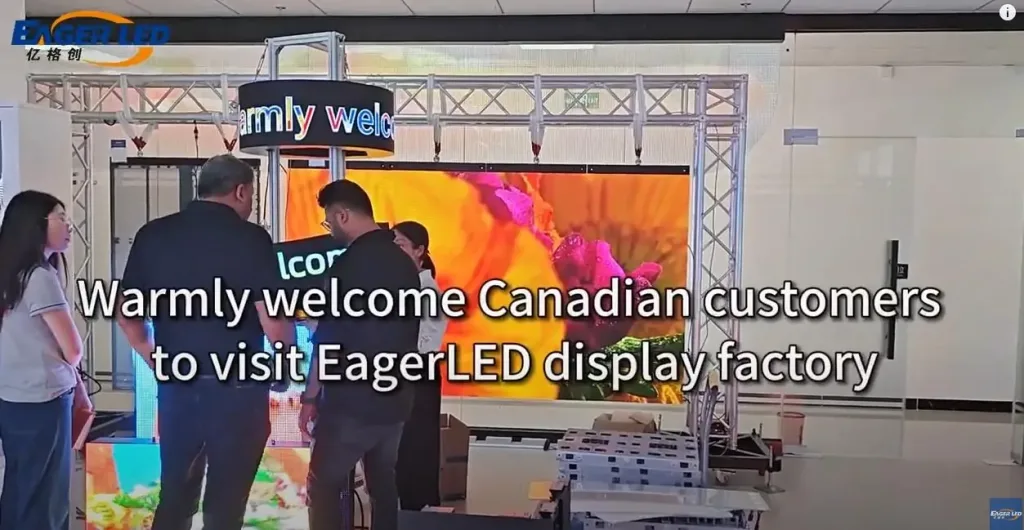 EagerLED LED Screen Factory Warmly Welcomes Canadian Clients
Related Posts



Fill In Your Needs In Detail
Fill in the screen usage scene and size you need in “Content”.You will get a quote.