Outdoor LED advertising screens display video, promotions and public information at storefronts, venues and other outdoor locations. For B2B buyers, the right choice starts with viewing distance, daylight conditions, installation space and maintenance access. EagerLED Screen offers display solutions for different project requirements. Use this guide to prepare a specification and discuss your screen size, application and content needs with the team.
1. Outdoor LED Advertising Screens for Business Communication
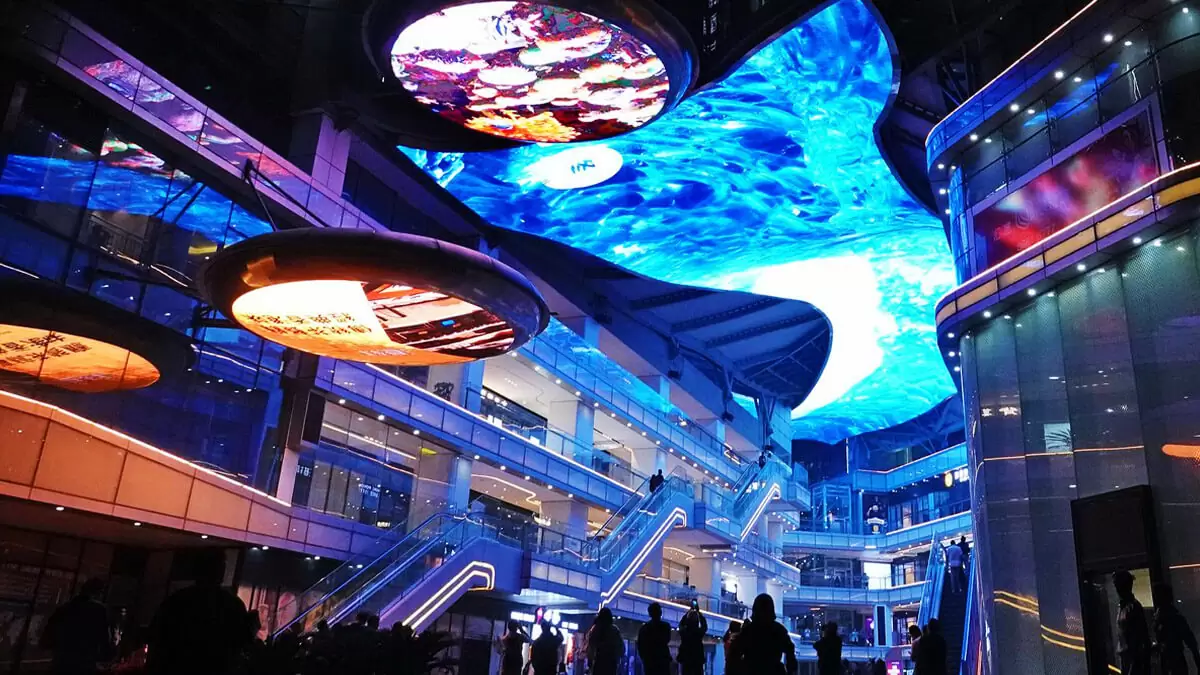
Visual communication: An LED advertising screen combines moving images, readable text and brand graphics. Plan the resolution around the audience’s viewing distance and the smallest text you need to display.
Flexible content: Digital advertising lets you rotate messages without replacing printed panels. Confirm the supported media formats, playback schedule and update process with the proposed control system.
Location and reach: Position the display where the intended audience can see it. Check sightlines, obstructions and viewing time before choosing screen dimensions.
Clear calls to action: Give each advertisement one purpose, such as promoting an event or directing visitors to a store. Simple layouts are easier to read during a brief glance.
2. Choosing Outdoor LED Screens for Advertising
Outdoor suitability: Outdoor LED advertising screens need a specification matched to rain, dust, temperature and sunlight at the installation site. Ask for the selected model’s documented protection rating and operating limits.
Daylight visibility: Assess the screen’s orientation, surrounding light and viewing distance. Confirm brightness and dimming controls for daytime visibility and comfortable evening viewing.
Operating costs: Compare the complete project cost, including the display, supporting structure, control equipment, installation, electricity and maintenance. Do not judge long-term value from the screen price alone.
Content updates: A compatible player and network connection can support remote updates. Confirm whether the quoted system includes remote scheduling, the necessary software and any recurring fees.
3. EagerLED Display Solutions for B2B Projects
Specification review: Request documentation for the exact model proposed for your site. Confirm any required certification, test information and acceptance criteria before ordering.
Display options: EagerLED offers LED display solutions for different applications. Match the proposed screen to the installation environment rather than assuming indoor and outdoor models are interchangeable.
Project configuration: Share the available width and height, mounting location and preferred content format. Ask the supplier to confirm a cabinet arrangement that fits the site.
Service planning: Agree on access for maintenance, spare parts and technical support before installation. Include these requirements in the project discussion.
3.1 Pixel Pitch, Brightness and Control Systems
Resolution and brightness: Select pixel pitch for the closest intended viewer and brightness for the ambient light. Review a sample of your actual advertising content when comparing options.
Power consumption: Ask for maximum and typical consumption under stated test conditions. Include operating hours and brightness settings when estimating electricity use.
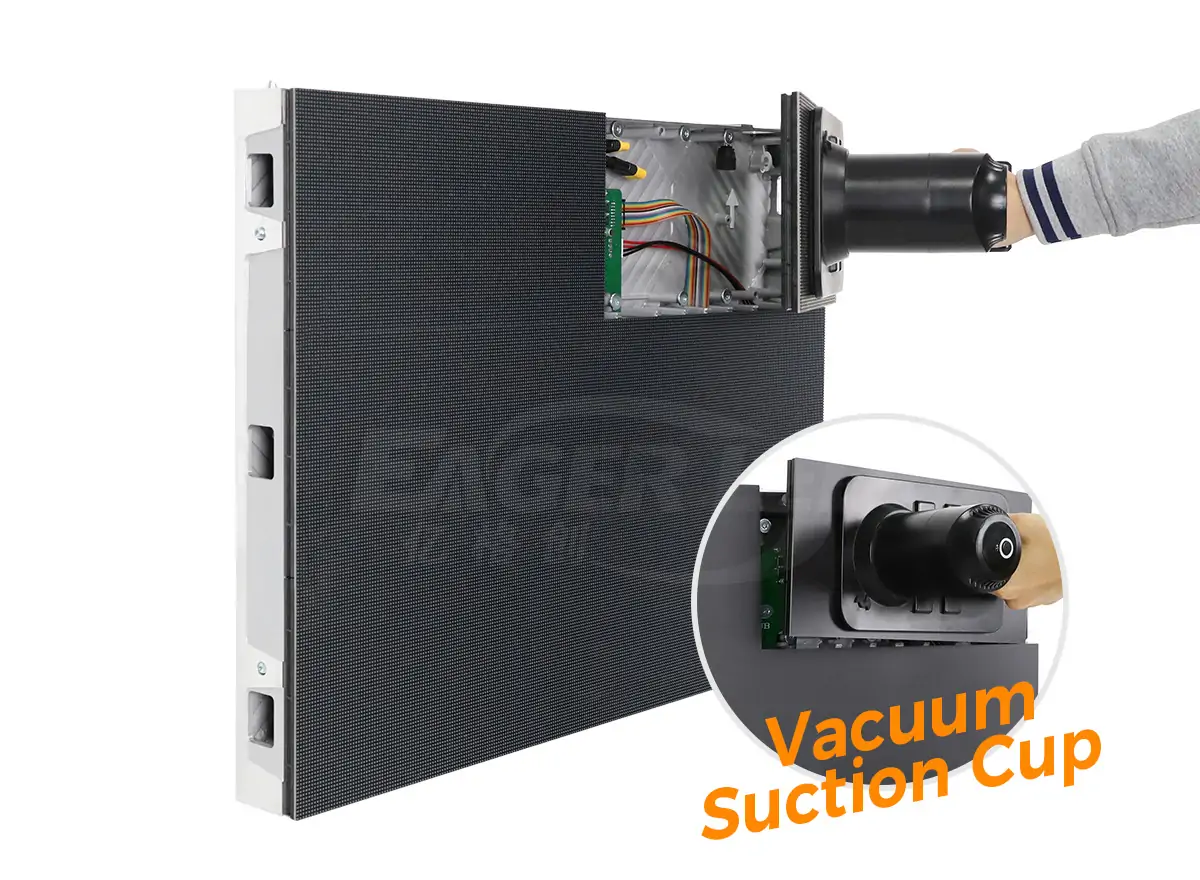
Maintenance access: Confirm whether modules and power components are serviced from the front or rear. Allow sufficient access space in the mounting design.
Control system: Confirm the player, controller, input sources and software included in the quotation. Cloud scheduling and other functions depend on the selected configuration.
3.2 Installation, Maintenance and Budget Planning
Visibility at the site: Consider the viewing angle and nearby competing signs. The display should remain readable from the locations where your audience actually stands or passes.
Size and layout: Discuss cabinet dimensions and the final display area together. A custom layout still needs an installation plan and content designed for its pixel dimensions.
Serviceability: Plan inspection and replacement access from the beginning. Confirm warranty terms and spare-part availability directly with the supplier.
Budget comparison: Ask for an itemized quotation with clearly stated inclusions. Compare equivalent configurations and service terms rather than assuming a guaranteed return on investment.
3.3 Outdoor Advertising Applications
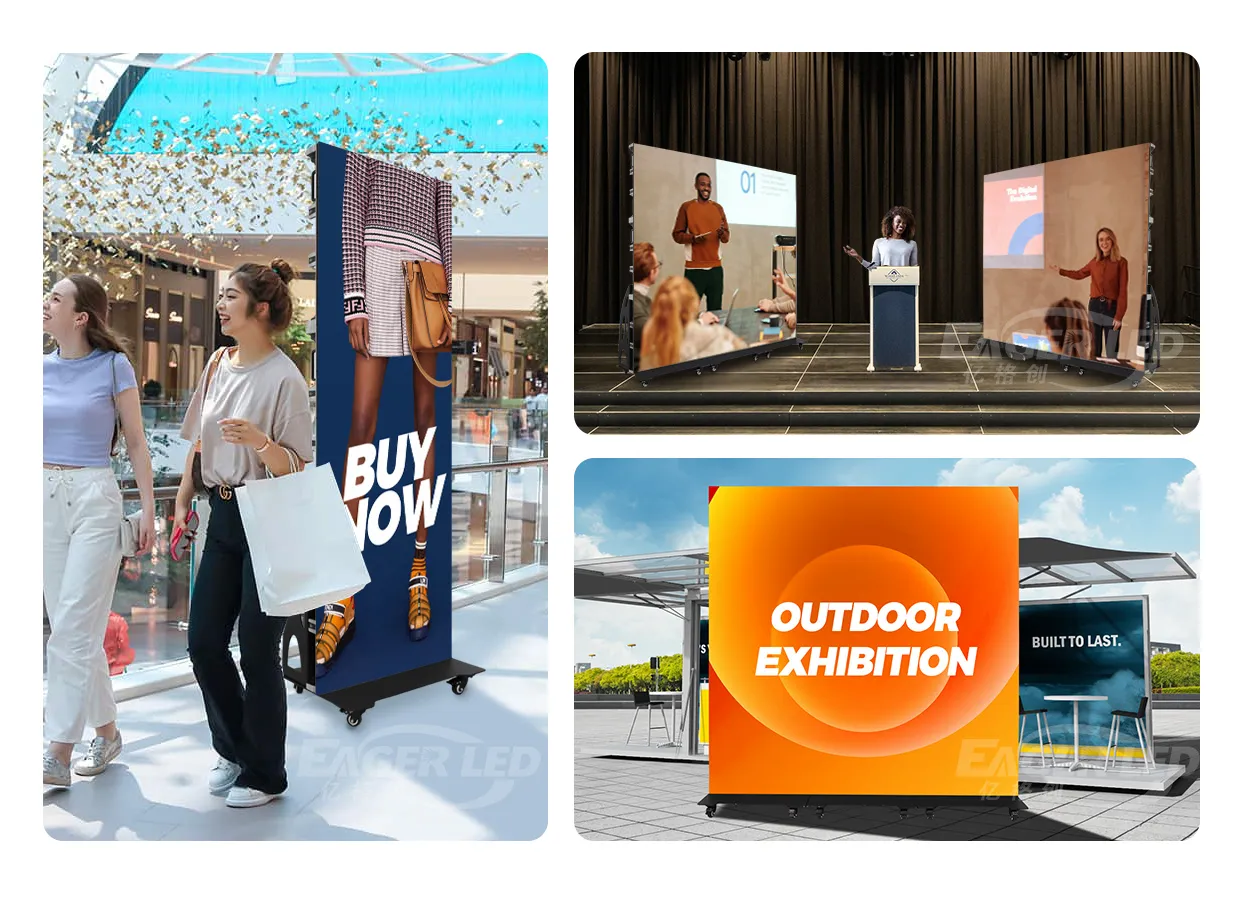
Retail advertising: Shopping centers and storefronts can use outdoor LED screens to display product promotions, store information and seasonal campaigns.
Venues and events: Stadiums and event sites can display sponsor messages and announcements. Confirm whether the installation is permanent or temporary before selecting equipment.
Real estate: Property businesses can present available listings, project visuals and contact information. Keep displayed information current and easy to read.
Transport locations: Stations and terminals can combine advertising with visitor information. Plan content priorities and update responsibilities for the operating team.
4. Display Features to Confirm Before Ordering
Image processing: Compare color consistency, contrast and motion using the content you intend to show. Check the complete signal chain, including the source and processor.
Energy planning: Assess consumption using the proposed operating schedule. Brightness management and content choices can affect power use; confirm model-specific figures before budgeting.
Interactive features: Touch, sensors and other interactive functions require compatible equipment and software. Request a demonstration if they are part of the project brief.
Modular construction: Cabinet and module layouts influence installation and servicing. Confirm the proposed assembly, connection method and replacement procedure.
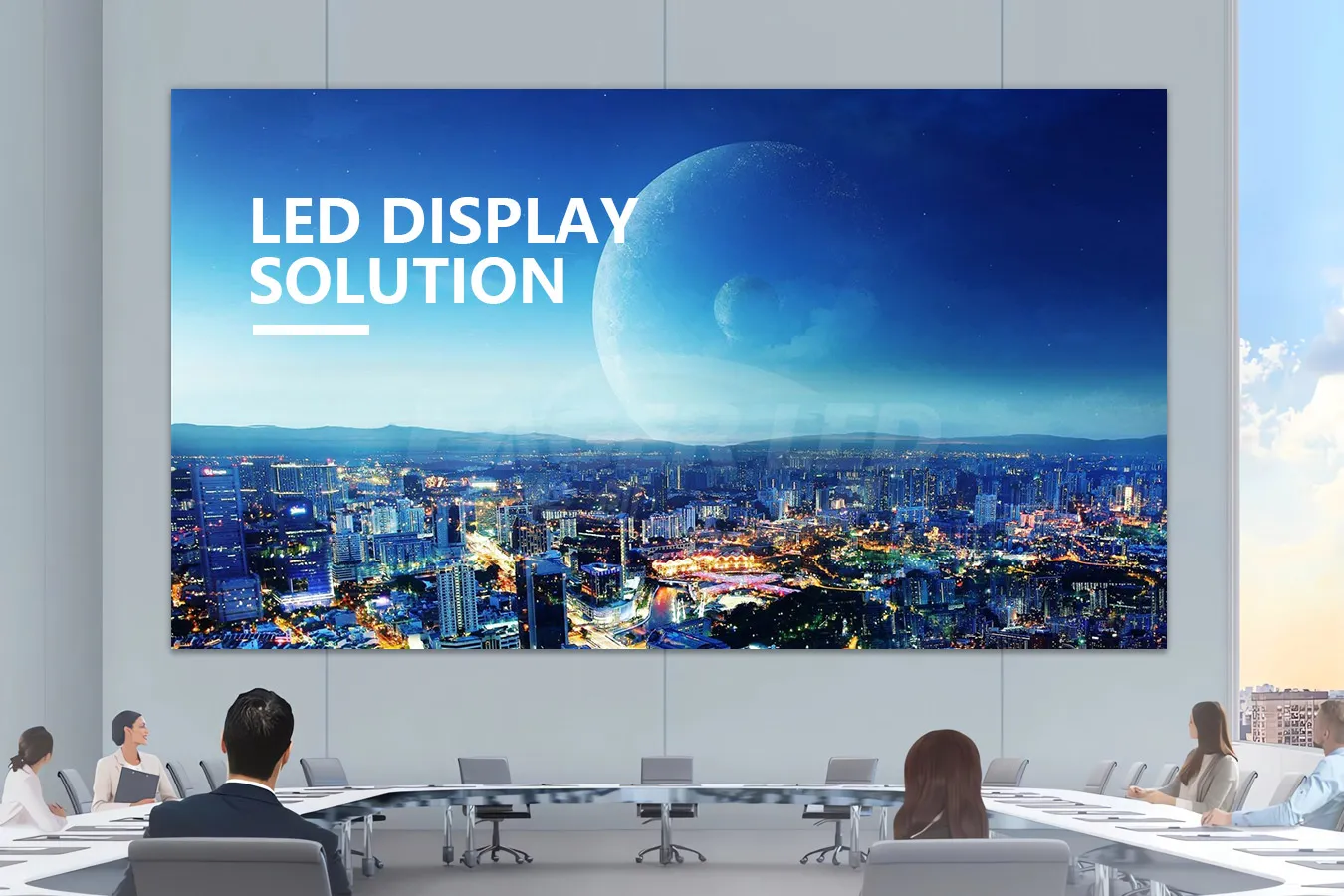
4.1 Planning Advertising Content and Playback
Site selection: Choose a position with clear sightlines and enough viewing time for the message. Check how shadows and surrounding buildings affect the display.
Content design: Use readable text and uncluttered images. Prepare video in the display’s final aspect ratio to avoid cropping or distortion.
Scheduling: Group messages by audience, opening hours and event schedule. Confirm that the selected playback software supports the schedule you need.
Campaign review: Record inquiries and campaign timing to assess response. Exposure estimates alone do not prove that a screen generated additional sales.
4.2 Optional Technology and System Integrations
Optional integrations: If augmented reality or interactive experiences are requested, define the content, hardware and software separately from the display specification.
Automation: Content scheduling tools can simplify routine updates. Verify the available features and operator controls rather than assuming AI functions are included.
Lifecycle planning: Consider service access, component replacement and operating energy together. Ask the supplier to document the support options relevant to the project.
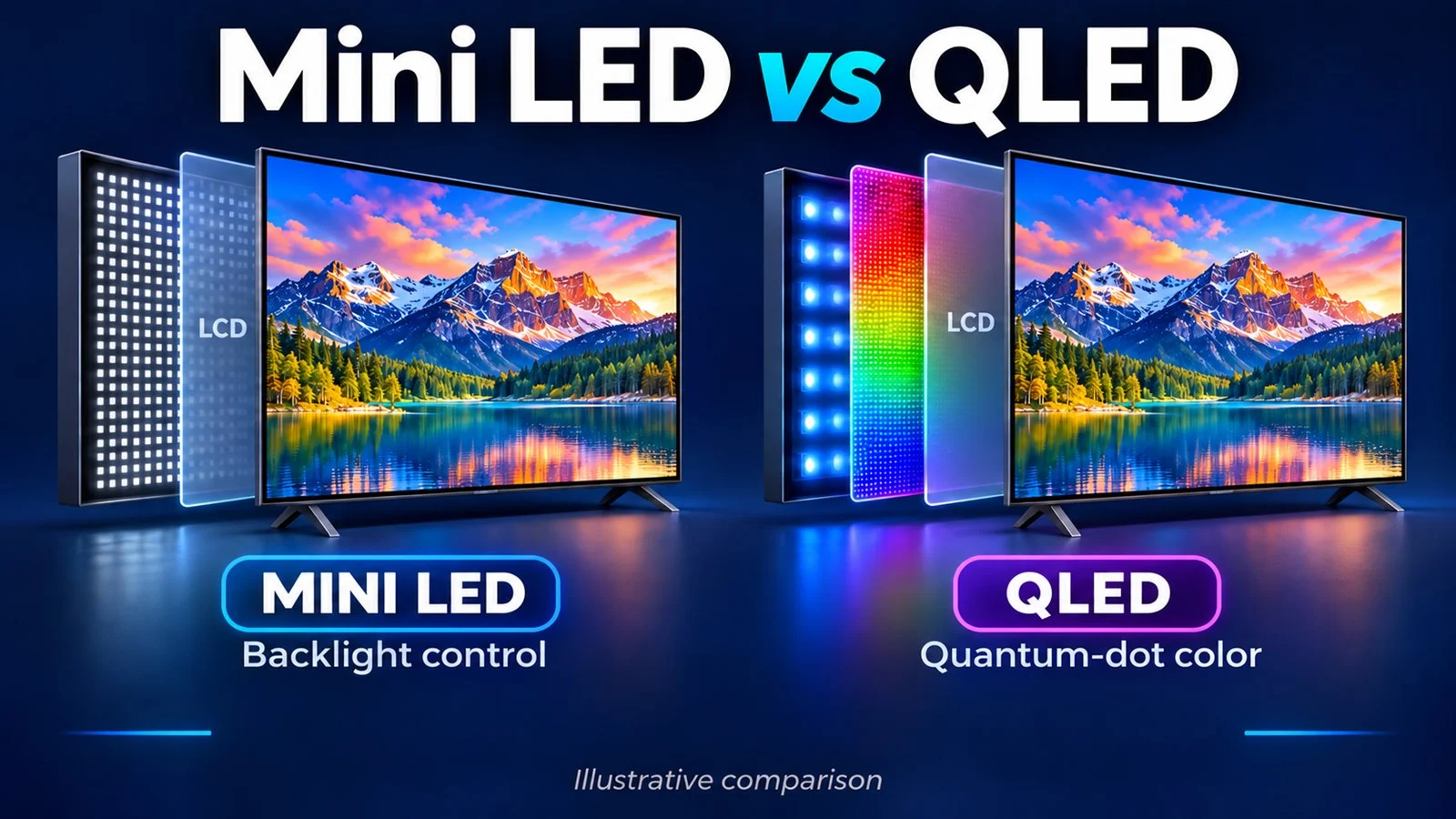
Display technology: Compare the proposed model’s image quality and operating requirements. Technology labels alone do not establish suitability for outdoor advertising.
4.3 Indoor Display Size and Aspect Ratio
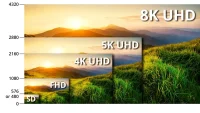
The size and ratio of the indoor LED screen are also factors that need to be considered when choosing. EagerLED provides indoor LED screens in various sizes. If you need a 16:9 display ratio, we recommend the EA169F3 series LED screen to achieve 8K HD resolution.
4.4 Indoor Project Requirements
When choosing an indoor LED screen, you also need to consider the special requirements of the project. Some special places such as churches or museums may also have higher requirements for the color reproduction and visual expression of the screen.
5. LED Display Applications by Industry
Choose a display around the audience and site. Retail, hospitality, property and public-information projects have different content schedules and installation requirements. Indoor examples on this page illustrate separate applications and should not be treated as outdoor specifications.
5.1 Retail
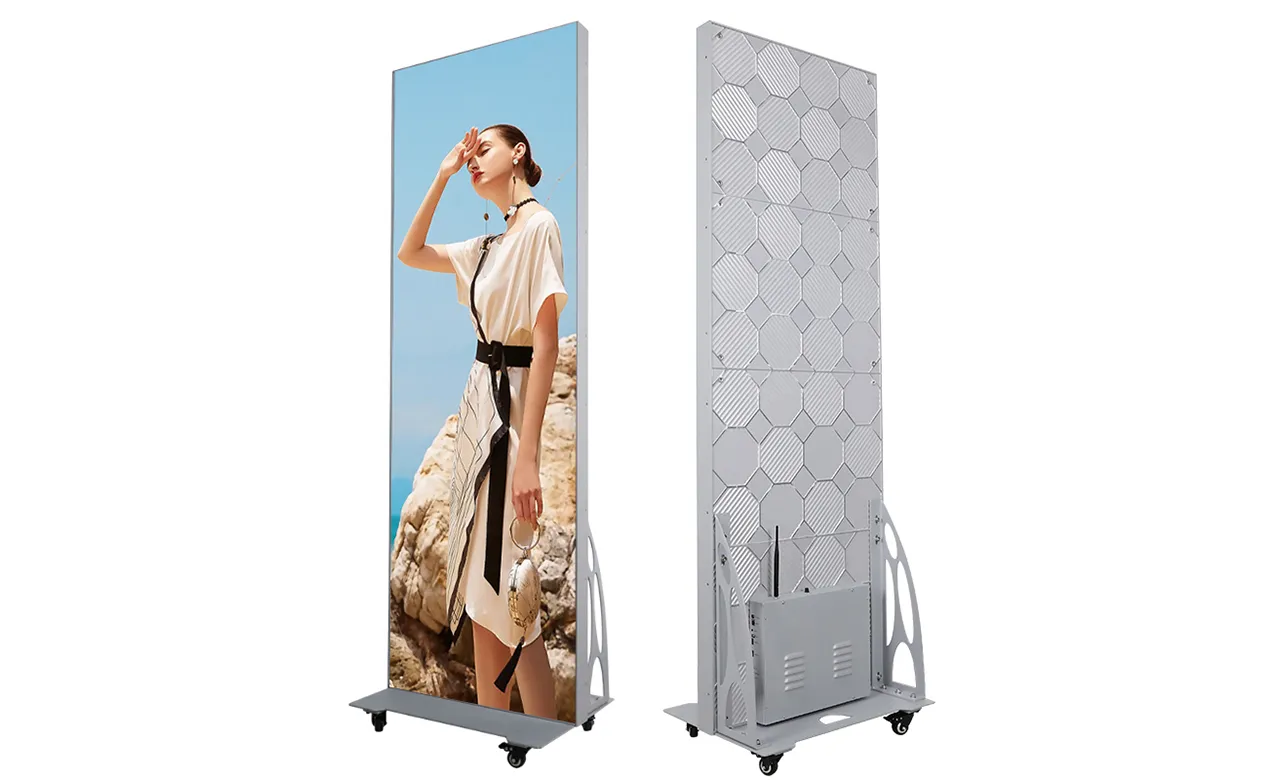
Store visibility: Use concise product messages and recognizable branding. Position important text where it can be read from the expected viewing distance.
Campaign updates: Plan who publishes promotions and removes expired content. Preview each advertisement on the display layout before it goes live.
5.2 Hospitality
Hotels and venues: Displays can present event schedules, welcome messages and directions. Match each screen to its indoor or outdoor location.
Guest information: Separate essential directions from promotional content so visitors can find information quickly.
5.3 Real Estate
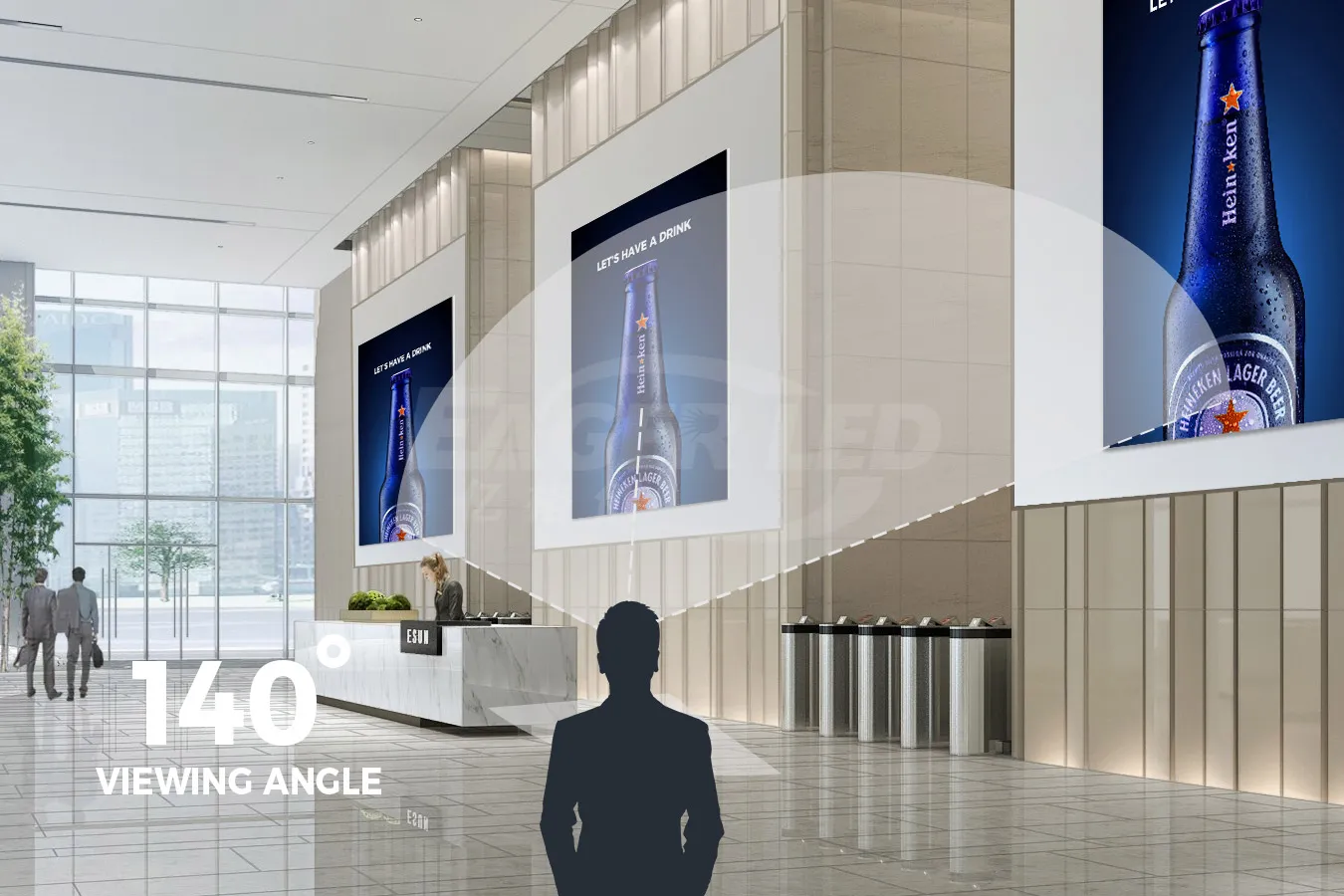
Property promotion: Present project visuals, current listings and a clear contact method. Schedule updates when availability or campaign details change.
Site planning: Confirm visibility from the intended audience area. Screen operating hours should reflect the location and project requirements.
5.4 Public Information
Public information: Screens can show announcements, event details and wayfinding. Assign responsibility for approving and updating information.
Readable messages: Prioritize clear text and sufficient display time. Plan how time-sensitive information is handled by the operating team.
6. Application Examples and Evaluation
The following applications illustrate planning considerations. They are not verified customer performance results, and no increase in sales, visits or inquiries is guaranteed.
6.1 Indoor LED Displays for Hotels
In hotels, LED displays are widely used in lobbies, banquet halls and other areas. LED screens in the lobby are usually used to welcome guests and display important information. LED screens in banquet halls are often used for large-scale events such as weddings, creating a unique atmosphere.
6.2 Retail Advertising Planning Example
Retail planning example: A storefront campaign needs readable offers, a suitable location and a reliable update process. Define the target audience and operating schedule before choosing the screen.
Evaluation: Compare store visits and inquiries over comparable periods, accounting for other promotions and seasonal changes.
6.3 Property Advertising Planning Example
Property advertising example: A display can rotate project visuals and contact details. Assign a person to keep the advertising content accurate and current.
Evaluation: Track qualified inquiries using a campaign-specific contact method. Treat results as project data rather than a promised outcome from the hardware.
7. Planning an LED Advertising Campaign
Plan the campaign and display specification together. A readable message, suitable location and dependable update process are more useful than adding unnecessary visual effects.
- Check placement: Review sightlines and ambient light at the actual site.
- Keep messages concise: Use a clear headline and one action per advertisement.
- Prepare content correctly: Match the final pixel dimensions and test playback before launch.
- Assign ownership: Decide who approves content, schedules changes and checks the screen.
- Review performance: Compare campaign response over relevant periods and adjust one variable at a time.
8. Measuring Advertising Campaign Results
Define a measurement method before the campaign starts. Distinguish estimated exposure from actual responses, and account for other marketing activity when interpreting results.
- Exposure: Record an estimate of the potential audience and explain how it was calculated.
- Responses: Track inquiries using an identifiable campaign code, contact method or landing page.
- Business outcomes: Compare qualified leads or sales with an appropriate baseline.
- Operating cost: Include content production, electricity and maintenance when reviewing the budget.
- Limitations: Do not attribute every change in visits or sales to the screen.
9. Outdoor LED Advertising Screens: Project Checklist
Before requesting a quotation for outdoor LED advertising screens, prepare a brief that connects the installation conditions with the intended advertising content.
- Application and installation address or site description.
- Available screen width and height, plus viewing distance.
- Daylight conditions, operating hours and local environment.
- Mounting arrangement, power supply and maintenance access.
- Content sources, update method and required control functions.
- Project schedule, installation responsibilities and support expectations.
A digital billboard screen should be specified as part of a complete installation. Ask the supplier to identify what is included, what needs separate engineering or installation work, and which details remain to be confirmed.
10. Discuss Your Display Project with EagerLED
Compare outdoor display options using your site conditions, content needs and service plan. EagerLED can be contacted to discuss a configuration for the intended application.
Use the inquiry form below to share your screen usage scenario and required size. Include viewing distance, installation conditions and project timing so the team can discuss the next steps.
Outdoor LED Advertising Screen FAQs
How do I choose an outdoor LED advertising screen?
Start with viewing distance, screen dimensions, daylight conditions, maintenance access and the content you plan to display. Ask the supplier to confirm the model and control system against those requirements.
Can an indoor LED screen be used outdoors?
Do not assume an indoor model is suitable outdoors. Confirm the specific model’s weather protection, brightness and operating conditions with the supplier before selecting it for an outdoor installation.
Can advertising content be updated remotely?
Remote updates require a compatible player, software and network connection. Confirm the scheduling functions, supported formats and any recurring software costs in the proposed system.
What information is needed for a project quotation?
Provide the application, required screen width and height, viewing distance, installation conditions and project schedule. Include any control, maintenance and support requirements so the quotation can address the complete project.
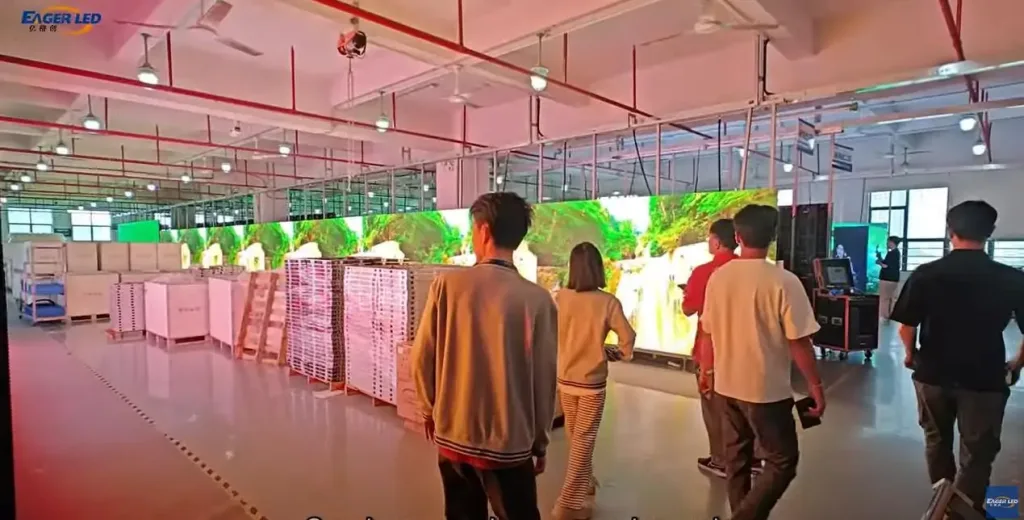 EagerLED Factory Welcomes Korean Customers to Visit
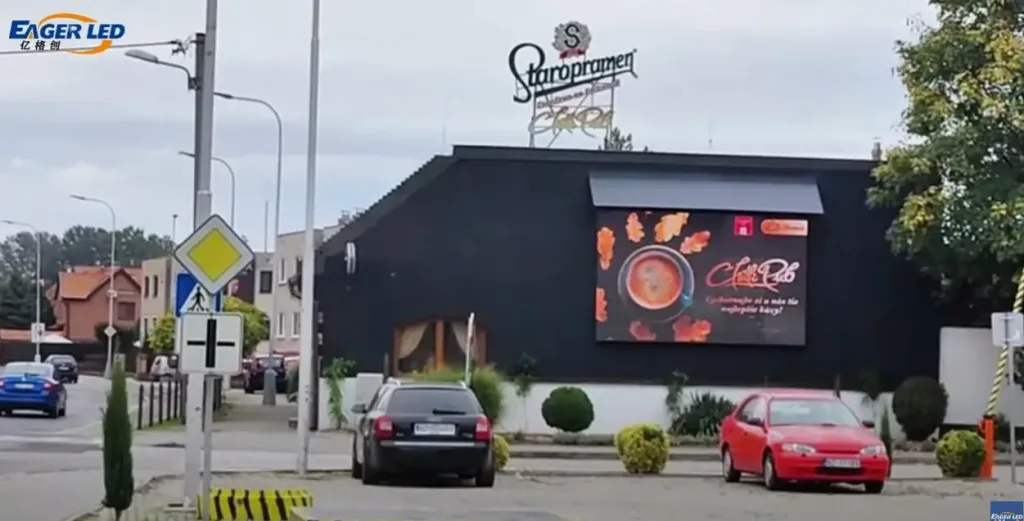 EA960R3 Outdoor Video Walls Feedback from Slovak Customers
Related Posts
Fill In Your Needs In Detail
Fill in the screen usage scene and size you need in “Content”.You will get a quote.