A digital advertising board helps businesses present promotional videos, images and messages in retail spaces, workplaces, public venues and outdoor locations. Choosing the right LED advertising board starts with the viewing distance, ambient light, screen dimensions and content requirements. This B2B guide explains how to compare an LED display board, plan installation and assess ownership costs before requesting a quotation.
- 1. Why Use an LED Advertising Board?
- 2. How to Choose a Digital Advertising Board
- 3. LED Display Board Types and Applications
- 4. Features to Verify Before Purchase
- 5. Installation and Support Planning
- 6. What to Confirm in an EagerLED Quotation
- 7. Planning Content for Your LED Advertising Display
- 8. Request a Digital Advertising Board Quotation
- Digital Advertising Board FAQs
1. Why Use an LED Advertising Board?
LED display boards allow businesses to update visual messages without replacing printed signage. The useful benefits depend on the selected equipment, installation and content workflow.
- Visibility: Match brightness, contrast and text size to the viewing environment.
- Content flexibility: Use supported video, animation and image formats for different campaigns.
- Operating costs: Compare documented power consumption, operating hours and maintenance needs.
- Configuration: Check cabinet sizes, resolution and layout options against your available space.
- Application fit: Select a model specified for the intended indoor or outdoor conditions.
2. How to Choose a Digital Advertising Board
A clear project brief makes quotations easier to compare. Record the following requirements before selecting a digital advertising board for your business.
2.1 Purpose, Location and Viewing Distance
Define what the board will communicate and where people will view it. Start with these questions:
- Will the board be used indoors or outdoors?
- Will it attract passing visitors, inform existing customers or display operational information?
- What viewing distance and angles must it accommodate?
For outdoor advertising, verify the model-specific protection rating, operating conditions and brightness requirements. For indoor use, consider ambient light, comfortable viewing and the space available for mounting and service access.
2.2 Screen Size, Pixel Pitch and Resolution
Choose screen dimensions around the available space, audience position and content layout. A larger display is not automatically more effective: important text and images still need to be readable from the intended viewing positions.
- Resolution: Pixel pitch and screen dimensions together determine the available resolution. The existing examples are 2mm for indoor displays and 6mm or 10mm for outdoor use; treat these as starting points for comparison and confirm suitability for the actual viewing distance.
- Aspect ratio: Match the display layout to the video, images and text you intend to show.
2.3 Brightness and Contrast
Brightness is measured in nits. The existing reference ranges are 5,000-10,000 nits for outdoor boards and 500-1,500 nits for indoor boards. These ranges are not specifications for every model: confirm the required output for the site, lighting and any applicable restrictions. Contrast and brightness adjustment also affect readability and viewing comfort.
2.4 Content Management and Remote Updates
- Remote updates: Confirm whether the controller and software support the required Wi-Fi, wired or cloud connection.
- Scheduling: Check how content is scheduled and which user roles can make changes.
- File compatibility: Verify supported video, image and text formats, plus any software fees.
2.5 Durability and Maintenance Access
Plan how the LED display board will be inspected and serviced. Ask the supplier to document the following details:
- Environmental protection and operating limits for the exact model.
- Component replacement procedures and spare-part availability.
- Front or rear access requirements and the space needed for servicing.
2.6 Power Consumption and Running Costs
Compare typical and maximum power consumption under stated test conditions. Estimate running costs using the planned brightness settings, operating hours and local electricity rate rather than assuming a fixed energy saving.
2.7 Budget and Total Ownership Costs
Budget for the complete installation, including the display, controller, structure, cabling, power provision, delivery and labor. Add content production, electricity and servicing to estimate ownership costs. Measure campaign outcomes against defined goals; purchasing a screen does not guarantee a return on investment.
3. LED Display Board Types and Applications
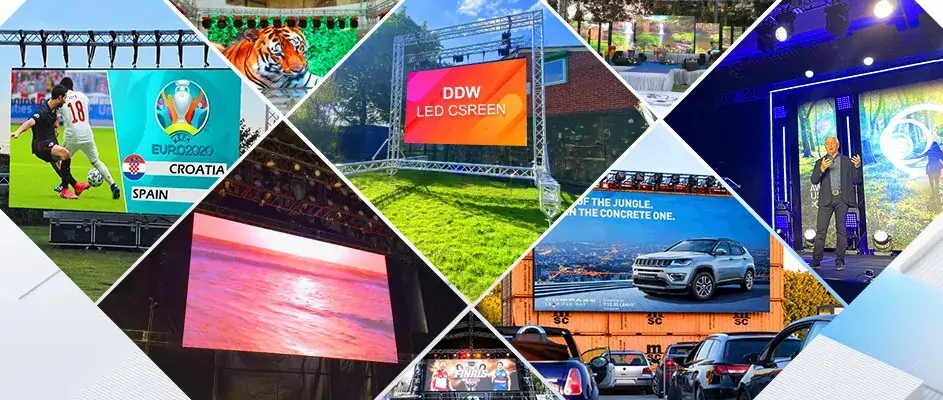
LED advertising displays come in several configurations. Compare each option against the installation environment and content requirements, using model-specific documentation.
3.1 Indoor LED Screens
Indoor LED screens can serve retail stores, shopping centers, terminals and corporate spaces. Check pixel pitch, brightness and service access for the expected viewing distance and room layout.
3.2 Outdoor LED Screens
Outdoor LED screens are an option for permitted advertising sites, stadiums and public spaces. Verify environmental protection, structural requirements and brightness control for the proposed installation.
An advertising-focused configuration should support the planned campaign content and update process. Confirm playback formats, scheduling and the equipment included in the proposal.
3.4 Transparent LED Screens
Transparent LED screens may suit selected glazed storefronts and architectural spaces. Compare image visibility, background light and transparency at the actual location before choosing a model.
3.5 Curved LED Screens
Curved displays can follow a planned architectural or presentation layout. Confirm achievable curvature, cabinet or module compatibility, structural support and maintenance access.
3.6 LED Video Walls
An LED video wall combines modules or cabinets into a larger display. Plan its total resolution, signal processing and mounting arrangement around the content and audience positions.
4. Features to Verify Before Purchase
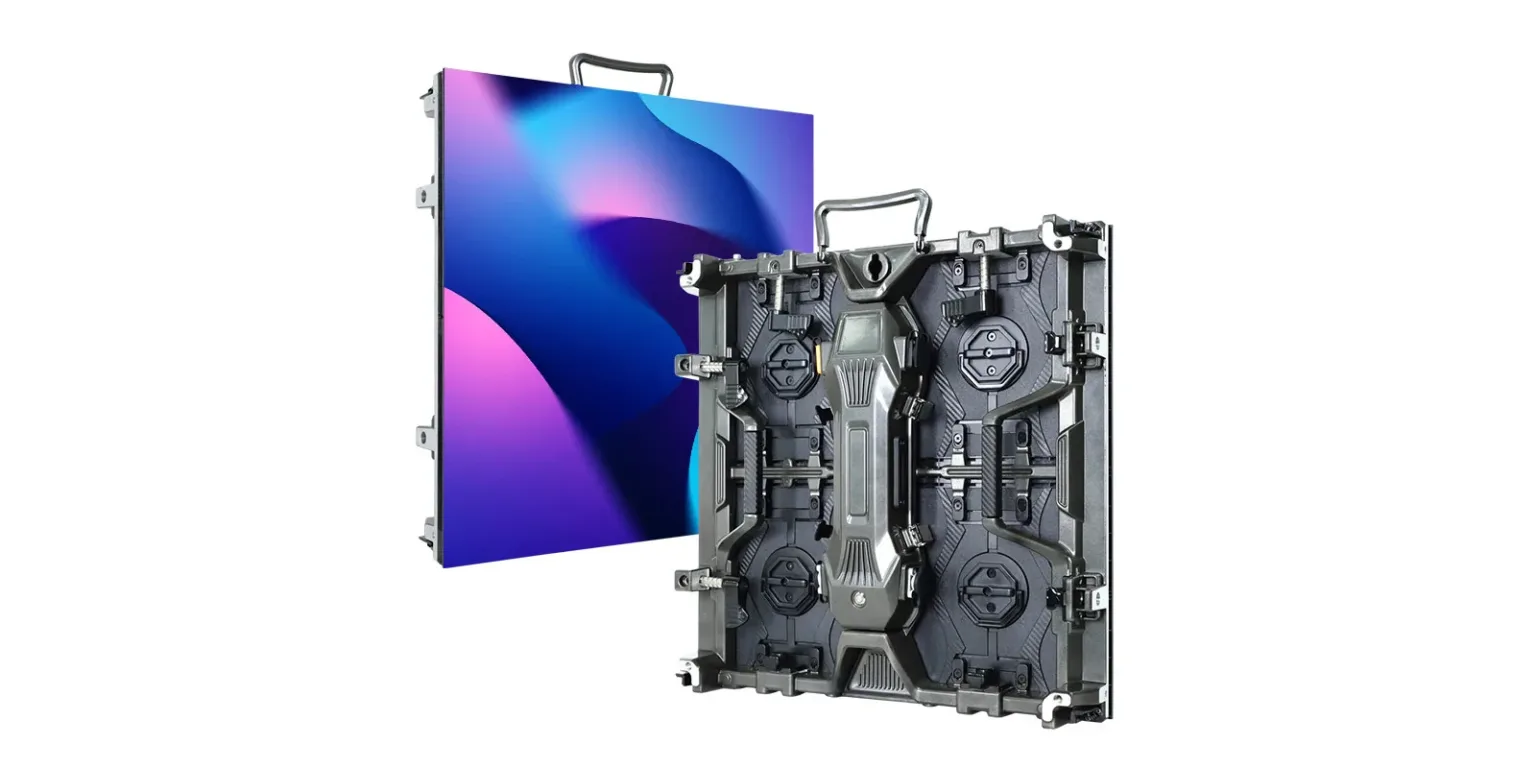
- Panel alignment: Review cabinet joints and color consistency with representative content.
- Content updates: Confirm the workflow and what happens if the connection is interrupted.
- Interactivity: Check any required touch hardware and software separately; it is not inherent in every LED screen.
- Remote diagnostics: Ask which monitoring functions the proposed system supports.
- Customization: Confirm feasible dimensions, mounting options and configuration limits in writing.
5. Installation and Support Planning
Agree on installation and support responsibilities before ordering. A suitable service plan should reflect the site conditions and the supplier documentation.
- Installation: Identify who supplies the structure, electrical work, cabling and commissioning.
- Maintenance: Establish inspection and cleaning procedures for the selected equipment.
- Site protection: Confirm the required environmental protection and ventilation; additional enclosures must be compatible with the installation design.
- Software: Follow the supported update process and define responsibility for access control.
6. What to Confirm in an EagerLED Quotation
- Product selection: Ask EagerLED to identify models that meet the project brief.
- Configuration: Confirm screen dimensions, resolution, cabinet layout and included control equipment.
- Documentation: Request applicable specifications, power figures and installation requirements.
- Support: Clarify service hours, remote or on-site assistance, training and warranty terms.
- Quotation: Compare included equipment and exclusions; request separate prices for optional services.
7. Planning Content for Your LED Advertising Display
An LED advertising display needs a practical content plan as well as a suitable installation. Start with a clear message, make it readable at the site and use measured results to refine future campaigns.
7.1 Understand the Audience
Identify who passes the display and what information is useful to them. Use observations and campaign data rather than assumptions about an audience.
- Location: Choose messages relevant to the venue and its visitors.
- Viewing time: Consider how long people can comfortably read the message.
- Timing: Test different schedules against actual traffic and business needs.
7.2 Create Clear, Readable Content
Use the content format that communicates the message clearly. Still images and motion can both be useful when designed for the display and viewing conditions.
- Visual quality: Prepare assets for the screen resolution and aspect ratio.
- Motion: Keep animation readable and appropriate for the location.
- Message: Use concise text and a clear call to action.
7.3 Check Placement and Viewing Angles
Evaluate placement from the audience perspective before finalizing the screen position. A site review can reveal obstructions and lighting problems.
- Traffic: Consider relevant audience flow and any local installation restrictions.
- Angles: Check visibility from the positions where people will actually view the screen.
- Height and distance: Coordinate screen dimensions, mounting height and text size.
7.4 Evaluate Interactive Options
Interactive campaigns need compatible hardware, software and content development. Confirm the complete system scope before including these features in the project.
- Touch interaction: Verify the input technology and software compatibility.
- Social content: Define moderation and permissions before displaying external feeds.
- Interactive activities: Plan usability, content updates and technical support.
7.5 Schedule and Review Content
If the selected content management system supports scheduling, use it to keep the digital advertising board relevant throughout its operating hours.
- Peak periods: Schedule suitable messages around observed audience activity.
- Seasonal content: Set start and end dates for time-limited promotions.
- Campaign planning: Review scheduled content regularly and remove outdated messages.
7.6 Keep Branding Consistent
Keep the LED advertising display consistent with the business identity while adapting the design for on-screen readability.
- Visual identity: Use approved colors, fonts and logos with sufficient contrast.
- Language: Keep the message clear and appropriate for the audience.
- Campaign consistency: Align screen content with related promotions and sales materials.
7.7 Measure Campaign Performance
Define success before launching a campaign. Use available evidence to assess performance without attributing every business change to the display.
- Measurement: Select relevant metrics and document how they are collected.
- Testing: Compare alternative messages under similar conditions.
- Feedback: Ask operators and viewers about readability and usefulness.
7.8 Maintain the Display and Content
Regular operational checks help identify content and display issues. Follow the maintenance instructions for the installed equipment.
- Display checks: Inspect image quality and report faults through the agreed support process.
- Software updates: Apply supported updates with appropriate testing.
- Content review: Refresh messages and remove expired promotions.
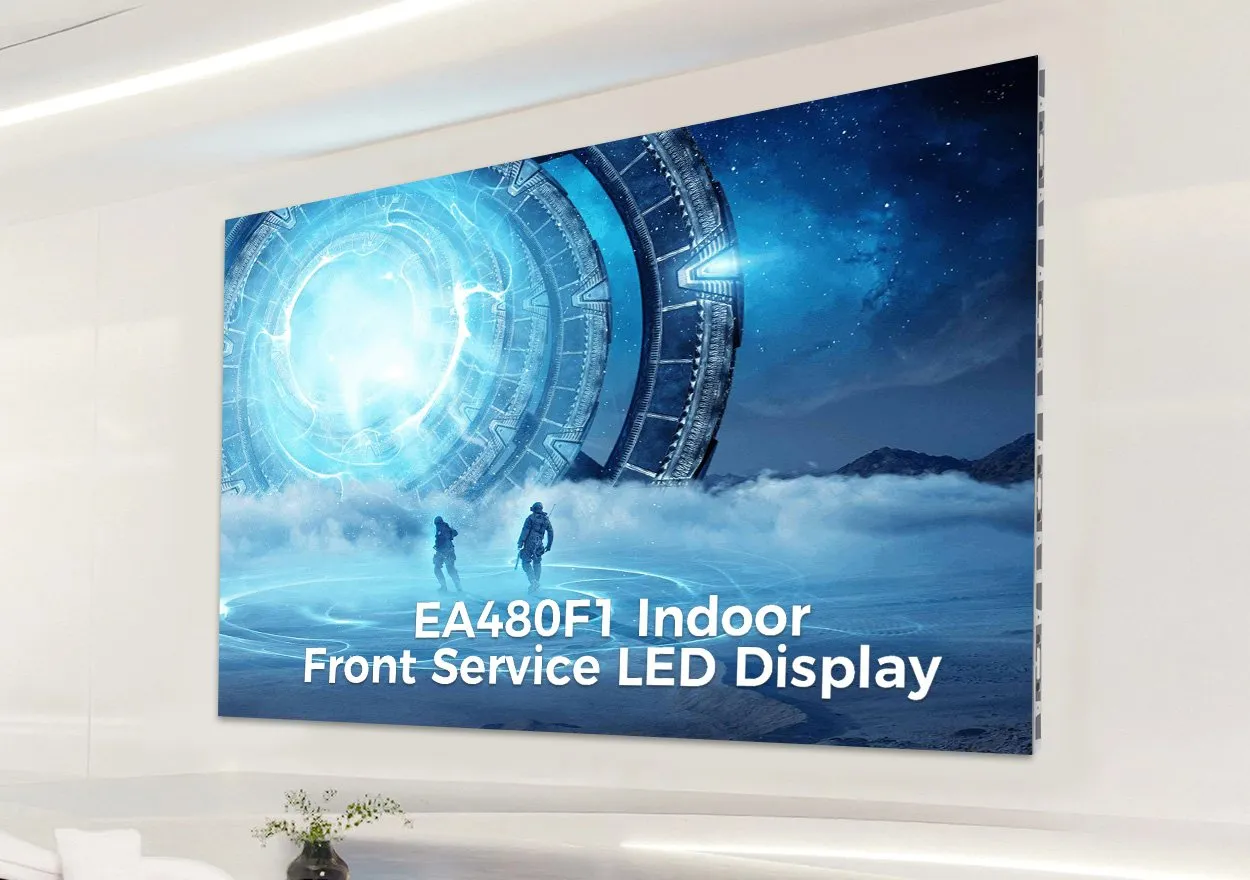
Maintenance example: this EagerLED video introduces the EA640F2 indoor fixed LED display and its front-service design. Use it to understand service access for an indoor advertising installation; confirm the maintenance procedure for the model you select.
Outdoor product example: this EagerLED video introduces the EA960R4 billboard cabinet, rear maintenance access and cooling arrangement. Check the exact environmental rating, mounting design and service space for your site. This outdoor model is separate from the indoor display shown above.
8. Request a Digital Advertising Board Quotation
The right digital advertising board fits the location, viewing distance, content workflow and budget. Compare equivalent configurations, document installation responsibilities and evaluate ongoing costs before making a purchase.
To discuss a project with EagerLED, prepare the screen dimensions, indoor or outdoor location, viewing distance, intended content and delivery destination. Request an itemized quotation with equipment, optional services, warranty terms and exclusions.
Digital Advertising Board FAQs
How do I choose a digital advertising board for my business?
Start with the installation location, viewing distance, intended content and available space. Compare screen configuration, brightness, content control, maintenance access and total ownership costs before requesting a quotation.
What is the difference between indoor and outdoor LED advertising boards?
Indoor and outdoor installations have different ambient light and environmental conditions. Check the exact model specifications for brightness, protection, operating conditions and mounting requirements rather than choosing by screen size alone.
How do screen size and pixel pitch affect an LED display board?
Screen dimensions and pixel pitch determine the available resolution. Evaluate text and images at the intended viewing distance, and confirm that the display layout and aspect ratio suit your content.
Can I update an LED advertising display remotely?
Remote updates depend on the controller, software and network connection supplied with the system. Confirm supported file formats, scheduling, access permissions and any software or connectivity charges before purchase.
What should a digital advertising board quotation include?
Ask for the display model, dimensions, control equipment, power requirements, mounting scope, delivery terms and warranty details. Request separate pricing for optional installation, training, spare parts and ongoing support.
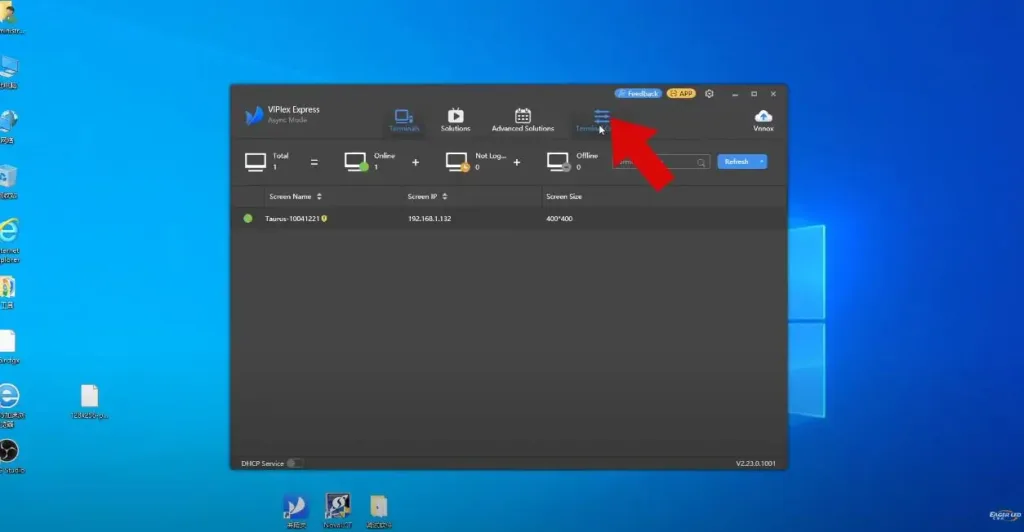 How to Connect the Router to TB60 and Publish it in the Cloud
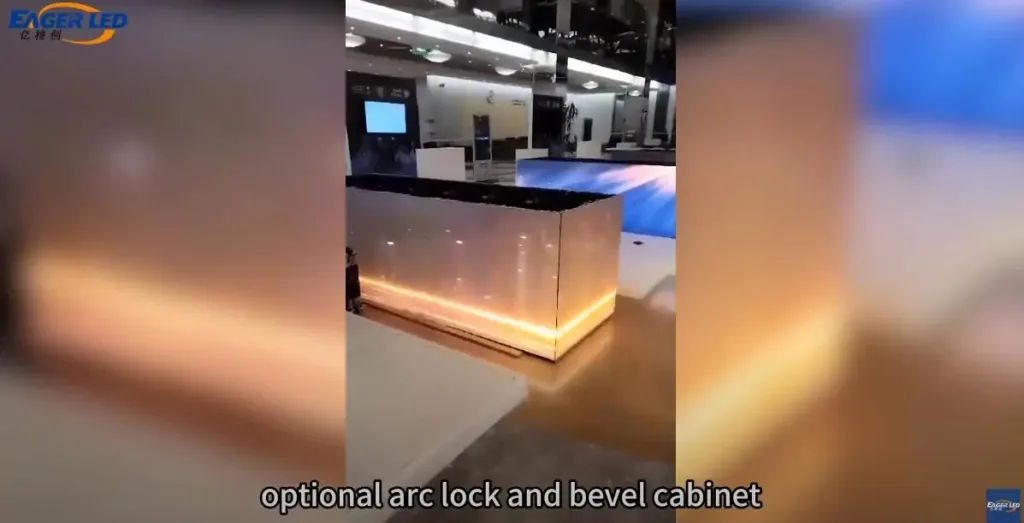 EA500H7 LED Board Rental Feedback from Saudi Arabian Clients
Related Posts



Fill In Your Needs In Detail
Fill in the screen usage scene and size you need in “Content”.You will get a quote.