When shortlisting Chinese stadium LED display manufacturers for football perimeter boards, require a witnessed sponsor-playout acceptance test on the exact proposed display and control system. Stadium operators in the USA and Canada should identify who approves the advertising content, who operates the system and what evidence confirms the correct message appeared in the correct screen section. Here, football means association football, or soccer.
- Correct content: can the operator identify, load and approve the intended campaign revision?
- Correct destination: does each asset appear on the intended perimeter section with the agreed mapping?
- Controlled operation: can authorised staff hold, replace and restore playback using a documented procedure?
Contents
1. Freeze the hardware and control scope
Ask the manufacturer to list the cabinet revision, receiving cards, controller, transmission links and playback equipment included in the offer. Record the proposed software and any licence or integration dependency separately. An LED cabinet specification does not establish that campaign scheduling, section-based playback or reporting software is included.
The football perimeter LED specification guide covers pitch, brightness, camera assessment, physical design and power planning. This acceptance plan addresses the narrower operational purchasing question: how to verify the supplier’s proposed sponsor-playout workflow before handing it to matchday staff.
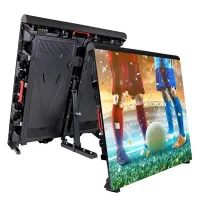
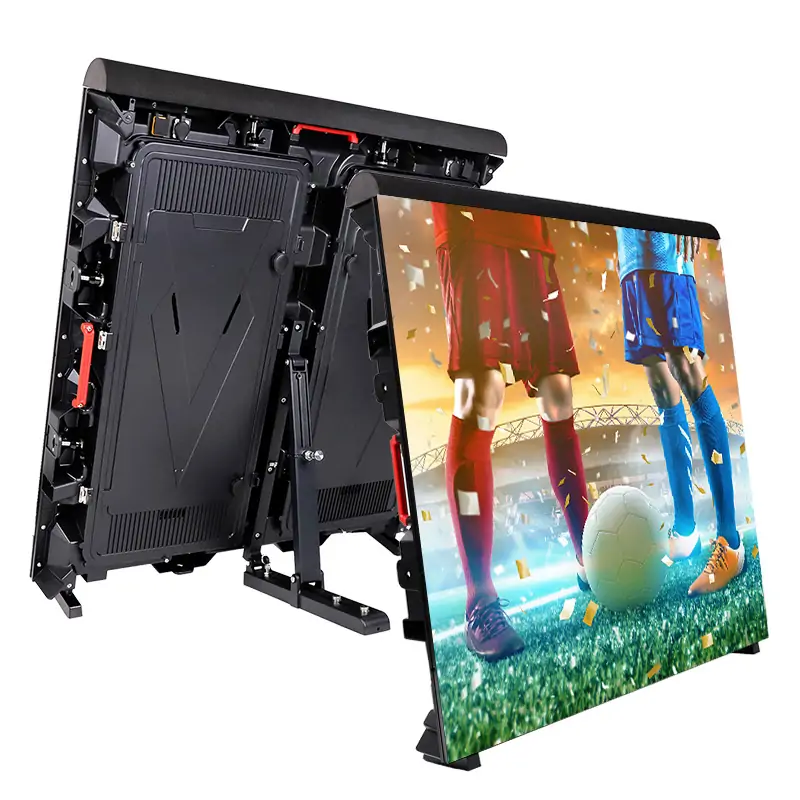
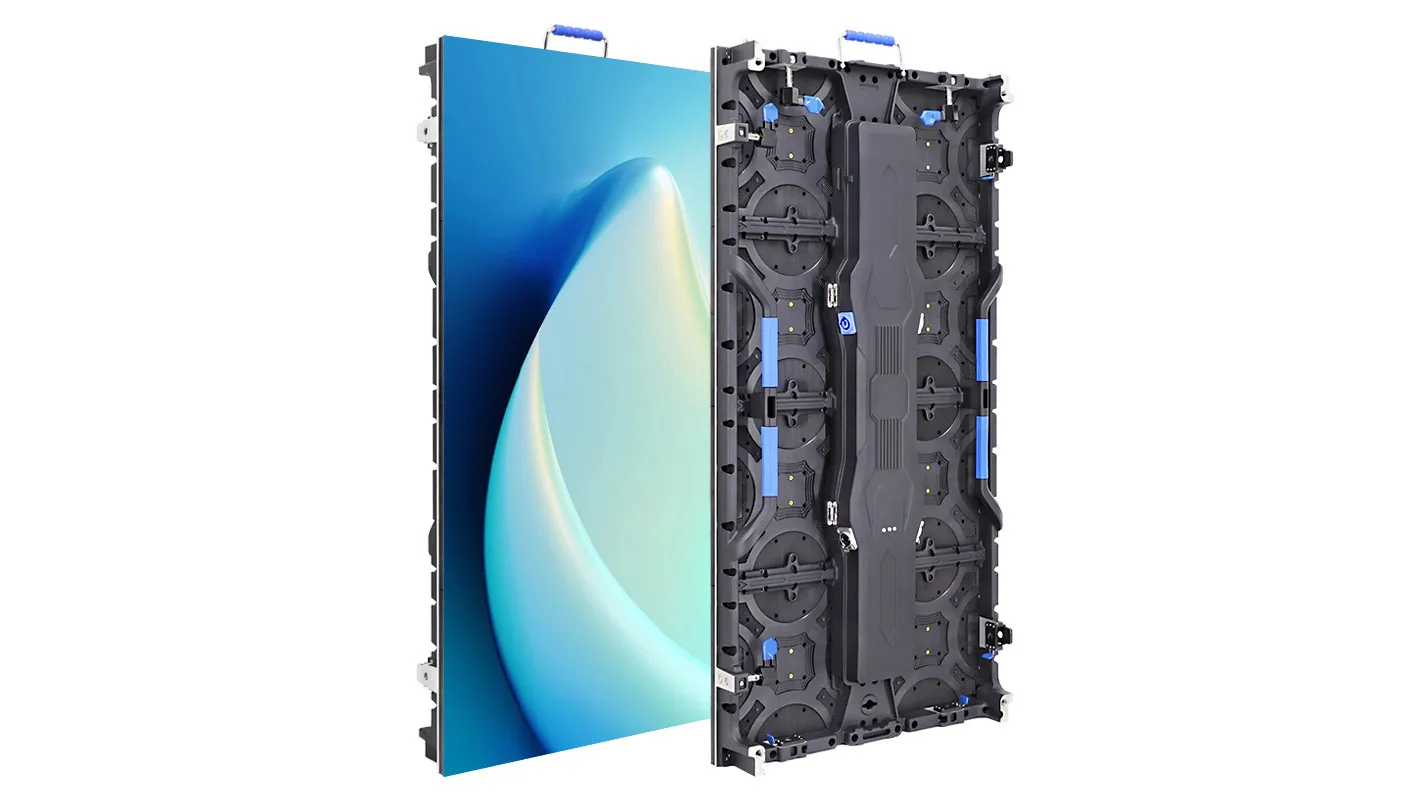
The EA960SP4 perimeter display is one hardware reference. Confirm its exact quoted configuration separately from the software and operating workflow. Product photographs do not demonstrate a campaign-management platform or establish acceptance by a league, venue or broadcaster.
2. Prepare a representative sponsor test pack
Have the venue’s advertising representative supply approved, non-confidential sample assets. Include a static logo, the intended moving advertisement and section-identification artwork. Ask the supplier for the confirmed pixel dimensions, frame format and section map before the creative team exports the files.
Give each test asset a unique name and revision. Put a visible section label and orientation marker into the mapping test so the reviewer can distinguish a correct picture from one repeated, reversed or sent to the wrong end of the pitch. Check joins between sections and any deliberate gaps shown on the accepted venue plan.
Define the expected sequence and duration in a short run sheet. For example, three buyer-created clips of 15 seconds each form a 45-second demonstration cycle, assuming they play once in order without added transitions. That arithmetic defines a test example, not a required sponsor allocation or a promise about delivered advertising time. Use the actual commercial schedule for final acceptance.
3. Use the playout acceptance run sheet
Agree the expected result and nominated witness before the demonstration. Run each step through the actual supplied workflow and record whether it passes, needs clarification or remains untested. The table is a procurement worksheet; features mentioned here must be confirmed as included rather than assumed to exist.
| Test step | What the operator demonstrates | Evidence to retain |
|---|---|---|
| Identify and load | Select the approved file revision and check its mapping before release | Asset manifest, operator and approval record |
| Route by section | Display labelled test artwork on each intended physical section | Section map and witnessed views of the actual boards |
| Run the sequence | Play the agreed clips, order and transitions under the intended control method | Expected run sheet compared with observed playback |
| Hold and resume | Use an authorised hold or replacement procedure, if included | Required user action, resulting image and return-to-playback steps |
| Handle an invalid asset | Show how an incorrect format or revision is detected before live use | Visible warning, approval control or documented manual check |
| Return after an interruption | Restore approved content through the agreed, safely simulated scenario | Observed result, configuration revision and unresolved dependencies |
Do not test by disrupting a live event. Agree any simulation and stop conditions with the system integrator and venue team. Record whether the demonstration used the full proposed installation or a representative section, and repeat affected checks after changes to the accepted configuration.
4. Separate playback logs from visible proof
A playback application may report that it sent a file while a downstream part of the display is showing something else. Ask the supplier exactly what each log records: scheduled activity, player output, controller status or confirmed image output. The purchasing team should not treat these as interchangeable.
During acceptance, pair the operator’s run sheet and available logs with witnessed views of the relevant physical sections. Identify the observation time and screen zone. When camera appearance matters, have the intended broadcast reviewer assess representative content under the agreed camera and display settings; a cabinet’s headline refresh rate does not prove the finished result.
Ask the rights holder which records it needs for its own campaign reconciliation. Define retention, export format and responsibility for producing those records. Describe the demonstrated reporting capability accurately; do not promise automated proof of display if the proposed system only provides a scheduling history.
5. Verify supplier and matchday responsibilities
Check the legal seller and manufacturer’s role in the complete system. Connect the quoted cabinet and control configuration to production identification, inspection records and the witnessed acceptance test. Ask which supplied party supports the LED hardware, playback software, creative files and any third-party integration.
For each US or Canadian venue, obtain its current technical brief and confirm the approvals required from the venue, competition organiser, advertising rights holder and broadcaster as applicable. Have the project’s qualified designers review the proposed installation and equipment documents for that location. A generic “stadium display” claim does not establish project-specific acceptance.
Have the intended operator repeat the workflow from the delivered guide. Handover should include the section map, approved configuration backup, asset requirements, user permissions, support contacts and compatible spare identification. Put support hours, event-day assistance, software updates, labour and replacement delivery terms into the written offer rather than inferring them from the equipment warranty.
Include a separate hardware-handover demonstration. The company video below shows the EA1600SP family’s cabinet service-access arrangement; it is a different product example from the EA960SP4 image above. Ask the supplier to demonstrate access on the exact proposed build and record who may perform each task. This clip illustrates hardware access, not sponsor scheduling software or an approved on-site repair procedure.
Video: “EagerLED EA1600SP Stadium Perimeter LED Display | Front and Rear Service,” by LED Screen Factory-EagerLED. Watch the original YouTube video.
6. Request a tested perimeter proposal
Send: venue and destination city; perimeter section plan and active dimensions; installation and service access; intended controller and playback system; existing integration requirements; sample sponsor assets; campaign approval workflow; operating hours; broadcast review needs; and target commissioning date.
Ask EagerLED to identify the exact supplied configuration, complete the acceptance run sheet and state which playout functions, training and support are included. Agree who signs off the cabinet, the visible image and the matchday operating procedure.
 Trade-Show LED Walls: Supplier Delivery Checks
Related Posts



Fill In Your Needs In Detail
Fill in the screen usage scene and size you need in “Content”.You will get a quote.