Flexible LED screens use bendable modules to create curved walls, column wraps and other shaped displays. For a B2B project, compare the permitted curvature, viewing distance, installation environment and maintenance access before selecting a system. This guide explains how to assess a flexible LED display and prepare a quotation brief. Explore the Flexible LED Screens product page for model-specific information.
1. What Is a Flexible LED Screen?
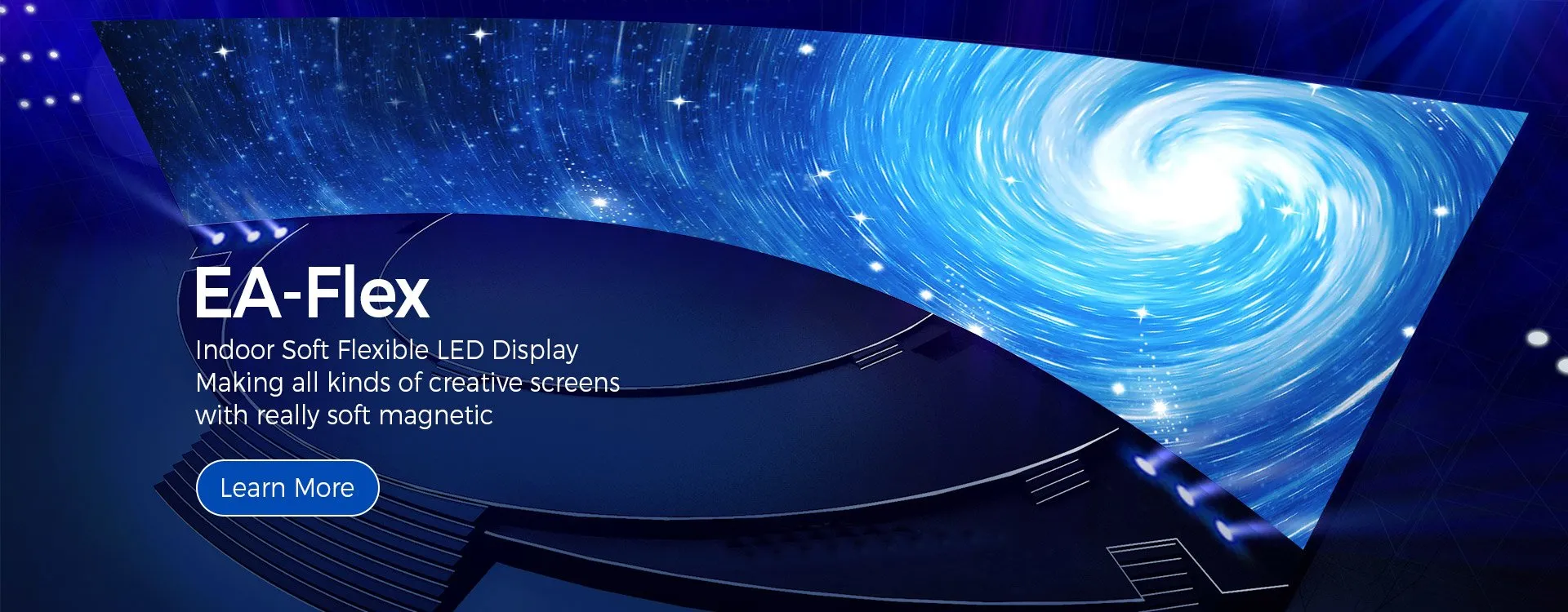
A flexible LED screen uses modules designed to follow a supporting curved surface within specified limits. The finished display still needs a suitable frame, power distribution and control system. Flexibility does not mean that every module can be folded, stretched or repeatedly bent.
1.1 Features to Verify Before Ordering
Module flexibility: Ask for the permitted bend direction and minimum radius for the proposed model.
Image quality: Match pixel pitch and screen resolution to viewing distance and content.
Installation: Confirm the supporting structure, module fastening and cable access.
Environment: Verify indoor or outdoor suitability for the complete system; flexibility alone does not establish weather resistance.
1.2 Benefits and Design Trade-Offs
A curved LED screen can follow a column or architectural feature where a flat screen would not fit. Decide which viewing positions matter before choosing the shape.
Compare the complete installed cost, including the frame, controllers, spare modules, labour and maintenance access. Do not assume that a flexible design automatically costs less than a flat display.
Creative shapes require content planning. Keep important text within readable viewing zones and review how images appear around curves before approving the design.
1.3 Flexible Displays for Advertising
Advertising describes an application, while flexibility describes a display construction. A flexible screen can show advertising, but the campaign needs and the physical installation must be specified separately.
2. How to Specify Content and Image Quality
Content format: List the videos, graphics and text the display must show. Confirm the native resolution and how content will be mapped to the curved layout.
Ambient light: Explain the site lighting and viewing direction to the supplier. Request suitable operating settings rather than assuming that maximum brightness is appropriate.
Content management: Confirm the controller, supported inputs and update workflow. Ask which software, network access or licences are included in the quotation.
Operating costs: Request power consumption figures with the measurement conditions stated. Compare like-for-like operating hours, brightness and content; a general energy-saving claim is not a project estimate.
3. Match the Display to the Installation Environment
3.1 Indoor Flexible Displays
Indoor installations need a balance of readable detail, comfortable brightness and service access. Provide the nearest viewing distance and the type of content when requesting a configuration.
3.2 Outdoor Suitability Requires Verification
Outdoor projects need explicit confirmation of environmental suitability, connections and mounting. An indoor flexible LED module must not be assumed suitable for rain or exposed locations.
3.3 When to Consider a Transparent Display
Transparent screens are a separate design choice where visibility through the display matters. Compare transparency, viewing distance and the supporting structure against your project brief.
3.4 Flexible Wall Displays and LED Floors
A floor display is designed for a different mechanical role from a wall-mounted flexible screen. Do not treat a bendable module as a walkable surface; floor applications require their own verified design.
4. Keep Floor Display Requirements Separate
Load and surface: Obtain the proposed floor system’s documented load limits and surface requirements.
Interaction: Confirm whether sensors, software and interactive content are included.
Installation: Coordinate supporting structures, transitions and access with the venue team.
4.1 Planning Combined Display Projects
For retail installations that combine wall and floor displays, specify each surface separately. Keep pedestrian circulation and maintenance access in the installation review.
For events, confirm the assembly method, setup schedule and responsibilities for operation. The video below can provide project context; it does not replace the proposed model’s documentation.
For sports or public venues, ask qualified project personnel to assess the intended use and acceptance requirements. Avoid extrapolating performance from a different display category.
5. Discuss Your Flexible LED Display with EagerLED
Use a clear project brief when discussing flexible LED screens with EagerLED. Request a written proposal that links the selected model to the screen shape, site conditions and operating needs.
5.1 Model and Quality Documentation
Ask for the proposed model’s specifications and inspection documentation. Review the module layout, control system and service method before evaluating broad quality claims.
5.2 Custom Shapes and Dimensions
Send dimensioned drawings showing the required curve and available space. Ask EagerLED to confirm feasible dimensions, module orientation and any custom structural work.
5.3 Installation and After-Sales Support
Confirm warranty terms, exclusions, spare-parts arrangements and support contacts. Establish whether installation and assistance are remote or on site and which services are separately charged.
5.4 Operating Requirements
Ask for power requirements, ventilation guidance and operating conditions for the quoted model. Retain these documents for the installer and operating team.
6. How to Evaluate Project References
6.1 Architectural Installation References
For architectural references, ask for the model, curve geometry and installation method. Confirm that the example is relevant to your site before treating it as evidence of suitability.
6.2 Retail Display References
For retail references, review the viewing distance, surrounding lighting and content. Sales or footfall improvements require supporting data; a display video alone does not establish those results.
6.3 Event Installation References
For event references, clarify whether the system is intended for temporary assembly or permanent installation. Ask how modules are protected during handling and transport.
6.4 Verify Interactive Features
Confirm the specific hardware and software behind any interactive feature. Do not assume that an advertised industry trend is included in the product quotation.
7. Flexible LED Screen Applications
The following applications have different priorities. Use them to refine your brief rather than as claims about completed EagerLED projects.
7.1 Retail and Shopping Malls
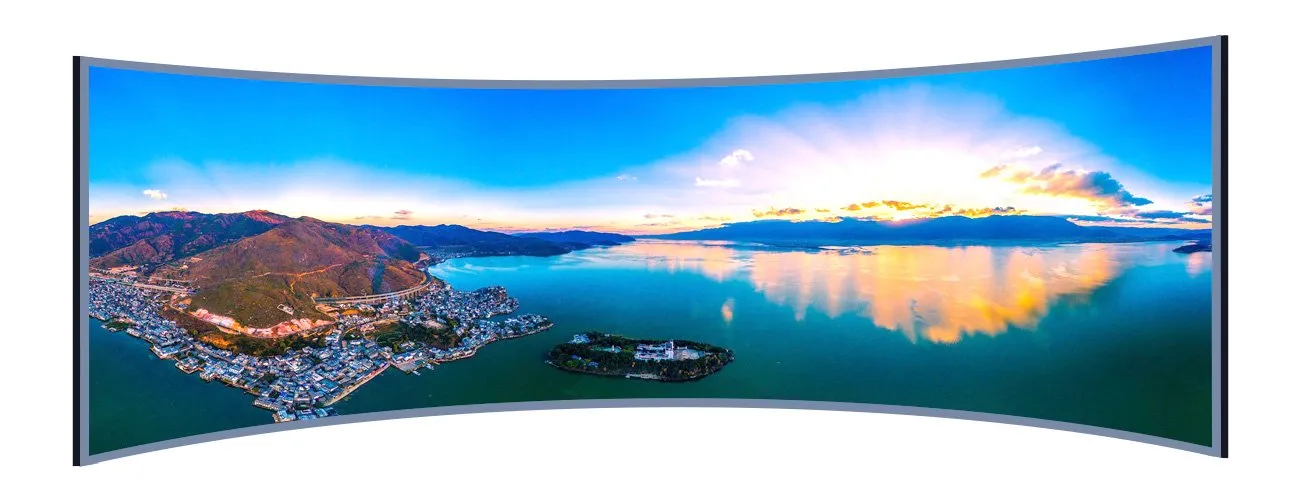
Column wraps and curved feature walls can use otherwise awkward retail surfaces. Review sightlines from entrances and nearby aisles before deciding the screen coverage.
Planning priority: Keep essential messages readable from the main approach. If a transparent or floor display is also required, obtain a separate specification for that surface.
7.2 Entertainment and Media
For stage backgrounds and media sets, discuss camera use, source signals and the finished shape with the production team. Request a demonstration under relevant operating conditions.
Design boundary: A fixed curved backdrop and a repeatedly assembled touring system have different handling requirements. Confirm the intended use for the selected model.
Provide camera and signal requirements when relevant. Verify compatibility during commissioning rather than relying on a generic claim of broadcast suitability.
7.3 Corporate Environments
Reception areas and presentation spaces need readable text as well as attractive imagery. Identify the nearest and farthest viewing positions in the room.
Layout choice: Use curved surfaces where they serve the design, and review whether a flat area is more suitable for detailed presentations or spreadsheets.
Assign responsibility for content updates and access permissions. Document how staff will switch sources, schedule messages and report a fault.
7.4 Hospitality and Visitor Spaces
For hotel lobbies and visitor spaces, coordinate the screen shape with furniture, circulation and the surrounding architecture.
Daily operation: Agree on operating hours, brightness settings and who manages content. Plan maintenance access that avoids unnecessary disruption to guests.
If any part of the installation is outdoors or exposed, obtain written confirmation of model suitability. An attractive interior example does not establish exterior performance.
7.5 Education and Exhibitions
Museums and learning spaces may use curved displays to support immersive exhibits. Start with the educational content and audience position.
Content priority: Check text size, contrast and image mapping across the curve. Specify interaction separately if the exhibit requires sensors or user input.
Plan supervision, operating instructions and maintenance access with the venue. Confirm the proposed system against the actual installation brief.
8. Plan a Curved LED Screen Installation
8.1 Geometry, Structure and Service Access
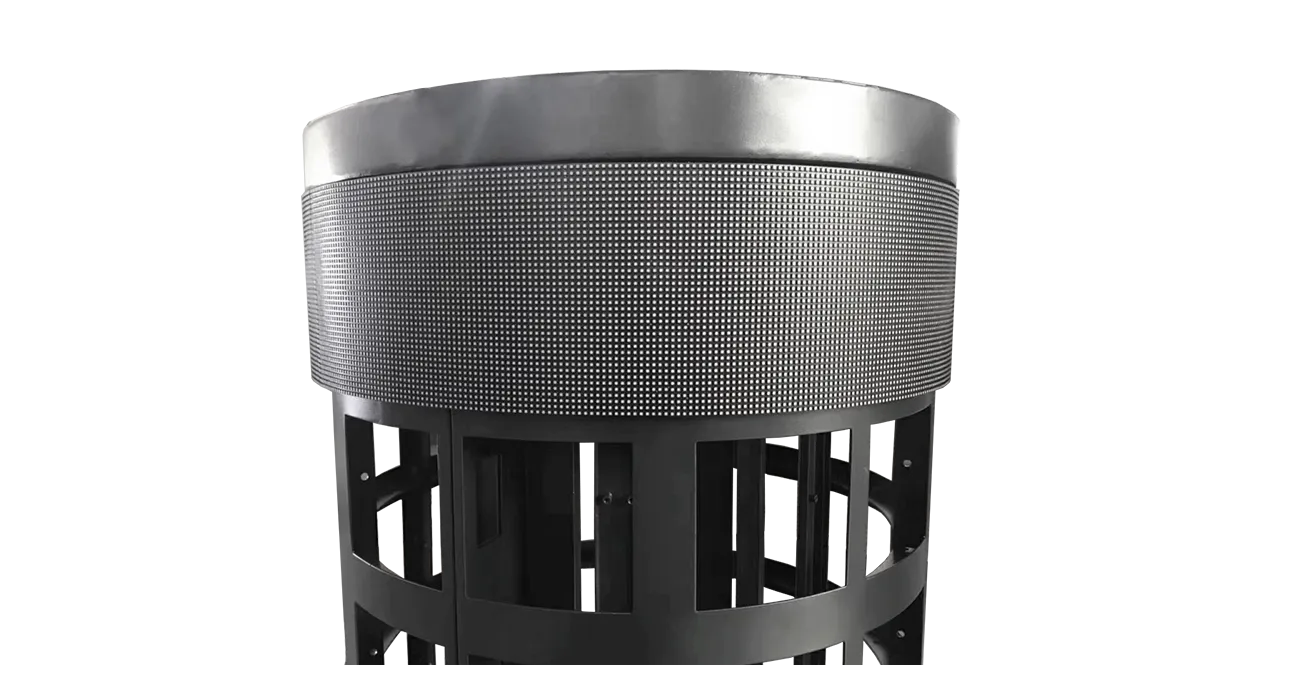
Before ordering flexible LED modules, turn the visual concept into a dimensioned installation plan. Review the curve with the supplier and the people responsible for the supporting structure.
Geometry: Specify radius, height, width and module orientation.
Structure: Identify fastening points and access to power and signal connections.
Service: Show how a module can be removed without damaging adjacent surfaces.
8.2 Content Mapping and Viewing Zones
Prepare sample content at the intended screen resolution. Review it on the proposed layout, especially where viewers can see only part of a curved surface.
Text: Keep key messages within the main viewing zone.
Images: Check proportions and transitions around corners or columns.
Acceptance: Agree on what will be demonstrated during commissioning.
9. Prepare a Flexible LED Screen Quotation Brief
9.1 Site and Screen Layout
Build the quotation from the installation brief, starting with the environment and physical layout.
Provide the indoor or outdoor location, dimensions, curve drawing, viewing distances and available service space. Include site photographs when requesting a proposal.
9.2 Content and Control Requirements
Explain how the screen will be controlled and what the audience needs to see.
List input sources, content formats, scheduling needs and any network restrictions. Ask the supplier to identify the controller and any required software in the quotation.
9.3 Equipment and Service Scope
Clarify responsibilities for assembly, commissioning and fault resolution before agreeing on the supply scope.
Request an equipment list covering modules, power supplies, controllers, cables and spare parts. Separate installation, structural work and electrical work from equipment supply.
9.4 Comparing Proposals
Compare proposals against the same approved design and delivery requirements.
Ask for itemized costs, exclusions, delivery terms and the proposed schedule. Confirm how design changes or component substitutions will be approved.
10. Operating Costs and Maintenance
Plan operation and maintenance as part of the purchasing decision. The following checks are more useful than unsupported claims about sustainability or lifetime savings.
10.1 Power Consumption
Obtain documented power requirements and compare typical and maximum figures on the same basis. Include daily operating hours and brightness settings when estimating running costs.
10.2 Repairs and Spare Parts
Confirm access for module replacement, the recommended maintenance procedure and spare-part availability terms. Do not assume later production batches will match without checking.
10.3 Material and Environmental Claims
Ask for evidence behind material or recyclability claims that influence your purchase. Clarify how components can be repaired, replaced and handled at the end of service.
11. Request a Project Quotation
Choose Flexible LED Screens by matching the permitted shape, image requirements and service access to your project. Related Advertising LED Screens and Floor LED Screens require their own application checks. Use the enquiry form below to share your dimensions, location, viewing distance, curve drawing and target schedule with EagerLED.
12. Flexible LED Screens: Frequently Asked Questions
What is a flexible LED screen?
A flexible LED screen uses bendable modules to follow a curved supporting surface within the model’s specified limits. It still requires a suitable structure, power distribution and control system.
Can flexible LED screens be used outdoors?
Outdoor suitability must be confirmed for the specific model and complete installation. Flexibility does not establish weather resistance, and indoor modules should not be assumed suitable for exposed locations.
Can a flexible LED module be folded or repeatedly bent?
Do not assume that it can. Ask the supplier to confirm the permitted bend direction, minimum radius and handling requirements for the proposed module before finalizing the design.
How do I choose a curved LED screen for my project?
Compare the required shape, viewing distance, content resolution, installation environment and maintenance access. Request a dimensioned layout and model-specific documentation before approving the configuration.
What information is needed for a flexible LED screen quotation?
Provide screen dimensions, a curve drawing, indoor or outdoor location, viewing distances, content and control requirements, delivery destination and target schedule. Ask for an itemized equipment and service scope.
 EA500C3 Hire LED Walls Feedback from Bolivian Customers
 200 Pieces EA250W Indoor LED Wall Shipped to USA
Related Posts
Fill In Your Needs In Detail
Fill in the screen usage scene and size you need in “Content”.You will get a quote.