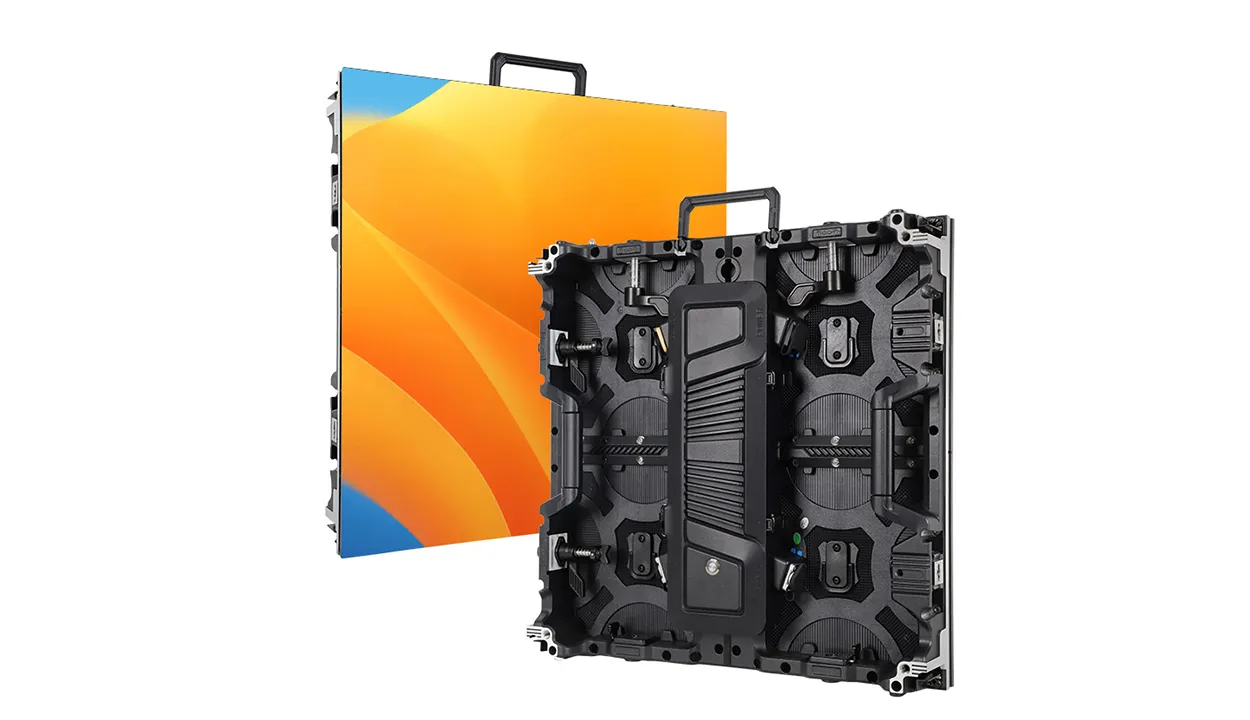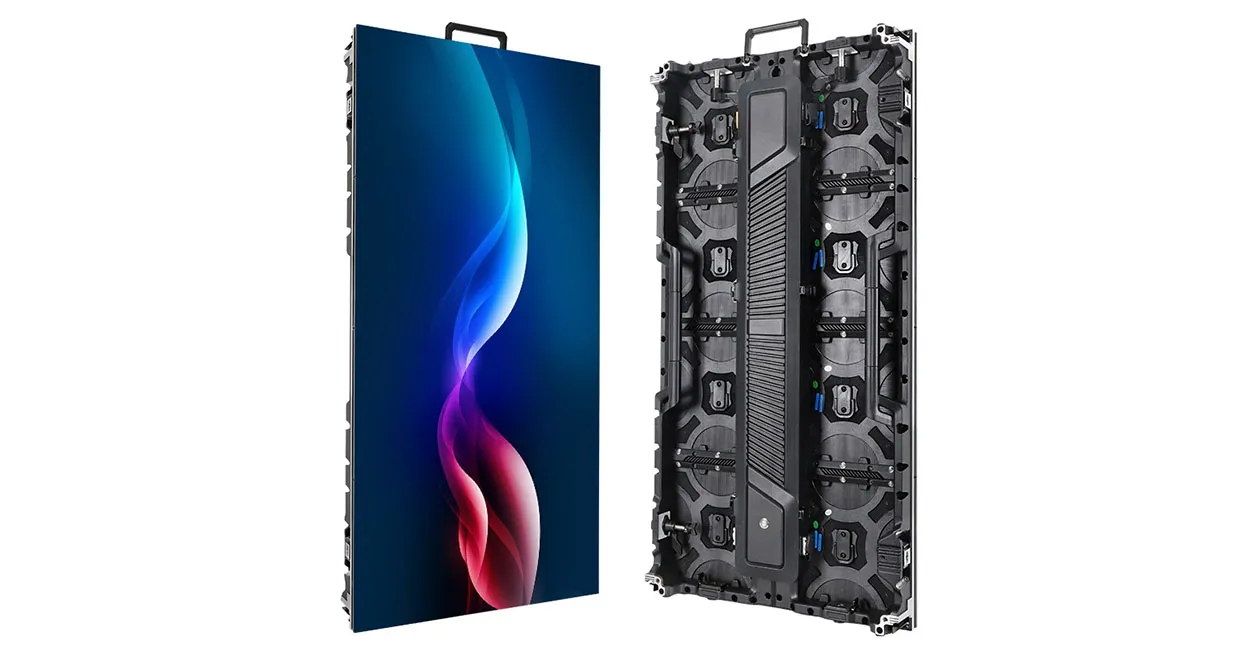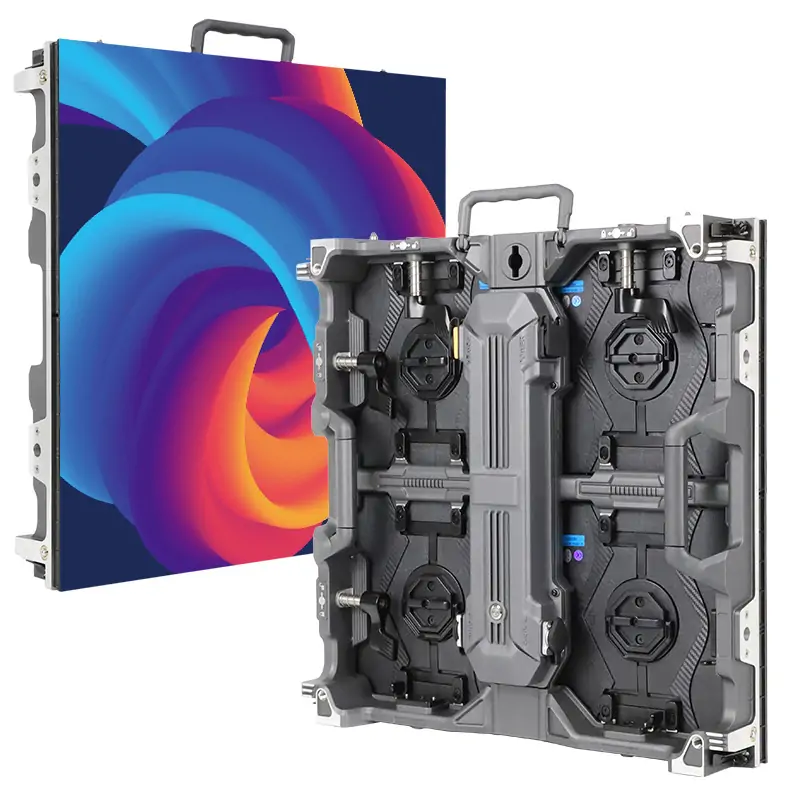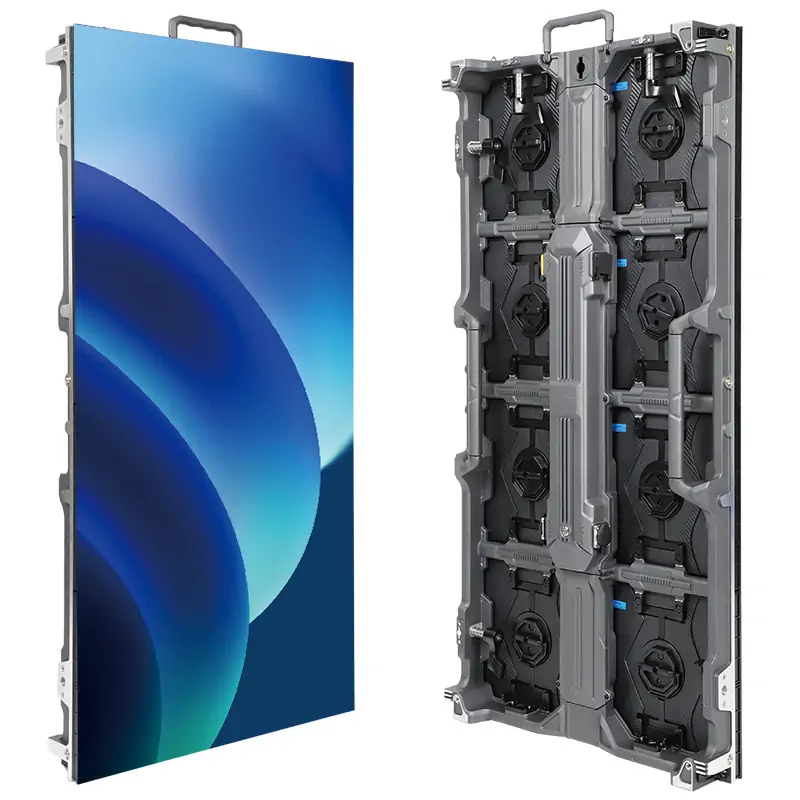
An AIO LED display is an all-in-one direct-view LED system that packages the display modules, video processing, and power distribution as one coordinated product. The LEDs form the image directly. Depending on the model, the package may also include speakers, a wall mount, and software for wireless presentation or media playback.
For an AV integrator pricing a boardroom or training room, the word “all-in-one” answers only part of the scope question. The AIO LED display may handle video processing inside the unit, while the room still needs a conferencing system, an approved guest sharing method, or a dedicated electrical circuit. A complete display package and a complete room system are two different deliverables.
Start with the content people need to see and the equipment they will use to present it. Those two details determine whether an AIO LED display can serve as the main screen and which items belong in the installation quote.
1. What Is an AIO LED Display?
In commercial AV, an AIO LED display combines a direct-view LED screen with the electronics needed to run it. A direct-view LED pixel uses red, green, and blue emitters to produce color. The viewer sees the light from those emitters directly. On an LED-backlit LCD, a backlight illuminates a separate liquid crystal layer that controls the image. The distinction matters because the two products can appear under similar names in a display search.
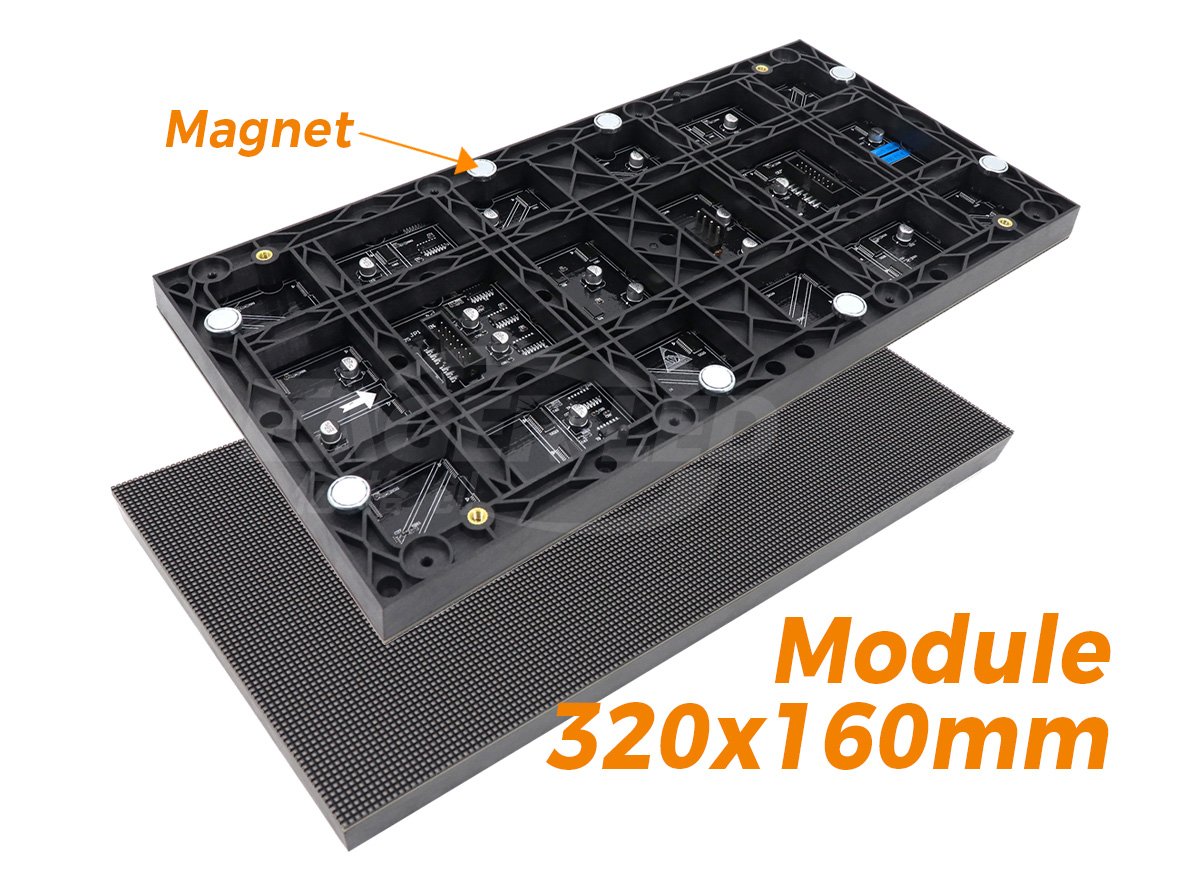
Most large direct-view screens are built from smaller pieces. An LED module is a replaceable section of the display surface on many systems. A cabinet or panel assembly holds modules and related hardware. Some all-in-one units ship as columns or panel sections that installers join at the site. The manufacturer designs the pieces to work as one product, and the installation team still needs to follow the sequence for mounting, aligning, and connecting them.
The label also describes the way a manufacturer packages the system, independently of the LED packaging technology. An AIO LED display can use surface-mounted device (SMD) or chip-on-board (COB) construction, for example. That distinction may matter when you evaluate the display surface, close-up appearance, and repair process. The “AIO” designation alone tells you little about the panel surface, pixel pitch, or cabinet service access. Ask for the specification sheet and service documentation for the exact configuration you are quoting.
2. What’s Included in an All-in-One LED Display Kit?
01. LED Modules, Built-In Control, and Power
The core of an AIO LED display is the set of display sections and the electronics that make them function together. The video processor accepts a supported input and fits the image to the LED canvas. Receiving and driver electronics carry image data to the modules, while the power supplies convert incoming AC power to the DC power required inside the display. The location of these parts varies. A unit may use a control enclosure below the screen, electronics inside the display assembly, or both.
For a purchase order, ask for a packing list alongside the specification sheet. A drawing might show the AIO LED display on a floor stand while the standard package ships with a wall bracket. Likewise, the display may accept a network connection without including the wireless casting license or network accessory that the project calls for. The exact order code and accessory list settle those questions.
02. Speakers, Mounts, and Other Model-Specific Options
Built-in speakers can cover basic playback when they meet the room’s listening requirements. Check speech intelligibility in the back row before removing the separate audio system from the proposal. In a hybrid room, the design also needs a path for remote participants to hear people at the table. Loudspeakers in an AIO LED display address only the playback side of that conversation. Microphones, camera coverage, the conferencing host, and any audio processing still need to be accounted for.
| Item | Ask the supplier to confirm | Where it belongs in the quote |
|---|---|---|
| Mounting hardware | Exact bracket or stand part number and the hardware supplied with it | Separate the manufacturer’s bracket from site-specific anchors or structural work. |
| Audio and conferencing | Speaker configuration, audio output, and whether a camera or microphones are bundled | Price room audio and conferencing devices against the required meeting workflow. |
| Presentation features | Casting protocols, any required license or adapter, and wired guest input options | Separate included features from accessories, subscriptions, and network setup. |
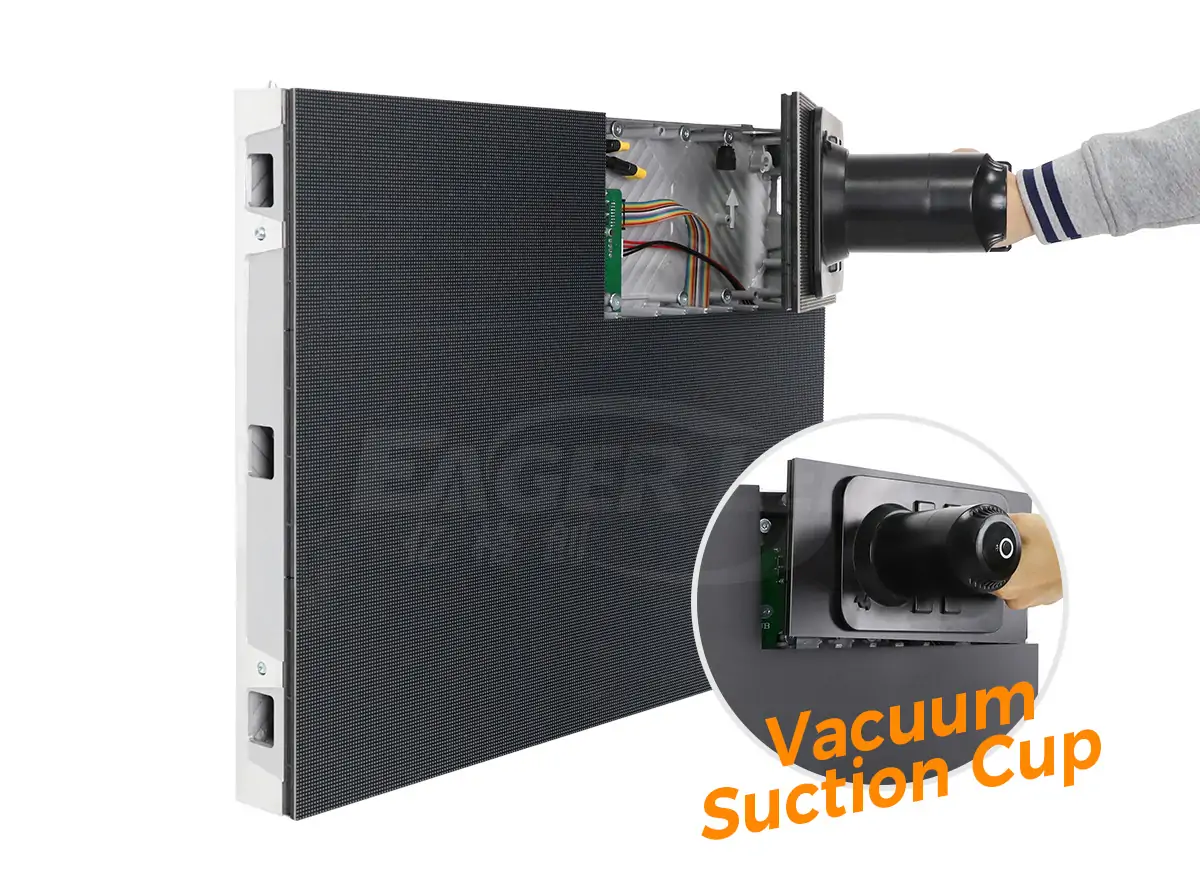
| Service supplies | Spare modules, power supplies, and required extraction tools | List quantities and part numbers so the buyer can compare support packages. |
An AIO LED display may offer a built-in player, an operating system, or a slot for an optional computer. These serve different purposes. A signage player can run a media loop, while a meeting room computer must meet the client’s application and management requirements. Ask the supplier to demonstrate the exact task, such as switching from a guest laptop to the room computer, using the proposed hardware and software.
3. How Does an All-in-One dvLED Display Work?
01. How the Controller Sends Video to the LED Modules
A typical signal path starts at a laptop, room computer, or media player. A supported input such as HDMI delivers video to the AIO LED display. The integrated processor interprets the signal, scales or positions the picture as needed, and maps the resulting pixels to the display sections. Receiving electronics pass the data to the LED drivers, which control light output at the pixels. The specific electronics and interconnections depend on the design.
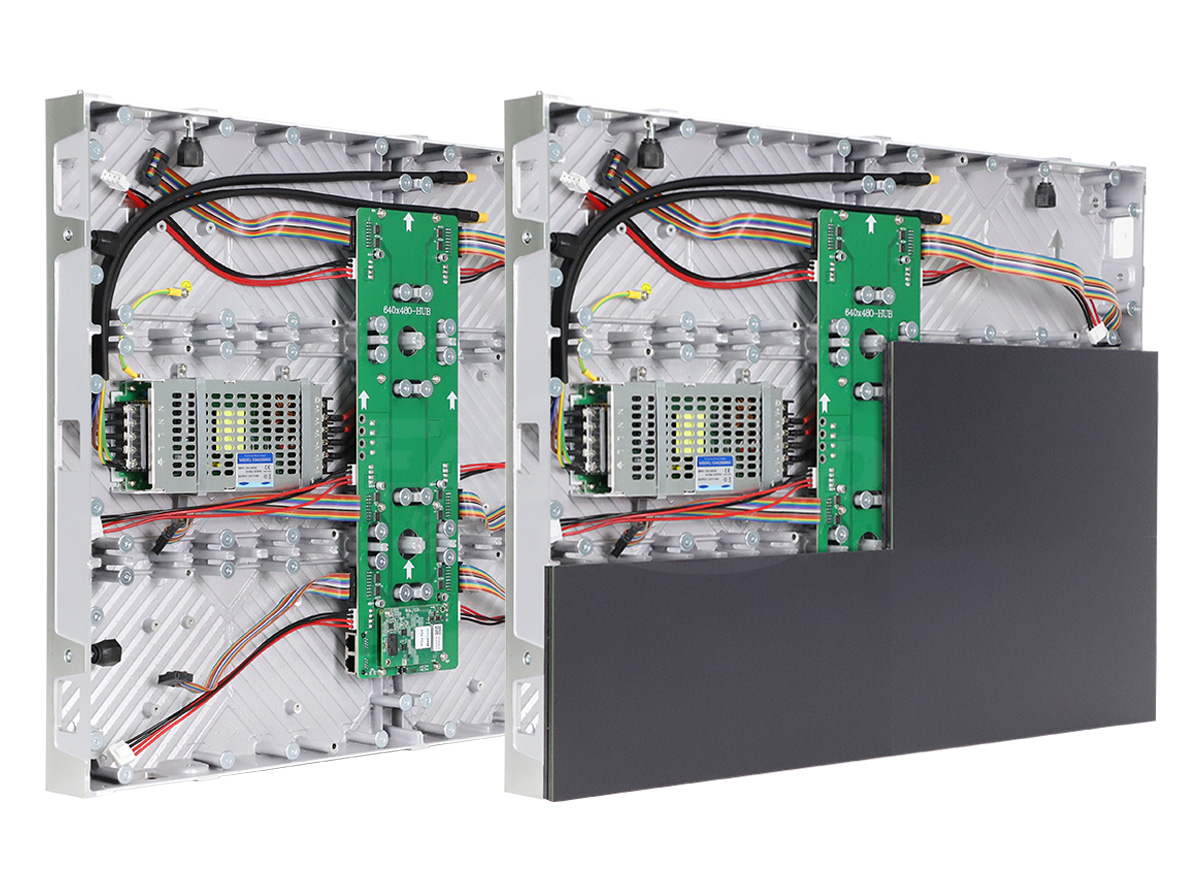
Check the accepted input format and the physical pixel count separately. For instance, if an AIO LED display with a 1,920 × 1,080 LED canvas accepts a 3,840 × 2,160 source, it must resample that picture to show the whole frame. The input can carry more detail than the screen has pixels to reproduce. For spreadsheets, drawings, and dashboards, test the actual software at the intended output settings and check fine text from the seats that matter.
The processor also has to handle source changes in a way that works for users. In an integrated AV system, check what happens when a laptop sleeps, someone unplugs the active source, or the room switches from the conferencing computer to a guest input. A picture that appears correctly during a static demo tells you little about how the AIO LED display behaves between presentations. Include those transitions in the commissioning plan.
02. How Direct-View LEDs Create the Image
Each pixel produces light by driving its red, green, and blue elements at controlled levels. Adjacent pixels together create the edges, text, gradients, and motion people see on an AIO LED display. The driver settings affect how smoothly the display shows dark tones and whether the screen behaves well under a particular camera. If the display appears in a recorded class or hybrid meeting, use the actual camera and intended lighting during evaluation. Look for banding, moiré, and unexpected shifts in exposure.
Physical alignment matters too. Inspect the picture across cabinet or column joins, especially with uniform gray and white test patterns. A visible line can arise from mechanical alignment or differences in output across the modules. Those problems have different remedies. Have the installer identify the cause before adjusting calibration settings or replacing a part. Keep the supplier’s configuration and calibration files with the handover documents where the product supports exporting them.
4. AIO LED Displays vs. Custom LED Video Walls
01. Where an All-in-One Kit Simplifies Setup
An AIO LED display is a practical starting point for a room with a conventional screen shape and straightforward source requirements. Because the manufacturer has already selected the screen electronics and designed them to work together, the integrator has fewer display-side components to specify separately. That can make it easier to repeat the same room design across several sites, provided those rooms have compatible mounting surfaces, viewing distances, and electrical provisions.
The installation advantage depends on what the package replaces. If the proposed AIO LED display takes the place of a separate video processor and simplifies the cable path, identify those changes in the labor estimate. If it still needs an external switcher, conferencing hardware, and a new support structure, account for that work on both proposals. Compare completed systems against the same scope rather than comparing the price of a kit with the price of bare cabinets.
02. When Custom Sizes and Layouts Matter
A custom modular LED video wall gives the designer more control over how cabinets fill a space. Consider it when the architecture calls for an unusual aspect ratio, a specific image width, or a design built around several sources or content zones. Some all-in-one product families offer configurable layouts, so ask what the exact AIO LED display can support before assuming you need to move to a fully custom system.
| Project condition | Start with | Decision to verify |
|---|---|---|
| Repeatable meeting rooms with standard content | Preconfigured all-in-one kit | Check that each room can use the same mounting and power plan. |
| Wide recess with a fixed opening | Custom modular wall, plus any configurable kits that fit | Compare active image size and total enclosure dimensions against the finished opening. |
| Operations room with several live feeds | Either, with the proposed source handling demonstrated | Confirm simultaneous inputs, layout recall, and what operators see if a feed drops. |
| Existing equipment rack and control system | Either, based on integration labor | Confirm which existing devices can be retained and which drivers, cables, or processors need to change. |
For a modular reference point, review the EagerLED EA600COB3 indoor COB LED screen. Its product page documents the cabinet format and front service design. Those details help you compare the engineering options on a cabinet-based wall with the size, electronics, and service arrangements available in a preconfigured kit.

5. Where Are All-in-One LED Displays Used?
01. Conference Rooms and Boardrooms
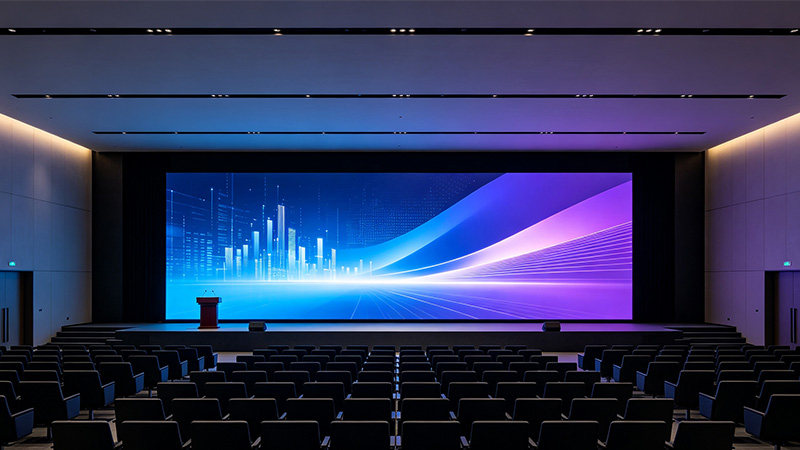
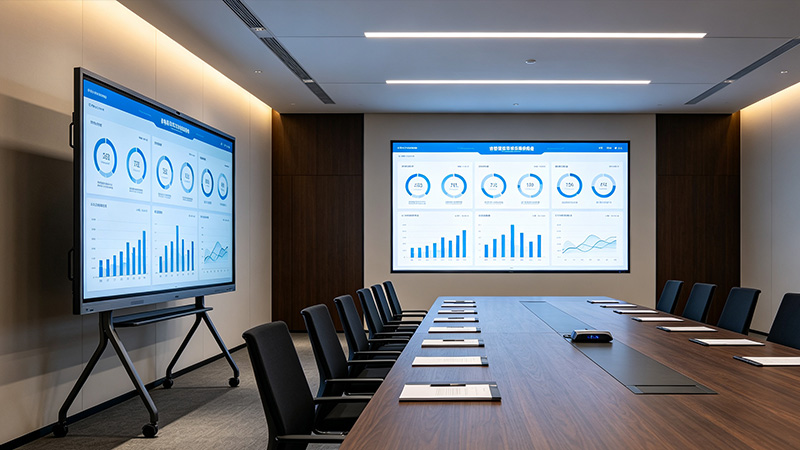
An AIO LED display can serve as the main presentation surface in a boardroom that needs a large image for documents, presentations, or remote participants. Decide what viewers must see simultaneously. A layout that shows remote participants next to a shared spreadsheet gives the spreadsheet less room than a full-screen presentation. At the site survey, ask the client to show a typical hybrid call and identify the smallest information someone in the back row must be able to read.
Ask how people join and share. A meeting room operated mainly from a permanent room computer can use a different input design from a space where guests connect their own laptops. If you are preparing a conference room LED display proposal, use the EagerLED indoor LED screen guide for broader room planning, then evaluate the sharing and control workflow on the proposed equipment.
02. Training Rooms, Lecture Halls, and Lobbies
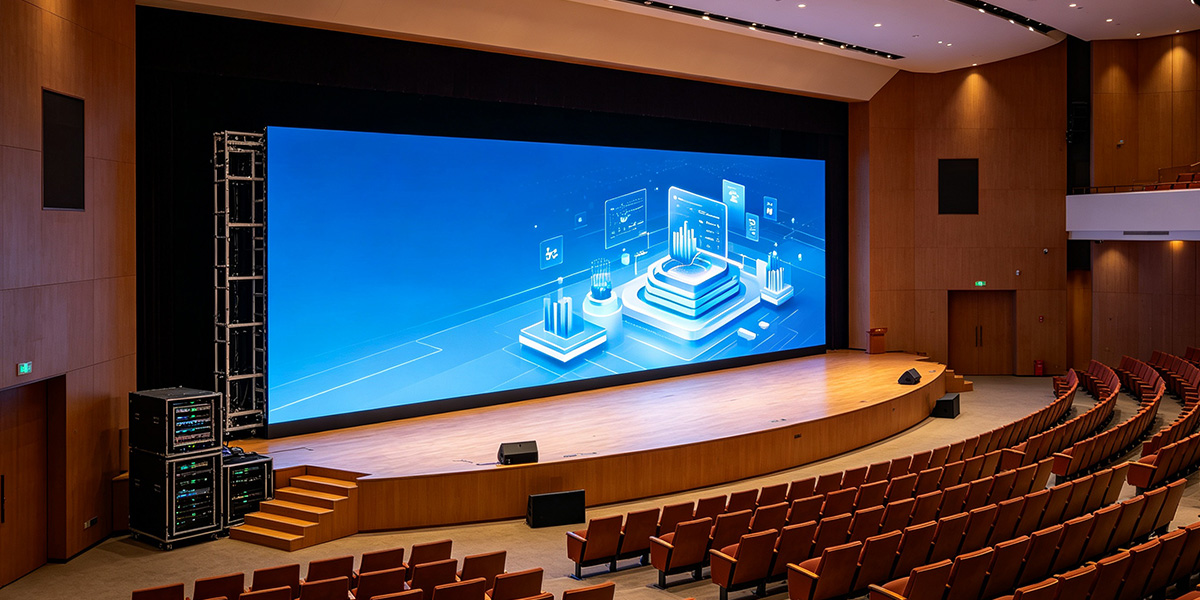
In a divisible training room, judge an AIO LED display with the partition open as well as closed. The farthest seat and the viewing angle may change between modes. In a lecture hall, bring the instructor’s actual slides and include captions or demonstration text. An empty-room demo with full-screen video rarely reveals the sightline issues that appear when people sit in front of one another.
A lobby has a different operating pattern. People may see the screen briefly from different directions and under changing daylight. Evaluate content from the points where visitors enter, queue, and look for directions. For an unattended AIO LED display, confirm who owns the playback schedule and who can restore content when a player or network connection goes down. Include that responsibility in the handover.
6. How to Choose Screen Size and Pixel Pitch
01. Match Screen Size to the Farthest Viewer
Select the active image height of an AIO LED display using the farthest required viewing position and the smallest item people need to understand. A full-screen title slide and a small label on a wiring diagram place different demands on the same room. Use the content the client depends on, including how it appears when another window or video tile shares the canvas.
Screen diagonal helps you compare products with the same aspect ratio. Active image width and height are more useful when you check readability and placement. Set the bottom of the image high enough for the relevant rows to see it, then check the front seats for comfortable vertical viewing angles. If increasing the screen height introduces a clearance or sightline problem, consider changing the content layout, seating, or display position before settling on a model.
02. Match Pixel Pitch to the Closest Viewer
LED pixel pitch is the center-to-center spacing between adjacent pixels, usually stated in millimeters. For a given image width, a finer pitch fits more pixels into the same space. It can make the pixel grid less visible to the closest viewer and give the display more detail to work with when the source and processing support it. It cannot make undersized text readable from the rear of a room if the image remains too small.
As a geometry check, an active width of 2,880 mm divided by a pitch of 1.5 mm gives 1,920 pixels across. That is an illustrative calculation, not a product specification. Confirm the exact pixel dimensions on the AIO LED display data sheet, since nominal measurements can be rounded and module layouts set the actual pixel count. Compare that native canvas with the resolution and layout of the content the client will supply.
| Test content | Evaluate it from | What to look for |
|---|---|---|
| Small labels in a shared spreadsheet | Farthest seat with the intended meeting layout active | Participants can read the labels without someone zooming the file during the meeting. |
| Fine lines and neutral gray areas | Closest occupied seat | The pixel grid, joins, or scaling artifacts do not distract from the task. |
| Subtitles at the bottom of the image | Rear and side seats with the room occupied | People can see the lower part of the active image past heads or furniture. |
| Bright and dark slides | Seats affected by windows or overhead fixtures | Text stays readable at a brightness the client can use comfortably. |
7. What to Check Before Requesting a Quote
01. Wall or Floor Mounting, Delivery Access, and Power
The quote for an AIO LED display should describe how the equipment gets from the loading point to its final location. Check the largest crate or unassembled section against elevator doors, turns, and the available staging area. Use the overall installed dimensions to check the wall and the active image dimensions to check the viewing design. Ask for any clearances the supplier requires to remove modules, open a service cover, or route cables.
For a wall mount, have the project team verify the wall construction, attachment points, and installed load using the supplier’s drawing. For a floor stand, check the footprint against circulation paths and the furniture plan. Have the electrical contractor confirm supply voltage, plug type, circuit requirements, and peak load using the selected model’s documentation. Typical power draw can help estimate operating costs. Circuit planning needs the manufacturer’s electrical requirements and the site electrician’s assessment.
02. Installation Labor, Warranty, and Spare Parts
Ask each bidder to price the AIO LED display against the same installation and handover scope. A useful quote states who assembles and aligns the unit, who connects and tests the room sources, and who is responsible for taking away the crates. For multiroom projects, ask for the same breakdown per room so you can identify which costs are repeatable and which depend on local conditions.
| Scope line | What to request | What to resolve before issuing the order |
|---|---|---|
| Display package | Exact order code, active image size, native resolution, and accessories | Match the quoted configuration to the drawing and demo unit. |
| Site preparation | Electrical and mounting requirements, crate dimensions, and staging needs | Assign wall preparation, new circuits, and moving equipment to the right contractor. |
| Commissioning | Source, control, audio, and content tests plus acceptance criteria | Agree on which files and source devices will be used to approve the installation. |
| Support | Warranty coverage, service method, spare part numbers, and labor exclusions | Confirm who handles diagnosis, shipping, and on-site replacement. |
If the AIO LED display is going into several locations, document the approved configuration after the first installation. Include the input settings, firmware version, network requirements, and any model-specific spare parts. That record gives the next installation team a known starting point and lets the buyer distinguish a genuine equipment change from a site-specific adjustment.
8. FAQ
9. Conclusion
An AIO LED display is a good fit when the kit’s image size, source handling, and mounting options meet the room brief. Approve it using the client’s real content and intended sources, and make the packing list, site requirements, and acceptance tests part of the quote. That gives the integrator a clear line between the equipment being purchased and the work needed to make the room usable.
For a project review, send the room plan, nearest and farthest viewing positions, sample content, source list, and installation constraints to EagerLED. Those details give the team a basis to discuss whether an all-in-one kit or a modular indoor LED wall fits the application.
 Bar LED Display: How to Choose the Right Screen for Your Venue
Related Posts
Fill In Your Needs In Detail
Fill in the screen usage scene and size you need in “Content”.You will get a quote.