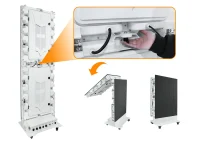
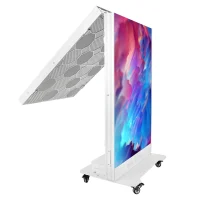
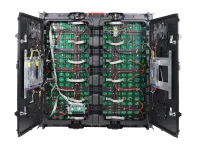
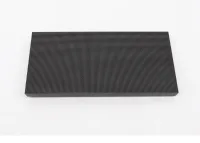
A bar LED display is a digital screen used for drink menus, branding, entertainment, or retail signage. The term can mean an LED screen installed in a bar or a narrow, bar-shaped display fitted to a shelf edge or counter. Choose the format around the content: a slim strip suits short messages, while sports and detailed menus need more screen height.
This guide compares the types, specifications, installation requirements, and costs. It also distinguishes direct-view LED from stretched LCD signage and explains what to check before ordering a counter-front LED display.
1. What is a Bar LED Display?
A bar LED display uses an array of light-emitting pixels to show changing text, images, or video. Modular direct-view LED can form a narrow banner, a large back-bar video wall, or a counter facade. Its dimensions depend on the module and cabinet grid; a custom shape still has physical size and resolution constraints.
Two technologies share the bar-display label. Direct-view LED forms the image with LEDs, while a stretched LCD uses a liquid-crystal panel with a backlight. An LED-backlit LCD is therefore not a direct-view LED screen. As one documented LCD example, LG’s 86BH5F-B has a 58:9 aspect ratio, 3,840 × 600 resolution, and typical brightness of 500 cd/m². Those are model specifications, not standards for every bar screen.
Specify both the outer dimensions and the active image area. A proposed 2,000 × 200 mm strip, for example, has a 10:1 aspect ratio. A standard 16:9 video will need cropping, unused space, or a redesigned layout. Shelf rails, cabinet joints, ventilation clearances, and service access also affect the fit. Ask for a dimensioned drawing before committing to a narrow installation.
2. Types of Bar LED Displays
2.1 Shelf-edge LED bar displays
Shelf-edge displays put prices, promotions, and product information near merchandise. Compare direct-view LED and stretched LCD options for the available rail height and required text size. Confirm the mounting system, protection from trolley impacts, power distribution, and how each screen maps to a product. An Android player or cloud CMS may be included, but this depends on the model. For pricing, test integration with the store’s price database and check what appears when connectivity fails. Measure any sales effect through a controlled trial; a display does not guarantee a fixed sales uplift.
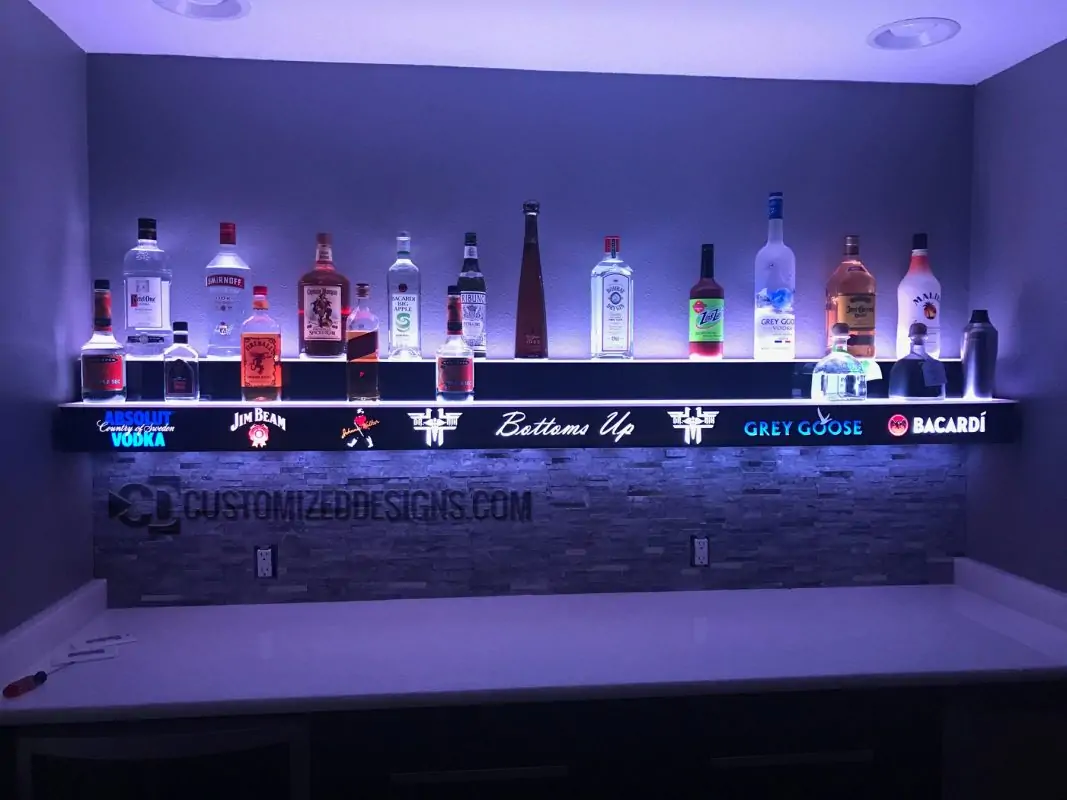
2.2 Bar counter and back-bar LED screens
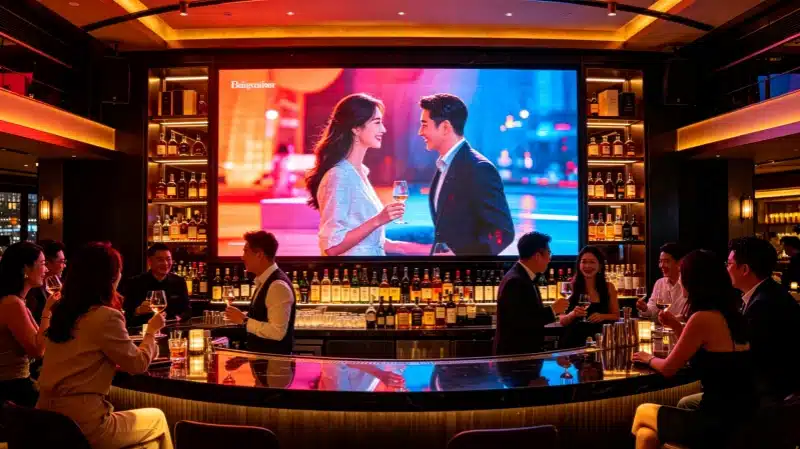
Bar counter and back-bar LED screens serve different jobs. A counter facade can show branding and ambient visuals; an overhead screen can carry menus; a larger LED wall for bars can show sport. Preserve the broadcast aspect ratio for matches so scores and captions remain readable. For close seating, compare pixel pitches using the actual menu and video at the nearest seat. In dim lounges, smooth dimming and readable dark detail matter more than maximum brightness. Check sightlines from side tables and avoid glare toward customers.
2.3 Free-standing and portable bar LED displays
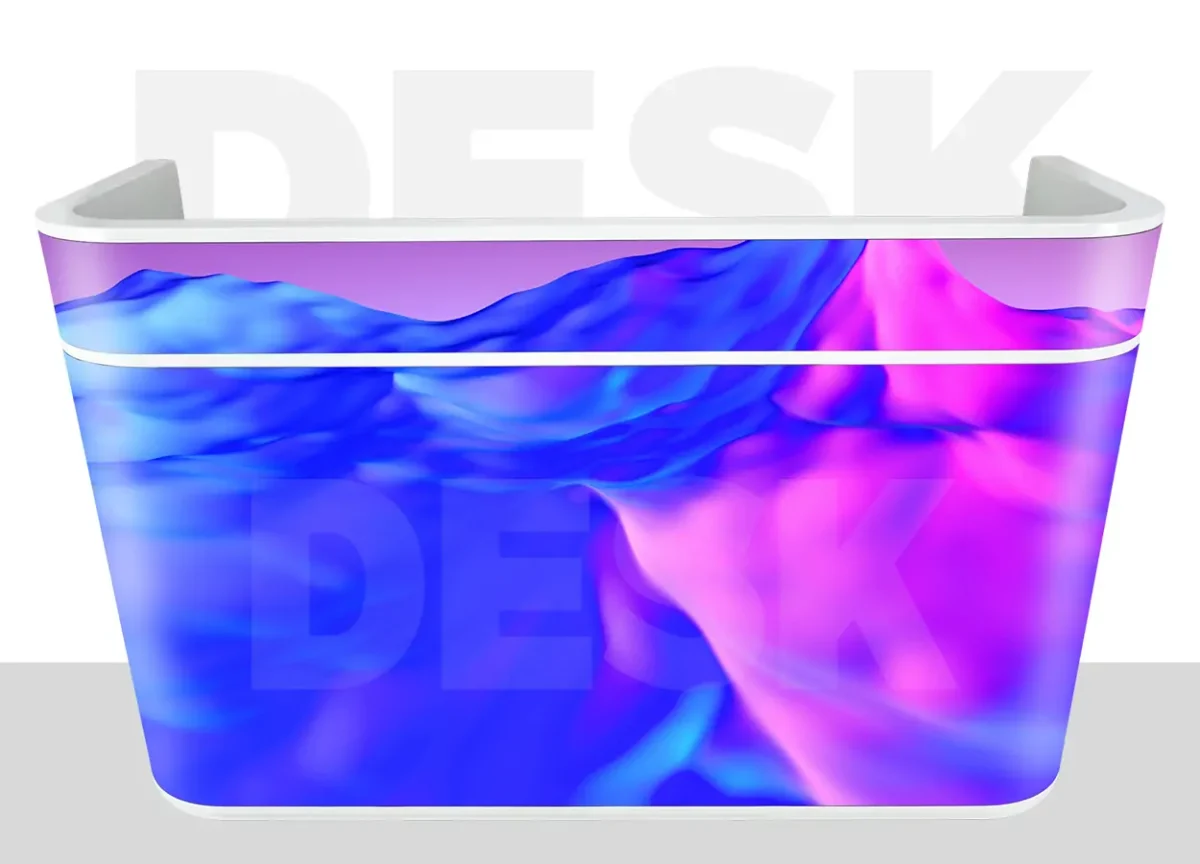
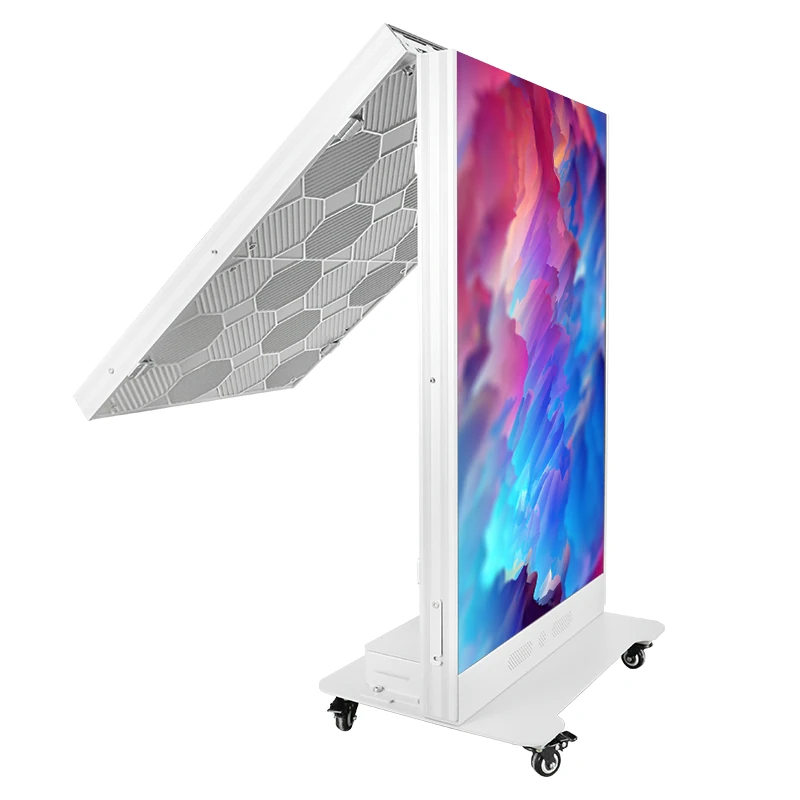
Portable displays suit pop-up bars, exhibitions, and temporary events. Check the complete unit’s weight, doorway clearance, wheel locks, stability, and handling requirements. EagerLED’s EA-FD reception display is an example of a counter-format product with wheels and quick-lock assembly. Confirm the exact configuration and transport case in the quotation. Rental prices depend on local availability, hire duration, delivery, setup, and technical support; a daily screen rate alone is not a complete event budget.
2.4 Curved and creative bar LED displays
Flexible LED modules can follow a curved counter or custom frame, within the manufacturer’s permitted bend radius. Request drawings showing the radius, module joints, cable routes, and service access. Content needs to be mapped to the assembled pixel canvas so logos do not stretch around corners. Compare the complete curved installation with a flat alternative; custom framing and engineering can add cost, but there is no universal percentage premium. Test a sample curve before production.
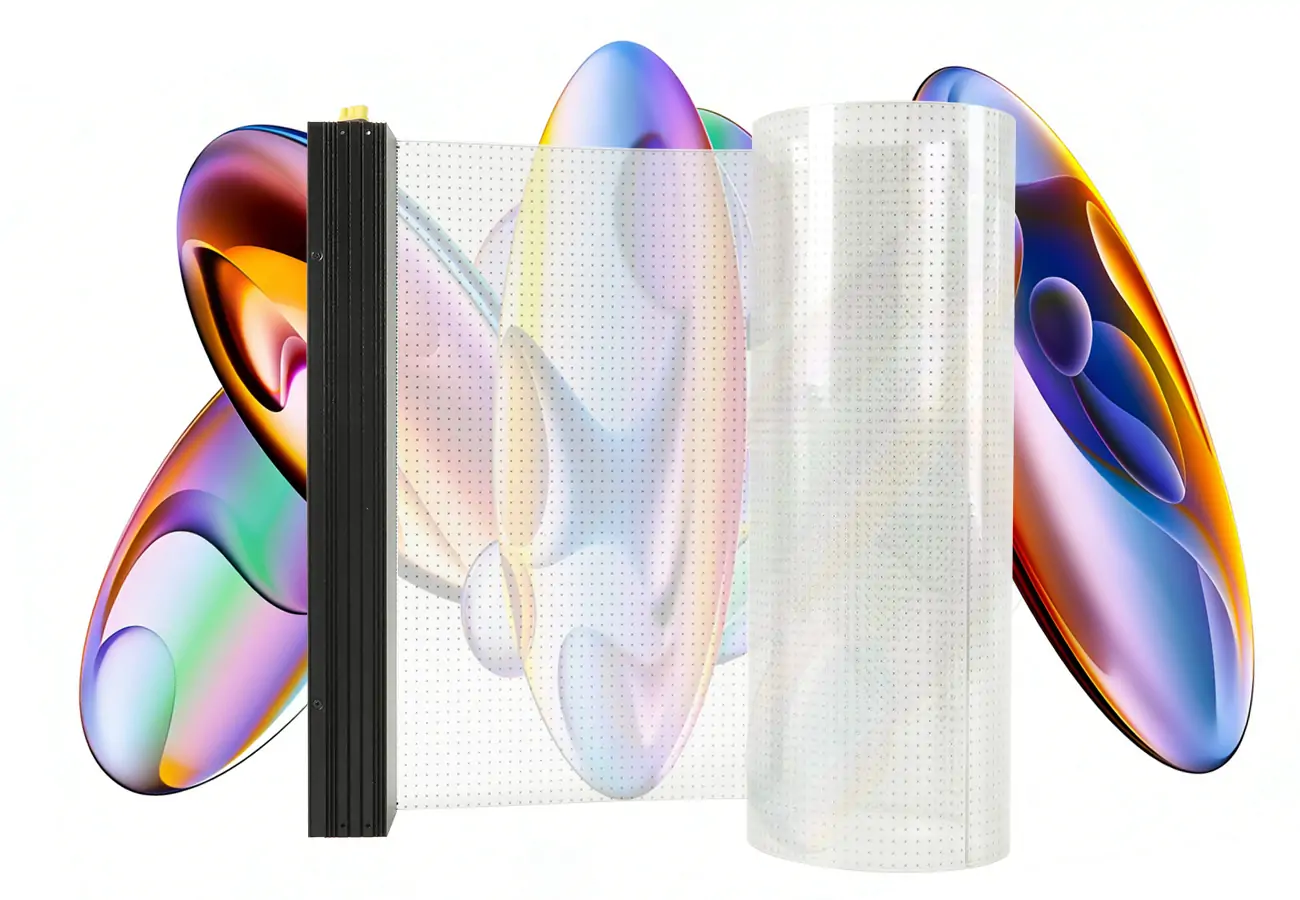
2.5 Transparent bar LED displays
Transparent LED displays can retain some visibility through a window or partition while showing graphics. Transparency, pixel spacing, brightness, and viewing distance vary by product. Open areas reduce the available image surface, so small menu text may be less suitable than large branding. Assess a sample against the actual background in daylight and after dark. Confirm the glass mounting method, indoor or outdoor rating, and whether the product needs framing rather than assuming it can attach to any pane.
3. Key Features of Bar LED Screens
3.1 Pixel pitch and viewing distance
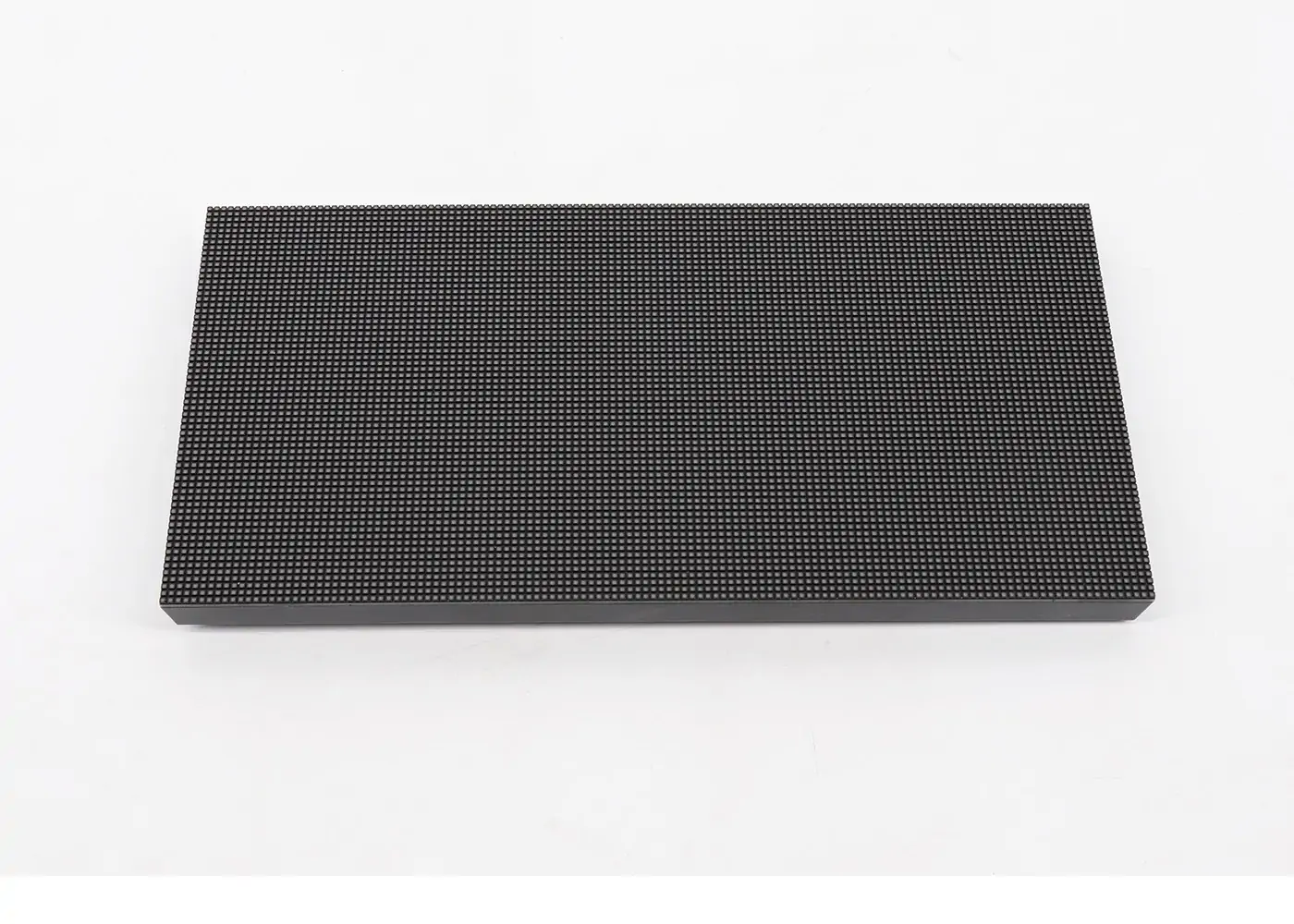
Pixel pitch is the distance between adjacent pixel centers, in millimeters: P2 means approximately 2 mm. Smaller pitch increases pixel density for a given area. Planar’s viewing-distance guide distinguishes pixel visibility from comfortable viewing and notes that content and eyesight affect acceptability. Use the table as a demonstration checklist, not a guaranteed pitch-to-distance rule.
Check native resolution as well as pitch. A 2,000 × 200 mm active area at exactly P2 would contain 1,000 × 100 pixels, calculated by dividing each dimension by 2 mm. Actual cabinets may produce a different canvas. One hundred pixels of height limits menu rows and video detail. Compare the smallest text and prices on a sample; P1.5 and P2.5 are not universally indistinguishable at four meters.
3.2 Brightness for the environment
Brightness, measured in nits (cd/m²), must suit ambient light and viewing comfort. Test the display in the venue’s brightest and darkest conditions. A dim bar needs useful low-brightness adjustment; a sunlit window needs enough contrast against reflections. For an outdoor patio display, verify the complete product’s weather rating, temperature range, drainage, and installation requirements. Maximum brightness alone does not make an indoor screen suitable outdoors. Ask for measured power use at the intended operating brightness.
3.3 Refresh rate and camera compatibility
A high refresh specification, such as 3,840 Hz, does not guarantee flicker-free camera footage. Camera shutter timing, LED scanning, brightness settings, and processing also matter. Brompton explains how mismatched shutter and panel scan timing creates artifacts. Test the proposed screen with the phones or cameras likely to film it, including slow motion if relevant. For professional recording, agree on processor and synchronization requirements before buying. LED refresh rate is also distinct from the input video’s frame rate.
3.4 Content management
Content may come from an integrated player, a separate signage player, or a live video processor. Confirm what the quotation includes. Staff should be able to schedule menus and promotions, preview changes, and restore an earlier playlist. For retail pricing, require a demonstrated POS or ERP connection with error handling; an API label alone does not establish compatibility. Keep readable menus available when the internet is unavailable. Use individual staff accounts and approval permissions where several people manage prices or promotions.
3.5 Connectivity and control
Check connections on the specified controller, not just the screen. HDMI can carry a live source; Ethernet or Wi-Fi may serve management or content transfer, depending on the system. USB playback is also model-dependent. For multiple displays, ask whether they play independently or share a synchronized canvas. Confirm cable distance limits, supported input resolution, and audio routing for sports. Only daisy-chain power and data where the manufacturer’s design and capacity limits permit it.
4. Where Can Bar LED Display Be Used?
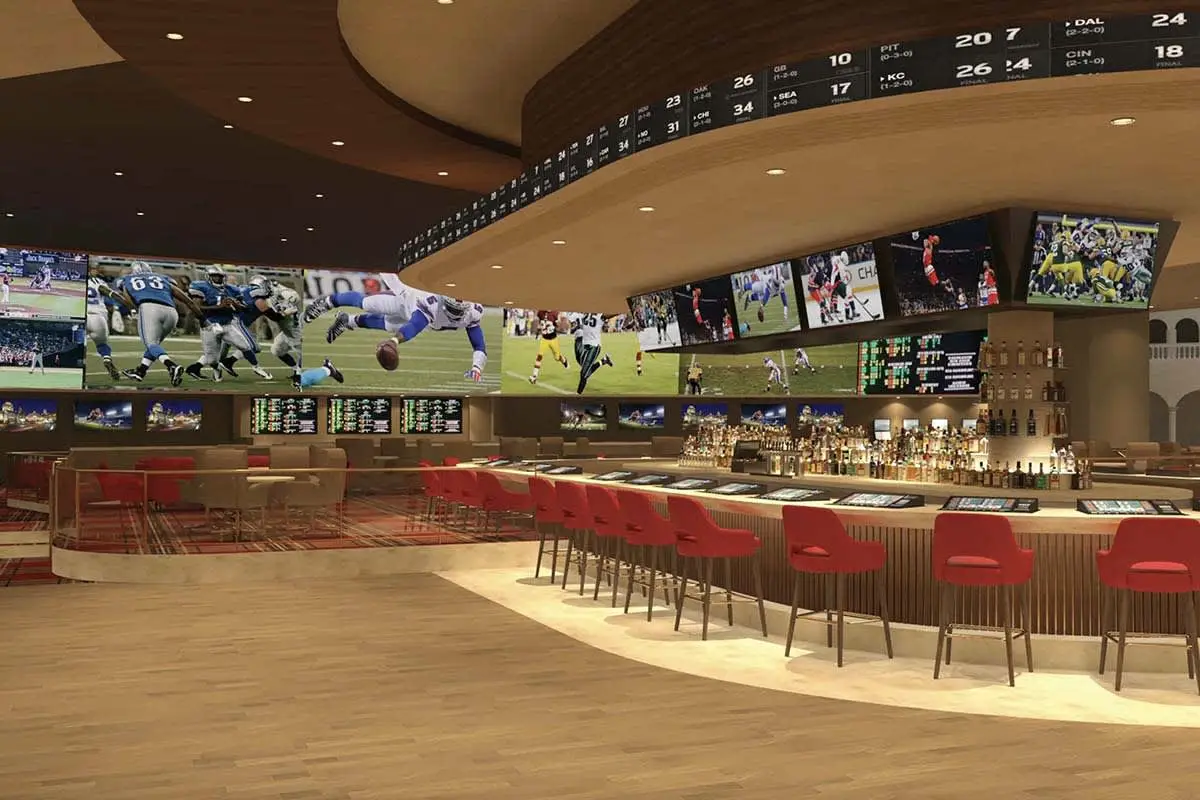
Bar LED displays can support menus, counter branding, shelf promotions, and event visuals. A rental LED video wall may suit a temporary venue, while a permanent bar needs service access and routine content control. The following table summarizes what to verify for each application; dimensions and brightness must come from the selected model and site survey.
Start with the information customers need and where they will stand. Shelf-edge pricing calls for precise product alignment and readable numerals. A back-bar menu needs clear categories and prices. A sports screen needs sufficient height, resolution, and unobstructed sightlines. Decorative nightclub content can prioritize movement and color, but should not make menus difficult to read. Trial the layout during normal venue lighting before scaling up.
5. How to Install Bar LED Display?
5.1 Mounting options
Use the mounting hardware approved for the display and supporting surface. Shelf systems may use rails or clips; modular walls need a suitable frame; counter displays need protection from knocks and spills. Do not assume a magnetic bracket or VESA mount is interchangeable between products. Portable units still need a stable surface, locked wheels, safe cable routes, and any specified anti-tip provisions.
Obtain the actual assembled weight, including frame and accessories. A competent installer should assess the wall, anchors, and access arrangements, especially above occupied areas. Leave the manufacturer’s ventilation and maintenance clearances.
5.2 Power and cable management
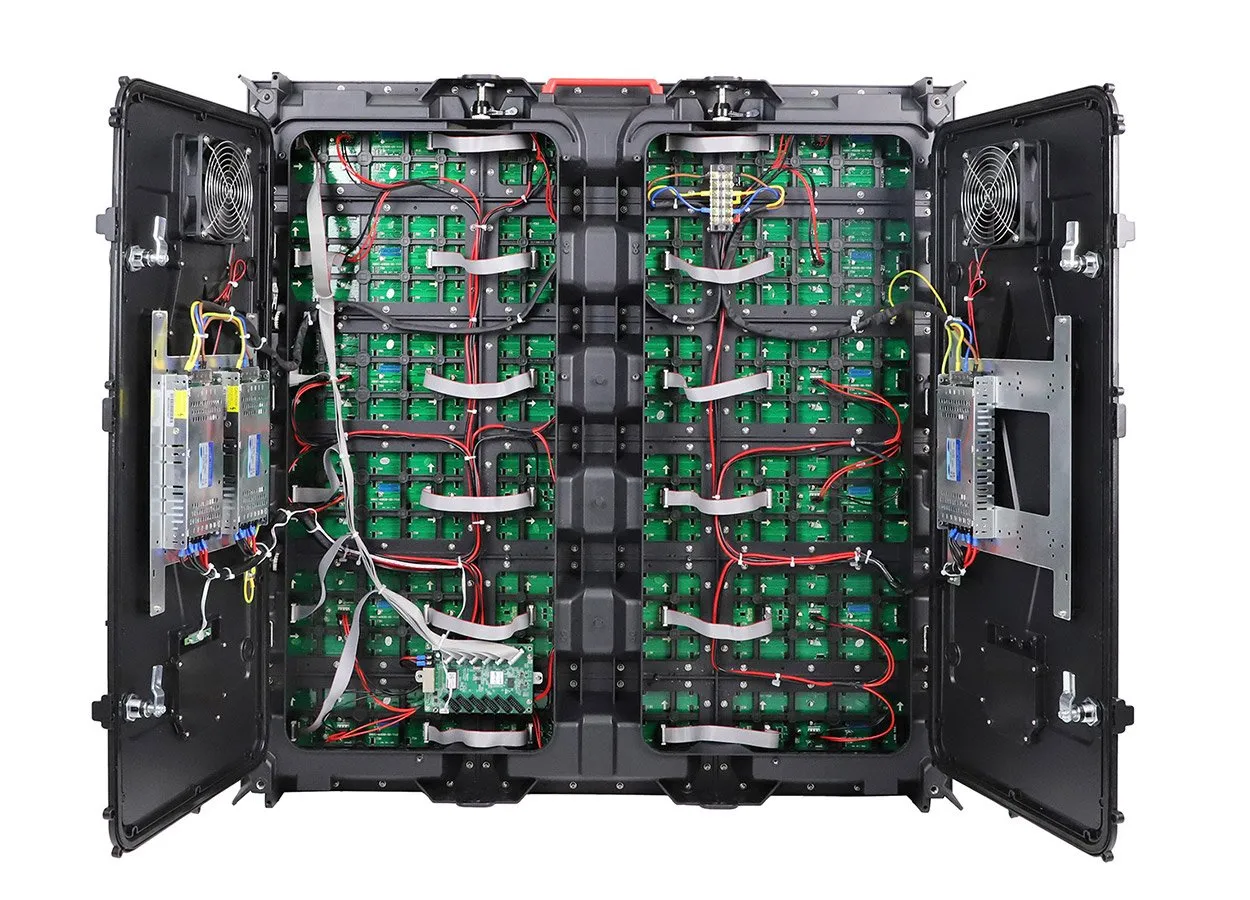
Power requirements vary. LED modules use DC internally, but the complete cabinet or player may take mains AC through its power supply. Never assume every bar display accepts 12–24 V DC. Follow the exact product’s voltage, current, grounding, and circuit requirements. Have qualified personnel handle fixed electrical work. Keep connections protected from liquids and route cables away from walkways. Size circuits for the specified maximum load; use expected operating consumption separately when estimating electricity costs.
5.3 Content setup and testing
Commission the display according to its manufacturer’s procedure, including any specified test duration. Check solid colors, missing pixels, cabinet alignment, temperature, dimming, and playback after a power cycle. Load real menus and verify spelling, prices, aspect ratio, and readability from customer positions. Test scheduled changes, synchronization, and recovery after network loss. Record the controller configuration and provide staff with a short update procedure and support contact. A blanket 24-hour full-brightness test is not a substitute for the product’s commissioning instructions.
6. What is the Price of Bar LED Displays?
6.1 Hardware costs
6.2 Additional costs
Budget method: add the quoted display, controller, mounting, installation, delivery, taxes or duties, initial content, and recurring software and support. For modular LED, active width × height gives square meters; multiply by the quoted price per square meter only when the quote clearly states what that rate includes. A 2 × 0.2 m strip is 0.4 m², but minimum cabinet sizes or custom work can change the billable area.
For a retail rollout, multiply the complete per-unit cost by the number of screens, then add shared integration and commissioning. Request itemized quotations with the same specifications and currency. There is no verified universal 2026 price list for these different products.
7. How to Choose the Right Bar LED Display
7.1 Measure the space
Measure available width, height, depth, mounting points, and maintenance access. A shelf edge with 55 mm of clearance cannot fit a 60 mm housing. For a 2.4 m back-bar span, check whether the cabinet grid fits without a custom frame or unused space. Request outer dimensions, active dimensions, and native resolution on the same drawing. Include power supplies and connectors in the clearance check.
7.2 Match pixel pitch to viewing distance
Use the nearest and farthest customer positions to test a shortlist, rather than choosing pitch from distance alone. Load your smallest menu text, price symbols, and fast-moving video. Ask for an actual sample at operating brightness. Our pixel pitch selection guide explains the tradeoffs. For shelf-edge text at very short distances, compare LCD as well as fine-pitch LED.
7.3 Choose LED or LCD based on environment
Choose between LED and LCD by comparing actual products. Modular LED suits large surfaces and shaped installations with no LCD-style bezels between image modules. Stretched LCD offers a fixed high-resolution canvas that may suit compact text-heavy signage. Brightness, viewing angle, lifespan ratings, weather protection, and price are model-specific. Neither technology is automatically better in every bright location. Compare a sample, warranty terms, replacement-part availability, and total installed cost before deciding.
7.4 Verify the content management workflow
Who updates the display and how? Have the intended operator change a menu item during the demonstration. For a store fleet, test a price update from the source database through to the correct screen. Confirm user permissions, scheduling, offline playback, subscription fees, and what happens if the service ends. Ask who owns the content files and how to export or restore the configuration. Choose a workflow the staff can maintain.
7.5 Budget for installation, not just hardware
Compare complete installations on the same basis. Include the frame, cable management, controller, commissioning, training, spares, and access for repairs. Clarify which party handles failed modules and whether the warranty covers labor or only parts. For daily operation, include software fees and electricity. A lower hardware price can lose its advantage if servicing requires removing the entire counter or closing the bar.
8. Bar LED Display FAQs
9. Conclusion
A bar LED display can deliver menus, branding, sports, or ambient visuals when its format matches the task. Narrow strips work best for concise content; a larger screen is usually more suitable for a full sports broadcast or a detailed menu. Evaluate the screen as part of the venue’s lighting, furniture, and operating workflow.
Before ordering, send the supplier a dimensioned space plan, nearest viewing distance, sample content, operating hours, and indoor or outdoor conditions. Ask for a matched hardware-and-controller quotation and a demonstration of readability, dimming, and content updates. Use the same requirements to compare alternatives, and agree on installation, training, and support responsibilities in writing.
 Flight Information Display: A Practical FIDS Guide
 10 LED Video Wall Manufacturers and Suppliers in France (2026)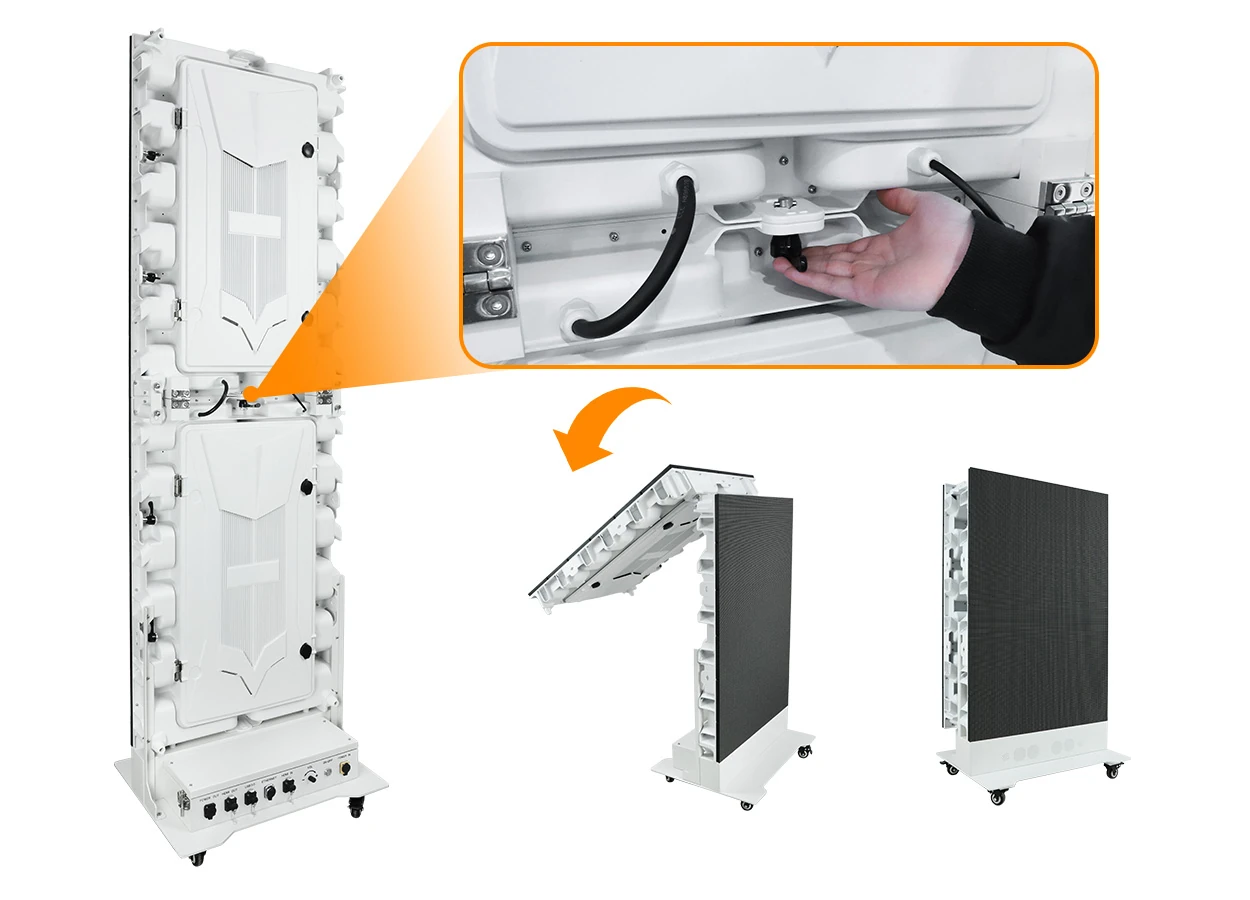
Fill In Your Needs In Detail
Fill in the screen usage scene and size you need in “Content”.You will get a quote.