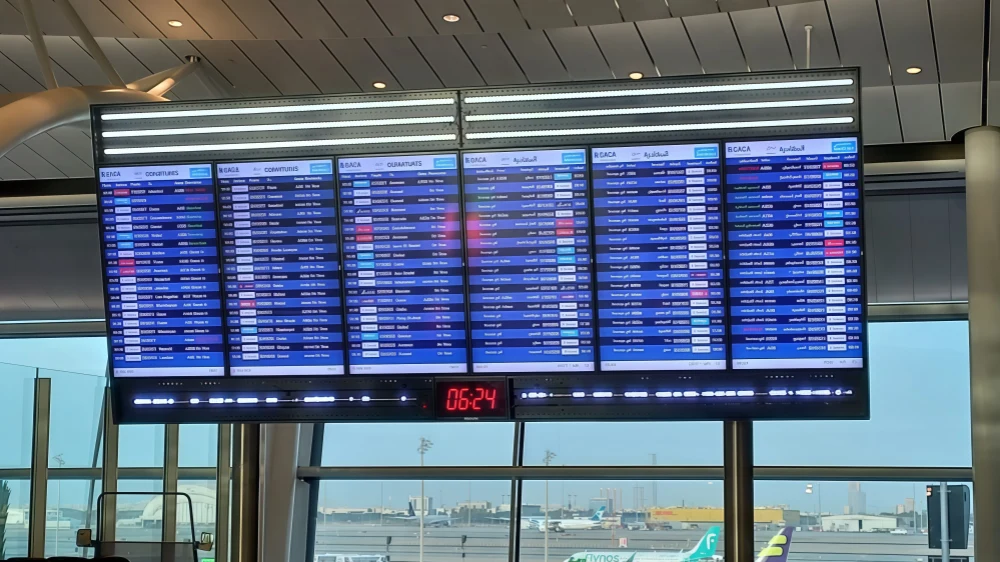
A flight information display shows airport arrivals, departures, gates, check-in counters and flight status. A complete flight information display system (FIDS) combines operational data feeds, software, a network and screens so passengers and staff receive consistent updates. Choose it by data integration, readability, availability and lifetime cost—not screen size alone.
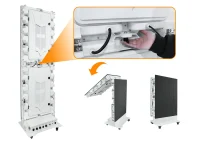
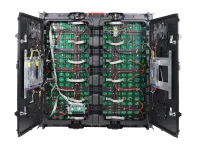
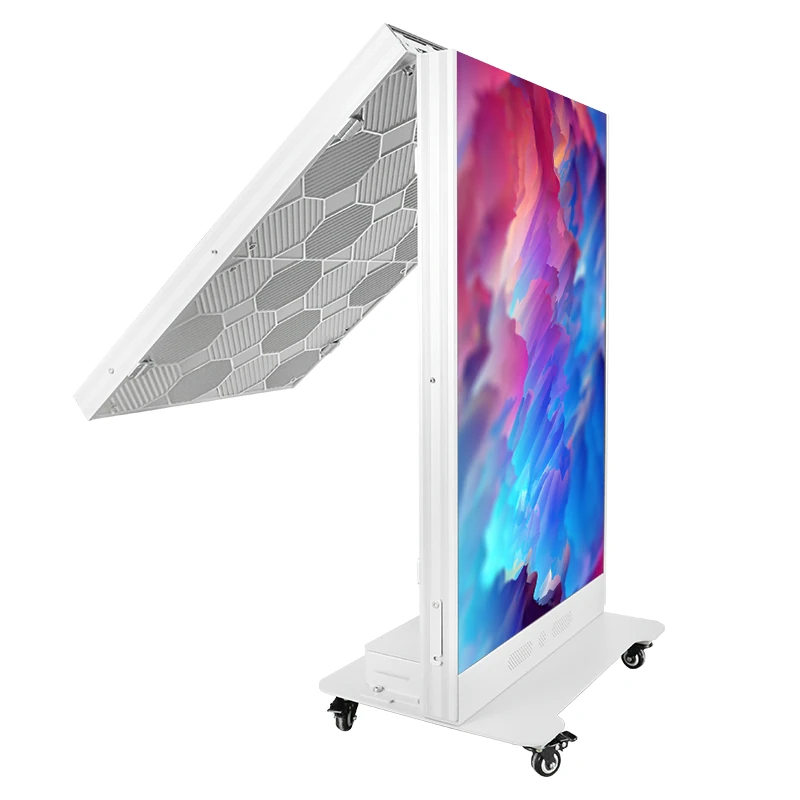
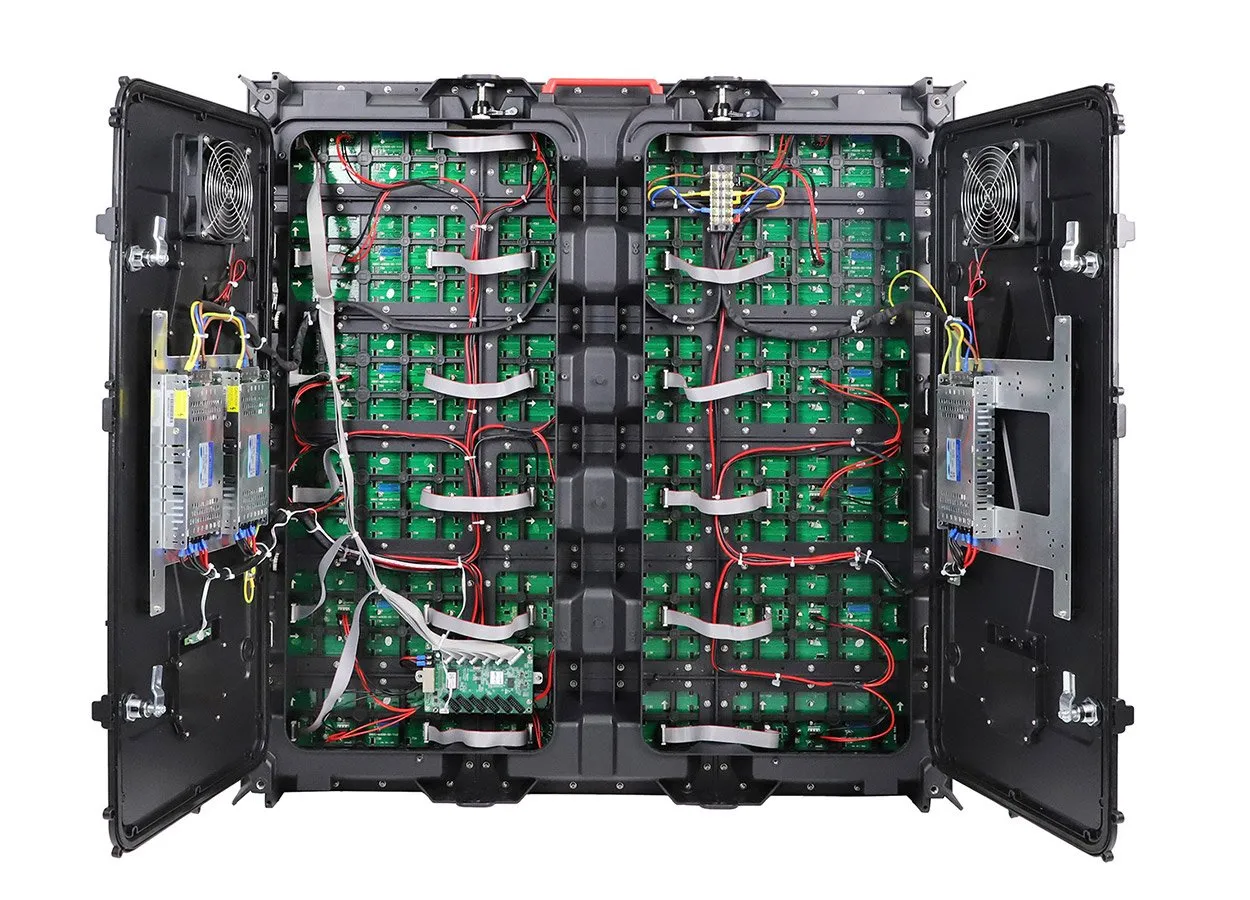
Airport displays can also carry wayfinding, advertising and emergency messages. This guide compares LED, LCD, projection and split-flap formats, then explains deployment, installation, budgeting and procurement. EagerLED’s EA500H8 rental LED cabinets illustrate one hardware format; a cabinet product is not a complete, airport-qualified FIDS. Software, integration, mounting and service arrangements require separate evaluation.
- 1. What is a Flight Information Display?
- 2. Types of Flight Information Displays
- 3. Key Features of a Flight Information Display
- 4. Where Can Flight Information Display Be Installed in Airports?
- 5. How to Install Flight Information Display?
- 6. Flight Information Display Cost: What to Budget
- 7. How to Choose the Right Flight Information Display
- 8. FAQs
- 9. Conclusion
1. What is a Flight Information Display?
FIDS means Flight Information Display System. The passenger-facing screen is one component; the wider system receives, checks and distributes flight information. Typical fields include airline and flight number, destination or origin, scheduled and estimated time, gate, check-in counter, baggage carousel and status such as boarding, delayed or cancelled.
Public boards and staff displays may use different views of the same operational record. Define which information each audience needs, who may change it, and how codeshare flights appear without crowding the list.
A FIDS commonly receives information from an Airport Operational Database (AODB) and other approved feeds, then renders it through templates and display players. Updates depend on the whole chain: source accuracy, interface processing, network delivery and screen refresh. A fast screen cannot correct a late or incorrect upstream record.
Specify a measurable end-to-end update target, source timestamps, stale-data alerts and an agreed response to missing information. Test gate changes and cancellations from the source system through to the visible board, rather than measuring network speed alone.
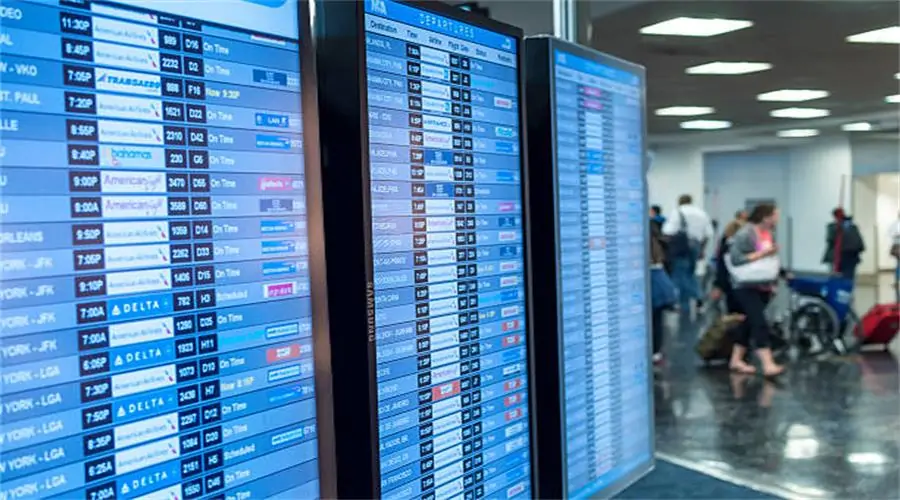
Airport boards have developed from mechanical split-flap displays to electronic monitors and modular LED walls. These formats still serve different purposes; LED is not automatically a replacement for every LCD. Single commercial monitors suit many gates and service points, while larger LED canvases can combine flight lists and wayfinding.
Hardware selection should follow the required text size, viewing distance, lighting and maintenance access. Keep the information hierarchy consistent across formats so passengers can recognize the same flight status wherever they look.
2. Types of Flight Information Displays
2.1 LED flight information displays
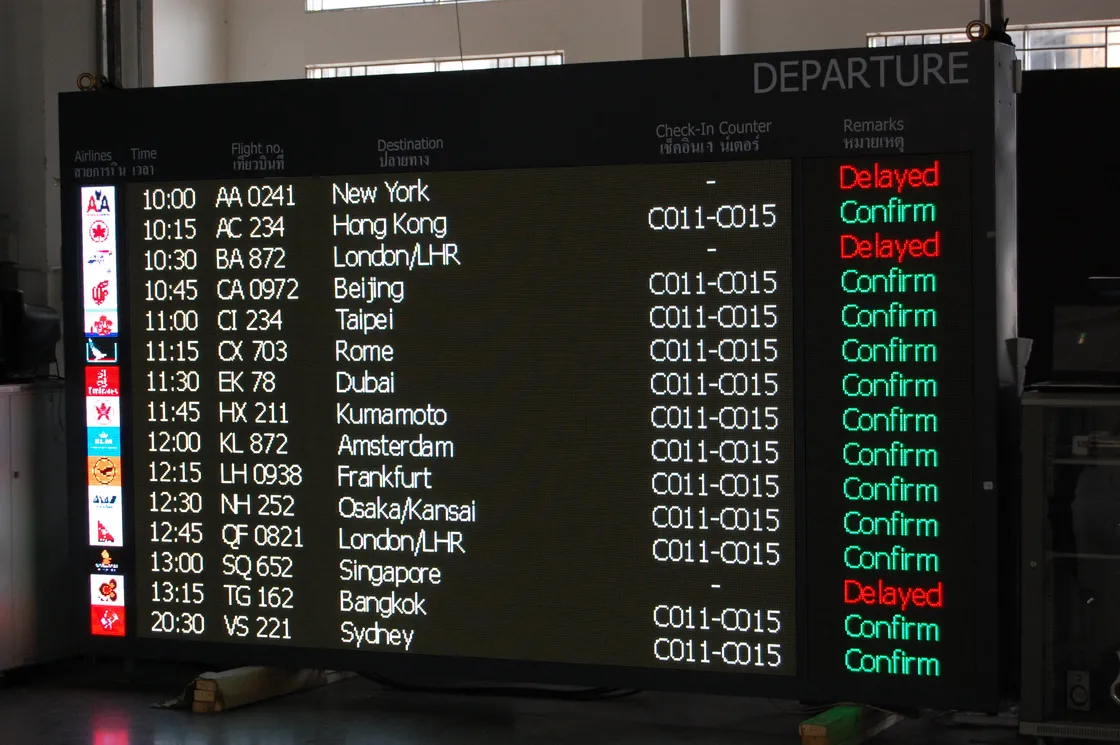
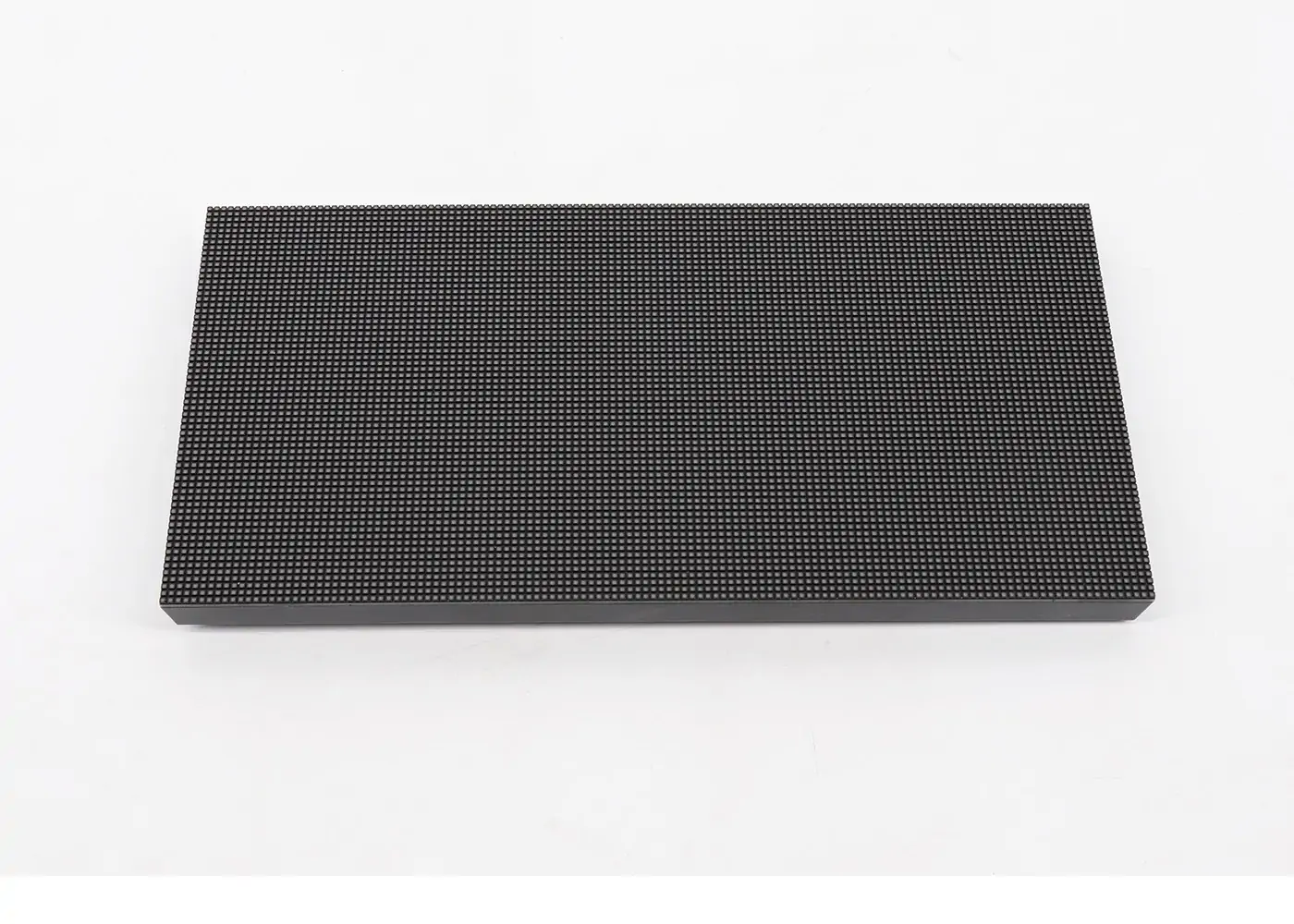
Direct-view LED uses modular cabinets to build large displays without the panel bezels found in LCD arrays. Pixel pitch, brightness, calibration and service access vary by product. Fine pitch can improve text detail at close range, but increases the hardware required for a given area; compare resolution and usable text size before choosing.
Documented examples include Edinburgh Airport’s expanded check-in wall, described by integrator NuVideo, and Cologne Bonn’s 1.2 mm LED boards, documented by Sharp/NEC. These are project examples, not universal specifications. Compare energy, spares, access equipment and support over the same ownership period before claiming a cost advantage.
2.2 LCD flight information displays
Commercial LCD panels are an option for gate podiums, baggage areas and staff workstations where a single screen provides enough information. Check the model’s operating-hour rating, brightness, orientation support and remote controls. A standard-sized monitor may simplify replacement, but price and serviceability depend on the actual specification.
LCD video walls introduce bezels between panels. Position templates so flight numbers and status text do not cross these gaps. Compare a monitor array with an LED wall using a full-size sample of the airport’s busiest flight list, including the smallest required characters.
2.3 Projection-based flight information displays
Projection and rear-projection systems can serve particular control-room or architectural applications. Their suitability depends on ambient light, image contrast, projection distance, obstructions and service access. Lamp-based and laser-light-source products have different maintenance requirements; routine lamp replacement should not be assumed for a laser projector.
For passenger information, assess whether people, equipment or daylight could obscure the image. Compare the proposed system with direct-view alternatives under actual operating conditions and use the manufacturer’s maintenance schedule in the cost assessment.
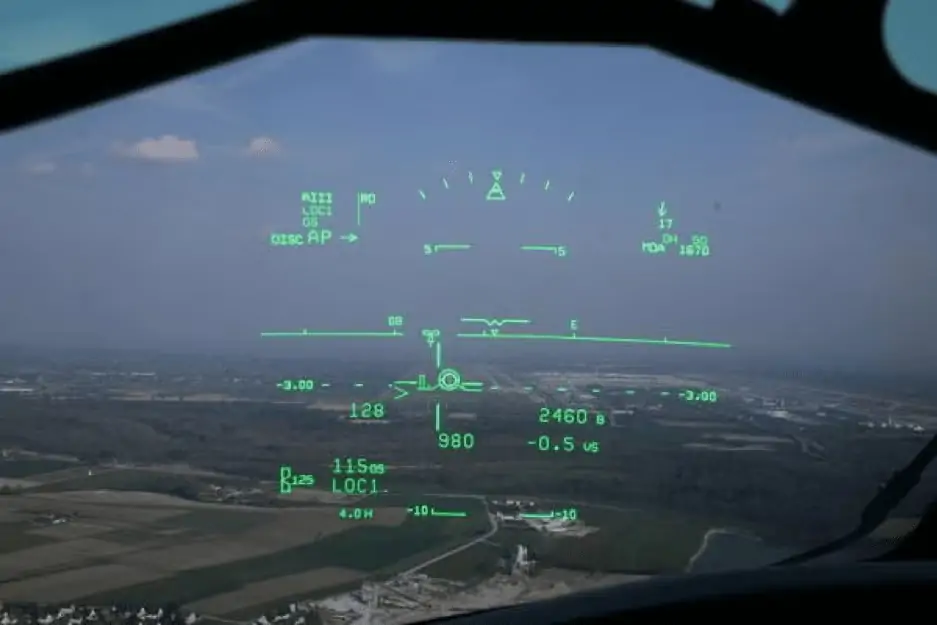
The retained image below shows an aircraft head-up display, a different application from passenger-facing terminal FIDS.
2.4 Split-flap and hybrid displays
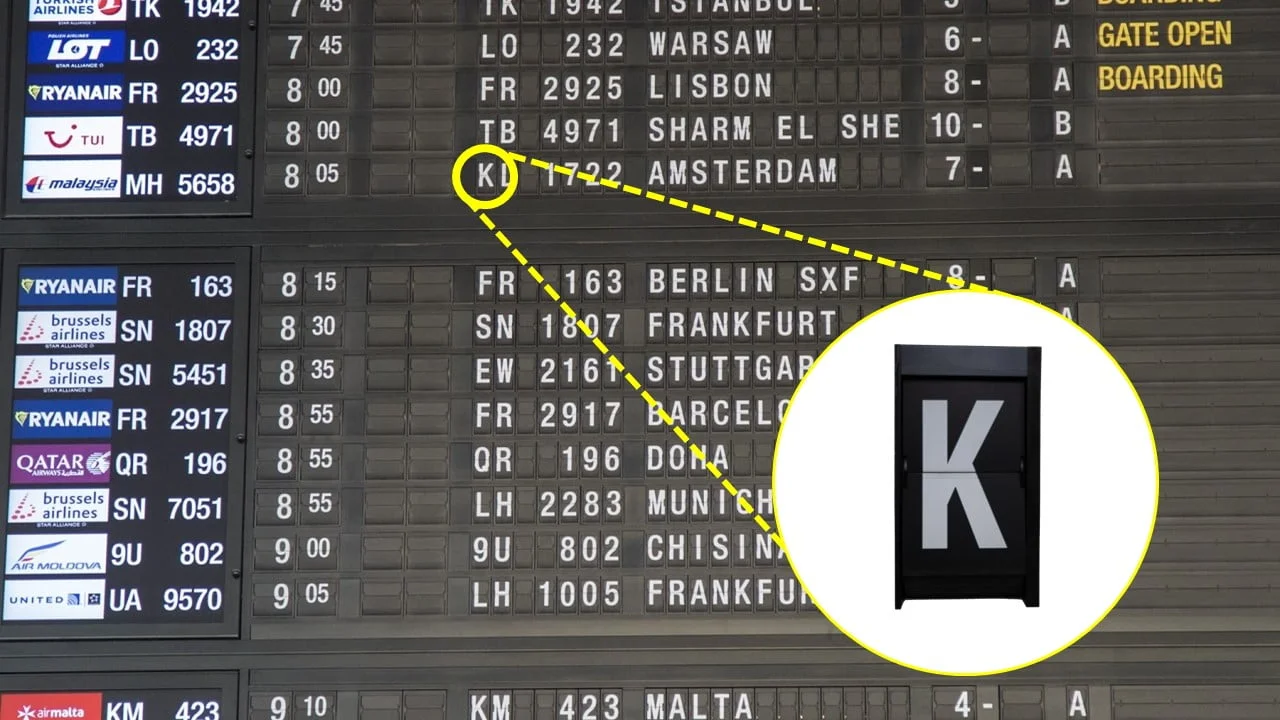
A mechanical split-flap board physically turns characters; a digital version recreates the appearance on an electronic screen. Cologne Bonn’s LED installations in autumn 2023 and spring 2024 retained a split-flap animation, with additional speakers reproducing the sound, according to the Sharp/NEC case study cited above.
This illustrates a design choice rather than evidence of a market-wide trend. Keep animations short and ensure they do not delay a status change or make essential text harder to read. A static fallback is useful when motion is unnecessary.
3. Key Features of a Flight Information Display
3.1 Real-time data integration
Define the authoritative source for each field and the rules for conflicting, late or missing updates. IATA’s AIDX standard provides XML messages for exchanging operational flight information between airlines, airports and other parties. Confirm the supported version and fields with each supplier; compatibility is not automatic.
Specify update and recovery targets appropriate to airport operations, then test them. Optional weather or connection information needs its own source, ownership and fallback rules. Preserve essential departures and arrivals information if a supplementary feed fails.
3.2 Brightness and visibility
Choose brightness after assessing daylight, reflections and the installed position. There is no single nit requirement for every concourse or gate. Excess brightness can also reduce visual comfort, particularly at night. Evaluate the complete screen’s contrast and text legibility in the brightest and darkest expected conditions, with automatic or scheduled dimming where appropriate.
Outdoor LED display hardware requires a separate assessment of weather exposure, temperature, glare and enclosure protection. Confirm that the selected configuration and installation match the site, rather than relying on a brightness figure alone.
Check horizontal and vertical sightlines from actual passenger routes, including seated positions and overhead viewing angles. A quoted viewing-angle specification does not guarantee that small text is readable across a hall. Letter height, contrast, pixel pitch, distance and obstructions all matter. Use a full-size layout trial and the pixel-pitch selection guide to assess the required resolution.
3.3 Reliability and redundancy
Match operating-hour ratings and support coverage to the airport’s service schedule. Define acceptable downtime and identify failures in the data feed, server, player, controller, network and power supply. Redundancy should address these specific failure points; two devices on one power circuit do not provide independent power protection.
Agree recovery-time targets, spare-parts availability and escalation procedures in the contract. Do not assume a universal 100-millisecond failover. Test recovery and the displayed fallback message, including the possibility that the screen remains powered but its flight data has stopped updating.
3.4 Content flexibility
Content software can schedule flight lists, wayfinding, advertising and operational messages. SITA’s information display system use case describes integrated data feeds, media content and message priorities. Require clear permissions and priority rules so commercial content cannot obscure essential flight information or an authorized emergency message.
EA1000C6 rental LED cabinets are display hardware, not the software providing these functions. Advertising income depends on inventory, demand and operating agreements; model it separately rather than assuming it will repay the equipment cost.
3.5 Multi-language and accessibility
Select languages using the airport’s passenger needs and applicable requirements. Test long destination names, different scripts, text direction and character rendering. Use clear status words with adequate contrast; colour alone should not communicate boarding, cancellation or delay. Avoid rapid rotations that prevent passengers from reading a complete entry.
A passive overhead board is not a screen-reader interface. Accessible kiosks, staff assistance and visual or audible messaging may be needed alongside it. The U.S. DOT Airline Passengers with Disabilities Bill of Rights explains accessible-information obligations for covered air travel; confirm the rules applicable to the airport and airlines involved.
3.6 Remote management
Central monitoring should distinguish a healthy screen from a healthy information service. Monitor connectivity, player status, data freshness and faults, with alerts routed to the team that can respond. Remote restart and content changes need role-based access, audit logs and controlled maintenance procedures.
For on-premises or hosted management, clarify network dependency, access controls, software updates and operation during a connection loss. Ask suppliers to demonstrate fleet monitoring and recovery using the proposed configuration, including how staff identify a blank screen or stale flight list without visiting every location.
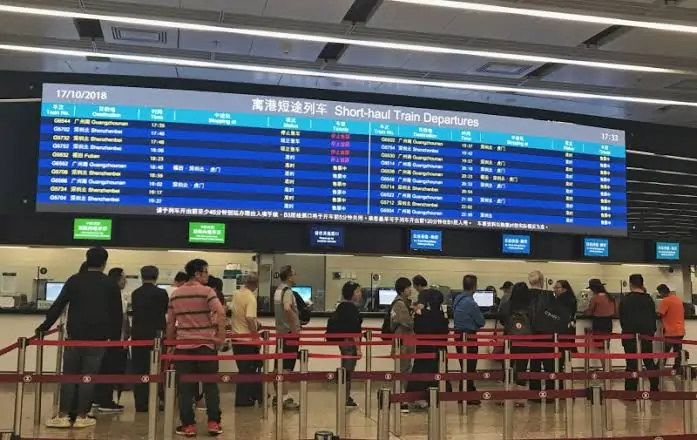
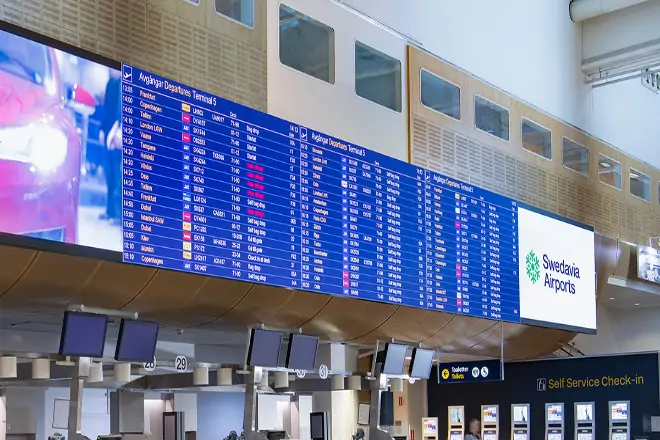
4. Where Can Flight Information Display Be Installed in Airports?
These are planning examples, not standard screen sizes. Confirm each location through a visibility and operational assessment.
| Area | Display type | Sizing consideration | Content displayed |
|---|---|---|---|
| Check-in hall | Large LED wall or LCD array | Peak flight list and sightlines | Flight lists, wayfinding, advertising |
| Departure concourse | Overhead LED or LCD | Mounting height and approach routes | Departure gates, delays, boarding status |
| Gate podium | Commercial LCD screen | Readable gate and boarding text | Flight number, destination, boarding group |
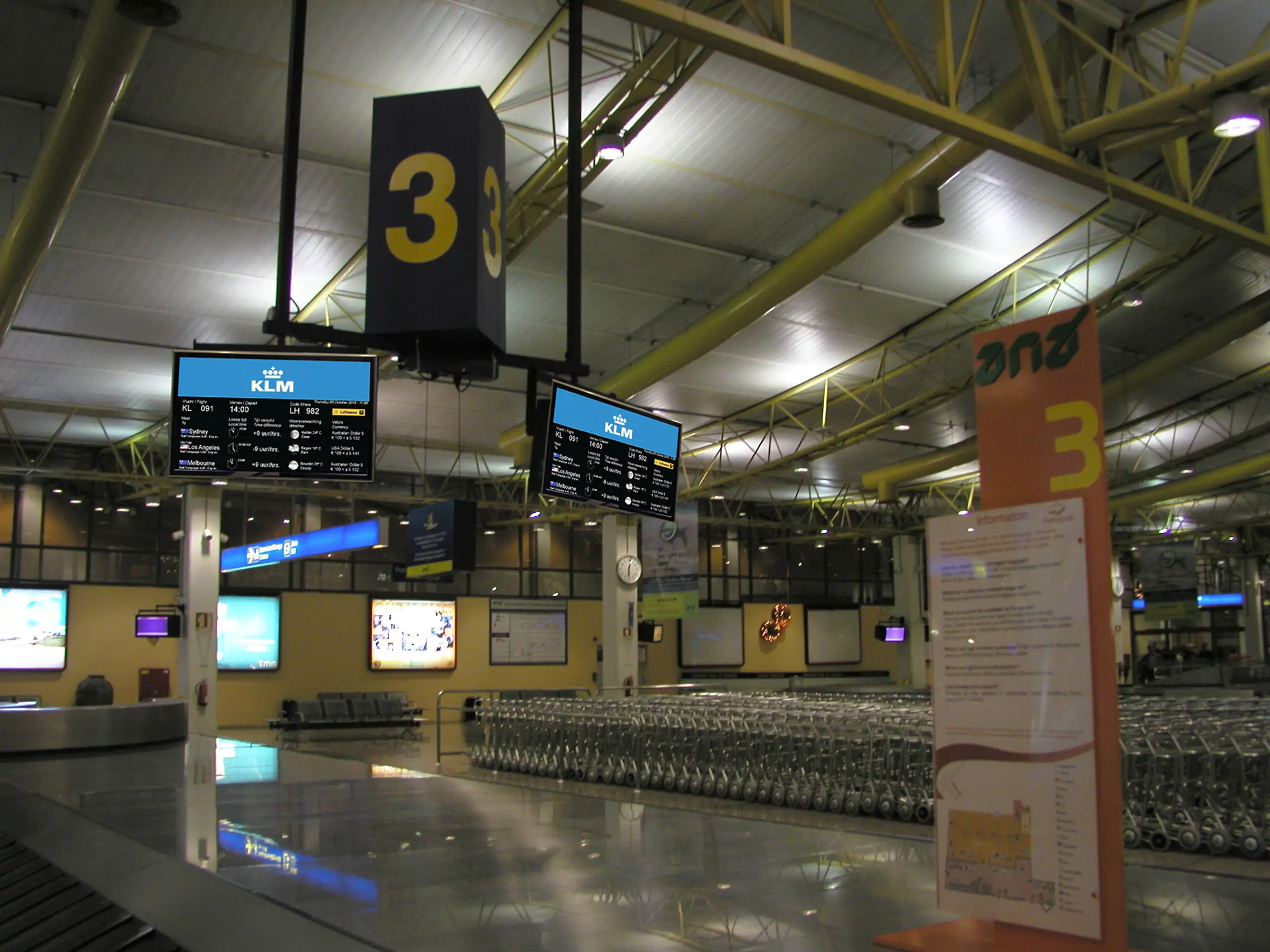
| Baggage claim | LED or LCD | Carousel visibility | Carousel assignments, arrival info |
| Arrivals hall | LED video wall | Arrivals list and waiting area | Incoming flights, ground transport info |
| Curbside and parking | Outdoor LED | Outdoor viewing distance | Arrival pick-up info, parking availability |
| Staff operations | LCD workstation displays | Operator workspace | Ramp coordination, gate assignments |
The check-in hall may need a large shared display, while gates and baggage carousels require more local information. Size each location around passenger sightlines and the maximum useful flight list, not a target wall area. If one canvas combines advertising and operational content, reserve sufficient readable space for flight information during disruption, when updates and passenger demand increase.
5. How to Install Flight Information Display?
5.1 Site assessment and infrastructure
Survey each site before ordering. A qualified structural designer should assess the actual cabinets, frames, fixings and supporting structure; display area alone does not establish a safe suspended load. Include maintenance access and the equipment needed to replace modules. Coordinate the installation with fire protection, evacuation routes and other building services.
Size electrical circuits using specified maximum demand and applicable design requirements. Plan heat removal and cable routes. Cable-distance limits depend on the chosen interfaces, cable type and manufacturer guidance; there is no universal 15-metre threshold. Record the approved installation drawings and responsibilities before work begins.
5.2 Integration with airport systems
Agree interfaces between the AODB supplier, airport IT team, FIDS software provider and display integrator early. Document field mappings, codeshares, time zones, message priorities, authentication, network rules and error handling. Include public-address or advertising interfaces only where required and supported.
Assign an owner to each connection and define acceptance tests before procurement closes. Use representative test data and a staging environment where available. Schedule physical installation, cybersecurity review and operational testing around airport access constraints; integration is one project risk alongside manufacturing, approvals and terminal works.
5.3 Testing and commissioning
Agree factory and site acceptance procedures with the airport. Any burn-in duration and operating settings should follow the equipment and contract requirements, rather than an assumed universal 72-hour test. Check every display with representative flight lists, long names, multilingual text, emergency layouts and low-light settings.
Test stale feeds, player faults and recovery in staging or an approved maintenance window with an agreed fallback plan. Do not disconnect live operational feeds without coordination. Train staff to acknowledge alerts, authorize messages and use manual procedures, then record test results, configuration backups and handover responsibilities before go-live.
6. Flight Information Display Cost: What to Budget
Use the categories below to compare like-for-like quotations. Recurring charges should be separated from one-time project costs.
| Cost category | What the quotation should cover |
|---|---|
| Display hardware (LED panels or LCD screens) | Cabinets or screens, spares and warranty |
| Video processing and control systems | Players, controllers, redundancy and licences |
| Software licensing and CMS | Initial fees, subscriptions and update terms |
| Installation and structural work | Frames, access equipment, power and cabling |
| Integration with AODB and airport systems | Interfaces, mapping, testing and change support |
| Training, testing, and commissioning | Acceptance tests, manuals and staff sessions |
| Annual maintenance and support | Recurring labour, parts and service coverage |
A reliable FIDS budget starts with a defined scope: screen count and resolution, software licences, interface work, structural requirements, installation access and support hours. Airport-wide price ranges are not comparable without these assumptions, and an equipment-only quotation is not a deployment budget. Request itemized bids against the same requirements and identify exclusions, taxes, freight and contingency separately.
Compare five-year total cost using capital cost plus recurring licences, support, energy and planned replacements. For illustration only, a quoted annual service fee of $10,000 adds $50,000 over five years before escalation or taxes; this is arithmetic, not a market-price estimate. Keep potential advertising income separate from the baseline operating cost.
7. How to Choose the Right Flight Information Display
7.1 Define the operational requirements first
Start with the information passengers and staff need. Record display locations, peak simultaneous flights, required languages, codeshares, status priorities and viewing distances. Define whether each screen carries departures, arrivals, baggage, advertising or wayfinding. Daily flight count alone does not determine how many rows must fit.
Identify who operates the CMS, who authorizes emergency messages and who owns data corrections. Turn these requirements into sample layouts and acceptance criteria that all bidders can demonstrate.
7.2 Match display technology to the environment
Assess each location separately: daylight, reflections, viewing distance, mounting height, temperature and exposure. Compare indoor LED screens with commercial LCD where both could meet the need. For outdoor positions, specify enclosure protection and environmental ratings for the complete installation.
Require a legibility demonstration at realistic settings. Avoid prescribing a universal brightness or IP rating without the site assessment; the appropriate specification follows the environment and maintenance plan.
7.3 Prioritize integration compatibility
Separate flight-data integration from video transport. The FIDS application or middleware receives operational messages and creates screen content; a video processor normally manages the resulting video signal or LED output. Confirm the actual interface path rather than assuming a controller accepts an AODB feed.
Request supported AIDX versions or other interface specifications, field mappings, licence costs and responsibility for future changes. Test a gate change, codeshare update and unavailable feed across the complete chain before accepting compatibility claims.
7.4 Plan the total cost of ownership
Compare proposals over the same service period and operating assumptions. Request power consumption at the intended brightness, warranty exclusions, module and player prices, software renewal charges and response times. Include the labour and access equipment needed for repairs; a low parts price may not mean a low maintenance cost.
Ask for evidence behind reliability estimates and a spare-parts plan. Evaluate the agreed five-year total cost alongside legibility, recovery testing and support capability, rather than choosing solely by price per square metre.
8. FAQs
9. Conclusion
A useful flight information display system delivers accurate, readable updates and gives airport staff a controlled way to respond when data or equipment fails. LED walls, LCD monitors and other formats should be chosen for the places they serve, with consistent templates across the terminal.
Begin with operational requirements, verify the data interfaces, test realistic layouts and agree recovery procedures. Obtain comparable quotations covering software, integration, installation and ongoing service. For an LED hardware enquiry, provide screen dimensions, viewing distances, site conditions and maintenance access so the proposed display can be assessed within the complete FIDS design.
 Ceiling LED Screen: Complete Buyer's Guide 2026
 2026 Bar LED Display Guide: Types, Price, and Choice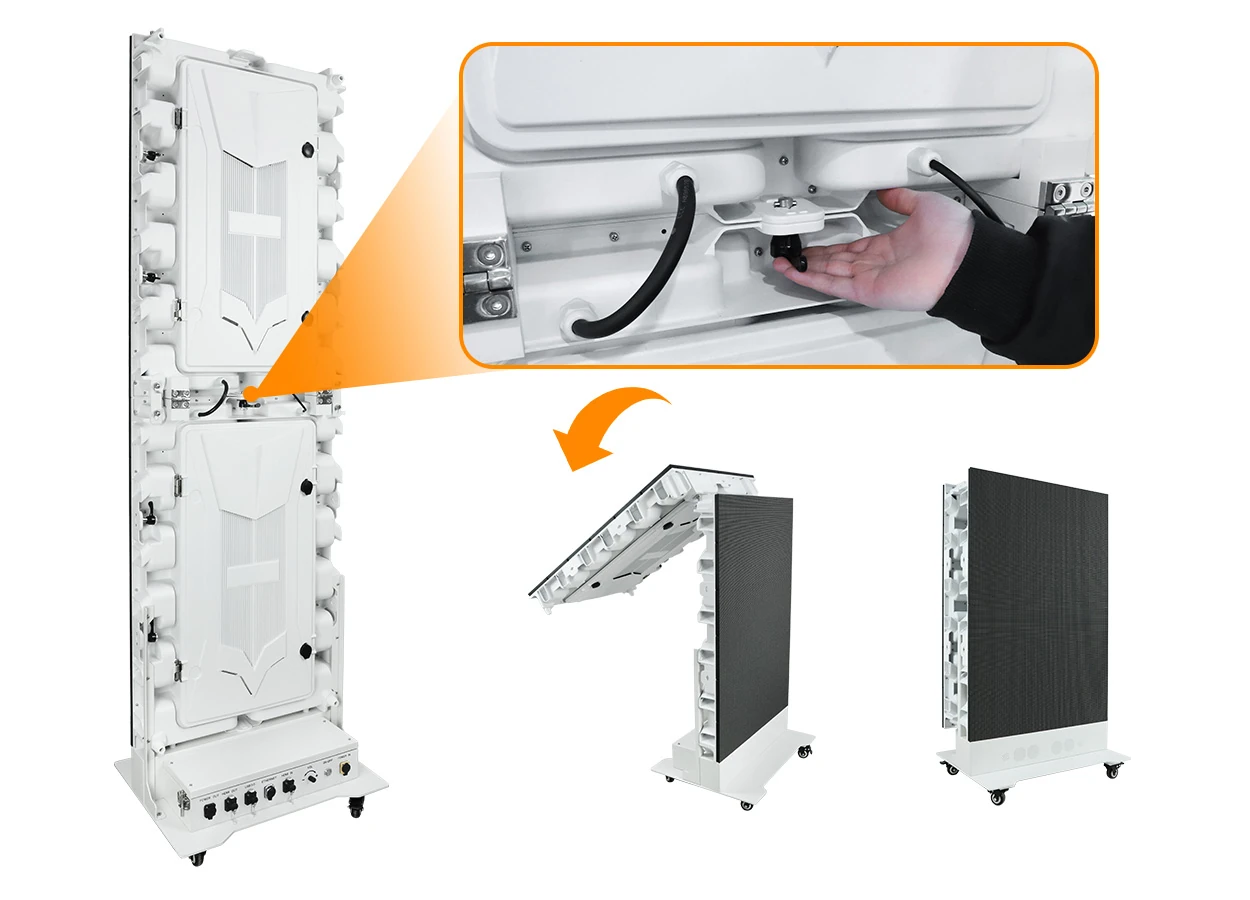
Fill In Your Needs In Detail
Fill in the screen usage scene and size you need in “Content”.You will get a quote.