Evaluate a Chinese fine-pitch LED wall supplier for an executive boardroom by making it reproduce your meeting workflow with your files, source devices and viewing positions. A showroom video cannot establish whether directors can read a spreadsheet, switch between presenters or join a video meeting without operator intervention. For Brazilian corporate AV buyers, a useful shortlist connects that demonstration to a controlled production configuration and a named local commissioning and support team.
- A buildable wall drawing and native pixel canvas.
- A witnessed session using representative business content.
- A responsibility schedule covering the LED supplier, AV integrator and IT team.
- A production and handover record that preserves the approved result.

Contents
1. Verify the wall’s native canvas
Ask for active width and height, cabinet count, pixel pitch, native horizontal and vertical pixel counts, and the processor’s mapping diagram. “Accepts 4K” describes an input capability; it does not prove that the wall contains a 3840 × 2160 pixel canvas. Confirm the exact processing and hardware configuration rather than relying on the cabinet’s aspect ratio.
Planning example: assume an active wall 3.2 m wide and 1.8 m high with a square 1.25 mm pixel grid. Convert to millimetres: 3200 ÷ 1.25 = 2560 horizontal pixels, and 1800 ÷ 1.25 = 1440 vertical pixels. The resulting 2560 × 1440 canvas is below 3840 × 2160, even when a processor accepts a 4K source. This is an illustrative calculation, not an EA600COB3 cabinet layout, quotation or tested configuration.
The supplier must replace the example with an achievable arrangement of whole modules and cabinets and explain any scaling. Use the LED pixel pitch calculation guide to check arithmetic, then approve readability from the actual seats. A pixel count alone cannot establish a comfortable text size.
2. Run a buyer-owned demonstration
Prepare a small, sanitised test pack: a spreadsheet with the smallest text normally shown, a presentation, a dashboard with fine grid lines, a video clip and a video-meeting layout. Do not send confidential board papers to a supplier. Give all candidates the same content and record the settings used.
| Meeting task | What the buyer checks | Evidence to retain |
|---|---|---|
| Read a financial sheet | Text, decimal points and grid lines from the nearest and farthest seats | File version, application scaling, source resolution and observer notes |
| Show presentation and dashboard content | Cropping, aspect ratio, window layout and transitions | Native canvas and processor preset used |
| Join a hybrid meeting | Local display result and remote participant view | Camera, room lighting and capture settings; unresolved artefacts |
| Change presenter or input | Switching behaviour and recovery if a source reconnects | Signal path, control action and any manual intervention |
| Operate at meeting brightness | Comfort, visible uniformity and low-level detail | Agreed room conditions and display settings |
| Restart for the next meeting | Expected input, picture preset and operator instructions return | Saved configuration, responsible person and recovery steps |
Ask the AV team to judge camera artefacts using its actual conferencing equipment. A refresh-rate figure does not guarantee the absence of bands or moiré for every camera setting. If a showroom cannot reproduce the proposed system, list the differences and identify which tests must be repeated before final acceptance.
3. Assign every system interface
Draw the path from each source to the wall: laptop, switcher or conferencing appliance, processor, receiving system and display. Name the party configuring each interface. Separately identify room control, audio, camera and network responsibilities; these functions are not automatically included with LED cabinets.
Have corporate IT review the proposed remote-support arrangement and any network-connected equipment before connection. Specify who can change presets and where approved settings are stored. Ask for a demonstrated recovery procedure rather than accepting an unsupported promise of compatibility with every collaboration platform.
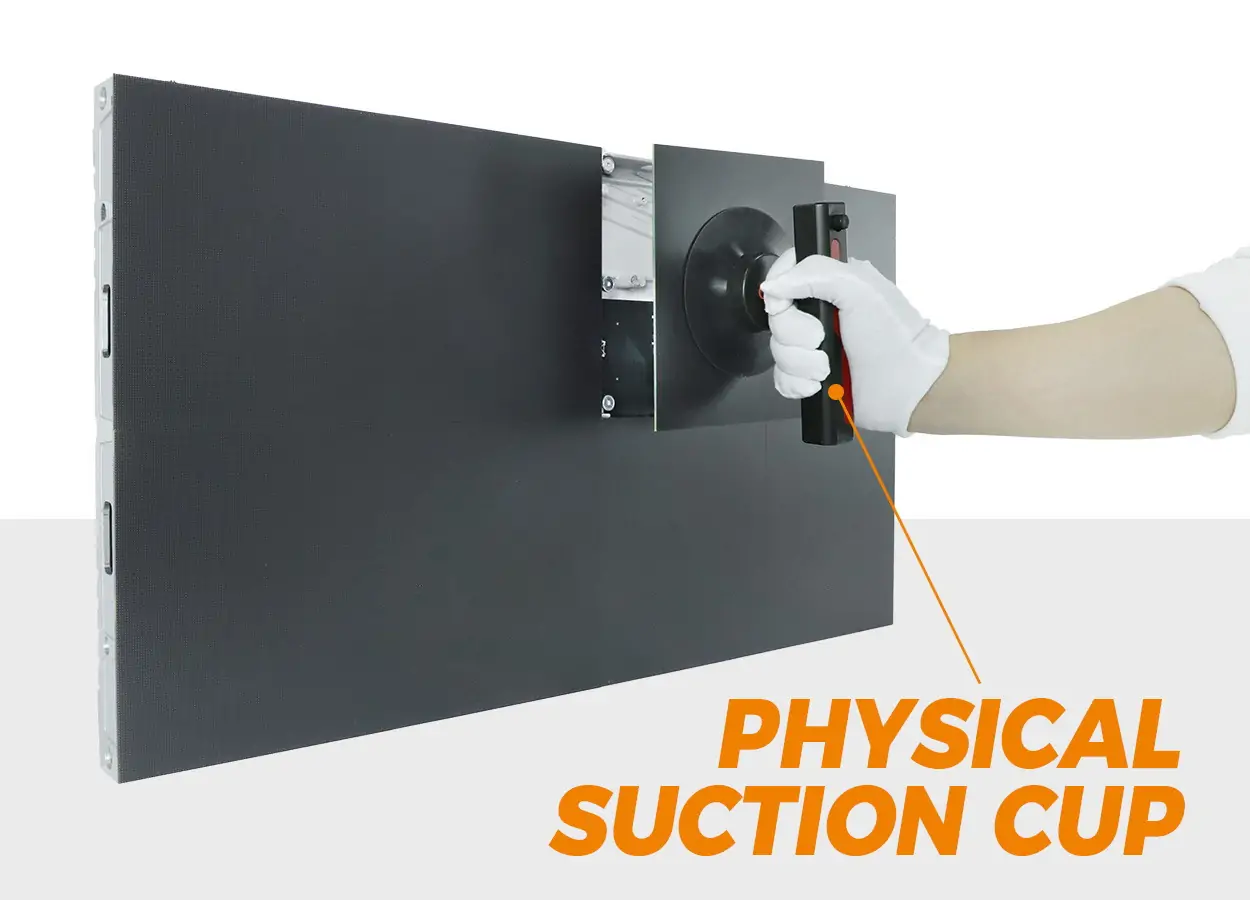
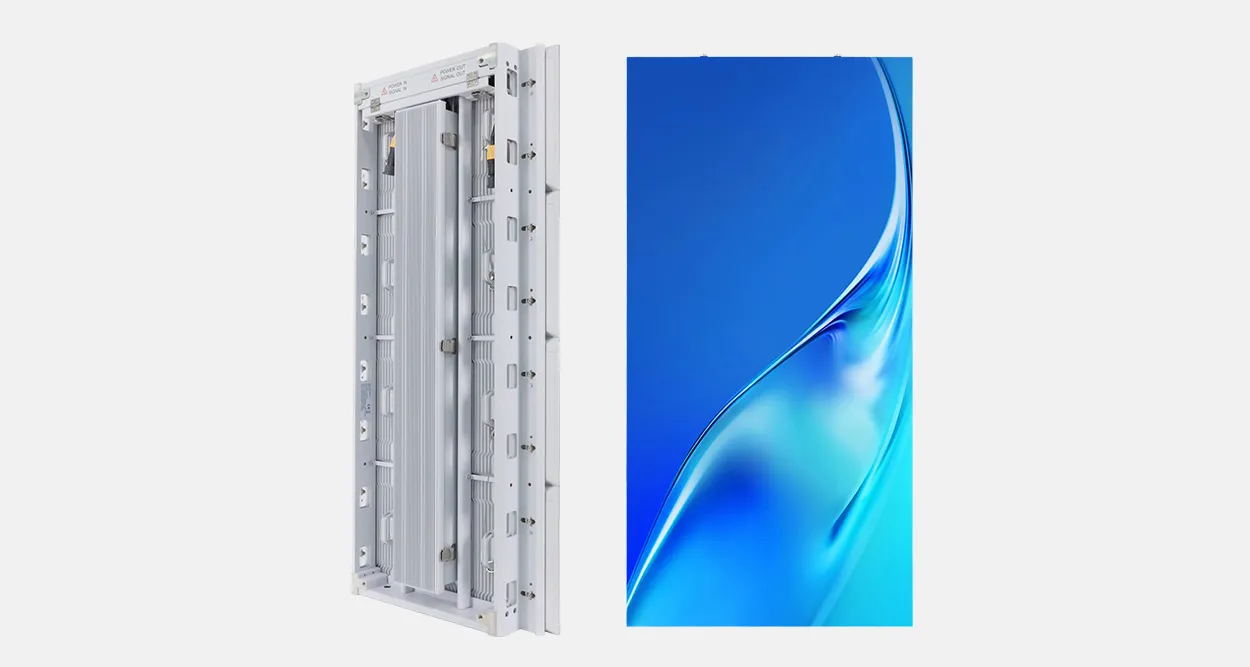
EagerLED’s EA600COB3 indoor COB LED display is a front-service product reference. Obtain the current pitch, cabinet, controller and module specifications for the proposed wall. The product page is a source for construction details; a boardroom workflow still needs its own demonstration.
4. Check the factory and production record
Verify the legal seller, manufacturing role, production address and subcontracted stages. In a live factory review, ask the supplier to connect your proposed model with an actual assembly and inspection process. Obtain the approval record for component substitutions and the inspection evidence that will accompany your order.
Preserve the demonstrated bill of materials, firmware versions, mapping and picture settings. During pre-shipment review, compare the production labels and configuration with that record. Require explanations for changes before accepting the result. A different module batch, receiving system or processor should not silently replace the demonstrated equipment.
5. Plan the Brazilian handover
Name the Brazilian integrator or service provider and verify its actual contracted scope. Agree commissioning, operator training, settings backup, compatible spares and the escalation route. Request Portuguese operating and handover material where the local team requires it; this English checklist does not establish the supplier’s translation or local-service capability.
Keep equipment warranty, on-site labour, travel, access equipment and replacement freight as separate quotation lines or explicit inclusions. Confirm support hours in the installation city’s local time. Have the importer and local project professionals verify the applicable documentation and import responsibilities for the specific equipment; do not treat a generic certificate as approval of the entire room.
6. Prepare the enquiry
Send: Brazilian installation city; wall dimensions; seating plan and viewing distances; room lighting; sample content; source devices and signal formats; conferencing and control equipment; wall construction; service access; IT constraints; commissioning date; and required local support.
Ask EagerLED for a native-canvas drawing, exact equipment list, buyer-content demonstration plan and responsibility schedule. Apply the same evidence requirements to every shortlisted manufacturer.
 Front-Maintenance Retail LED: Supplier Evidence Checks
 Shopping-District LED Billboards: Supplier Checks
Related Posts
Fill In Your Needs In Detail
Fill in the screen usage scene and size you need in “Content”.You will get a quote.