Shortlist a Chinese GOB showroom wall supplier only after it demonstrates the display, input hardware and interactive application working together on the proposed configuration. Glue-on-board protects an LED module’s surface; it does not, by itself, detect a visitor’s hand or run an interactive experience.
This guide helps LED display integrators planning a GOB showroom wall in Latin America compare supplier responsibilities before committing to a sample or order. The useful comparison is a repeatable visitor task on a defined system, rather than an impressive coating demonstration alone.
- The proposed interaction works across the intended active area and viewing positions.
- One named party owns coordinate mapping, calibration and software recovery.
- The production modules, coating, controller and spares match the accepted demonstration.
1. Define the showroom interaction
Describe one complete visitor task: approach the wall, select an item, see the response, return to the starting screen. Say whether visitors touch the face, gesture in front of it or use a separate device. These are different input arrangements, even if the displayed content looks similar.
Provide the wall dimensions, mounting height, nearest viewing position, lighting and expected user positions. Identify physical obstructions and accessible areas. Request an active-area drawing for the GOB showroom wall that distinguishes the LED image boundary from the sensing boundary. A visitor should not have to guess why a visible button cannot be selected near an edge.
For the intended country, identify the application’s required languages and fonts, including Spanish or Portuguese where relevant to the project. Use the real interface assets in the supplier demonstration. Legible text, correct accents, button size and navigation matter more than a generic animation. Do not assume an English showroom demo establishes the local visitor experience.
2. Separate display protection from input
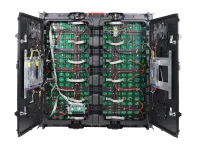
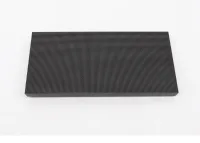
EagerLED’s GOB LED module range describes a protective adhesive covering the LED surface. The offered wall still needs an identified cabinet, power and control system. If interaction is required, the supplier must also identify its sensing method, input controller, application and integration scope.
| System part | Evidence to request | Responsibility to name |
|---|---|---|
| LED wall and GOB face | Module, coating, cabinet and processing configuration | Supply, image setup and approved care |
| Input system | Sensing method, active area and supported actions | Installation and recalibration |
| Interactive application | Actual project task, languages and content revision | Software delivery, licensing and updates |
| Coordinate mapping | Input-to-image alignment at corners, edges and center | Integration and acceptance testing |
| Recovery | Restart sequence and retained settings | Local operator procedure and escalation |
Ask the seller to mark each item included, excluded or supplied by another party. A GOB showroom wall quotation should not leave the sensing system hidden in an assumption. If the integrator supplies the application, agree the interfaces and demonstration setup before the hardware order.
When the packaging choice itself remains open, review the COB and GOB packaging comparison. That material addresses display construction; the interactive workflow needs its own acceptance record.
3. Evaluate the surface and demonstration
A GOB showroom wall sample should use the proposed pitch, module revision and coating. Inspect its off-state appearance, reflections and image under representative showroom lighting. Look at interface graphics from the planned visitor positions. Surface protection should not be accepted separately from useful image quality.
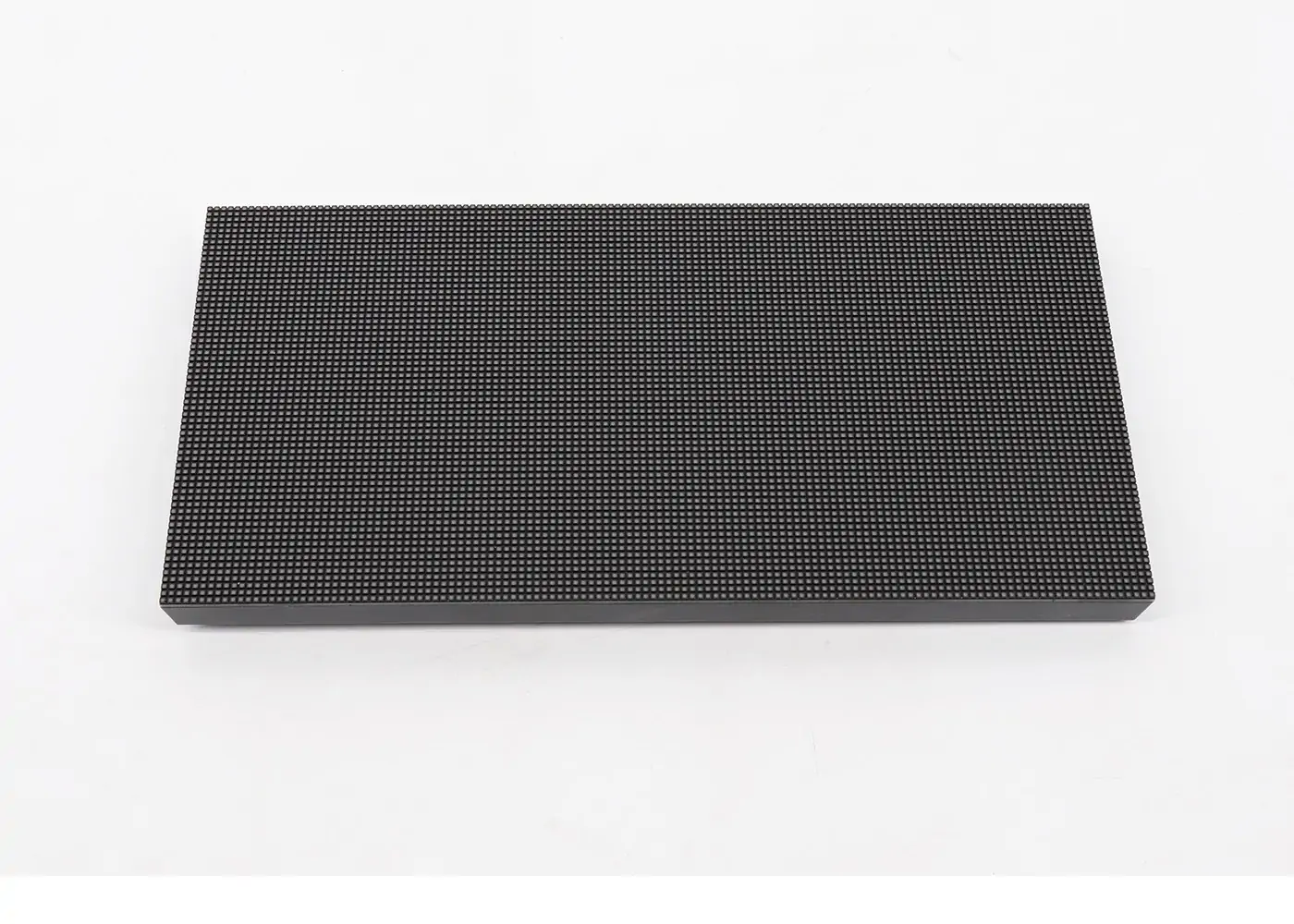
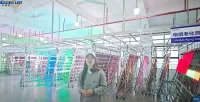
The company video below compares ordinary, GOB and COB module construction and includes a manufacturer surface-contact demonstration. Use it to frame questions about the offered sample. It is not a standardized impact report, a cleaning approval or proof of the complete interactive system’s performance.
Video: “COB vs GOB vs Ordinary LED Module Contrast / EagerLED Display Factory,” from the EagerLED company channel. Watch the original module comparison.
Have the supplier provide approved contact and cleaning instructions for the actual coating. Agree any demonstration method beforehand; do not improvise hammer, scratch or liquid tests on the ordered equipment. Keep the sample identity and agreed limitations with the purchasing record.
4. Test the complete GOB showroom wall
Use a task sheet with target locations and expected responses. Include the image center, corners, edges and joins, with users at the real operating positions. Define the agreed success criteria before testing; a supplier-selected sequence that avoids difficult areas is insufficient.
Illustrative test-plan arithmetic: 20 target locations checked from three operating positions produce 60 recorded attempts for one input action. This is a planning example, not a performance threshold or completed result. Add cases for each required gesture or user condition, and record unsuccessful attempts as well as successful ones.
| Task or condition | Check on the complete system | Retain |
|---|---|---|
| Select a visible target | Input location matches the displayed item across the agreed area | Target map, position and observed result |
| Complete the visitor journey | Correct response, navigation and return to the start | Application revision and repeatable steps |
| Observe response | Agreed method measures input-to-visible-response behavior | Method, settings and results; no unsupported latency claim |
| Restart equipment | Image, application and input mapping return as agreed | Power sequence and retained configuration |
| Lose a required connection | Documented fallback, operator message and recovery | Dependency and responsible support party |
| Replace a representative module | Restored image and input alignment remain acceptable | Spare identity and recalibration procedure |
Distinguish display processing delay from the input sensor, application and network. If the experience relies on an internet service, identify what works offline. A video of a smooth animation cannot establish response time for your GOB showroom wall.
5. Verify delivery and service ownership
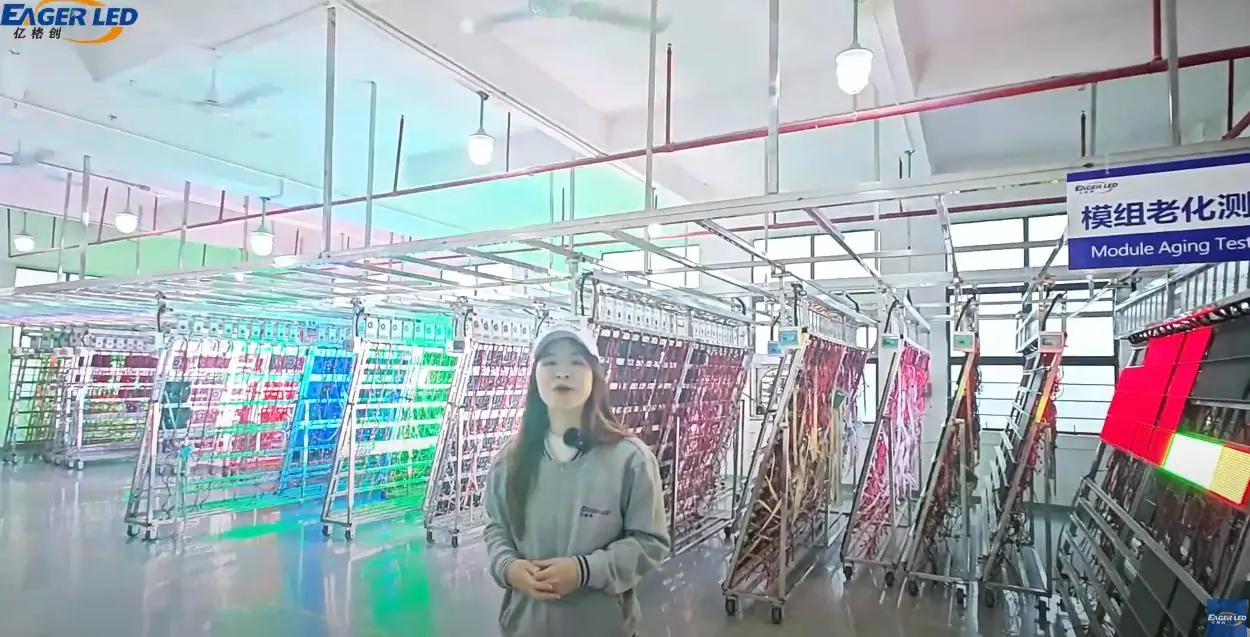
During a live factory review, ask the supplier to identify the proposed module and show assembly, inspection and configuration records for the offered design. Match the legal seller and production responsibilities to the quotation. Request relevant GOB showroom wall installation references that can be checked with permission; do not accept an unrelated showroom photograph as proof of this configuration.
For the installation country, have the project’s qualified professionals confirm the applicable electrical and installation documentation. Verify the scope of any offered certificate against the actual equipment. Company certification, module protection and whole-wall suitability are separate questions.
Agree module-level replacement, approved tools, compatible spares and who restores calibration. For Latin American projects, specify the service language, support hours, local operator training, shipping responsibilities and any required return route. Obtain written terms rather than assuming local stock or on-site service exists.
Keep a configuration record for the GOB showroom wall: module and coating identity, receiving-card settings, processor, input hardware, application version and mapping backup. Require written approval for substitutions that affect the accepted experience.
Questions before shortlisting
Does a protective GOB surface make the wall a touchscreen?
No. Input detection and the interactive application must be specified separately. Ask for a demonstration of the complete proposed system using your actual task.
Should the supplier promise a universal response-time number?
No. Agree a measurement method and acceptance criteria for the full sensor-to-image chain. Hardware settings, software and network dependencies must be recorded with any measured result.
Prepare an interactive showroom review
Send EagerLED the installation country and city, wall dimensions, mounting and service constraints, lighting, viewing and operating positions, required input actions and application languages. Include representative interface assets and identify who supplies the software and sensing hardware.
Request a GOB showroom wall configuration, responsibility schedule and repeatable demonstration plan before comparing final quotations. Discuss the showroom interaction brief
Related Posts
Fill In Your Needs In Detail
Fill in the screen usage scene and size you need in “Content”.You will get a quote.