
A Church LED Display brings song lyrics, scripture, sermon notes and video onto a shared screen. For church leaders, AV teams and system integrators, the key is matching the display to the room, viewing distances and service format. This guide explains what to consider when planning an EagerLED solution for your worship space.
- 1. How a Church LED Display Supports Worship
- 2. Planning an EagerLED Solution for Your Space
- 3. Practical Uses During Church Services
- 4. Comparing LED Displays and Projection
- 5. Installation and AV Integration
- 6. Preparing Content for Weekly Services
- 7. Technical Details to Confirm Before Ordering
- 8. Budgeting for the Complete Project
- 9. A Checklist for Your Project Discussion
- 10. Church LED Display FAQs
- 11. Next Steps for Your Church
1. How a Church LED Display Supports Worship
Clear visual communication helps a congregation follow a service. A well-planned screen can support spoken messages and music without competing with the speaker. Start with the content your church actually uses, then assess where people sit and what they need to read.
Readability, Shared Content and Flexible Presentation
- Readable messages: Size text for the seats farthest from the screen.
- Shared focus: Present lyrics and sermon points where the congregation can follow them together.
- Flexible content: Switch between scripture, announcements, slides and video using a suitable AV workflow.
- Purposeful design: Keep backgrounds simple and place essential information away from the screen edges.
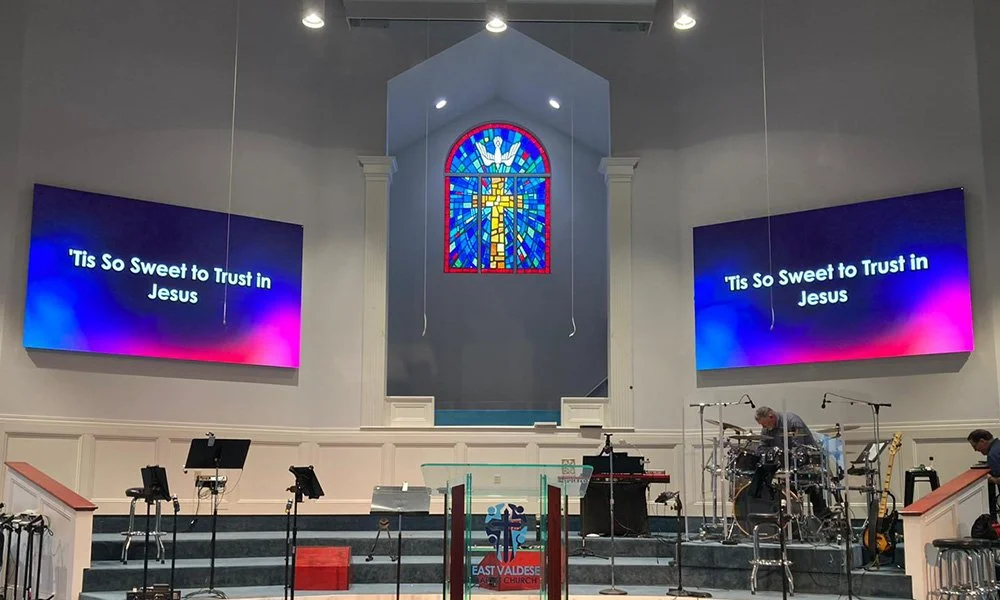
2. Planning an EagerLED Solution for Your Space
Discuss your room layout and content needs with EagerLED before selecting a configuration. Use the following criteria to compare a proposed church LED screen with your current system and your team’s operating requirements.
2.1 Picture Quality and Text Clarity
Evaluate sample scripture slides and sermon graphics at realistic viewing distances. Pixel pitch and total screen resolution affect how fine text and detail appear; a larger physical screen does not automatically make small text readable.
2.2 Screen Size and Placement
Match screen dimensions to the available wall or stage space. Check sightlines from the sides, front rows and rear seating before deciding on one central display or another arrangement.
2.3 Operation by Staff and Volunteers
Include the people who will run the screen in the selection process. Ask them to rehearse switching slides, playing video and returning to a holding screen with the proposed control system.
2.4 Service Access and Maintenance
Confirm how technicians will reach modules, power supplies and cabling after installation. Access requirements should form part of the design and quotation, alongside the recommended spare parts and maintenance procedure.
2.5 Power Use and Operating Hours
Request power consumption information for the specific configuration. Screen area, brightness settings, displayed content and weekly operating hours all affect energy use, so compare complete systems under similar conditions.
3. Practical Uses During Church Services
An LED display for church can support regular services and special events. Build a content plan around the following uses, with a clear operator cue for each transition.
3.1 Song Lyrics and Scripture
Use short lines, strong contrast and consistent fonts. Preview lyrics and scripture from the back of the room, and avoid placing text over busy video backgrounds.
3.2 Sermon Notes and Visual Aids
Show one main idea at a time. A simple diagram, quotation or image can support a sermon more effectively than a slide filled with small text.
3.3 Announcements and Event Information
Display upcoming service times, community activities and event details before or after worship. Give each message enough time to be read, and remove outdated announcements from the playlist.
3.4 Live Camera Feeds and Video
A church video wall can display camera feeds and recorded presentations when connected through a suitable video system. Test the full signal path for audio synchronization, scaling and delay before a live service.
3.5 Seasonal Services and Performances
Use prepared visuals for Christmas, Easter and other events. Coordinate screen brightness and transitions with stage lighting so the display supports performers and speakers.
4. Comparing LED Displays and Projection
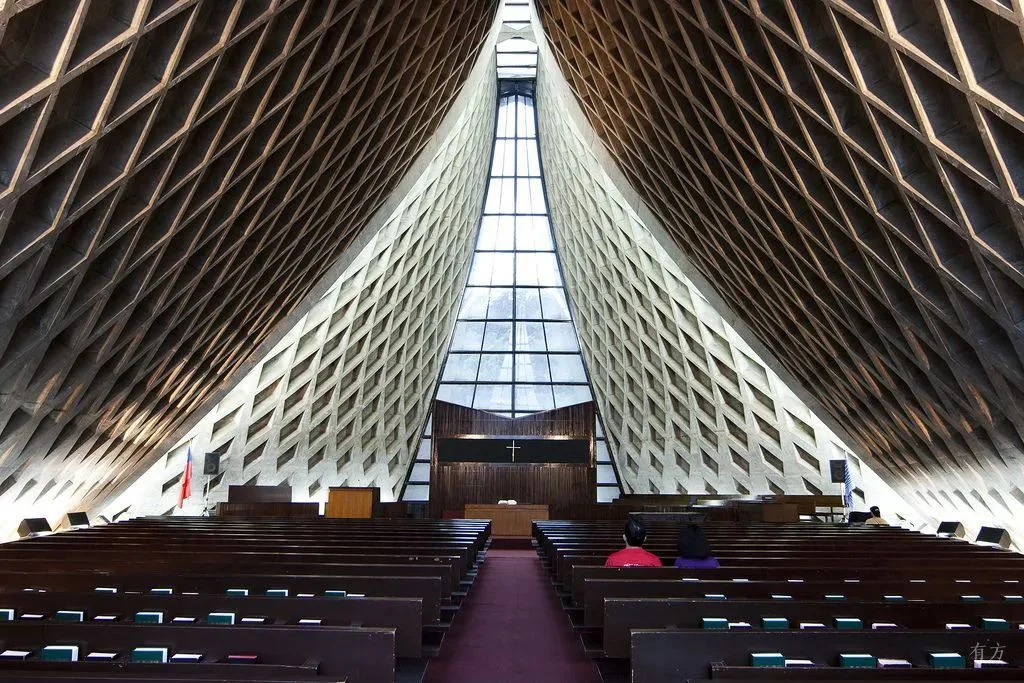
4.1 Visibility Under Room Lighting
Compare both options with the room lighting you use during services. LED panels emit light directly, while projected images rely on light reflected from a surface. Judge readability and audience comfort in the actual space.
4.2 Image Layout and Content Format
Check the aspect ratio and resolution of your presentation material. A custom-shaped display may require new slide templates; a familiar layout can simplify the transition for volunteers.
4.3 Equipment and Service Requirements
Compare the mounting, access and maintenance needs of each proposed system. Include the display or projector, control equipment, cabling and servicing arrangements in the review.
4.4 Whole-System Energy Use
Do not assume an LED wall always uses less power than a projector. Ask for comparable operating figures at the required image size and brightness, then apply your service schedule and local electricity costs.
4.5 Fit Within the Worship Space
Consider what the installation looks like when the screen is on and off. Confirm its relationship to the pulpit, architectural features, stage lighting and other visual focal points.
5. Installation and AV Integration
Plan installation with the display supplier and your AV integrator. Confirm who is responsible for the support structure, electrical work, signal routing, commissioning and operator handover before ordering.
- Site review: Document the installation area, access routes and service clearances.
- System design: Match the processor and connections to your presentation computer and video sources.
- Commissioning: Test slides, live feeds, brightness settings and normal shutdown procedures.
- Handover: Agree on training, support contacts and the information your team will receive.
6. Preparing Content for Weekly Services
Digital screens for churches work best with a repeatable preparation process. Use consistent slide templates and assign responsibility for checking the service playlist before rehearsal.
- Build: Prepare lyrics, readings, sermon slides and announcements in the correct format.
- Review: Check spelling, readability and the order of service with the worship team.
- Rehearse: Test transitions, camera feeds and video sound through the installed system.
- Keep a fallback: Prepare a simple holding slide and an agreed response to a missing source.
7. Technical Details to Confirm Before Ordering
7.1 Pixel Pitch, Resolution and Brightness
Ask the supplier to explain the proposed pixel pitch and resolution in relation to your closest and farthest viewers. Confirm the brightness adjustment range for both daytime and evening services.
7.2 Inputs and Video Processing
List your presentation computer, cameras, switcher and other sources. Confirm their output formats and the proposed processor’s supported inputs before assuming existing equipment will connect directly.
7.3 Maintenance Access and Spare Parts
Check the service method, spare module arrangements and support terms for the quoted model. Keep the agreed configuration and maintenance documents available to the people responsible for the installation.
7.4 Viewing Angles and Camera Performance
Review visibility from off-center seats as well as the main aisle. If services are filmed, test the display with the actual cameras and settings to assess flicker, moire and exposure.
8. Budgeting for the Complete Project
Compare quotations using the same scope. A church LED display project may include panels, control equipment, mounting, cabling, installation and training; confirm which items are included rather than comparing panel prices alone.
Ask for a breakdown of optional equipment, spare parts and ongoing support. Confirm delivery arrangements and project responsibilities with the supplier before committing to an installation schedule.
Estimate running costs from the specified equipment, expected operating hours and maintenance plan. Treat claims about savings or return on investment as estimates that need project-specific evidence.
9. A Checklist for Your Project Discussion
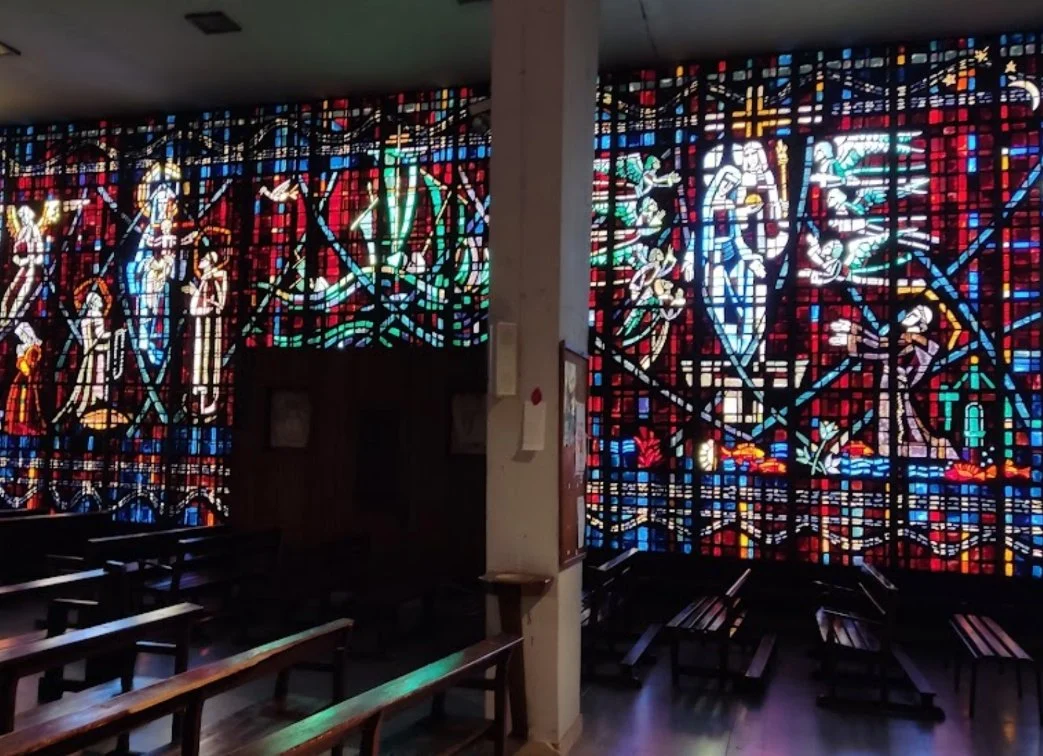
9.1 Document Your Room and Audience
Prepare room dimensions, photographs, a seating plan and the nearest and farthest viewing distances. State whether the display will be indoors or outdoors and describe the typical lighting conditions.
9.2 Define Your Content and AV Sources
Share sample slides and a list of connected equipment. Explain whether you need lyrics, sermon visuals, live camera feeds or event video so the proposed solution can be assessed against real tasks.
9.3 Agree on Operation and Handover
Identify the staff or volunteers who will operate the screen. Ask for a practical demonstration and clarify the training, documentation and support included in the proposal.
9.4 Review Relevant Project Examples
When discussing an EagerLED screen, request examples with a similar room layout and use case. Evaluate screen placement, content readability and operation, and ask how those project details relate to your church.
10. Church LED Display FAQs
Discuss Your Worship Display Requirements
Use the inquiry form on this page to share your installation location, available space, viewing distances, content needs and budget range with EagerLED. These details provide a clearer starting point for a configuration and quotation discussion.
11. Next Steps for Your Church
Choose LED screens for worship around the needs of your congregation and operators. Assess sample content, confirm the installation and AV requirements, and compare quotations with a consistent scope before selecting a system.
Learn more about EagerLED and prepare your project details for the next discussion.
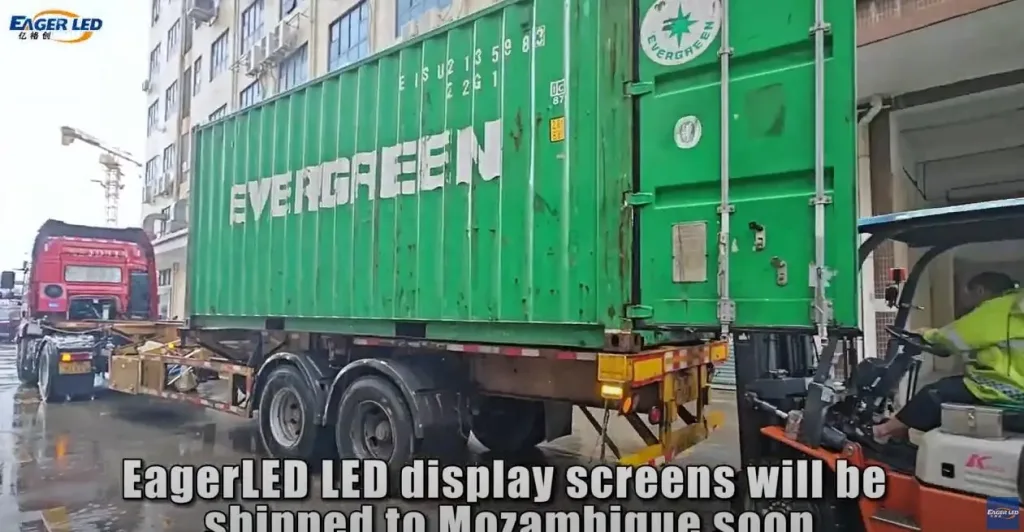 EA500C6/EA1000C6 LED Display Rental Shipped to Mozambique
 LED Display Board Solutions for Indoor and Outdoor Use
Related Posts


Fill In Your Needs In Detail
Fill in the screen usage scene and size you need in “Content”.You will get a quote.



