When shortlisting a Chinese conference-room LED wall manufacturer for an executive briefing centre, ask it to demonstrate how the room will recover when part of the presentation system becomes unavailable. IT and facilities buyers in Southeast Asia should agree a usable fallback, a fault owner and a repeatable restoration procedure before accepting an uptime or support claim.
- Continue the briefing: keep the required message visible through an agreed fallback.
- Restore normal operation: return the approved display and control preset.
- Repair the equipment: replace or correct the failed item and close the incident.
Contents
1. Define what a usable recovery means
A repaired module and a resumed executive presentation are different outcomes. A briefing may continue on a separately provided display while the wall awaits repair, or a source problem may be resolved without touching the LED equipment. Name the minimum content and operating mode that the room must retain, then identify the equipment and people needed to provide it.
Have the business owner set the acceptable interruption for each type of session. Ask suppliers to distinguish their service response target, the proposed time to restore a usable presentation and the time needed to complete a permanent repair. These should be written project commitments with stated conditions; there is no universal recovery time for every LED wall.
Use the boardroom LED demonstration guide for normal-operation readability and source checks. This worksheet addresses the separate purchasing question of continuity when that approved arrangement stops behaving normally.
2. Give suppliers the same continuity worksheet
Complete the worksheet jointly with corporate IT, the AV integrator, facilities and the LED supplier. Replace the examples with the actual proposed architecture. Record assumptions and untested functions; a label such as “backup ready” does not explain which failure the backup covers.
| Example loss | Question for the shortlisted supplier | Evidence and owner to record |
|---|---|---|
| Presenter source unavailable | Can the operator show an approved local briefing pack through another supported route? | Fallback source, switching steps and content owner |
| Signal route to the wall unavailable | Which alternative route is actually included, and what equipment is shared? | Signal diagram, covered fault and AV restoration owner |
| Part of the LED wall unavailable | Can essential content remain readable, or must the session move to a separate display? | Agreed usable image, fallback equipment and decision maker |
| Approved settings lost | Who can restore the correct mapping and picture preset from the retained backup? | Backup revision, authorised technician and repeat-test result |
| Room-control connection unavailable | What permitted local controls remain usable? | Operator guide and the boundary between IT, AV and display support |
| Building power interrupted | What restart sequence is approved, and which parts of the system are outside the LED supplier’s scope? | Facilities plan, electrical designer’s review and return-to-service checks |
Separate a proposed capability from an included and tested capability. A second cable does not establish independent operation if the paths share a required switcher, processor or power source. Ask the integrator to identify common dependencies on the actual drawing.
3. Witness a planned recovery demonstration
Run the demonstration on a representative system using non-confidential briefing material. Beforehand, agree the simulated condition, safe method, stop criteria, operator action and expected result. Qualified personnel should control any intervention; the exercise is an acceptance test, not permission for an operator to disconnect or open powered equipment.
Record the starting condition, the first observable symptom, who recognises it, the action taken and the point at which the nominated reviewer accepts the fallback image. Then restore the approved configuration and run a short normal session again. Keep separate timestamps for response, usable presentation and completed repair instead of reporting one ambiguous “recovery” result.
Ask the intended room operator to follow the delivered guide. Record any step that requires a manufacturer’s engineer, a privileged IT account or an unquoted spare device. Those dependencies belong in the support and cost discussion before ordering.
4. Connect service access to compatible parts
The brief company video below shows a technician handling a module from the display face during a manufacturer demonstration. It helps frame a specific question: what can be serviced from the front in the supplied system, with the finished room and furniture in place? Use the manufacturer’s approved method and trained personnel for the actual installation.
Video: “Indoor conference room LED screen module installation,” by LED Screen Factory-EagerLED. Watch the original YouTube video.
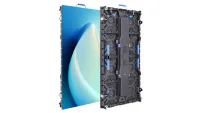
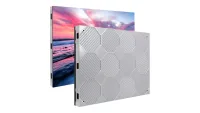
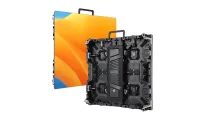
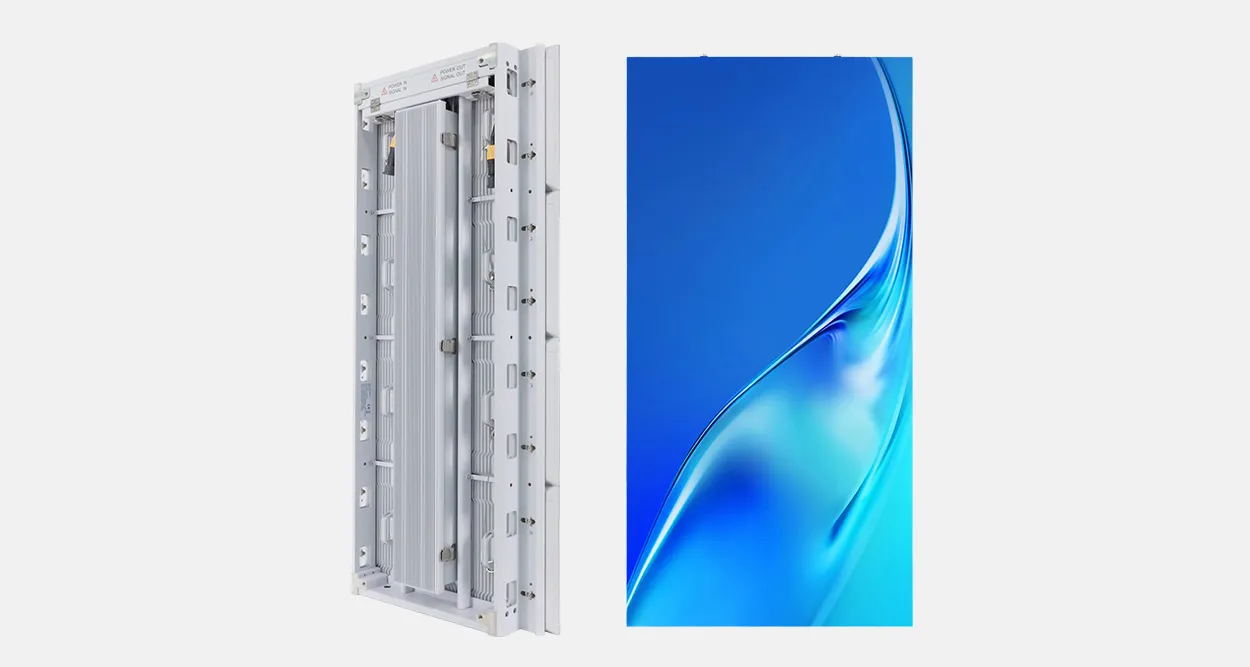
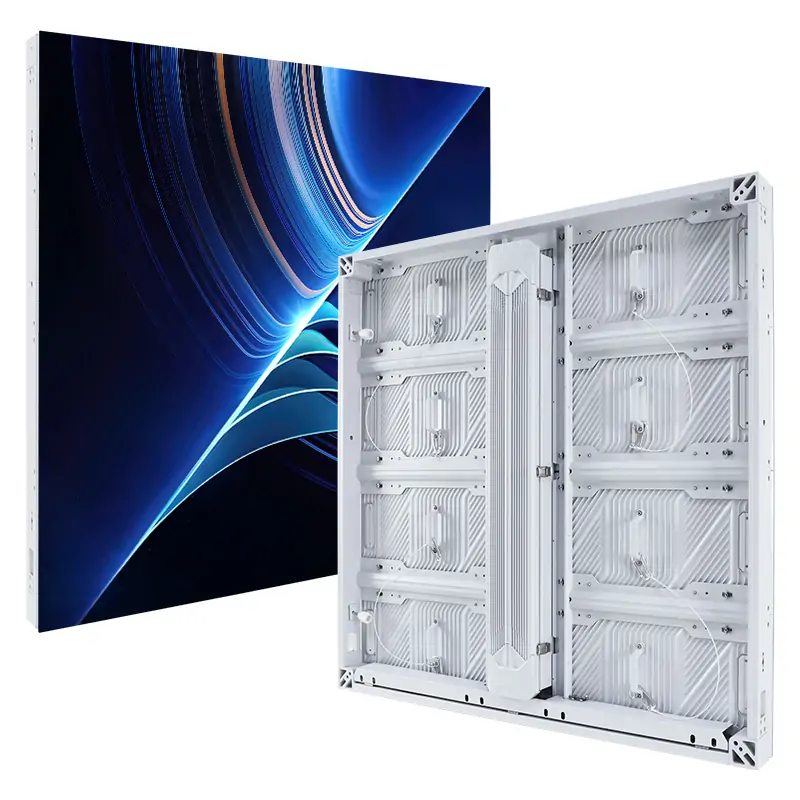
The EA640F2 indoor front-service display is one product reference for discussing access. Obtain the current cabinet, module, control and maintenance documents for the actual proposal. Confirm the quoted model separately from the demonstration footage.
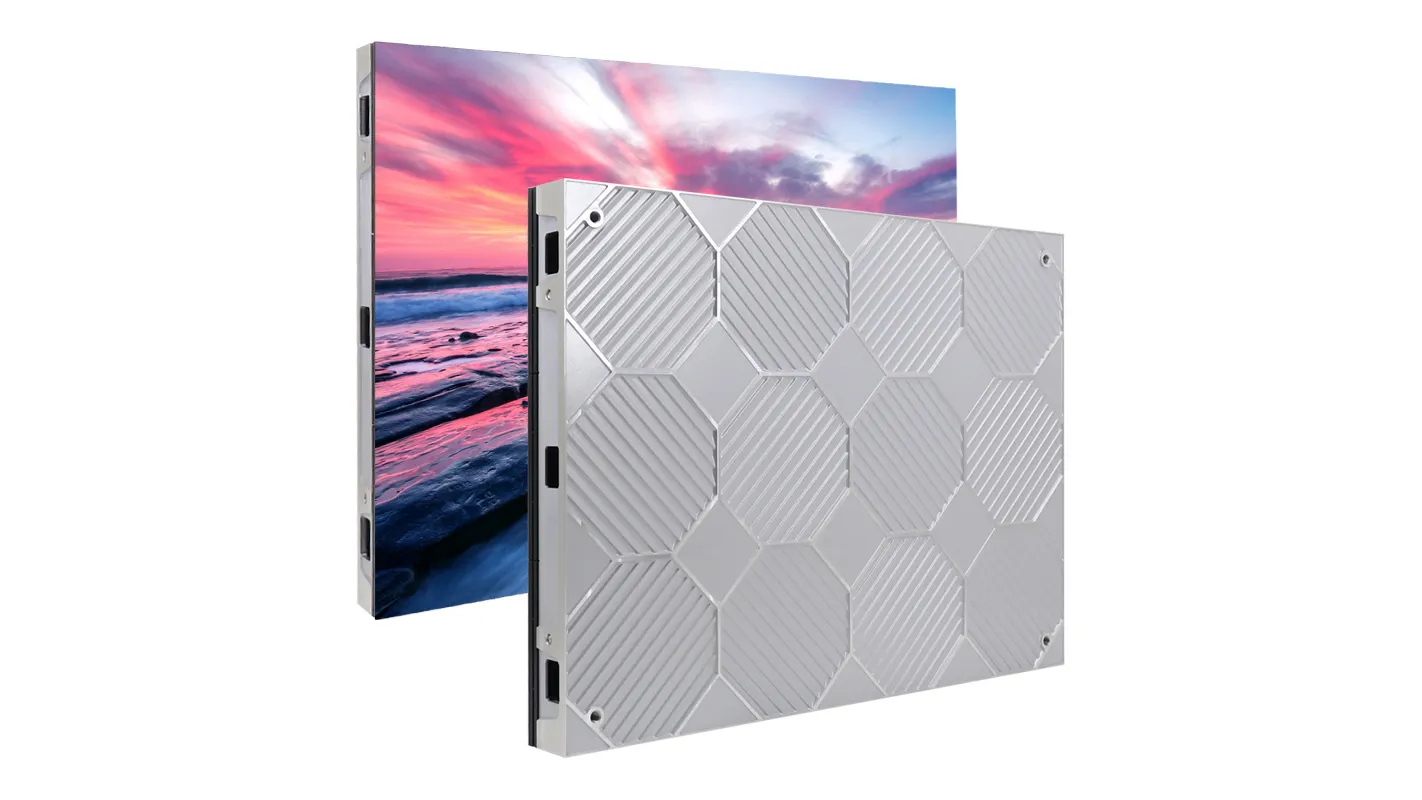
Have the supplier identify compatible spare revisions and the settings or calibration information required after replacement. State where the spares will be stored, who may use them, and how consumed stock is replenished. A promised replacement shipment is a different resource from a compatible part already available to the local technician.
5. Verify the delivery and support commitments
Verify the legal seller, assembly site and the manufacturer’s role in the quoted system. During a live factory review, connect the demonstrated cabinet and control configuration to production identification, inspection records and substitution approval. Preserve the exact accepted build and settings with the order.
Name the installation country and city. For a regional briefing-centre programme, list the service provider, local working hours, language needs and parts location for each site. “Southeast Asia support” is too broad to define an individual room’s restoration plan.
Request written equipment warranty, remote assistance and on-site labour terms. Clarify travel, freight, access equipment, local integrator work and responsibilities for systems supplied by others. Ask corporate IT to approve any proposed network or remote-support arrangement before connection. Have the local project professionals identify applicable equipment, import and installation requirements.
6. Request a briefing-continuity proposal
Send: destination city; briefing schedule and acceptable interruptions; active wall dimensions; existing source, control and network drawings; essential presentation content; available fallback displays; service access; staffing and support hours; proposed spare location; and commissioning deadline.
Ask EagerLED to return an exact configuration, completed continuity worksheet, witnessed demonstration plan and priced responsibility schedule. Approve the normal display result and its recovery arrangements as separate deliverables.
 Church Stage Side Screens: LED Supplier Checks
 Trade-Show LED Walls: Supplier Delivery Checks
Related Posts

Fill In Your Needs In Detail
Fill in the screen usage scene and size you need in “Content”.You will get a quote.