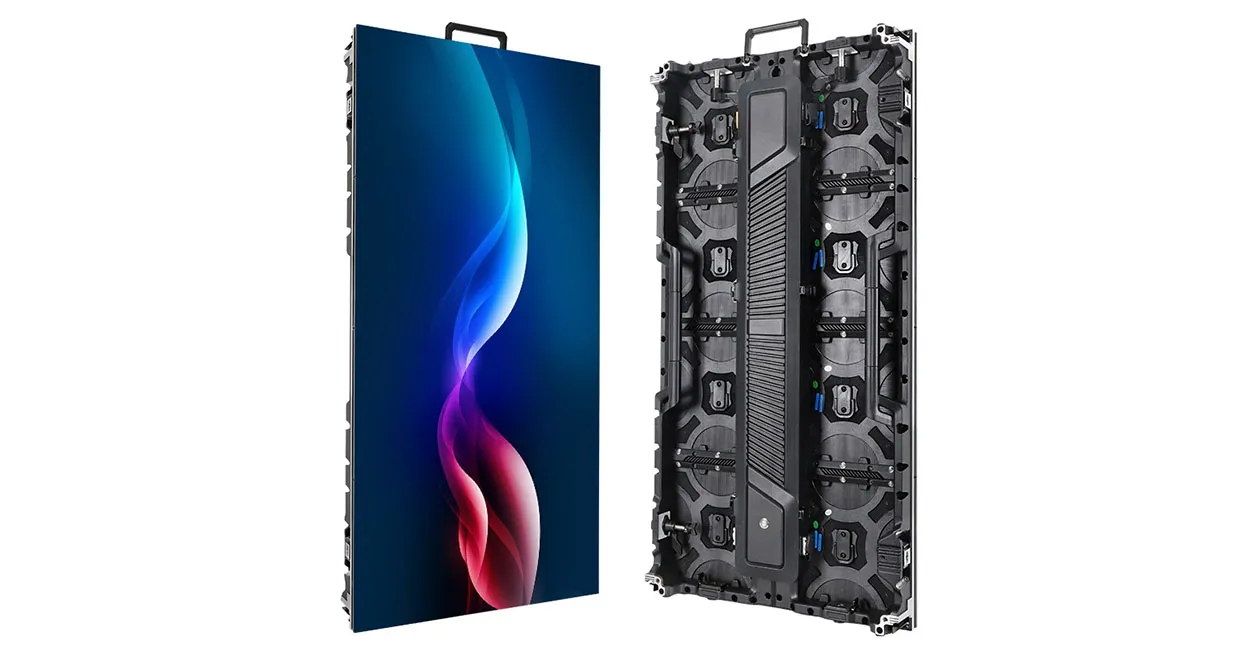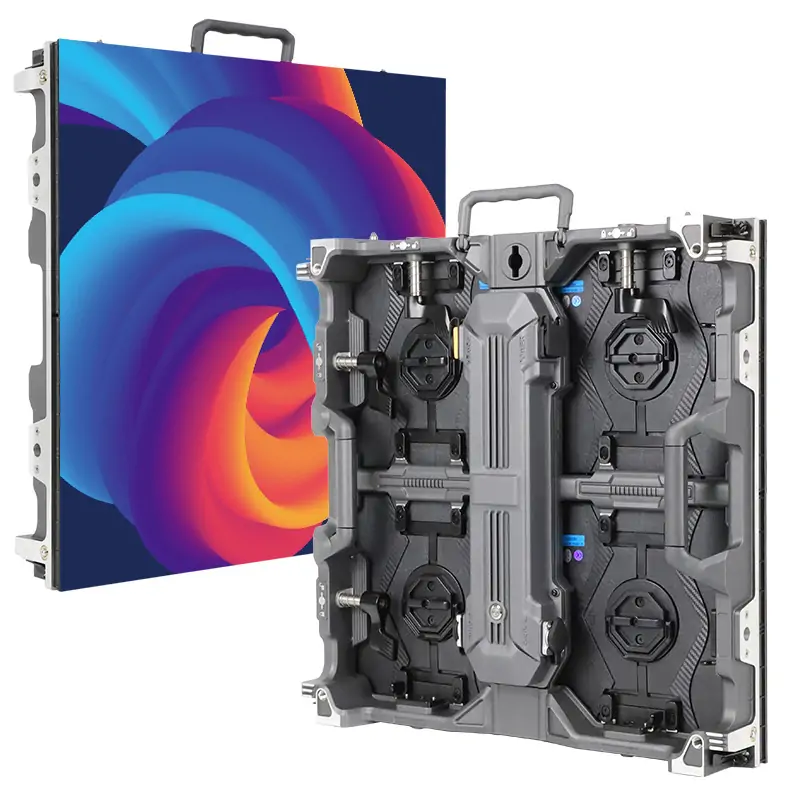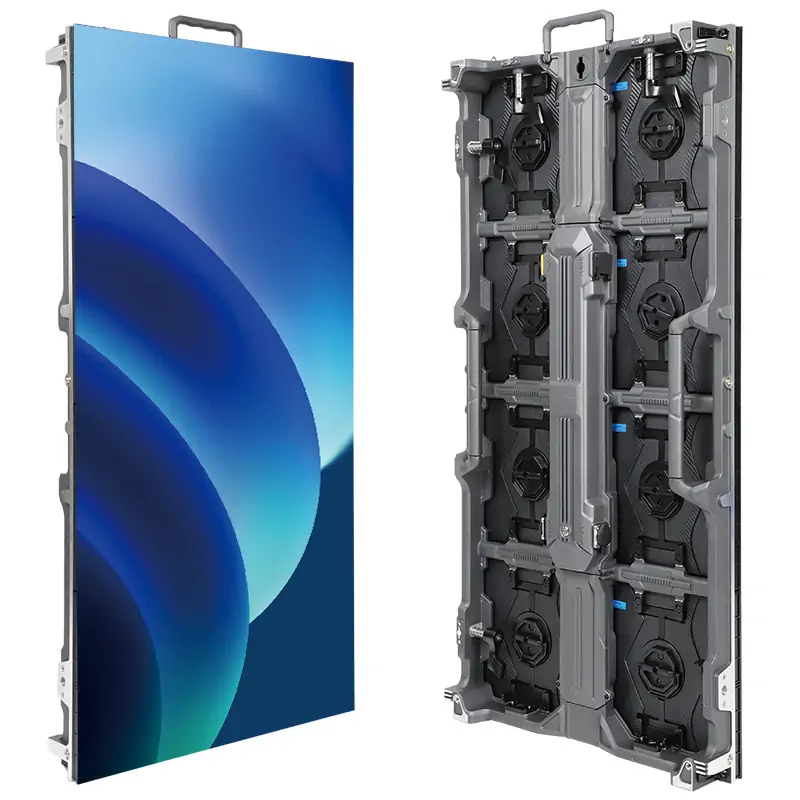
An interactive LED screen is a display system that changes what it shows in response to an input such as a fingertip, a gesture, or a footstep. The LED cabinets provide the image. A sensor and an application detect the action and decide how the image changes. A specification that lists only the screen size and pixel pitch leaves the interaction undefined.
The term covers several products. An interactive flat panel in a meeting room usually uses an LED-backlit LCD. A modular direct-view LED wall can use a separately integrated touch frame or camera, while an interactive LED floor may use sensors in or around its walkable tiles. This guide is for AV integrators comparing those options for a commercial project before issuing an RFQ.
Bring a floor plan, the closest viewing distance, and a description of what visitors should be able to do. These three inputs are enough to start separating display requirements from sensing, software, and installation scope.
1. What Is an Interactive LED Screen?
An interactive LED screen pairs a visual output with a defined input. On a wall, a visitor may tap a station on a map. The touch system reports a position to the host, and the application opens the corresponding detail. On a floor, the input may be a tile event that starts an animation in a zone. Both systems need a way to distinguish the visitor’s action from the background activity in the space.
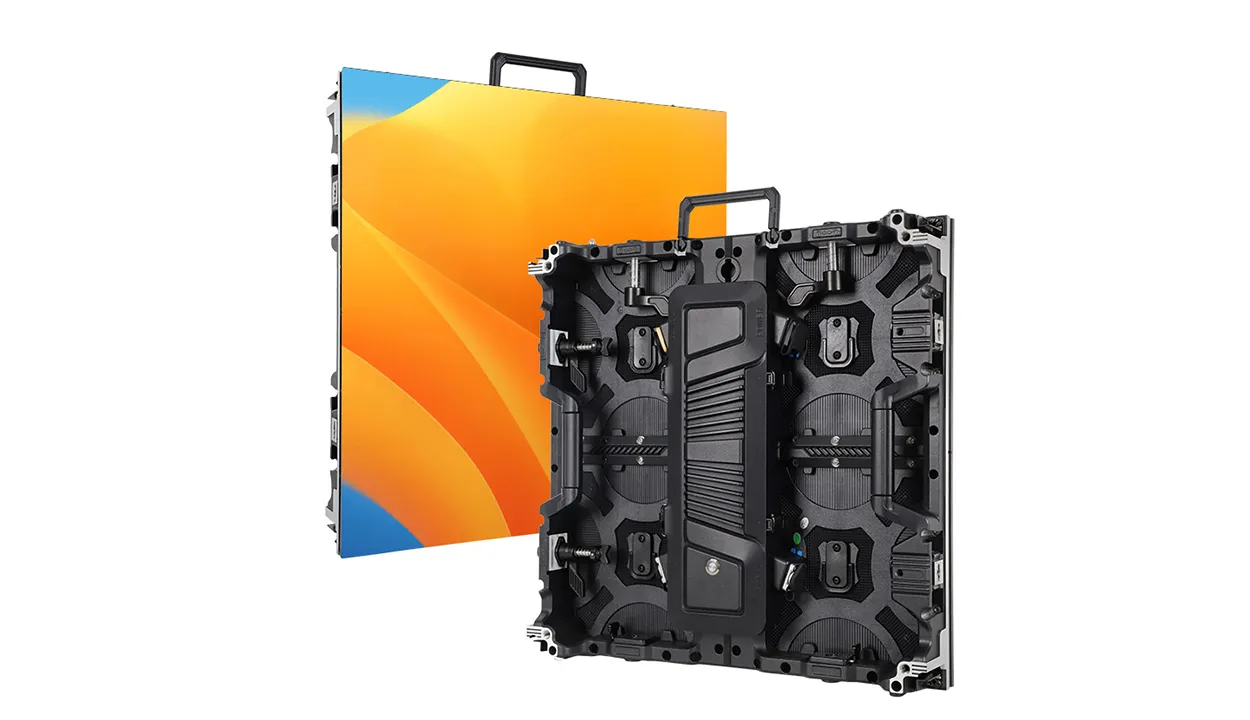
“LED” can describe the backlight behind an LCD panel or the light-emitting pixels in a direct-view LED display. That distinction matters on a quote. A self-contained interactive display often includes a fixed-size panel, touch sensor, and electronics. A modular interactive LED screen starts with cabinets and can be built to a project-specific shape, with the sensor geometry and software chosen for that surface.
Start the brief with an observable action, such as “a visitor taps any of four destinations and sees the route highlighted.” Specify how large the active area needs to be and whether spectators need to read the same information from across the room. An oversized interactive LED screen may still need a compact control area that people can comfortably reach.

2. How Does an Interactive LED Screen Work?
An interactive LED screen has an input path and a video path. A sensor sends an event to a host or dedicated controller. The application maps that event to a graphic or state change, then sends a video frame through the processor to the cabinets. An HDMI signal can carry the image. Touch data normally travels through its own USB, network, or vendor-specific connection.
01. Map the input to the displayed image
A touch frame reports coordinates relative to its sensing area. An interactive LED screen also has a physical pixel map and may receive a video signal with a different raster. Scaling, crop, or a rotated desktop can shift a tap away from its target. Document the active canvas, scaling settings, display orientation, and calibration file. Include an edge and corner test. A centered test button can work even when controls near the edge are offset.
02. Measure the full response
The display refresh rate describes how often the panel refreshes its image. Input-to-image latency includes sensor sampling, event handling, rendering and video processing. A high refresh specification alone cannot predict how quickly an interactive LED screen will react. Compare bids using the same application and a defined test action. For a simple tap, record the input and first visible change in the same camera view, repeat the test, and report the range with the camera’s timing resolution.
Ask what the application does when it receives two events at once. A wall may allocate input by zone, while a floor may trigger independent visual effects per tile. In either case, verify sustained behavior with the expected crowd. A demonstration with one user can miss dropped inputs, overwritten animations, and queues that build during peak traffic.
3. Interactive LED Screen Types and Sensor Options
Choose an input method by the precision, coverage, and number of people the experience requires. A finely drawn menu needs reliable pointing. A full-width visual that follows visitors can use position data with a wider tolerance. A walkable interactive LED screen needs sensors suited to how visitors enter and move through the installed floor.
| روش | Useful interaction | Test before specifying |
|---|---|---|
| Infrared touch frame | Tap, drag, or draw on a wall | Check frame depth, edge mapping, nearby light and objects that can interrupt the beam. |
| Capacitive touch layer | Close-range control on a supported surface | Check overlay size, approved cover thickness, host compatibility and wet-surface behavior. |
| Camera or depth tracking | Gestures, presence and movement in front of a wall | Walk across sensor boundaries with two people and test occlusion, lighting and privacy settings. |
| Tile or zone sensing | Footstep-triggered visuals on an LED floor | Test tile edges, adjacent triggers, simultaneous steps and recalibration after tile replacement. |
01. Touch and gesture walls
A touch frame for an interactive LED screen needs a mounting plane, room around the active area, and a protected pathway for data and power. Study the proposed bezel and wall returns on a section drawing. With camera tracking, walk the intended interaction zone. Columns, queues, and visitors standing in front of one another can block a sensor even when the picture remains fully visible.
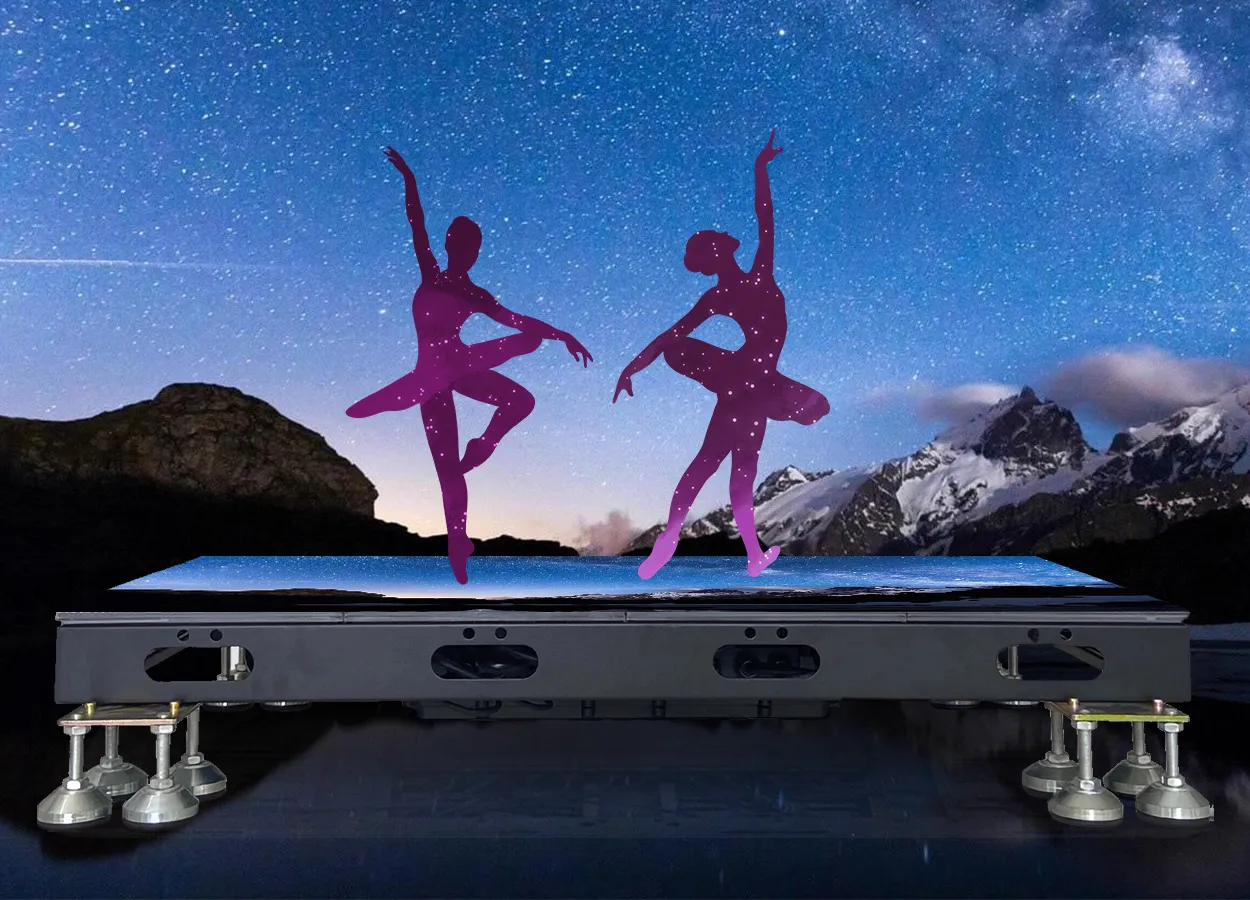
02. Interactive LED floor tiles
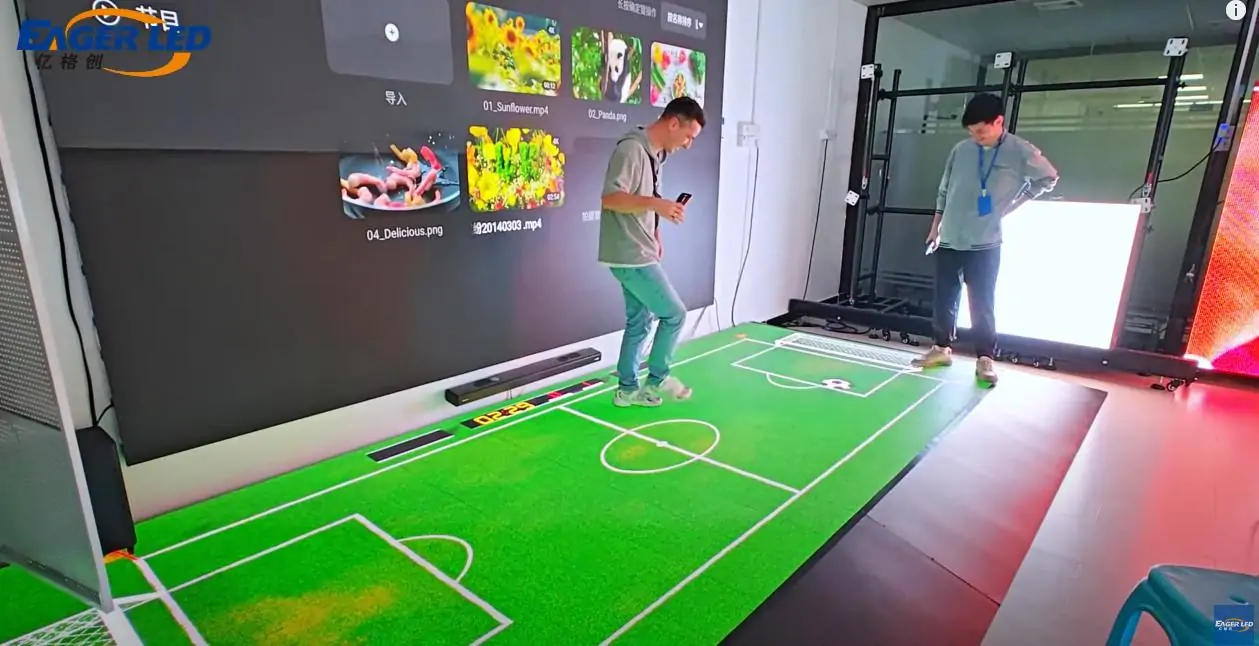
An interactive LED floor combines a walkable assembly with whatever input method the design uses. Ask whether the quoted sensors detect contact, movement, or presence and what data they send. A floor with individual tile events may be ideal for ripple effects. A game that requires tracking a player’s position within a tile may need a different sensing arrangement.
EagerLED lists separate EA-iFloor کف LED داخلی و EA-OFloor کف LED در فضای باز products. Request a parts list for the exact sensor and controller configuration and test it with the application before finalizing the order.
4. Direct-View LED vs. LCD and Interactive Projection
Direct-view LED is a strong candidate when an interactive LED screen must span a large wall or fit a custom canvas. A single interactive LCD fits projects that need a standard-size touch surface and predictable close-up detail. Projection is worth evaluating when the image needs to cover a wide, unobstructed surface and the venue can control light and shadows.
| قالب | Advantage for the project | Constraint to price or test |
|---|---|---|
| LED ماژولار با دید مستقیم | Custom canvas and serviceable modules | Price the sensor, frame and processor separately if they are outside the panel package. |
| Interactive LCD flat panel | Integrated touch and high pixel density at a fixed size | Confirm the mounting position and how much of the screen users can actually reach. |
| دیوار ویدیویی LCD کاشی کاری شده | Uses a larger array of high-density panels | Check bezel lines across text and interactive objects, plus touch calibration across panels. |
| Interactive projection | Large image area with a separate sensing system | Test ambient light, shadows, throw distance and alignment with the intended surface. |
Compare how the entire scene reads from the closest and farthest positions. A wide interactive LED screen might serve an audience and a hands-on user at the same time. Draw a compact control zone into the layout and test the smallest labels there. If the primary task is reading dense information from arm’s length, compare a single LCD in the same trial. If the display is primarily for an audience, put the same image on both candidates and ask where a shared control station would fit.
Also compare how the display recovers from damage. With modular LED, confirm how an affected module can be reached without disturbing adjacent units or the touch frame. With a single panel, identify how the service team can remove the entire assembly and keep the experience operating in the meantime. Include the building access plan for any replacement that must travel through a narrow lift or doorway.

5. How to Specify an Interactive LED Screen
01. Set pixel pitch from the closest real task
Pixel pitch is the center-to-center spacing between display pixels. For a fixed size, a smaller pitch puts more pixels on an interactive LED screen. To estimate the available raster, divide each active dimension in millimeters by the pitch in millimeters and check the result against actual module or cabinet pixel counts. As an illustration, a 4,000 × 2,250 mm active canvas at 2 mm pitch implies approximately 2,000 × 1,125 pixels. The supplied cabinet grid determines the exact result. A player sending 4K video cannot add physical pixels.
Evaluate the smallest labels, thin lines, and touch targets on representative hardware at arm’s length or the closest expected distance. Walk back to the primary spectator position and check whether prompts remain legible. EagerLED" محدوده صفحه نمایش LED داخلی provides a starting point for comparing wall form factors. Confirm the touch integration separately for any selected cabinet.
02. Document light, heat, and exposure
Evaluate the interactive LED screen with daylight and the venue’s lighting in their expected operating modes. Reflections, cover materials, shadows and black levels all affect legibility. Brightness in candelas per square meter describes light output. A compelling buying comparison also shows how the final viewing surface behaves in the installed position, including the dimmest operating scene in the program.
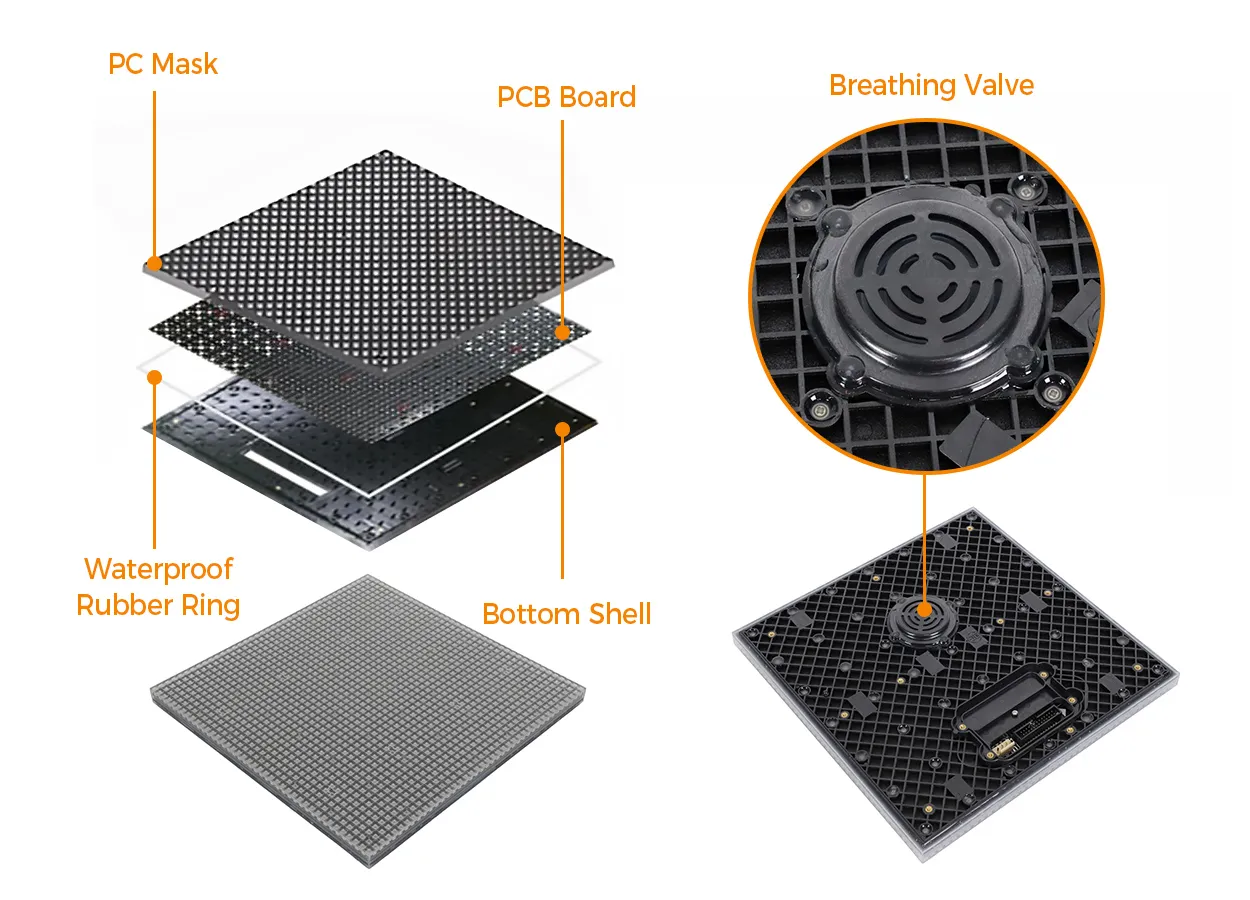
For an outdoor interactive LED screen, request enclosure protection and operating limits for the cabinets, sensor, connectors, and any exposed controller or cable transition. Ask how drainage, direct sun, cleaning water, and enclosure ventilation are handled in the assembled installation. For a floor, have the project team confirm slip and structural criteria with qualified specialists. Ask for evidence for the complete support system and distinguish point loads from distributed loads, especially where scenery, furnishings, or equipment carts may cross the display.
| مورد | Specify in the bid | حداقل شواهد |
|---|---|---|
| Active area and native raster | Physical width and height, orientation, pitch and cabinet grid | Dimensioned elevation and receiver mapping or cabinet schedule. |
| Visual conditions | Nearest and farthest viewer positions plus lighting conditions | Representative content shown at operating brightness under agreed ambient conditions. |
| منطقه تعامل | Input type, active bounds, simultaneous users and targets | Plan or elevation that shows sensing coverage and any dead zones. |
| مونتاژ کف | Use conditions, support method, loads and transition details | Configuration drawing and applicable test or engineering documentation. |
| Access and thermal design | Module extraction path, ventilation, gear location | Section drawing with clearances and a demonstrated removal method. |
6. Where Interactive LED Screens Work Best
Use the venue’s real visitor flow to decide where an interactive LED screen earns its footprint. For each installation, choose an action people can understand without staff intervention, and make the default content useful to visitors who watch from a distance.
01. Retail, exhibits, and visitor centers
In retail, an interactive LED screen can show a full-size product visual while a reachable selector switches finishes or opens a feature view. Keep the interaction inside the customer’s decision path. A wall that asks users to fill in several screens may create a queue next to a sales counter. Agree how long the application waits before it returns to the opening screen.
In a museum, an interactive LED screen can let one group explore a map while others watch the same material. Place essential controls in a reachable zone and review access with the venue team. If reaching the wall is difficult for some visitors, consider a separate input station or another equivalent way to access the same material. Ask the designer to verify how the exhibit works for visitors who rely on text descriptions or who cannot distinguish cues based solely on color.
02. Events and immersive floors
An interactive LED screen on a trade-show booth needs a simple reset and predictable operation after moving between venues. Leave room for staff to guide the next group without blocking the sensing area. Specify transport packaging, cable labeling, and a short setup test that a different crew can follow on the next event.
For an immersive floor, decide where visitors enter, turn, or stop. Mark out the footprint with tape and rehearse the intended movement before fixing cabinet quantities. Test the point where the floor meets adjacent flooring and keep the path clear if visitors pause to watch effects. Where the installation has several programmed scenes, verify how an operator safely returns the venue to its normal circulation mode between sessions.
7. Interactive LED Screen Cost and RFQ Checklist
The price of an interactive LED screen depends on the finished canvas, sensing hardware, control system, application, integration, and site work. Separate one-time costs from recurring software, support and content costs. The smallest cabinet quote can exclude work that another bidder includes as commissioning or application development.
| بسته کاری | Give each bidder | Ask each bidder to return |
|---|---|---|
| صفحه نمایش و قطعات یدکی | Target dimensions, wall or floor use, viewing distance and site conditions | Exact model, layout, cabinet and spare quantities, processor and service approach. |
| Input and host | Interaction storyboard, typical traffic, simultaneous users, host preferences | Sensor model, interfaces, supported host versions, connectivity and calibration scope. |
| Content and licenses | Scenes, languages, update frequency and operator roles | Included scenes, editable source files, subscription term, renewals and ownership. |
| نصب و راه اندازی | Drawings, working hours, power and network locations, delivery restrictions | Inclusions for mounting or subfloor, cabling, access equipment, labor and commissioning. |
| پشتیبانی و پذیرش | Opening date, required demonstration and fault response needs | Test plan, documentation, warranty boundaries, lead items and support escalation path. |
Ask bidders to identify differences between the demonstration configuration and the proposed build. In an interactive LED screen demonstration, the input layer may have a different operating system, lens, frame, tile controller, or software version. Record those differences and assign tests before approving substitutions. Request line items for the spare parts that have unique connectors or calibration requirements and clarify how they will be paired with the installed system later.
Application ownership needs its own line. Ask who can edit a prompt, replace a source file, remake a show scene, and restore a previous version after a bad edit. For recurring events, request a plan for updating graphics while keeping interaction logic stable. Confirm which changes an operator can make and which require the software supplier. Review the manufacturer’s display specification downloads against the offer, and have the bidder attach the exact revision for the proposed equipment.
8. Installation, Commissioning and Acceptance
01. Freeze the integration drawings
Before the interactive LED screen arrives, coordinate mounting, mains circuits, ventilation, network drops, sensor mounting and the route for replacing components. Show the peripheral hardware on the drawings, including frames, service hatches, breakout boxes, and data junctions. Confirm that an electrician and the structural team have reviewed their portions of the installed assembly.
At the bench, bring up a representative section with the actual processor, sensing hardware, host and application. Save versions and settings when that combination works. Factory acceptance can prove interfaces and content mapping. Site acceptance still has to check the finished room, lighting, crowd flow, power recovery, and hardware access.
02. Test the expected failure states
During site acceptance, demonstrate the interactive LED screen with the same production settings visitors will use. Disconnect each input type in a controlled test and verify what the screen shows while the technician restores it. If the design includes a passive fallback loop, demonstrate that it starts automatically and that interaction returns cleanly after reconnection. With the venue team’s approval, repeat the normal startup sequence after an interruption and check whether the display, application and sensors come online in the expected order.
Before handover, replace one accessible service part or rehearse the procedure with the project team. Verify that the repaired zone responds accurately, document any remapping steps, and confirm that backups can be restored by the intended operator. Capture the accepted configurations, software license records, calibration files, drawings and fault contacts in the handover package. Use the supplier’s outdoor floor installation overview to frame service questions for a floor build, then record the procedure for the actual quoted assembly.
سوالات متداول
01. Can an interactive LED screen work with gloves?
Some optical touch systems detect a gloved finger if it interrupts the sensing field. Capacitive touch behavior depends on the hardware and glove. Test the exact gloves, contact pressure, and screen protector used on site, including fine controls and taps near the edges.
02. Can an interactive LED screen run offline?
Yes, if the selected application, media, and license can operate locally. Verify offline license checks, cached content, local operator access, and startup after a power loss with the WAN disconnected. Some cloud-managed products continue playback offline while remote updates remain unavailable.
03. Can I use PowerPoint on an interactive LED wall?
Yes, with a compatible host and touch input mapped to the presentation surface. Test the actual slideshow mode and OS, especially if the host connects through a switcher. PowerPoint can handle presentation interactions, while custom multiuser exhibits usually need an application built for simultaneous input.
04. Can an interactive LED screen support a second language?
Yes, if the application and fonts support it. Review the longest labels, script shaping, right-to-left layout where needed, and the language-switch control in the finished canvas. Confirm who will update each translation after launch so changes reach all versions together.
05. How do I clean a touch-enabled LED wall?
Use the panel and touch-frame suppliers’ cleaning procedures. The approved method depends on the LED surface, cover layer, frame, and seals. Have the supplier demonstrate cleaning around the sensing edge and show how an operator can pause input during cleaning without powering down the screen.
06. Can an interactive LED screen collect visitor analytics?
It can if the application logs approved events such as successful selections or session starts. Define what counts as a session, what data is retained, and who can access it. Coordinate with the venue’s privacy team before adding cameras, identifiers, or any recording feature.
07. Can one interactive LED screen trigger another display?
Yes, when the application sends an event to a second player or a show control system. Confirm the protocol and what happens if the second device is offline. For a synchronized reveal, test both displays under realistic load and agree what timing difference is acceptable.
08. Can visitors use a phone to control an LED video wall?
Yes. A phone can act as the input through a browser-based control page or a dedicated app. Test onboarding on the venue network, provide a way to end a session, and decide how the software arbitrates several visitors trying to control the same screen.
نتیجه
Choose an interactive LED screen around the task visitors need to complete. Define the input, active area, native canvas and performance test in the same brief. For walls, confirm where people can reach or be reliably tracked. For floors, verify the walkable assembly, circulation and sensing together.
Send the venue plan, viewing distances, interaction storyboard and opening schedule to EagerLEDتیم پروژه. Ask for a cabinet layout and a quote that identifies the sensor, software and commissioning scope alongside the display. Use the same task and content to compare each proposed system before approving the build.
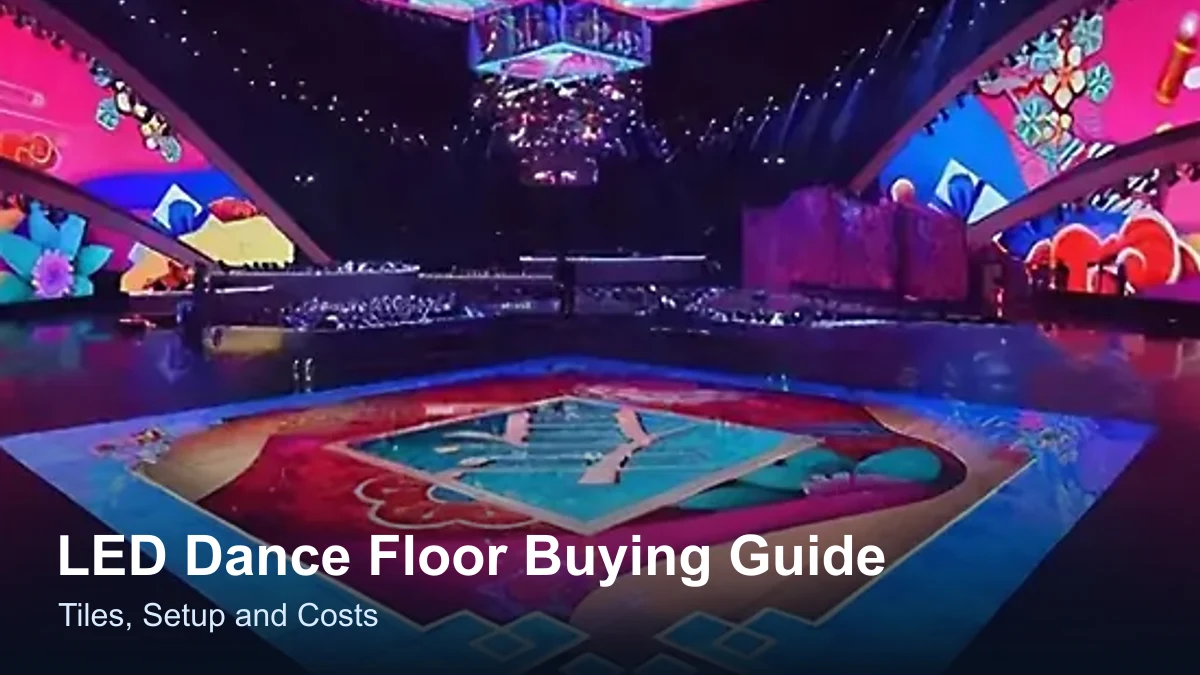
 راهنمای خرید کفپوش رقص LED: کاشیها، نصب و هزینهها
پستهای مرتبط
نیازهای خود را با جزئیات پر کنید
میزان استفاده از صفحه نمایش و اندازه مورد نیاز خود را در «محتوا» وارد کنید . یک پیشفاکتور دریافت خواهید کرد.